
Finding the best video editing software for your church’s content creation needs is crucial for spreading your message and engaging your community online. With countless options available, choosing the right tool can feel overwhelming, especially when balancing powerful features with a volunteer-friendly learning curve. This guide is designed to cut through the noise, providing a detailed breakdown of top video editing platforms tailored for ministries of all sizes, from solo social media volunteers to multi-site communications teams.
We will explore each software's key features, pricing, and specific use cases relevant to church media. You’ll learn which tools excel at turning sermon clips into engaging Reels, which are best for long-form service recordings, and which offer the simplest interface for quick announcements. Each entry includes an honest assessment of its pros and cons, screenshots for a clear visual, and direct links to help you get started.
For a fully integrated church-specific solution, consider a platform like ChurchSocial.ai. While the tools on this list are excellent for editing, ChurchSocial.ai complements them by taking your final sermon video and using AI to automatically generate reels, social posts, blogs, and more from the transcript. It also provides graphic templates and a simple drag-and-drop calendar to plan and manage your entire online presence from one place, including integrations with Planning Center. This list will help you identify the right foundational editing tool to complement your overall content strategy.
1. Adobe Premiere Pro (Adobe Creative Cloud)
Adobe Premiere Pro is the industry-standard nonlinear editor, making it some of the best video editing software for churches who need professional-grade tools for their content. Its powerful, timeline-based interface is trusted by everyone from YouTube creators to Hollywood filmmakers, providing unparalleled control over every aspect of your video production. For church communications teams, this means you can produce high-quality sermon recaps, event promos, and engaging social media videos that rival professional broadcast content. The software’s deep integration with other Adobe Creative Cloud apps like After Effects and Photoshop creates a seamless workflow for advanced graphics and animations.

Why It Stands Out
Premiere Pro excels with its robust feature set and extensive ecosystem. You can manage complex multi-camera sermon recordings, perform precise audio mixing with Audition, and execute advanced color grading. For professional color grading and advanced aesthetics, Adobe Premiere Pro users can further refine their work by learning to master cinematic LUTs in Premiere Pro to enhance your videos. Its massive third-party plugin market and abundant training resources empower ministry teams to continually expand their skills.
- Best For: Churches and ministry teams needing a powerful, all-in-one editing suite for high-production-value content.
- Pricing: Available via subscription, starting at $22.99/month for the single app or as part of the full Creative Cloud suite.
- Pros: Industry-standard tool with a vast plugin ecosystem and extensive training resources.
- Cons: Requires a recurring subscription and can be demanding on computer hardware.
- Website: https://www.adobe.com/products/premiere.html
2. Blackmagic Design — DaVinci Resolve
DaVinci Resolve has evolved from a high-end color grading tool into a comprehensive post-production suite, making it some of the best video editing software for churches on a budget. It uniquely combines editing, color correction, visual effects (Fusion), and audio post-production (Fairlight) into a single application. For churches, this integrated workflow means you can produce everything from sermon clips to detailed event documentaries without ever leaving the software. The free version is incredibly powerful, offering more than enough features for most church communications teams to create professional-quality social media content.

Why It Stands Out
DaVinci Resolve’s main advantage is its professional-grade toolset, especially its legendary color grading capabilities, available for free. The Studio version, available for a one-time purchase, adds advanced features like the AI-powered Neural Engine, which can automate tedious tasks. This makes it an exceptional value for churches wanting to invest in a long-term solution without monthly fees. The software's efficiency allows teams to quickly edit sermon footage and then use a tool like ChurchSocial.ai to repurpose the content into AI-generated reels and social posts.
- Best For: Churches and ministry teams seeking a professional, all-in-one solution with industry-leading color tools without a subscription.
- Pricing: A robust free version is available. DaVinci Resolve Studio is a one-time purchase of $295.
- Pros: Incredible value with a powerful free tier and no subscription. All-in-one workflow for video, color, VFX, and audio.
- Cons: Has a steeper learning curve, particularly for the Fusion and Fairlight pages. Requires a modern GPU for optimal performance.
- Website: https://www.blackmagicdesign.com/products/davinciresolve/
3. Apple Final Cut Pro
For churches deeply embedded in the Apple ecosystem, Final Cut Pro stands out as some of the best video editing software available. Its highly optimized performance on Mac hardware, especially with Apple Silicon, delivers incredibly fast rendering and export speeds. This efficiency is a game-changer for church teams needing to quickly turn around sermon clips, event highlights, and social media content without getting bogged down by technical delays. The unique Magnetic Timeline simplifies the editing process, allowing for fluid adjustments and clip rearrangements without creating gaps or sync issues, which is ideal for volunteers and staff who need to work quickly.

Why It Stands Out
Final Cut Pro’s strength lies in its seamless integration with Apple hardware and a modern, intuitive interface. The trackless Magnetic Timeline is a standout feature that streamlines editing, making it accessible for beginners while still offering powerful tools for professionals. For churches, this means less time spent on technical editing and more time on storytelling. After exporting your videos, you can use a tool like ChurchSocial.ai to effortlessly create AI-generated Reels from your sermon videos, automatically generate social posts from transcripts, and schedule everything on a simple drag-and-drop calendar, completing your content workflow.
- Best For: Churches and ministry teams using Mac computers who prioritize speed, ease of use, and a streamlined editing experience.
- Pricing: A one-time purchase of $299.99, which includes all future updates. A generous 90-day free trial is available.
- Pros: Exceptional performance on Apple hardware, intuitive Magnetic Timeline, and a single-purchase price model.
- Cons: Exclusive to macOS and iPadOS, with a smaller third-party plugin market compared to competitors.
- Website: https://www.apple.com/finalcutpro/
4. CapCut
CapCut has rapidly become some of the best video editing software for churches, especially those focused on short-form social media content. Its intuitive interface is available on desktop, mobile, and the web, offering incredible flexibility for church teams. The platform is designed for speed, allowing volunteers or staff to quickly create engaging TikToks, Reels, and Shorts from sermon clips, event highlights, or announcements. For churches looking to streamline their social media, combining CapCut's quick editing with a management tool like ChurchSocial.ai can create a powerful, efficient workflow for planning and publishing engaging video content.

Why It Stands Out
CapCut stands out for its powerful, free features that are typically found in paid software. Its AI-driven tools, such as auto-captions, background removal, and motion tracking, are perfect for creating polished social posts with minimal effort. The extensive library of trending templates, effects, and sounds allows churches to produce relevant content that connects with a younger audience. This focus on speed and social-ready features makes it an ideal starting point for ministries new to video or those needing to produce high volumes of content quickly.
- Best For: Churches and solo volunteers who need a fast, easy, and free tool for creating social media-first video content like Reels and TikToks.
- Pricing: A very generous free plan is available. CapCut Pro, which unlocks more effects and cloud storage, has variable pricing depending on the platform.
- Pros: Extremely easy for beginners, available on all platforms, and the free version is powerful enough for most social media needs.
- Cons: The feature library is heavily skewed toward social media trends, and some advanced AI features are locked behind the Pro subscription.
- Website: https://www.capcut.com
5. Wondershare Filmora
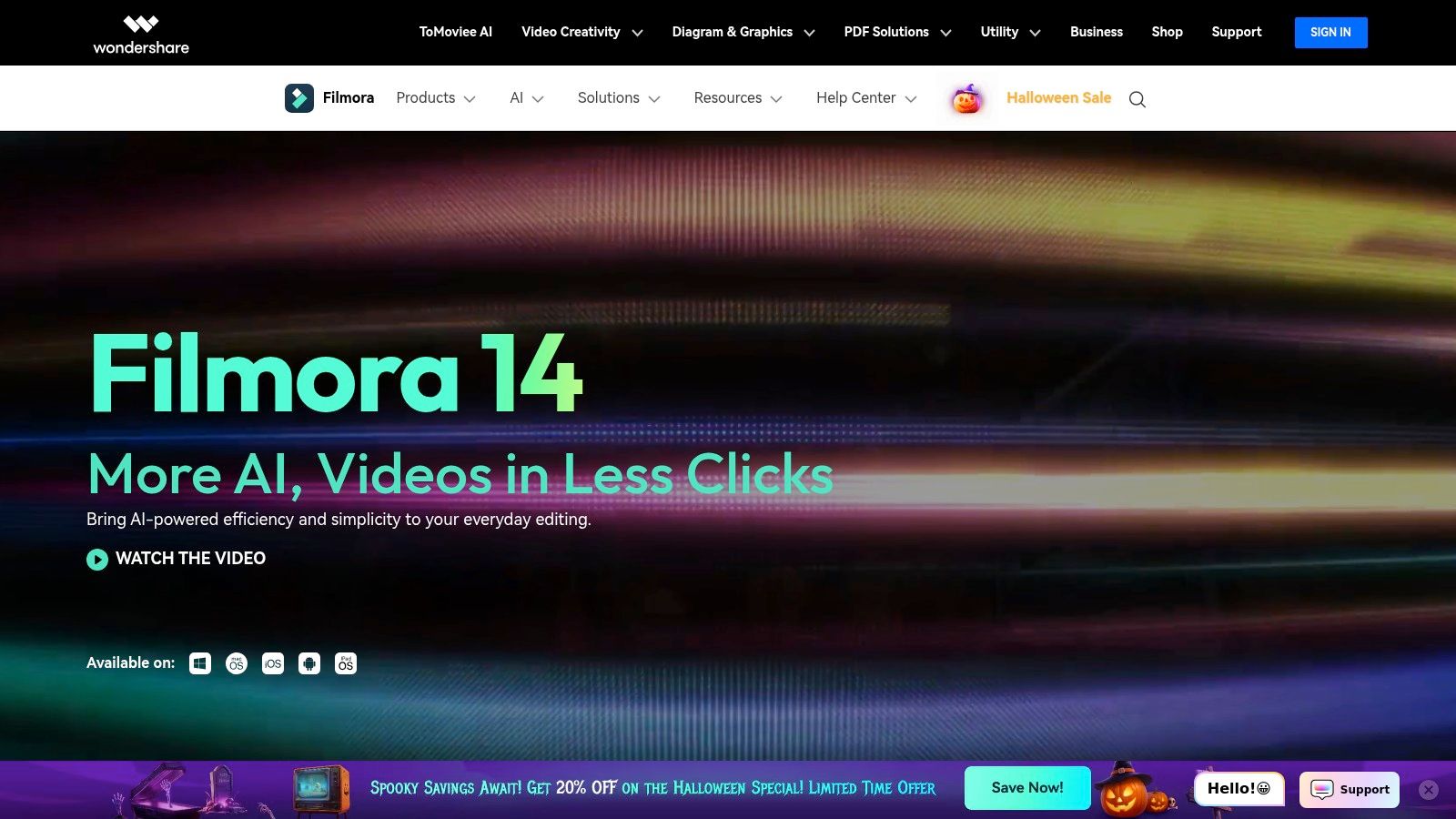
Wondershare Filmora bridges the gap between basic video apps and complex professional editors, making it some of the best video editing software for churches who are ready to level up their content. Its intuitive, guided interface is perfect for church volunteers and staff who need to produce engaging content without a steep learning curve. You can quickly assemble sermon clips, event announcements, and social media shorts using its extensive library of templates, effects, and stock assets, which simplifies the creation process and ensures a polished final product.
Why It Stands Out
Filmora excels by making powerful features accessible. Its AI tools for auto-captioning and smart cutting can dramatically speed up the workflow for creating social media reels from longer sermon content. For ministry teams looking to streamline their entire content pipeline, this is a significant advantage. After editing, a tool like ChurchSocial.ai can then take that sermon transcript to generate entire social media campaigns, creating a seamless process from editing to posting. For those just starting their video journey, you can learn more about how Filmora compares to other best video editing software for beginners.
- Best For: Churches and ministry teams needing a user-friendly editor with powerful AI features and a rich asset library for fast content creation.
- Pricing: Offers a free version with a watermark, with paid plans starting at $29.99 quarterly or through a perpetual license.
- Pros: Low learning curve and template-rich for quick results on both Windows and Mac.
- Cons: Advanced features like multicam and color grading are limited; some AI tools and assets are locked behind higher-priced tiers.
- Website: https://filmora.wondershare.com
6. CyberLink PowerDirector
CyberLink PowerDirector strikes a compelling balance between consumer-friendly design and professional-grade features, making it some of the best video editing software for churches on a budget. It offers flexible licensing, allowing churches to choose between a one-time purchase (PowerDirector 2026) or a subscription (PowerDirector 365) that includes frequent content updates and AI tools. This flexibility is ideal for church teams managing tight budgets who still need powerful features like motion tracking, advanced masking, and a library of titles and effects to produce polished event promotions and sermon highlights.

Why It Stands Out
PowerDirector stands out for its strong price-to-feature ratio and its embrace of AI-powered tools that can streamline the editing process. For a church communications team, this means faster turnaround on social media content like AI-generated sermon recaps or promotional reels. While the interface can seem complex initially, its guided editing modes help new users get started quickly. For churches looking to create a high volume of content, integrating PowerDirector's output with a management tool like ChurchSocial.ai can simplify scheduling and posting across all platforms, ensuring your message reaches your community consistently.
- Best For: Churches and ministry teams wanting a feature-rich editor with flexible payment options that don't require a permanent subscription.
- Pricing: Available as a subscription (starting around $5.83/month) or via a perpetual license (starting at $99.99).
- Pros: Flexible licensing options (perpetual or subscription), competitive price-to-feature ratio, and powerful AI tools.
- Cons: The user interface can be overwhelming for beginners, and feature parity differs between the Mac and Windows versions.
- Website: https://www.cyberlink.com/products/powerdirector-video-editing-software/
7. VEGAS Pro (MAGIX)
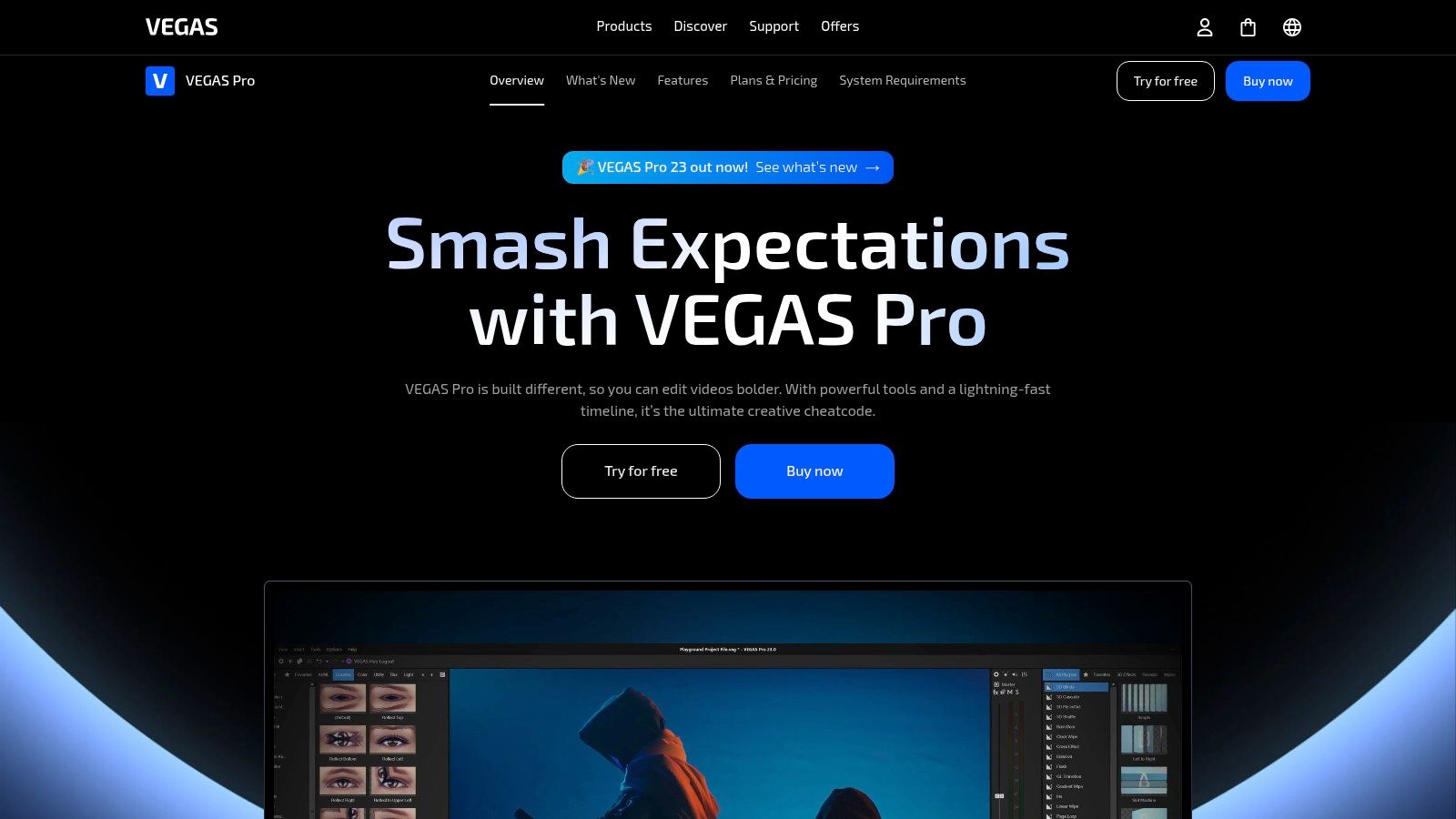
VEGAS Pro has a long-standing reputation as a fast and responsive nonlinear editor on Windows, making it some of the best video editing software for church media teams who prioritize a fluid workflow. Its direct-to-timeline editing approach feels intuitive and snappy, which is ideal for church teams that need to quickly assemble sermon highlights or event recaps. With its strong emphasis on audio, including integration with SOUND FORGE in higher-tier suites, VEGAS Pro ensures that the spoken word in your sermons and testimonials is crystal clear and professionally mixed. The platform’s flexible licensing model is also a significant advantage for budget-conscious organizations.
Why It Stands Out
VEGAS Pro stands out for its unique blend of performance and powerful, integrated tools without the steep learning curve of some competitors. The GPU-accelerated engine delivers smooth playback and faster rendering, saving valuable time. For churches looking to create engaging social content, this efficiency is key. Once your video is edited, you can use tools like ChurchSocial.ai to generate AI-driven reels, social posts, and graphics from your sermon transcript, streamlining your entire content creation and distribution process from a single source.
- Best For: Windows-based church media teams and volunteers who value a fast, responsive editing experience and flexible payment options.
- Pricing: Available as a perpetual license or via the VEGAS 365 subscription, with plans starting around $12.99/month.
- Pros: Excellent performance with a snappy timeline, powerful native audio tools, and flexible perpetual or subscription licensing.
- Cons: Exclusive to the Windows operating system and has a smaller third-party plugin ecosystem compared to Adobe.
- Website: https://www.vegascreativesoftware.com/us/vegas-pro/
8. Descript
Descript revolutionizes video editing by turning it into a text-based process, making it some of the best video editing software for churches focused on dialogue-heavy content. Instead of scrubbing through a timeline, you simply edit a text transcript, and the video cuts automatically follow. For church teams, this is a game-changer for transforming sermons, podcasts, and Bible studies into polished social media clips. You can effortlessly remove filler words like "um" and "uh" with a single click, record your screen for tutorials, and even correct misspoken words with an AI voice clone.

Why It Stands Out
Descript's standout feature is its "edit-by-text" workflow, which dramatically speeds up the creation of sermon clips and promotional videos. Churches can upload a full sermon, get an instant transcript, and then simply highlight text to create dozens of shareable moments. Combining this with a tool like ChurchSocial.ai allows you to take those exported clips and sermon transcripts and instantly generate a full content calendar with captions, graphics, and blog posts. Descript’s built-in stock media library and dynamic caption styles make it easy to create engaging, professional-looking content ready for any social platform.
- Best For: Churches and ministry teams who need a fast, intuitive way to edit spoken-word content like sermons, podcasts, and interviews.
- Pricing: Free plan available; paid plans start at $12/month per user.
- Pros: Extremely fast workflow for dialogue-based video, powerful AI features, and easy collaboration tools.
- Cons: Not designed for complex visual effects or advanced color grading; transcription hours are limited based on the plan.
- Website: https://www.descript.com
9. Microsoft Clipchamp
Microsoft Clipchamp is an approachable, browser-based editor that has quickly become some of the best video editing software for church volunteers seeking simplicity and speed. It’s an ideal starting point for church teams who need to produce clean, engaging social media content without a steep learning curve. Its template-driven workflow allows for the rapid creation of sermon clips, event announcements, and ministry updates. The integration with Microsoft 365 and OneDrive also ensures that projects are backed up and accessible across different devices, a useful feature for collaborative teams.

Why It Stands Out
Clipchamp shines with features that automate complex tasks. Its auto-captions tool is perfect for making sermon highlights accessible, while the text-to-speech feature can be used for voiceovers on promotional videos. For churches with a Microsoft 365 subscription, premium features like 4K export, a brand kit, and a rich stock library are unlocked, offering significant value. When you export your finished video, you can easily schedule and post it using a dedicated social media management tool like ChurchSocial.ai, ensuring your content reaches your congregation on a consistent schedule.
- Best For: Church staff and volunteers who need a user-friendly, web-based tool for creating quick social media videos and simple promotional content.
- Pricing: Free basic plan available. Premium features are included with Microsoft 365 Personal/Family plans or via a standalone subscription starting at $11.99/month.
- Pros: Very easy to learn with a clean interface and seamless Microsoft account integration. Solid for basic social media and marketing videos.
- Cons: Browser-based workflow can feel restrictive for complex projects. Many key features require a Microsoft 365 subscription.
- Website: https://clipchamp.com
10. Amazon (software marketplace)
While not a software itself, Amazon serves as a massive marketplace where churches can purchase licenses for many popular video editing tools. It’s a valuable resource for finding physical copies, digital download codes, and even bundled deals that include software with hardware like cameras or graphics cards. For church communications teams managing budgets, Amazon provides a platform to compare prices from various authorized resellers, potentially finding better deals than on the software’s official site. The convenience of Prime shipping and a familiar purchasing process makes it an accessible option.
Why It Stands Out
Amazon's key advantage is its vast selection and competitive pricing from multiple sellers. You can read extensive buyer reviews to gauge the legitimacy of a listing and the reliability of the software version being sold. For churches needing a one-time purchase rather than a subscription, Amazon is often the best place to find perpetual licenses for software like older versions of Adobe Elements or Magix Vegas Pro. It centralizes the shopping process, allowing you to procure software alongside other necessary production equipment.
- Best For: Churches looking to purchase perpetual software licenses or find competitive deals from authorized resellers.
- Pricing: Varies by software and seller; includes both one-time purchases and subscription activation cards.
- Pros: Convenience of Prime shipping and multiple seller options, ability to compare offers and read extensive buyer feedback.
- Cons: Listings can vary in legitimacy; verify the seller and authorization, limited technical guidance compared to brand sites.
- Website: https://www.amazon.com
11. B&H Photo Video
B&H Photo Video isn't software itself but a trusted U.S. retailer where churches can purchase official licenses for professional editing tools. As an authorized reseller, B&H often carries activation cards for major software like Final Cut Pro and DaVinci Resolve Studio, sometimes at a discount. For church communications teams, this provides a reliable one-stop shop to acquire both the software and the hardware needed to run it, all from a source known for expert advice and support.
Why It Stands Out
B&H stands out by offering a consolidated purchasing experience from a reputable industry name. Instead of navigating multiple software websites, your church can handle procurement through a single vendor with business and educational purchasing options. This simplifies acquiring not just the editing software but also essential plugins and hardware upgrades. Once you have your video editor, you can streamline your content creation process further with tools like ChurchSocial.ai, which can generate social posts and Reels directly from your sermon transcripts.
- Best For: Churches and ministry teams looking for a reputable, one-stop retailer to purchase hardware and software licenses, often with educational or business pricing.
- Pricing: Varies by product; B&H frequently offers special deals and bundles on software and hardware.
- Pros: Reputable, authorized U.S. reseller for creative software with knowledgeable support and reliable shipping.
- Cons: Software selection can change with inventory, and digital delivery times vary by product.
- Website: https://www.bhphotovideo.com
12. Capterra — Video Editing Software shortlists and comparisons
Before committing to a subscription, it’s wise to survey the entire landscape, and Capterra is a powerful research hub for just that. It isn't video editing software itself, but a comprehensive directory that lets you compare the best video editing software for churches side-by-side. For church teams with limited budgets, this resource is invaluable for filtering options by pricing, features, and user reviews. You can quickly see how different tools stack up, discover free or low-cost alternatives, and read honest feedback from other users to gauge real-world performance and satisfaction trends before making a financial decision.
Why It Stands Out
Capterra streamlines the overwhelming process of choosing the right tool. Its shortlist feature and detailed comparison tables save hours of research time, allowing you to focus on tools that genuinely fit your church's needs, whether for creating sermon reels or event promotions. By aggregating user reviews, it surfaces common pros and cons that aren't always apparent on a product's marketing page. This allows teams to make a more informed choice, ensuring the selected software can handle their specific content goals, like editing videos for a platform like ChurchSocial.ai to manage and distribute across social media.
- Best For: Church leaders and content teams conducting initial research to find the most suitable and cost-effective video editor.
- Pricing: Free to use for research and comparison.
- Pros: Saves significant time researching software options and pricing tiers; a great discovery tool for free and affordable solutions.
- Cons: Some listings may be sponsored; always verify current pricing and features directly on vendor websites.
- Website: https://www.capterra.com/video-editing-software/shortlist/
Top 12 Video Editing Software Comparison
Choosing Your Ministry's Video Editing Powerhouse
Navigating the world of video editing software can feel like a monumental task, but the right tool can fundamentally transform your church's ability to create and share compelling content. We've explored a wide spectrum of options, from industry-standard powerhouses like Adobe Premiere Pro and DaVinci Resolve to accessible, intuitive platforms like CapCut and Microsoft Clipchamp. Each tool offers a unique set of strengths tailored to different needs, budgets, and skill levels.
The key takeaway is that there is no single "best" video editing software for every ministry. The ideal choice for your church depends entirely on your specific goals, the technical expertise of your team, and the resources you have available.
How to Select the Right Software for Your Church
Making the final decision requires a strategic approach. Before you commit to a subscription or purchase, work through these critical considerations with your team:
- Define Your Primary Use Case: Are you primarily creating short, engaging reels for Instagram and TikTok from sermon clips? Or are you producing long-form, multi-camera recordings of full services for YouTube? A tool like CapCut or Descript excels at the former, while Premiere Pro or Final Cut Pro is built for the latter.
- Assess Your Team's Skill Level: Be honest about your volunteers' and staff's technical abilities. Choosing a complex, professional-grade editor like DaVinci Resolve for a team of beginners can lead to frustration and burnout. A more user-friendly option like Filmora or PowerDirector might be a wiser investment, fostering faster adoption and consistent output.
- Evaluate Your Budget and Hardware: Your financial stewardship and existing computer hardware are significant factors. Free tools like the base version of DaVinci Resolve or Clipchamp are excellent starting points. However, ensure your computers can handle the demands of 4K video editing if you choose a more resource-intensive program.
- Consider Your Entire Content Workflow: Video editing is just one piece of your digital ministry puzzle. Think about how this software will integrate with your overall social media strategy. Does it easily export files in the correct formats for different platforms? How will you manage scheduling and posting this new video content?
Ultimately, the goal is to find a sustainable solution that empowers, not hinders, your creative process. The best video editing software for churches is the one that gets used consistently to produce high-quality content that connects with your community and spreads your message. Don't be afraid to utilize free trials to test a few top contenders before making a final commitment. This hands-on experience is invaluable for discovering which platform truly aligns with your ministry's unique workflow and vision.
Once you've edited your sermon clips and service highlights, the next step is transforming them into a consistent stream of social media content. ChurchSocial.ai simplifies this entire process. With ChurchSocial.ai, you can create AI-generated reels from your sermons, create AI-generated content from the sermon transcript like social posts and blogs, and use our graphic templates and editor to create and post photos and carousels. Our simple drag-and-drop calendar allows churches to easily manage and update all of their social media, and we also integrate with Planning Center and other church calendars to create content for events. Pair your new video editing skills with our intuitive platform to plan, create, and schedule your church's entire social media presence in one place.


