

Keeping your congregation connected, informed, and engaged shouldn't break your budget. The right communication tool can solve major headaches for church leaders, from coordinating volunteer teams for a weekend service to sharing urgent prayer requests with the entire community. However, finding a solution that balances powerful features with a non-existent price tag is a significant challenge, especially for small to mid-sized churches with limited resources. Many ministries find themselves juggling multiple, disconnected platforms-a separate app for youth group, another for staff, and social media for general announcements-leading to confusion and communication breakdown.
This guide is designed to cut through that noise. We’ve compiled a detailed list of the best free church communication apps available today, moving beyond simple feature lists to provide a practical analysis of each option. For every app, you will find:
- Real-world use cases: See exactly how an app can serve your ministry’s specific needs.
- Honest limitations: Understand the restrictions of each free plan so you can plan accordingly.
- Setup guidance: Get practical tips to implement the tool quickly and effectively.
We’ll explore everything from BAND and GroupMe for small groups to the free versions of powerful tools like Slack and Microsoft Teams. While these free options offer incredible value for internal communication, they often create more work by requiring you to manually create and post content across your public social media channels.
For churches seeking to consolidate their outreach efforts and automate content creation for social media, we'll also introduce ChurchSocial.ai. This all-in-one platform is designed to help you plan and manage your church social media accounts. With ChurchSocial.ai, you can create AI-generated Reels from your sermons, create social posts and blogs from sermon transcripts, and use graphic templates and an editor to design and post photos. Our simple drag-and-drop calendar allows you to easily manage all of your social media, and we integrate with Planning Center and other church calendars to create content for your events.
1. BAND
BAND is a powerful, all-in-one group communication app that functions much like a private social network for your ministry teams. It consolidates many tools churches often seek into a single, cohesive platform, making it one of the most robust free church communication apps available. It's especially effective for managing specific ministry groups like the youth group, worship team, or a volunteer committee.
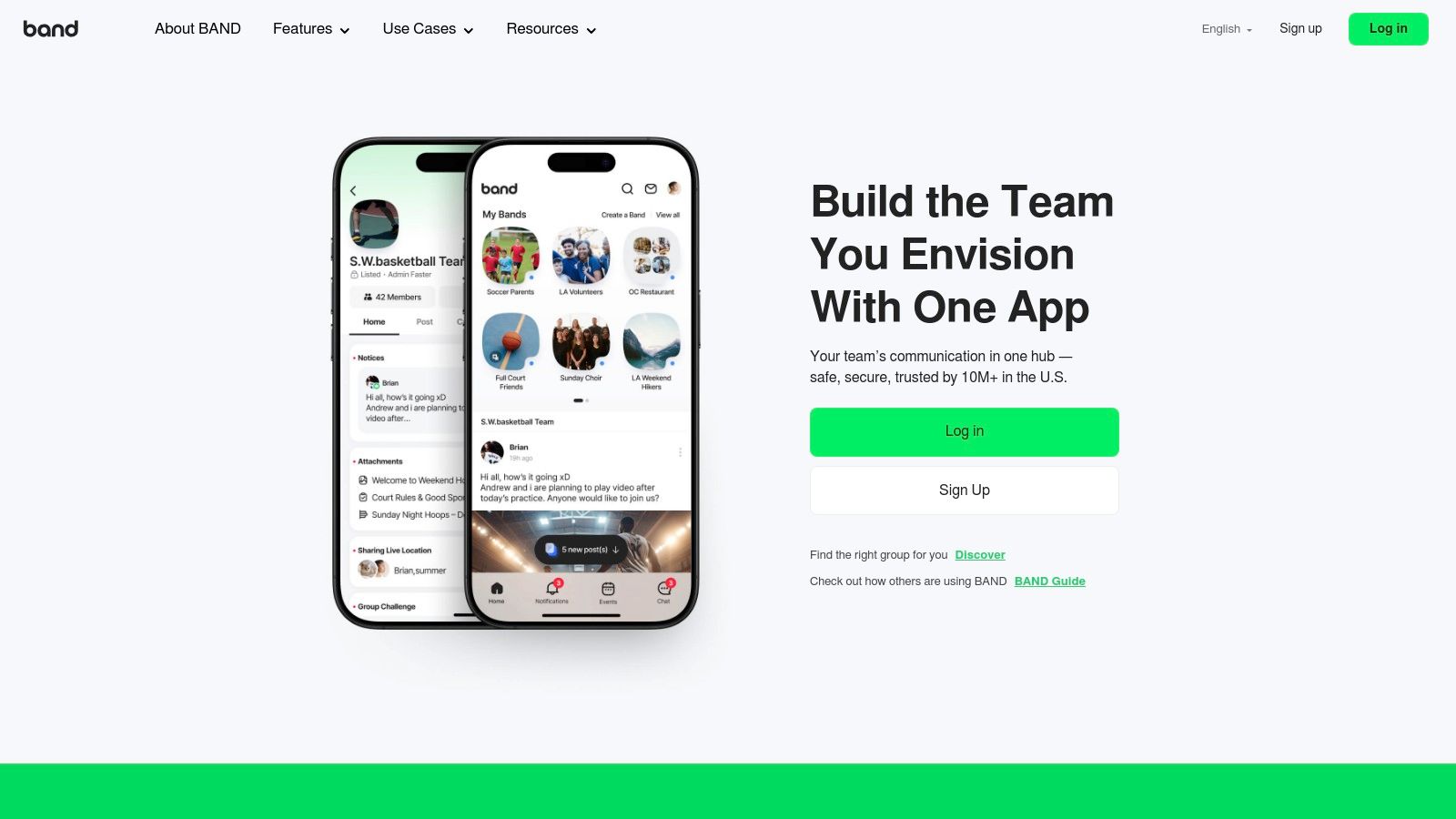
The platform shines by combining a central feed for announcements, a shared calendar with RSVPs, group chat, and polling features into one easy-to-navigate app. This prevents the common problem of information getting lost across different text threads, emails, and sign-up forms. The user experience is straightforward, allowing even non-technical volunteers to get started quickly.
Key Details & Use Case
- Primary Use: Organizing specific ministry teams and coordinating volunteers. Perfect for a youth pastor managing student events or a worship leader scheduling rehearsals.
- Cost: The core features are completely free, supported by non-intrusive ads within the app.
- Limitation: The free model means ads are present, which may not be ideal for all church contexts. It also lacks deep integrations with other church management software.
While BAND is excellent for internal team coordination, it doesn't automate the creation or scheduling of public-facing social media content. For a tool that can transform your sermons into social posts and help you plan and manage your entire church social media presence, an all-in-one solution like ChurchSocial.ai offers a more specialized approach.
Website: https://band.us
2. GroupMe
GroupMe is a free, dedicated group messaging app from Microsoft that prioritizes simplicity and familiarity. It’s an ideal choice for small groups, Bible studies, and volunteer teams that need a straightforward, no-frills chat solution. Its design feels like a standard text messaging app, making it incredibly easy for almost anyone to use without training.
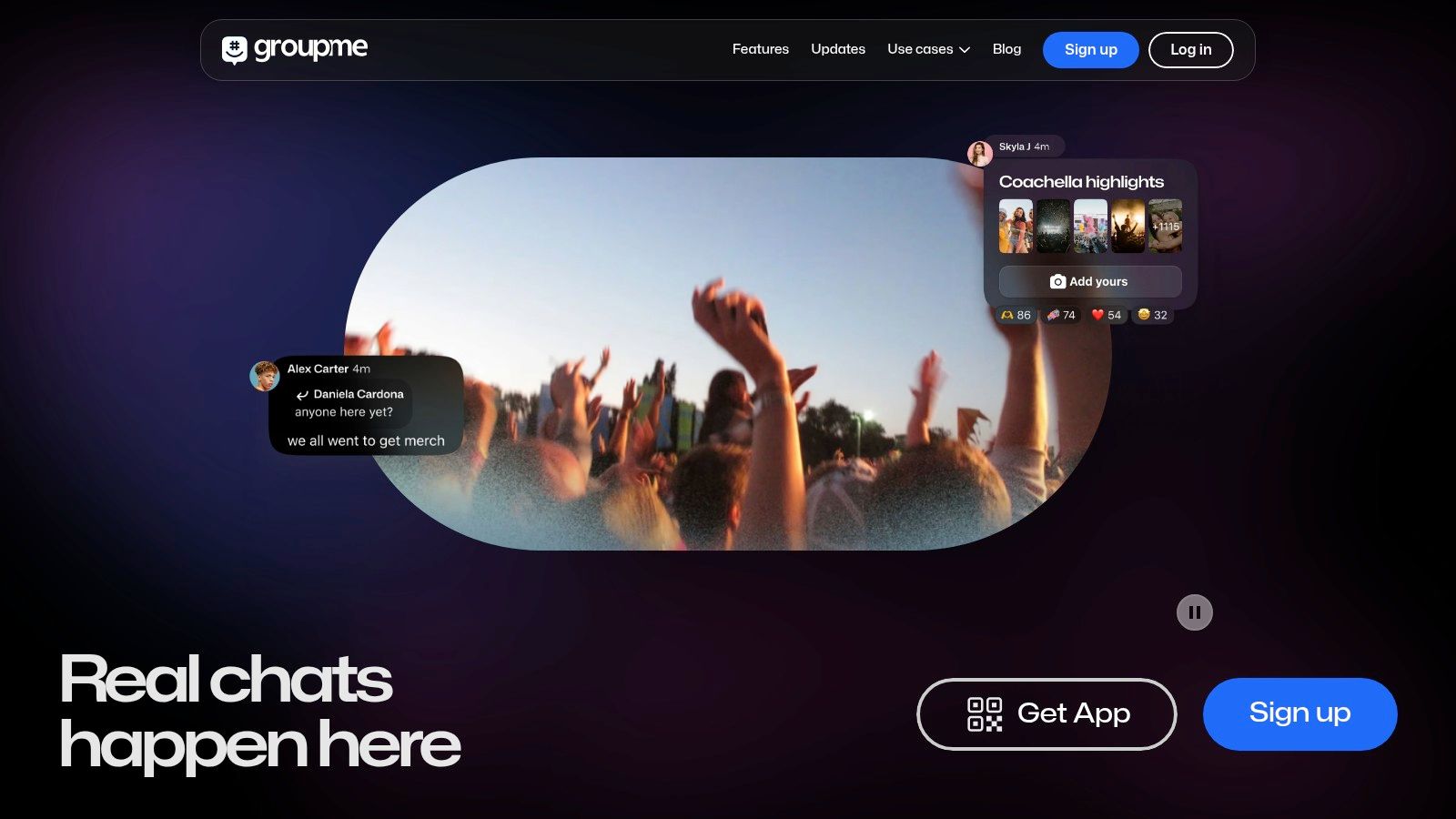
The platform’s standout feature is its SMS fallback, which allows individuals without the app or a smartphone to participate in group conversations via standard text messages. This makes it one of the most inclusive free church communication apps for intergenerational groups. GroupMe also supports direct messaging, image and file sharing, and even voice and video calls within groups, providing a solid foundation for quick team communication.
Key Details & Use Case
- Primary Use: Simple, rapid-fire communication for small groups or teams where not everyone has a smartphone. Great for a men's group organizing a Saturday work day or a welcome team coordinating on Sunday morning.
- Cost: The service is completely free and owned by Microsoft.
- Limitation: It offers minimal administrative controls and almost no moderation features, which can be a risk. If group invite links are shared publicly, it can lead to spam or unwanted members joining.
While GroupMe excels at keeping small teams connected, it is not designed for creating public content or managing your church's social media accounts. To turn your weekly sermon into engaging social media posts, AI-generated Reels, and blog articles, a purpose-built tool like ChurchSocial.ai provides the automation and content creation features needed to effectively manage your social media.
Website: https://groupme.com
3. WhatsApp (Groups, Communities, and Channels)
Given its massive global user base, WhatsApp is often the path of least resistance for church communication, as most members likely already have it installed. Beyond simple group chats, its newer "Communities" and "Channels" features make it a viable, end-to-end encrypted option for organizing ministry-wide conversations, positioning it as one of the most accessible free church communication apps.
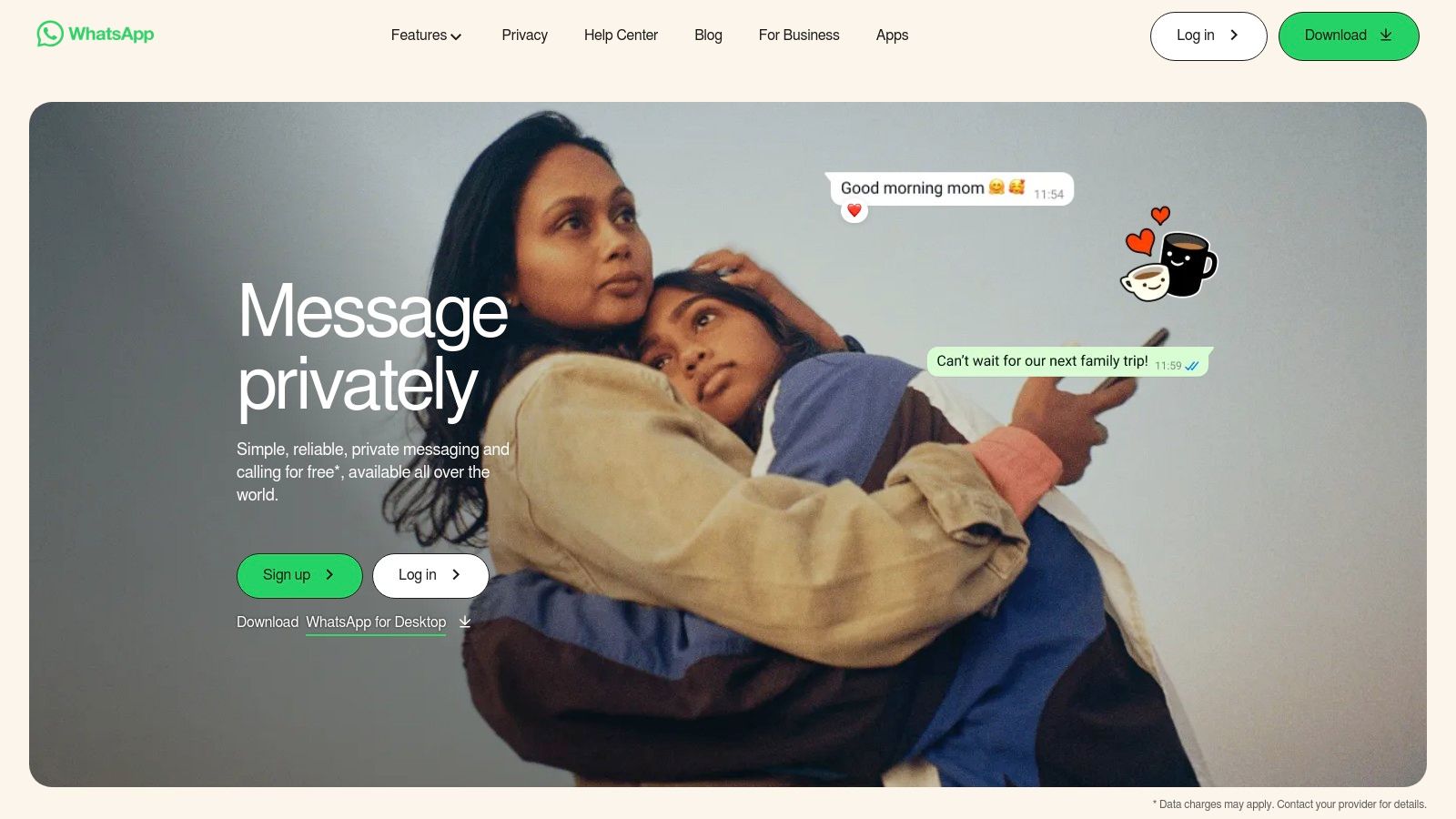
The platform allows you to create a "Community" to serve as an umbrella for multiple, related groups, like "All Volunteers," "Greeter Team," and "Sunday School Teachers." This structure includes a main announcement group for one-way updates to everyone. Separately, "Channels" provide a public-facing, one-way broadcast tool for announcements, perfect for sharing devotionals or event reminders with a wider audience without creating a chat group.
Key Details & Use Case
- Primary Use: Quick, informal communication where most members are already active. Ideal for sending last-minute prayer requests, coordinating small group details, or broadcasting announcements via Channels.
- Cost: Completely free with no ads or feature limitations.
- Limitation: Onboarding requires manual invites via links, and administrative controls are not as granular as dedicated church software. Communication is contained within WhatsApp and doesn't bridge to public social media.
While WhatsApp excels at immediate, internal messaging, it offers no tools for creating or scheduling your public-facing content. For a solution that can repurpose your sermon into AI-generated Reels and social posts, then let you schedule them across all your platforms with a simple calendar, ChurchSocial.ai provides a complete system to plan and manage your church's social media.
Website: https://www.whatsapp.com
4. Telegram
Telegram is a fast and feature-rich messaging app known for its ability to handle extremely large groups and broadcast channels. This makes it a unique choice among free church communication apps, particularly for large congregations, church plants, or regional networks that need to communicate with hundreds or thousands of members at once. Its powerful bot API also opens the door to custom automations for things like event reminders or prayer request submissions.
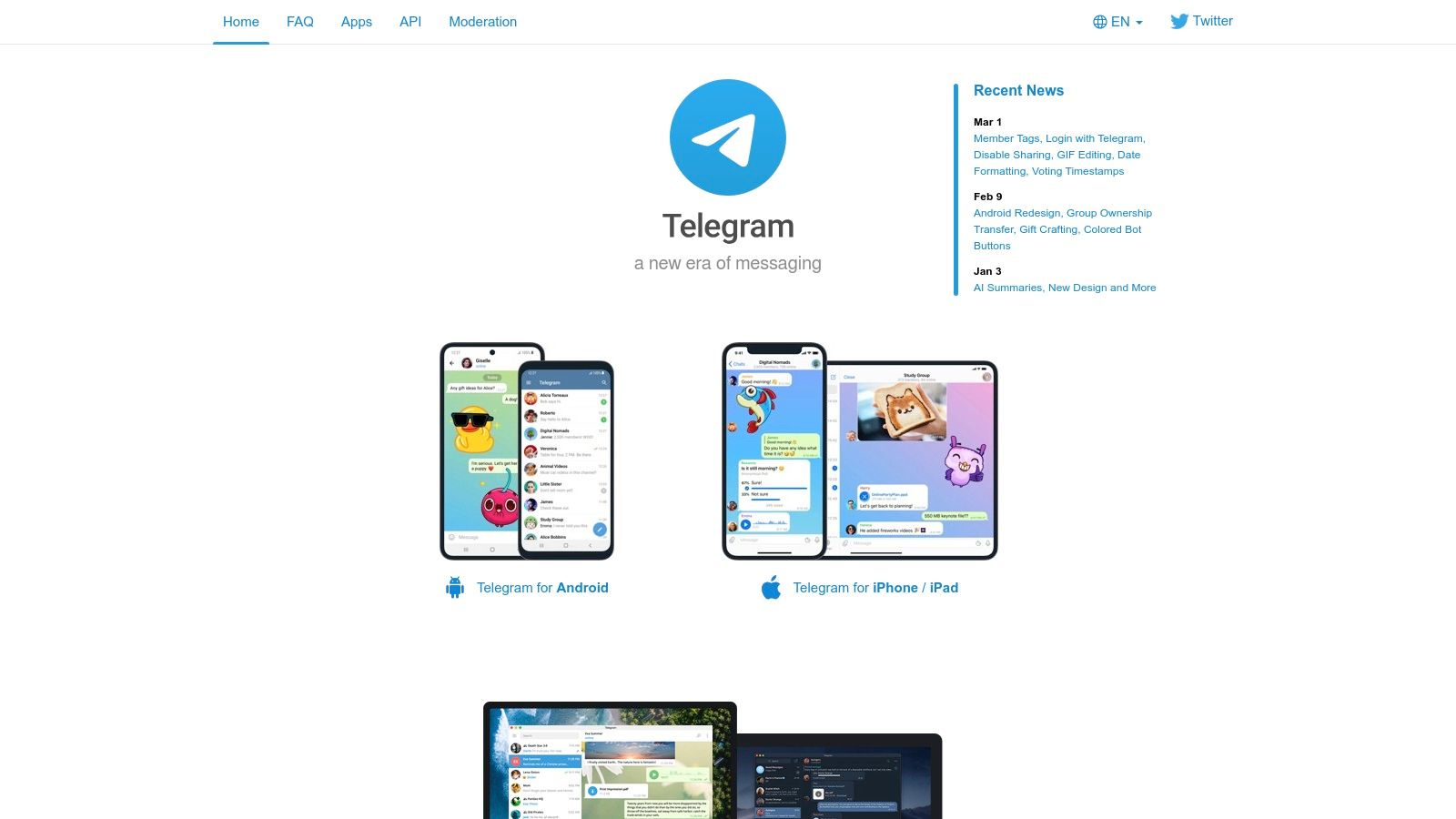
The platform functions as a powerful, cloud-based instant messenger that syncs across all devices, from phones to desktops. Churches can use "Channels" for one-way announcements like weekly devotionals or service updates, while "Groups" allow for massive, two-way discussions. Features like polls, threaded replies, and advanced admin controls give ministry leaders the tools to manage large-scale conversations effectively.
Key Details & Use Case
- Primary Use: Mass communication for large churches or networks and automating tasks with bots. Ideal for broadcasting announcements to an entire congregation or managing a large-scale prayer network.
- Cost: All core messaging features, groups, and channels are completely free with no member limits.
- Limitation: Group chats are not end-to-end encrypted by default, a key security consideration for sensitive ministry discussions. Its public nature can also lead to occasional spam if groups aren't properly managed.
Telegram is excellent for direct, large-scale messaging, but it doesn't help with creating or scheduling your public social media content. To turn sermon audio into ready-to-share social posts, blogs, and AI-generated Reels, a dedicated platform like ChurchSocial.ai can help you plan and manage your social media accounts by automating your content creation workflow.
Website: https://telegram.org
5. Discord
Discord is a free community server platform that creates persistent spaces for text, voice, and video communication. While originally popular in the gaming community, its powerful structure of servers, channels, and roles makes it a surprisingly effective choice for churches, especially those with tech-comfortable teams and younger congregations. It’s ideal for building an ongoing digital community hub beyond Sunday services.

The platform’s strength lies in its organization. You can create separate channels for prayer requests, sermon discussion, volunteer team coordination, and social chats. Its unique Stage Channels allow for moderated events like virtual town halls, prayer nights, or training sessions where only designated speakers can talk. The robust moderation tools and role-based permissions give administrators fine-grained control over the community space, making it a viable option among free church communication apps.
Key Details & Use Case
- Primary Use: Building a persistent online community hub for youth/young adult ministries and coordinating tech-savvy volunteer teams. Great for hosting virtual events and small groups.
- Cost: Completely free for core features, including unlimited members, channels, and voice chat. Optional paid upgrades ("Nitro") offer cosmetic perks for individual users.
- Limitation: The platform has a learning curve for newcomers, and its gaming-centric appearance might not fit every church’s culture. It requires intentional setup and moderation to keep channels from becoming disorganized.
Discord excels at fostering internal community, but it isn't designed for public outreach or social media content management. For a system that helps you plan and manage your social media by automating the creation and scheduling of content, an all-in-one solution like ChurchSocial.ai offers specialized tools, turning sermon transcripts into AI-generated reels, posts, and graphics.
Website: https://discord.com
6. Slack (Free plan)
Slack is a well-known, business-grade communication hub that has found a strong footing within church staff and high-level volunteer teams. It organizes conversations into dedicated "channels" for different topics or projects, like "Sunday Service Planning," "Youth Group Volunteers," or "Finance Committee." This structure makes it one of the best free church communication apps for keeping internal operations tidy and focused.
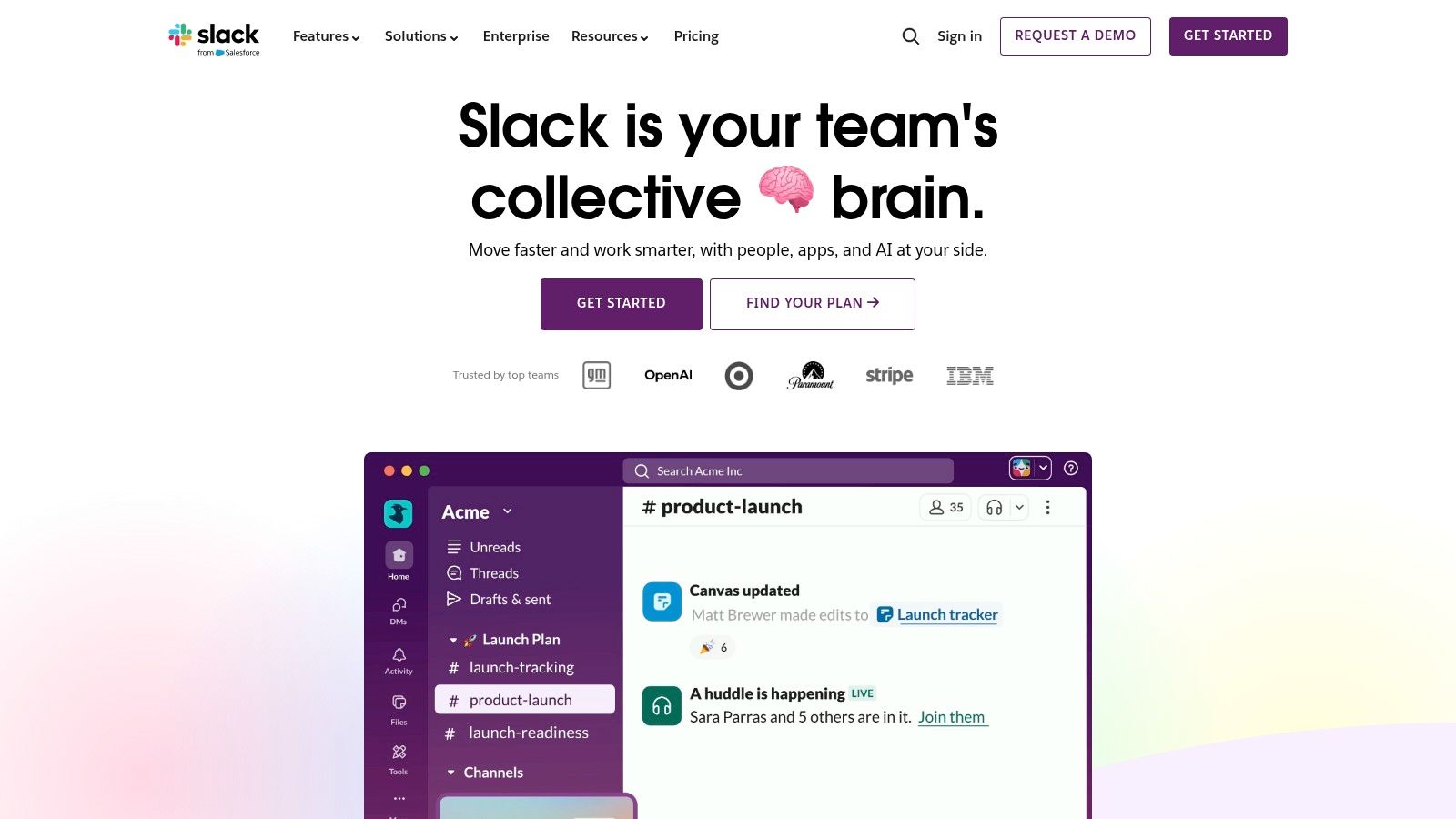
Its strength lies in replacing scattered email threads and text messages with a searchable, organized platform. You can create private channels for sensitive discussions or public ones for general team announcements. The ability to share files, create quick audio "huddles," and integrate with other apps makes it a powerful tool for coordinating the administrative side of ministry.
Key Details & Use Case
- Primary Use: Internal communication for church staff, elders, deacons, and core volunteer leaders. Excellent for project management and day-to-day operational chat.
- Cost: The free plan is robust but has a significant limitation: message and file history is limited to the most recent 90 days.
- Limitation: The 90-day history cap on the free plan can be a major issue for referencing past decisions. Onboarding an entire congregation is generally not practical, as it’s designed for smaller, defined teams.
While Slack excels at internal logistics, it doesn't address the need to create and distribute public-facing content. For a platform that transforms your sermon content into AI-generated reels and social posts, ChurchSocial.ai offers a complete solution with a simple drag-and-drop calendar to help you plan and manage your church's social media accounts.
Website: https://slack.com
7. Microsoft Teams (Free)
For churches already operating within the Microsoft ecosystem, the free version of Microsoft Teams offers a powerful and familiar environment for internal communication and organization. It functions as a central hub for staff, ministry leaders, and volunteer teams, bringing together chat, video meetings, and file sharing into a single, integrated platform. Its strength lies in providing a professional-grade structure for organizational tasks.
The platform is especially useful for managing administrative duties and holding hybrid meetings where some volunteers or staff join remotely. With dedicated channels for different projects or ministries, you can keep conversations organized and accessible. The new "Communities" feature also provides a space similar to a private group, which is ideal for a specific volunteer team or a Bible study group that needs its own dedicated communication area.
Key Details & Use Case
- Primary Use: Internal staff coordination, committee meetings, and managing administrative projects. It is excellent for churches with volunteers or staff who are already comfortable with Microsoft products.
- Cost: The core version is free and includes group meetings for up to 60 minutes, chat, and up to 5 GB of cloud storage per user.
- Limitation: Advanced features like meeting recordings, larger storage, and deeper administrative controls are locked behind a paid Microsoft 365 subscription. The interface can also feel more corporate and complex than other free church communication apps.
While Teams is a solid choice for back-end operations, it does not address public-facing outreach or social media management. To turn your sermon content into engaging social posts and streamline your entire content calendar, ChurchSocial.ai offers AI-powered features specifically designed to help you plan and manage your church's social media.
Website: https://www.microsoft.com/microsoft-teams/free
8. Facebook Groups
Facebook Groups offer a readily accessible and familiar space for church members to connect online. Given that a large portion of your congregation likely already has a Facebook account, it provides an exceptionally low-friction option for creating a digital community hub. It functions as a central place to post announcements, share files and photos, create event pages, and foster discussion among members.
The platform’s strength lies in its built-in features that mirror real-world church activities. You can create official events with RSVP tracking for services or potlucks, use group chats for smaller teams, and post important updates that notify members. The familiarity of the interface means there is almost no learning curve for your congregation, making it one of the most straightforward free church communication apps to implement.
Key Details & Use Case
- Primary Use: Creating a broad community space for the entire congregation. Ideal for general announcements, sharing prayer requests, and promoting church-wide events.
- Cost: Completely free. There are no hidden fees or premium tiers for group functionality.
- Limitation: The algorithmic feed means not everyone will see every post, and vital information can get lost. The broader Facebook environment can also be a source of significant distraction.
While a Facebook Group is great for community engagement, its posts are confined to the group itself. To manage your public social media accounts and turn sermon content into engaging posts, a dedicated tool like ChurchSocial.ai is essential. It helps you create content from your sermons and provides a simple drag-and-drop calendar to plan and manage all your church's social media.
Website: https://www.facebook.com/groups
9. Remind
Originally designed for the education sector, Remind offers a simple and effective communication model that translates perfectly to church settings, particularly for one-to-many announcements. It excels at reaching congregants where they are, whether through app push notifications, SMS texts, or email, all without requiring leaders or members to share personal phone numbers. This makes it a safe and popular choice for youth ministries, small groups, and volunteer teams.

The platform's strength lies in its simplicity. Setting up a "class" for your Bible study or children's ministry takes minutes, and members can join with a simple code. This focused approach to communication ensures that critical updates, like event reminders or prayer requests, are delivered instantly and aren't lost in a busy social feed. The free plan is quite generous for basic broadcast and two-way messaging needs, making it one of the most accessible free church communication apps for quick implementation.
Key Details & Use Case
- Primary Use: Sending quick announcements and reminders to specific groups (e.g., youth group parents, VBS volunteers, adult Sunday school classes).
- Cost: The core plan is free for individual teachers or leaders and their groups, offering essential messaging features. The paid "Remind Hub" is required for school- or organization-wide administration and advanced features.
- Limitation: The free version lacks centralized administrative oversight and advanced reporting. Additionally, SMS delivery can be subject to carrier fees and regional regulations, and some features like scheduling or translations may be behind the paywall.
While Remind is excellent for direct, internal messages, it doesn't help you create or schedule your public content. For a platform that helps you plan and manage your church's social media accounts, ChurchSocial.ai provides AI-powered content creation from your sermons and a simple drag-and-drop scheduler for all your social platforms.
Website: https://www.remind.com
10. Signal
Signal is a privacy-first messenger known for its industry-leading, default end-to-end encryption for all messages and calls. For church leadership, pastoral care teams, or prayer chains that handle sensitive and confidential information, Signal provides an essential layer of security. It functions as a secure, straightforward alternative to standard SMS or other less-private messaging apps.
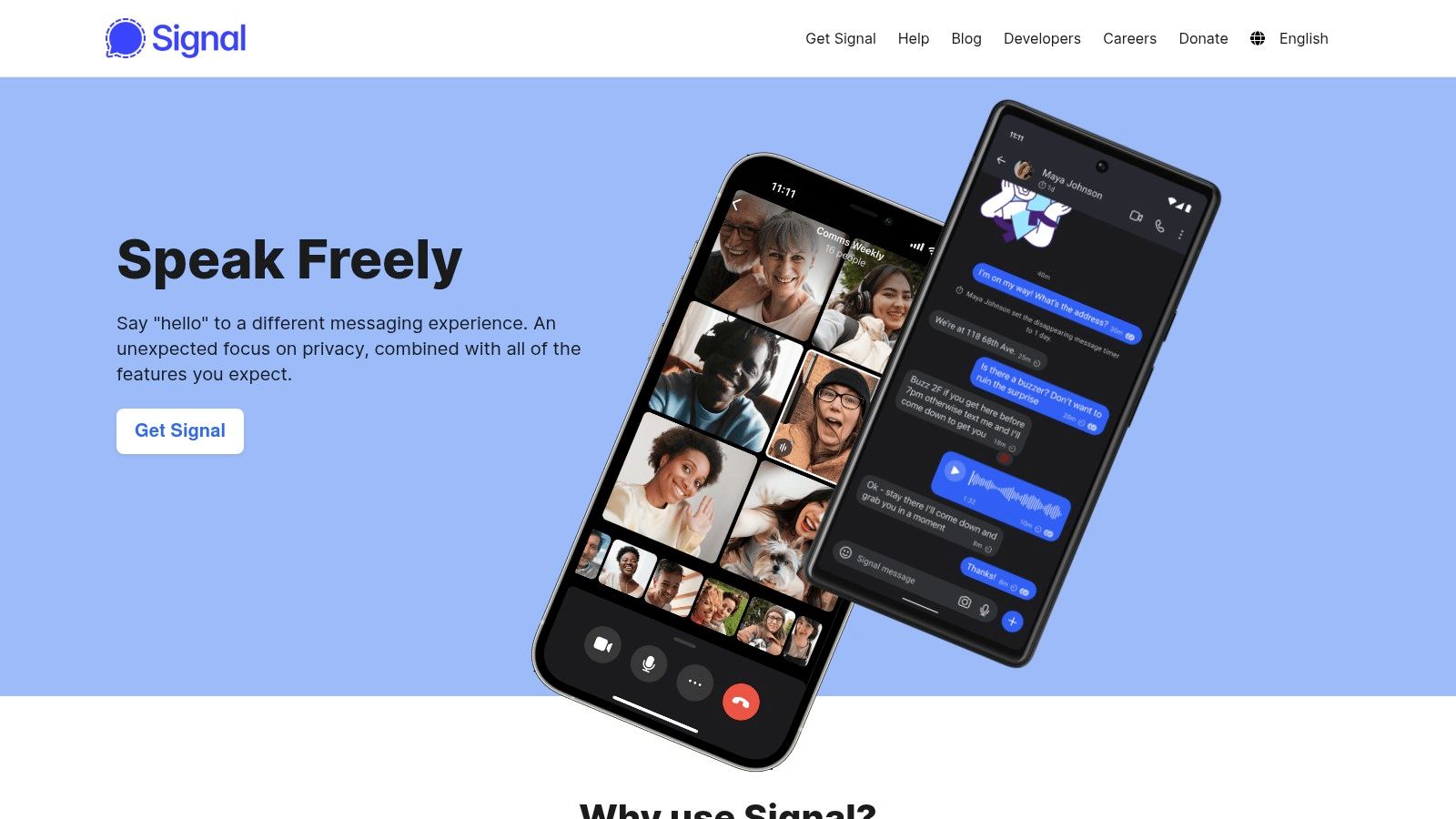
The platform is purpose-built for one thing: private communication. Features like disappearing messages, secure group chats, and minimal data collection make it a trustworthy choice. Its simple user experience on mobile and desktop means even less tech-savvy members can use it for confidential conversations without a steep learning curve, making it one of the most focused free church communication apps for secure dialogue.
Key Details & Use Case
- Primary Use: Secure communication for leadership teams, elders, pastoral staff, and prayer groups handling confidential matters.
- Cost: Completely free and operated by a non-profit foundation, with no ads or data tracking.
- Limitation: It lacks the broad community-building and announcement tools found in apps like Telegram or BAND. Its user base may also be smaller within some congregations compared to more popular messengers.
While Signal is excellent for securing private pastoral conversations, it isn't designed for managing your public social media accounts. To turn your weekly sermons into engaging social media content and manage your church's entire outreach calendar, ChurchSocial.ai provides the necessary features for creating AI-generated reels, posts, and graphics.
Website: https://signal.org
11. Instagram Broadcast Channels
For churches with a strong, existing Instagram presence, Broadcast Channels offer a direct and engaging way to communicate with followers. This feature allows you to create a one-to-many direct message thread, delivering quick updates straight to the phones of your most engaged members. It’s a fantastic tool for youth ministries or young adult groups where Instagram is the primary social platform.
This tool shines by cutting through the noise of the main feed algorithm. Instead of hoping followers see a post, you send a notification directly to them. You can share behind-the-scenes photos, short video messages from pastors, quick polls for sermon topics, or links to sign-up forms. Followers can join via a link in your bio, a story sticker, or an initial notification.
Key Details & Use Case
- Primary Use: Sending instant, high-visibility updates to your most active Instagram followers, especially younger demographics.
- Cost: Completely free to use for any account with "creator" status, which is a simple setting to enable.
- Limitation: It is not a two-way group chat; follower interaction is limited to emoji reactions and poll responses. It also requires an established Instagram following to be effective and lacks the administrative features of dedicated free church communication apps.
While Broadcast Channels are great for quick announcements, they don't help you plan a consistent content strategy. For a system that transforms your weekly sermon into AI-generated Reels, carousels, and a full content calendar, ChurchSocial.ai offers a complete solution to plan and manage your church's social media accounts.
Website: https://www.instagram.com
12. Planning Center – Church Center app
For churches already invested in the Planning Center ecosystem, the Church Center app is a natural and powerful extension of their management system. It acts as a congregant-facing portal, providing a unified mobile and web experience where members can engage directly with the church's activities. It bridges the gap between administrative tasks and member communication, making it one of the most integrated free church communication apps available.

The app's strength is its direct tie-in with the backend Planning Center modules your church uses. If you use PCO Giving, members can give through the app. If you use PCO Groups, they can find and join small groups. This creates a single point of interaction for registrations, check-ins, and accessing a member directory, reducing the confusion of having multiple apps and websites.
Key Details & Use Case
- Primary Use: Acting as a central member hub for churches using Planning Center for their core management (events, groups, giving).
- Cost: The Church Center app itself is free to use. However, its functionality is entirely dependent on having active, paid subscriptions to the corresponding Planning Center modules (e.g., Groups, Registrations, Giving).
- Limitation: It is not a standalone communication tool. The setup and administration are embedded within the broader Planning Center platform, and it requires a pre-existing financial commitment to get meaningful value from it.
While Church Center excels at streamlining internal church life, it isn't designed for public-facing social media. To fill that gap, ChurchSocial.ai can integrate with your Planning Center calendar to automatically generate social media posts for your events. It can also turn sermons into AI-generated reels and help you plan and manage your entire social media presence from one place.
Website: https://www.planningcenter.com/church-center
12 Free Church Communication Apps: Feature Comparison
| Platform | Core features | UX / Quality ★ | Value & Price 💰 | Target Audience 👥 | Unique Selling Points ✨ |
|---|---|---|---|---|---|
| BAND | Feed, shared calendar & RSVPs, group chat, polls | ★★★★ — straightforward | 💰 Free (ad‑supported) | 👥 Multi‑ministry teams, volunteers | ✨ Calendar+RSVP focus, easy onboarding |
| GroupMe | Group/direct messages, media, voice/video, events | ★★★ — very simple | 💰 Free (Microsoft) | 👥 Small groups, youth ministries | ✨ SMS fallback for non‑app users |
| WhatsApp (Groups/Communities/Channels) | Group chats, Communities, Channels, event tools | ★★★★ — ubiquitous | 💰 Free | 👥 Congregations where members already use WhatsApp | ✨ End‑to‑end defaults for chats, low friction |
| Telegram | Large groups, Channels, polls, bots, file sharing | ★★★★ — fast & scalable | 💰 Free | 👥 Large ministries, networks, tech teams | ✨ Powerful bots & broadcast channels |
| Discord | Servers with roles, text/voice/video, Stage channels | ★★★★ — rich but steeper learning | 💰 Free (paid Nitro optional) | 👥 Youth/young‑adult ministries, event hosts | 🏆 Stage Channels & deep moderation tools |
| Slack (Free plan) | Channels, DMs, search, integrations, huddles | ★★★★ — work‑grade UX | 💰 Free (limited history) | 👥 Staff & volunteer coordinators | ✨ Threaded workflows, strong security controls |
| Microsoft Teams (Free) | Group chat, meetings, calls, Communities | ★★★★ — reliable meetings | 💰 Free (some features paid) | 👥 Churches in Microsoft ecosystem | ✨ Native meeting/calendar integration |
| Facebook Groups | Posts, events, files, group chats, admin tools | ★★★ — familiar but noisy | 💰 Free | 👥 Congregations with active Facebook presence | ✨ High discoverability & built‑in events |
| Remind | Broadcasts, two‑way messages, SMS/email delivery | ★★★ — simple announcements | 💰 Free (Remind Hub paid) | 👥 Youth/children’s ministry, classes | ✨ SMS/email delivery + translations |
| Signal | Encrypted group chats, calls, disappearing messages | ★★★★ — privacy‑first | 💰 Free | 👥 Pastoral care teams, leadership groups | 🏆 Default end‑to‑end encryption, minimal data |
| Instagram Broadcast Channels | One‑to‑many DMs, media, polls, voice notes | ★★★ — high engagement in‑app | 💰 Free | 👥 Youth/ministry audiences on Instagram | ✨ DM‑style broadcast that cuts through feeds |
| Planning Center – Church Center app | Signups, groups, check‑ins, giving (module‑driven) | ★★★★ — integrated with workflows | 💰 Free app; full value needs paid modules | 👥 Churches using Planning Center products | ✨ Central member hub tied to church systems |
Final Thoughts
Our journey through the landscape of free church communication apps has revealed a powerful truth: fostering a connected, engaged congregation doesn't require a massive budget. From the group-centric simplicity of WhatsApp and BAND to the professional, project-focused environments of Slack and Microsoft Teams, a wealth of effective tools is available at no initial cost. Each option we've explored offers a unique pathway to bridge the gap between Sunday services and daily life, keeping your community informed, supported, and active.
The key takeaway isn't that one app reigns supreme, but that the right app depends entirely on your church’s specific context. A small, close-knit congregation might find Signal or a simple Facebook Group perfectly sufficient for its needs. A larger, multi-campus church, however, could find immense value in the structured channels of Discord or the powerful integration capabilities of the Planning Center ecosystem.
Choosing Your Path: A Strategic Approach
Making the right choice requires moving beyond feature lists and asking critical questions about your ministry’s goals and the people you serve. Before committing to a platform, consider the following:
- Demographic Alignment: Where does your congregation already spend its time? Introducing a new, unfamiliar app can be a significant barrier. If your members are already active on Facebook, a Facebook Group is a natural starting point. If they are younger and more tech-savvy, they might adapt quickly to a platform like Discord.
- Communication Style: Are you focused on top-down announcements, or do you want to encourage organic, member-led conversations? A tool like an Instagram Broadcast Channel or Remind is ideal for one-way information flow. In contrast, apps like GroupMe or Telegram thrive on interactive, multi-directional dialogue.
- Volunteer Capacity: Who will manage this new communication channel? A solo volunteer will need a tool that is simple and requires minimal moderation. A dedicated communications team can handle the more complex setup and administration of platforms like Slack or Microsoft Teams.
The most successful implementations of these free church communication apps are strategic. They begin with a clear purpose, whether it's coordinating the worship team, providing a space for small groups to connect, or sending out urgent prayer requests. Start small with a single, well-defined group. Test the app, gather feedback, and create clear guidelines for use before rolling it out to a wider audience. This measured approach prevents confusion and builds momentum for broader adoption.
The Hidden Cost of "Free"
It is also crucial to acknowledge the limitations inherent in "free." While these tools don't cost money, they do cost time and effort. Managing multiple, disconnected apps for internal communication can be an administrative burden. Furthermore, these free apps do not help you plan and manage your public-facing social media accounts. You still have to create content manually, which takes valuable time away from ministry.
As your church grows, the patchwork of free solutions may start to show its cracks. At that point, it becomes essential to consider an integrated approach that centralizes your efforts and saves time. This is where a tool specifically designed for churches can empower your mission. Your communication strategy should empower your mission, not complicate it.
Ready to unify your church's social media and turn your sermons into a week's worth of engaging content? ChurchSocial.ai is an all-in-one platform designed to help you plan and manage your church social media accounts. Create AI-generated posts, reels, and graphics from your sermons, and use our simple drag-and-drop calendar to manage your entire social media strategy. Learn more at ChurchSocial.ai.


