
Imagine using ChurchSocial.ai as your virtual writing partner, transforming sermon notes into ready-to-post social media content in seconds. Instead of wrestling with words for hours, ChurchSocial.ai’s advanced natural language processing and machine learning craft messages that reflect your church’s voice—whether it’s a tweet, reel, blog post, or carousel image.
Understanding AI Copywriting
AI copywriting applies advanced code to transform raw text into engaging narratives. For a church communications team, that means feeding in sermon bullet points or full transcripts and watching complete posts, blog summaries, and sermon highlights appear almost instantly.
Below is an illustration showing how artificial intelligence processes text to generate copy.
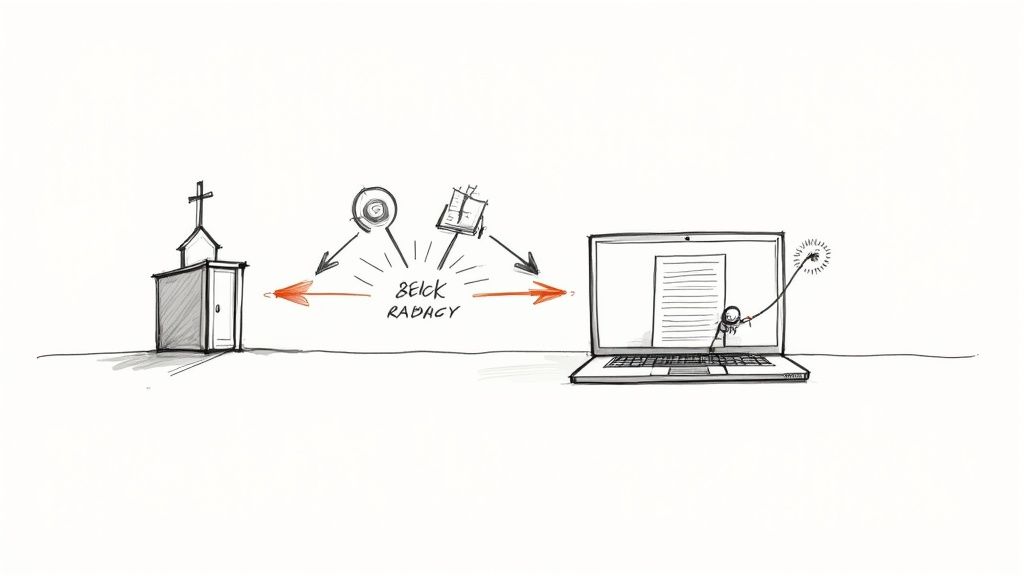
This visual breaks down how AI systems digest your input, pick up on word patterns, and deliver content that speaks directly to your congregation.
Churches benefit from AI copywriting in several ways:
- Speed: Create several social posts, blogs, and sermon summaries in a matter of minutes.
- Personalization: Shape each message to reflect your congregation’s unique voice.
- Scalability: Turn one sermon into reels, carousels, image captions, and blog articles without extra effort.
- Consistency: Keep your social feeds uniform across platforms.
- Integration: Use ChurchSocial.ai’s AI-generated reel creator, graphic templates and editor, plus a simple drag-and-drop calendar synced with Planning Center and other church calendars to plan and post content for every event.
Key Aspects Of AI Copywriting
Here’s how AI-driven writing stacks up against more manual approaches:
While AI copywriting accelerates content creation, traditional methods still shine when you need deeply crafted or highly nuanced pieces.
By 2023, the AI copywriting market topped USD 1.5 billion, and it’s on track for a 15.8% CAGR through 2032. Explore the forecast in this market report.
How AI Copywriting Works
Under the surface, your sermon transcript undergoes a quick cleanup and analysis to mark themes and common phrases.
Key stages include:
- Data Preparation: Clean transcripts, outline style preferences, and fix audio-to-text hiccups with ChurchSocial.ai’s preprocessing tools.
- Model Processing: Run text through NLP algorithms to map tone, context, and scripture references.
- Prompt Crafting: Set up specific cues so the AI knows whether you need a tweet, an image caption, or a blog teaser.
Check out our guide on AI for churches for a hands-on walkthrough of this process.
How AI Copywriting Works
Picture yourself mentoring a budding writer: you share sample essays, highlight strengths, and suggest improvements. In much the same way, ChurchSocial.ai studies your sermon transcripts and prompt guidelines to produce church content that truly resonates.
First, ChurchSocial.ai cleans up and tags your sermon text—a process called data preprocessing. By fixing audio-to-text hiccups and marking key phrases, it lays a clear foundation that mirrors your congregation’s voice.
Data Preparation
- Replace Punctuation: Strip out filler words and misheard audio.
- Style Tagging: Flag expressions that reflect your church’s tone.
- Topic Outlining: Spot main themes, Bible passages, and keywords.
With those details in place, the AI won’t get tripped up by raw notes or extra chatter. Next, you guide it with prompts—your brief for exactly what you need.
Prompt Engineering
Think of this like handing a precise assignment to a student writer:
- Generate a 150-character Instagram caption that captures the sermon’s essence with an inviting feel.
- Draft a Facebook event post for tomorrow’s Bible study, using bullet points.
- Create three tweets highlighting key scripture verses from the transcript.
Inside ChurchSocial.ai, you can swap themes, adjust lengths, and select from our graphic templates in a single click. No more redundant edits.
Iterative Refinement
Rarely does the first draft land just right.
Here’s where church leaders step in—reviewing each version, flagging tone tweaks or factual corrections. That feedback loop polishes the text and keeps every point theologically sound.
The diagram below illustrates how a transformer network turns your inputs into flowing copy.
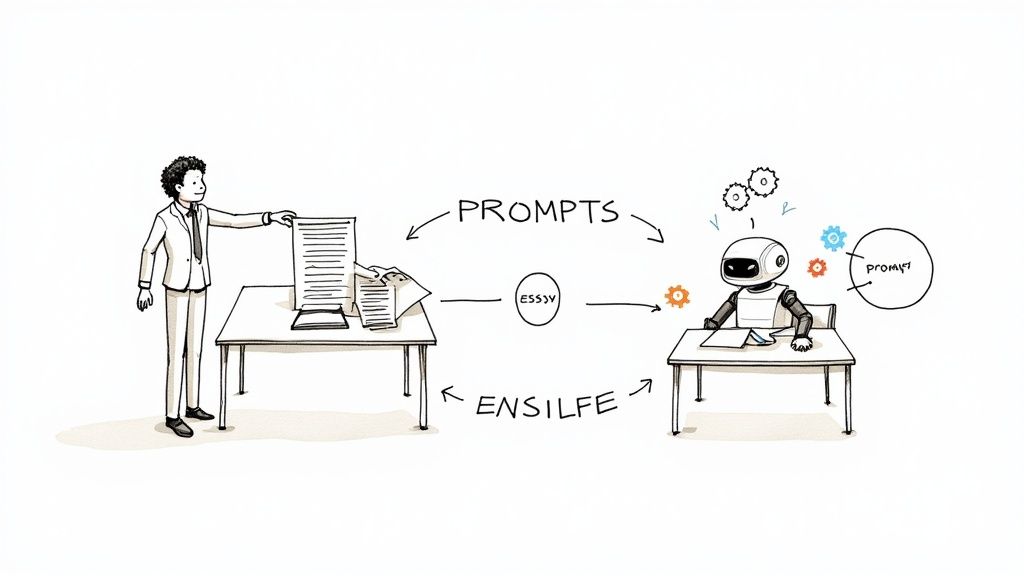
It highlights attention layers zeroing in on context and sentiment before generating each sentence.
Marketers report adoption of AI copywriting tools soared from 64.7% in 2023 to 83.2% in 2024, with projections hitting 90% in 2025. That surge lets organizations publish 42% more content every month. For the full breakdown, see this AI Marketing Statistics Report.
Practical Tips
- Upload full sermon transcripts to ChurchSocial.ai to capture every nuance.
- Use descriptive headings like “Sermon Highlight” or “Event Announcement.”
- Apply built-in graphic templates and editing tools for a cohesive look.
- Read drafts aloud, fine-tuning tone and theology before you schedule.
These small checks help you catch odd phrasing and maintain consistency.
Distribution And Integration
Once your copy’s approved, ChurchSocial.ai lets you attach images or templates and publish on schedule. Integration with Planning Center and other church calendar apps syncs sermon dates and event details automatically.
“By syncing transcripts, design assets, and scheduling, you free up hours each week for ministry-focused tasks.”
This end-to-end process transforms sermon ideas into ready-to-publish posts—without bouncing between different tools. Always give each draft a final read before it goes live.
Benefits And Risks For Churches
Church social media thrives when it feels personal. AI copywriting with ChurchSocial.ai can help your team keep a steady stream of content that truly reflects your church’s voice.
With ChurchSocial.ai, turning a weekend sermon into social posts, blog articles, and reels doesn’t take hours. You can generate sermon clips, blog summaries, and captions in minutes, ensuring your branding stays consistent across Facebook, Instagram, TikTok, and YouTube.
- Consistent Brand Identity: AI templates lock in your color schemes, fonts, and tone guidelines.
- Rapid Content Generation: Transform one sermon into multiple posts in under five minutes.
- Easy Repurposing: Spin sermon highlights into AI-generated reels or expand transcripts into full blog articles and carousels.
- Scalable Outreach: Publish to every channel without growing your team.
- Integrated Scheduling: Use our simple drag-and-drop calendar, synced automatically with Planning Center and other church calendars, to plan your entire month at a glance.
Key Advantages For Church Teams
Repurposing your sermon is a bit like taking one small loaf and feeding a whole crowd. Each key verse or talking point becomes a fresh social media reel, carousel, or discussion prompt with very little extra work.
Below is a snapshot of ChurchSocial.ai’s unified calendar view. It shows all your scheduled content at a glance—across every platform you use.
This dashboard highlights upcoming posts, status labels, and quick-edit controls so approvals move faster.
Potential Pitfalls And Safeguards
Automating too much can make your messages feel flat. AI alone sometimes misses the heart of your church’s unique story, leaving copy that sounds generic.
Uploading sermon transcripts also raises valid security questions. You’ll want to be sure your sensitive materials stay private, with strong encryption and clear permission settings.
- Impersonal Tone: Always run drafts by someone on your team and follow a style guide.
- Privacy Concerns: Store files in ChurchSocial.ai’s encrypted vault and assign user roles.
- Theological Inaccuracy: Require pastoral sign-off before anything goes live.
Best Practices For Authentic Messaging
Combining AI speed with a human touch keeps your content both efficient and heartfelt. Think of ChurchSocial.ai as your creative assistant, not the final voice.
- Cross-check each AI draft against your sermon notes to make sure the main themes shine through.
- Use the platform’s manual edit and approval tools to polish tone and scripture references.
“Balancing AI efficiency with human insight preserves both quality and connection.”
With these safeguards in place—and your team’s care—you’ll maintain authenticity while staying on schedule and keeping data secure.
Real Church Examples With Prompt Templates
Watching AI copywriting at work can feel like flipping on the lights in a dark room. Suddenly, your church team sees exactly how raw sermon content transforms into polished social posts with ChurchSocial.ai’s features.
Below, we walk through three real scenarios—each with a ready-made prompt you can drop into ChurchSocial.ai and run today.
Instagram Carousel From Sermon
First, let’s turn a sermon on hope into a five-slide visual narrative.
- Open the sermon transcript tab and paste your latest message.
- Enter this prompt:
“Generate a five-slide Instagram carousel from this sermon transcript focusing on hope and unity.” - Pick a graphic template in ChurchSocial.ai’s editor and publish.
In minutes, you’ll have branded slides pairing key quotes with eye-catching images—without wrestling with design software.
TikTok Reel Highlight
Next up: crafting a 30-second clip that hooks TikTok viewers.
- Upload your sermon audio or transcript.
- Use this prompt:
“Script a 30-second TikTok reel from this sermon, emphasizing key scripture and a call to action.” - Choose your reel style and hit generate.
Think of AI as your digital editor—snipping out the best moments and weaving them into a shareable highlight.
Facebook Event Post
Finally, let’s build buzz for your next gathering with an engaging event post.
- Add event details in ChurchSocial.ai’s calendar.
- Apply this prompt:
“Generate a Facebook event post for tomorrow’s Bible study with date, time, location, and invitation tone.” - Tweak the draft, then schedule it via drag-and-drop.
This quick workflow guarantees consistent messaging across all your channels.
And the magic doesn’t stop there. ChurchSocial.ai syncs with Planning Center to:
- Auto-import sermon topics and event dates
- Drag AI-drafted posts onto your calendar
- Bulk-schedule content weeks in advance
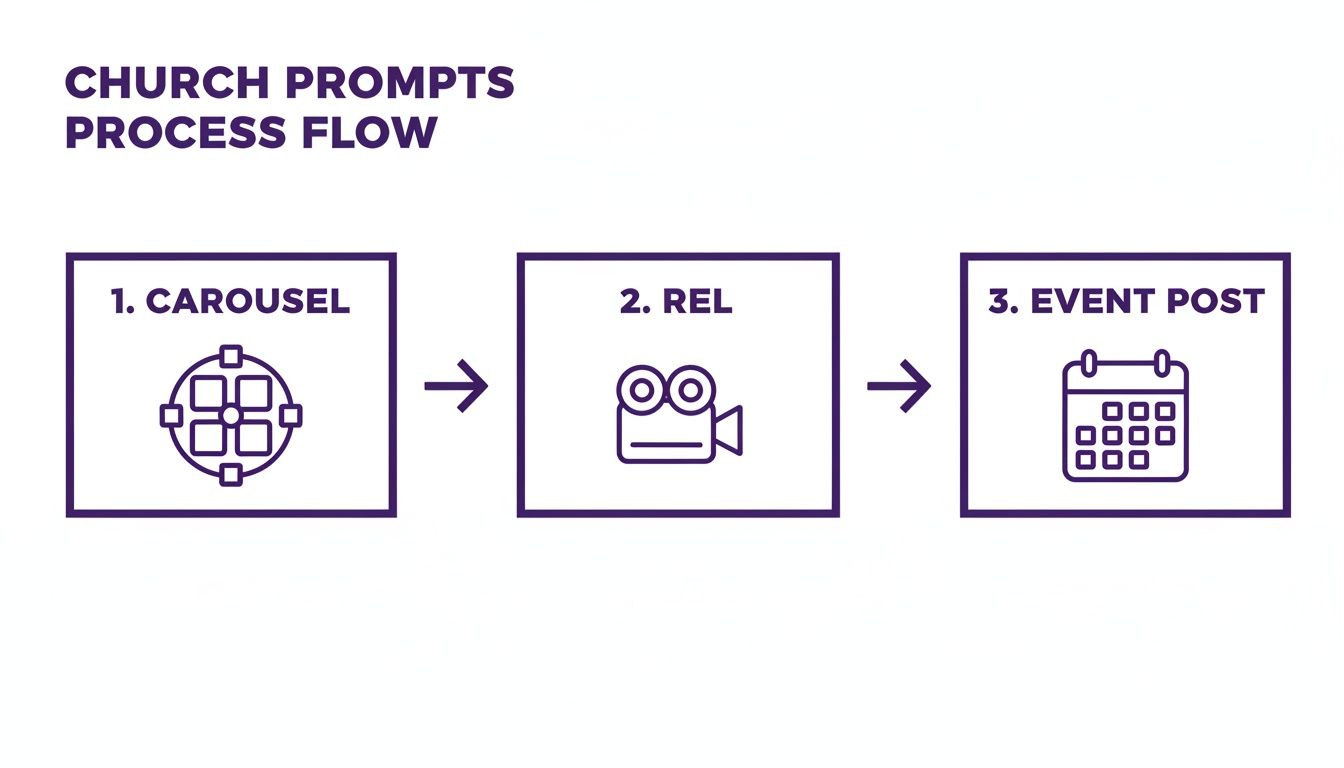
You’ll notice prompts neatly organized by carousel, reel, and event—making selection a breeze.
With these templates, your team masters prompt engineering without writing a single line of code. It’s like having a trusted production assistant on standby.
ChurchSocial.ai empowers churches to produce engaging content fast by pairing AI-driven prompts with integrated design and scheduling tools.
Use these examples as your launchpad. Then tweak each prompt to match your sermon theme, maintain theological accuracy, and save your team hours every week.
Best Practices For Workflow Integration
Blending what is ai copywriting into your church’s social media routine doesn’t have to be a headache. With a clear path forward, ChurchSocial.ai helps you sync calendars, craft sermon reels, and slot posts into a drag-and-drop calendar that everyone can see.
Planning Center Sync
- Connect your Planning Center account in ChurchSocial.ai under Settings.
- Turn on event auto-import for services, study groups, and special gatherings.
- Check the imported events and link each one to a content slot.
Once events show up, you can drag items like carousels or reels right onto the calendar.
This view makes it simple to spot open dates, track post statuses, and tweak publishing times before everything goes live.
Scheduling AI Drafts
Get your AI-generated drafts lined up days ahead of each service.
- Build in a review window of at least 48 hours.
- Tag team members so everyone knows who’s handling what.
- Rely on built-in reminders to keep edits and approvals on track.
For a unified look, lock in your church’s color palette and fonts using the template editor.
By pairing AI speed with human oversight, you reclaim hours each week while keeping the tone genuine.
Clear checkpoints mean no surprises at the last minute.
Applying Branded Graphics
Your posts become more than text when you add custom-designed visuals.
- Swap in your logo and official color codes for every slide.
- Exchange images quickly to line up with sermon themes.
- Save your own templates so you never start from scratch again.
Using Team Roles
Set up distinct roles in ChurchSocial.ai to streamline handoffs and approvals.
- Go to Settings > Team Roles and create positions like Editor, Reviewer, and Publisher.
- Assign permissions—who can tweak drafts, who can hit Publish.
- Activate notifications to alert the next person in line.
Label your content as Draft, In Review, or Approved so everyone knows the status.
- Lock finished posts to prevent accidental edits.
- Update a template once, and it refreshes everywhere instantly.
Tracking Performance Metrics
After publishing, head to the dashboard to watch likes, shares, comments, and reach in one place.
- Compare different post types to learn what your people enjoy most.
- Shift posting times based on when your audience is online.
- Run simple A/B tests—carousels versus reels—to sharpen your approach.
Churches that check their numbers weekly boost engagement by 25%.
Don’t forget to set clear deadlines for each step.
Learn more about content automation in our article on What Is Content Automation.
Comparing ChurchSocial AI With Other Tools
When your church sets out to manage social media, a general‐purpose AI can feel like trying to carve a pulpit from a block of marble—you get something usable, but it takes extra work. ChurchSocial.ai, by contrast, arrives ready with church‐friendly features.
Below, we’ve pulled out the biggest differences so you can see at a glance which platform eases your volunteers’ workload and which one might send them back to manual copy-pasting.
- Sermon Integration: Auto-syncs sermon details from Planning Center rather than uploading files one by one.
- Reel Creation: Generates a polished sermon reel in a single click instead of stitching together video clips.
- Graphic Library: Offers templates designed for church events while generic tools default to stock images.
- Calendar Planning: Lets you drag and drop services, events, and outreach posts. Other schedulers stick to basic date slots.
- Pricing: Starts at $15/month for church-centric add-ons. Generic platforms often tack on higher fees per feature.
- Ease of Use: Built with volunteers in mind. Most general AI tools require a steeper learning curve.
Feature Comparison Of AI Copywriting Tools
Here’s a side-by-side view so you can spot the difference in workflow support.
On the left, you see a tool built around your sermon schedule and outreach planning. On the right, a more generic creation suite that demands extra setup to fit church contexts.
For an even broader look at AI content solutions, check out our guide on the best AI content creation tools.
Key Takeaway
ChurchSocial.ai strips away the manual steps—sermon sync, post scheduling, template selection—so your team spends less time wrestling with software and more time crafting messages that matter.
Frequently Asked Questions
Church communications teams often pause at the mention of AI copywriting: what does it really mean, and is it safe? Below, you’ll find clear answers on data protection, brand voice, and workflow sync.
Whether you’re drafting sermon summaries or scheduling event reminders, ChurchSocial.ai combines strong encryption, custom style guides, and direct links with platforms like Planning Center. Use these practical tips to make AI feel like a trusted teammate.
- How secure is my sermon data when using AI tools?
- How can I preserve our church’s unique voice and tone?
- Which planning tools integrate with ChurchSocial.ai?
- Do AI-generated posts truly engage like human-written content?
Data Security And Privacy
Keeping sermon notes under lock and key is non-negotiable. ChurchSocial.ai relies on industry-standard encryption so only designated roles can view or edit your transcripts. You set granular permissions—pastors, volunteers, or elders see exactly what you allow.
Maintaining Voice And Tone
Your congregation knows your voice. By uploading sample posts and a style guide, ChurchSocial.ai learns how you talk. Then it drafts copy that fits your church’s personality.
“AI can spark ideas, but you set the final tone,” says one communications director.
A quick human review ensures each message feels authentically yours.
Integrations And Scheduling
Never scramble for event details again. ChurchSocial.ai syncs seamlessly with Planning Center and other church calendar apps. Your upcoming services and outreach events auto-import, ready for social posts.
Key Integration Benefits:
- Auto-import service and event details
- Generate social reminders instantly
- Centralize scheduling across Facebook, Instagram, TikTok, and YouTube
Drag-and-drop your posts into the built-in calendar, and watch your social timetable fill itself out.
Content Quality And Effectiveness
Raw AI drafts move at lightning speed, but human insight drives real engagement. Many churches report a 25% higher interaction rate by pairing AI copy with local context and pastoral insight. Always double-check theological accuracy before you publish.
Reviewing AI Drafts
Build in a 48-hour review window. Tag a teammate to vet tone, facts, and scripture references. That extra step turns a good post into one that genuinely resonates.
With these FAQs, you’ll see how AI copywriting works—and how ChurchSocial.ai safeguards your data, retains your voice, and keeps your workflow moving smoothly.
Ready to elevate your church’s social media? Explore ChurchSocial.ai and start planning, creating, and scheduling in minutes.


