
Your church's social media presence is a modern-day mission field, a digital front porch where you connect with your congregation and welcome newcomers. But are your posts, videos, and updates making a real impact? Without the right data, you're essentially guessing. This is where the best social media analytics tools become essential ministry assets, turning raw numbers into actionable insights about your digital flock.
Understanding your analytics means knowing which sermon clips get the most shares, what prayer requests drive engagement, and the best times to post event reminders for maximum visibility. It helps you be a better steward of your time and resources, ensuring your online efforts genuinely support your church’s mission. Guesswork leads to wasted effort, while data-driven decisions help your message reach the people who need to hear it most.
This guide is designed to help you find the perfect tool for your ministry's size and budget. We will break down the features, pricing, and specific church use cases for the top platforms. However, most of these tools are built for businesses, not ministries. For a truly seamless experience, a platform like ChurchSocial.ai is designed specifically for your needs. With ChurchSocial.ai, you can create AI-generated reels from sermons, design graphics with our templates, and manage everything on a simple drag-and-drop calendar. Our goal is to equip you to choose a tool that clarifies your impact and helps your online ministry flourish.
1. ChurchSocial.ai: The All-in-One Solution for Ministry-Focused Analytics
For churches needing more than just data, ChurchSocial.ai offers an integrated platform that connects content creation directly to performance metrics. Instead of reviewing analytics in one tool and then switching to another to create content, this system allows you to act on insights immediately. It’s built around the specific workflow of a ministry, making it one of the best social media analytics tools for church staff and volunteers who wear multiple hats.
The platform's standout feature is its AI-powered sermon repurposing. You can upload a sermon transcript and instantly generate multiple short video reels, social posts, and even blog articles. From there, use the graphic templates and editor to create and post photos and carousels, then track their performance to see which messages truly connect with your online community. The easy-to-read dashboards focus on metrics that matter for ministry: community growth, message reach, and event participation, avoiding the overwhelming complexity of general-purpose tools.
Key Features & Use Cases
- Actionable Analytics: The simple drag-and-drop calendar displays post performance directly alongside your schedule. This lets you see at a glance which graphics, sermon clips, or event promotions are driving engagement and adjust your strategy in real-time.
- Ministry-Specific Integrations: It connects with church calendars like Planning Center, allowing you to create promotional content for an event and then track how social media efforts correspond to actual attendance.
- Simplified Content Creation: Beyond analytics, it offers a full suite of creation tools. Generate AI reels from your sermons, create posts from the sermon transcript, and use graphic templates and an editor to manage all your social media in one place.
Find it here: ChurchSocial.ai
2. Hootsuite: A Versatile Publisher with Solid Analytics
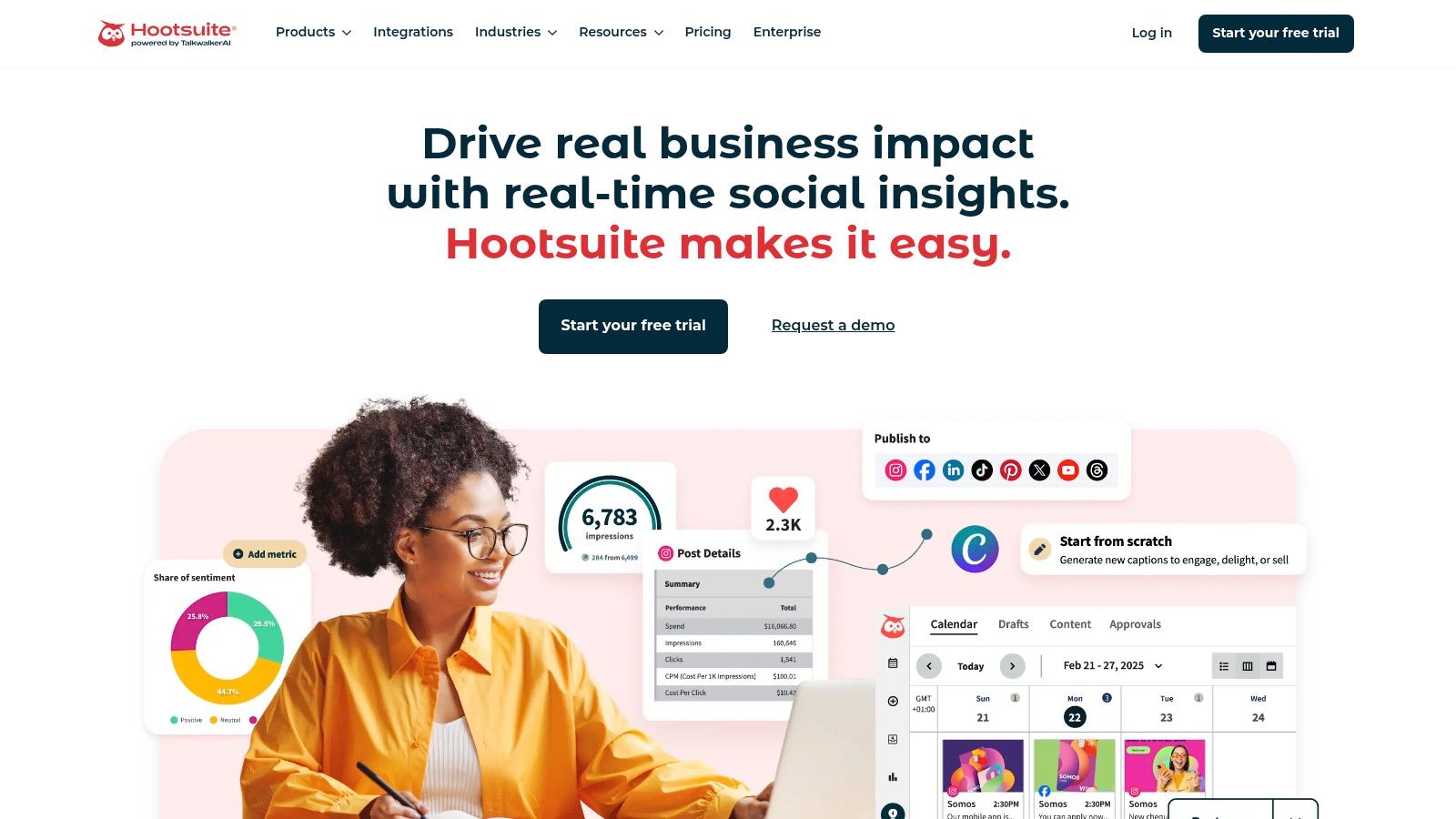
Hootsuite is a long-standing name in social media management, offering a robust platform that combines publishing, team collaboration, and recently refreshed analytics. For churches managing multiple accounts or requiring approval workflows, it provides a centralized command center. While not built specifically for ministry, its broad feature set makes it a strong contender for teams that need more than basic scheduling but aren't ready for a complex enterprise suite.
Its analytics capabilities provide a clear overview of cross-network performance, including helpful features like best-time-to-post recommendations to maximize reach. Every plan now includes basic social listening, allowing you to monitor mentions of your church's name or specific keywords. This is useful for tracking community conversations and identifying opportunities for engagement, a step beyond what simple schedulers offer and a key reason it’s one of the best social media analytics tools available.
Key Features & Use Cases
- Cross-Network Reporting: Generate unified reports that show follower growth, engagement rates, and top-performing content across Facebook, Instagram, and other platforms. This helps your ministry team see the big picture of your digital outreach efforts.
- Basic Social Listening: All plans include tools to monitor mentions, sentiment, and trends related to your church for the past seven days. This is great for understanding immediate community feedback after a big event or sermon series launch.
- Team Workflows & Approvals: Higher-tier plans allow communications directors to review and approve posts drafted by volunteers or other staff members, ensuring message consistency and brand quality before anything goes live.
Find it here: https://www.hootsuite.com
3. Buffer: Clean Analytics for the Volunteer-Led Ministry
For churches where a volunteer or a staff member with many duties manages social media, Buffer provides an approachable entry point into scheduling and analytics. It’s known for its simplicity and affordability, making it one of the best social media analytics tools for ministries that need straightforward performance data without the steep learning curve or high cost of enterprise systems. Buffer answers the fundamental question: "Is what we are posting working?" with clear, easy-to-understand reports.
The platform excels at presenting core metrics like reach, engagement, and follower growth in a clean visual format that is perfect for sharing with a church board or leadership team. Its analytics are built directly into its scheduling tool, allowing you to see post performance and plan future content in one place. While it doesn't offer the deep, ministry-specific integrations of a tool like ChurchSocial.ai, its focus on core functions provides a solid foundation for small to mid-sized churches just starting to measure their digital impact.
Key Features & Use Cases
- Post and Channel Analytics: Access clean, exportable reports for each social profile. This is ideal for a communications director needing to create a simple monthly report for church leadership showing audience growth and top-performing posts.
- Tagging and Hashtag Manager: Group posts by campaign or content type (e.g., sermon quotes, event announcements, community outreach). This helps you track which types of content are most effective at driving engagement over time.
- Optimal Timing Recommendations: Buffer analyzes your past performance to suggest the best times to post for maximum reach, helping volunteer teams schedule content with more confidence.
Find it here: Buffer
4. Agorapulse: Robust Reporting for Data-Driven Ministries
For churches ready to move beyond basic analytics, Agorapulse provides a powerful management and reporting suite. It excels at creating clean, shareable reports that clearly communicate social media performance to leadership or volunteer teams. This makes it one of the best social media analytics tools for ministries needing to justify their digital outreach efforts with hard data. Its ability to track competitor accounts also gives you a window into how other local churches are engaging their communities online.
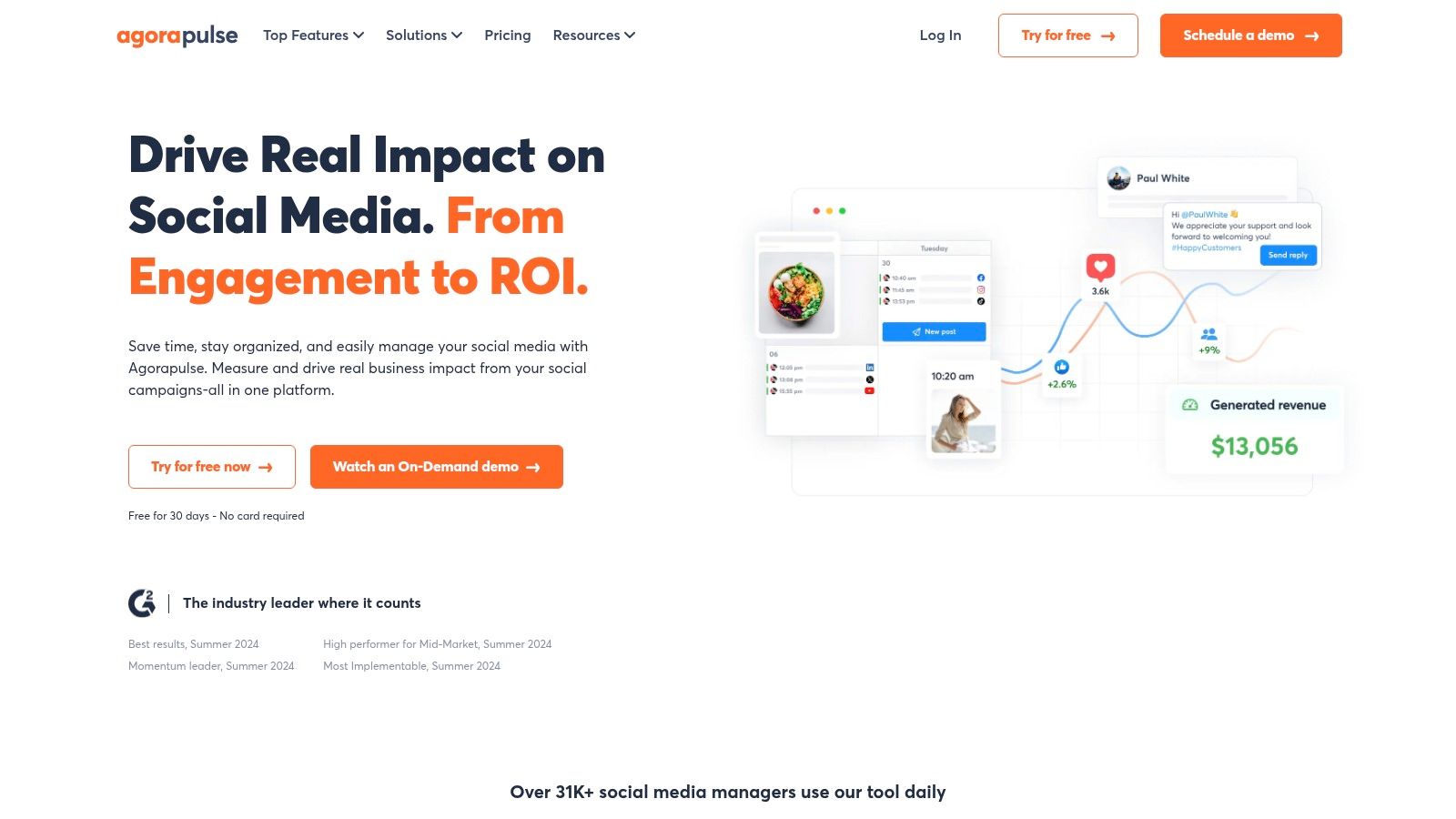
The standout feature for results-oriented ministries is the ROI module. By connecting to Google Analytics, you can directly link a social media post to a specific outcome, such as an event registration or a "Plan Your Visit" form submission. This provides concrete evidence of how your digital content is driving real-world action. While it offers more complexity than an all-in-one tool like ChurchSocial.ai, its detailed reporting is invaluable for larger organizations.
Key Features & Use Cases
- Trackable Campaign Outcomes: Use the ROI module to see exactly how many people clicked from a Facebook post about VBS and completed the sign-up form on your website. This gives you clear data on which promotional strategies are most effective.
- Competitor & Ad Monitoring: Keep an eye on other churches' public-facing content to gather ideas for your own outreach. You can also monitor comments on your boosted posts directly within the platform, ensuring timely responses to questions.
- Professional, Shareable Reports: Generate detailed PDF reports on audience growth, content performance, and community engagement to present at staff meetings or to your church board, demonstrating the value of your social media strategy.
Find it here: Agorapulse
5. Rival IQ: The Leader in Competitive Benchmarking
For churches curious about how their social media presence stacks up against others in their community, Rival IQ provides unmatched competitive analytics. This tool is built to answer the question, "What are other churches doing, and is it working?" It shifts the focus from purely internal metrics to a broader view of your digital neighborhood, making it one of the best social media analytics tools for ministries aiming to stand out and learn from their peers.
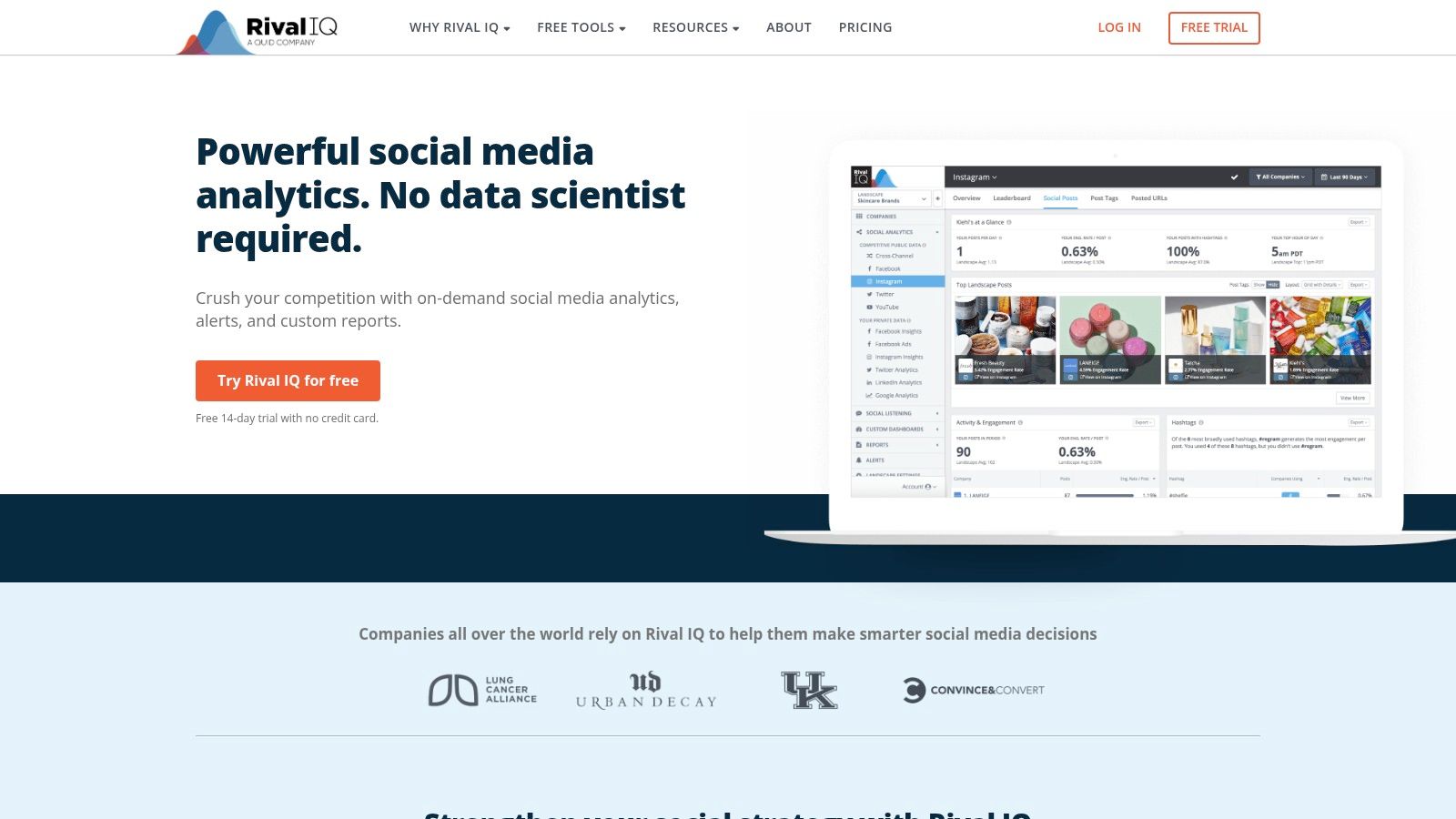
Instead of just reporting on your own engagement, Rival IQ creates visual, side-by-side comparisons of your performance against other organizations you choose to track. This allows you to identify which content formats, post timings, or topics are driving success for others, offering concrete ideas for your own strategy. However, this is purely an analytics tool. To act on these insights by creating and scheduling content, you'll need another platform, whereas a tool like ChurchSocial.ai integrates both functions seamlessly.
Key Features & Use Cases
- Competitor Benchmarking: Create a "landscape" of other local churches or similar-sized ministries to see who has the highest engagement rates, what hashtags they use effectively, and how often they post. Understanding these basic benchmarks is a key part of learning what social media analytics is all about.
- Post-Level Content Analysis: Drill down into specific competitor posts to see what made them successful. Rival IQ analyzes post type, content, and timing to help you replicate effective strategies for your own congregation.
- Performance Alerts: Receive email notifications when a church you follow has a viral post or a significant spike in engagement. This helps you stay informed on trending topics and content styles in real-time.
Find it here: https://www.rivaliq.com
6. Iconosquare: For Deep Visual Platform Analytics
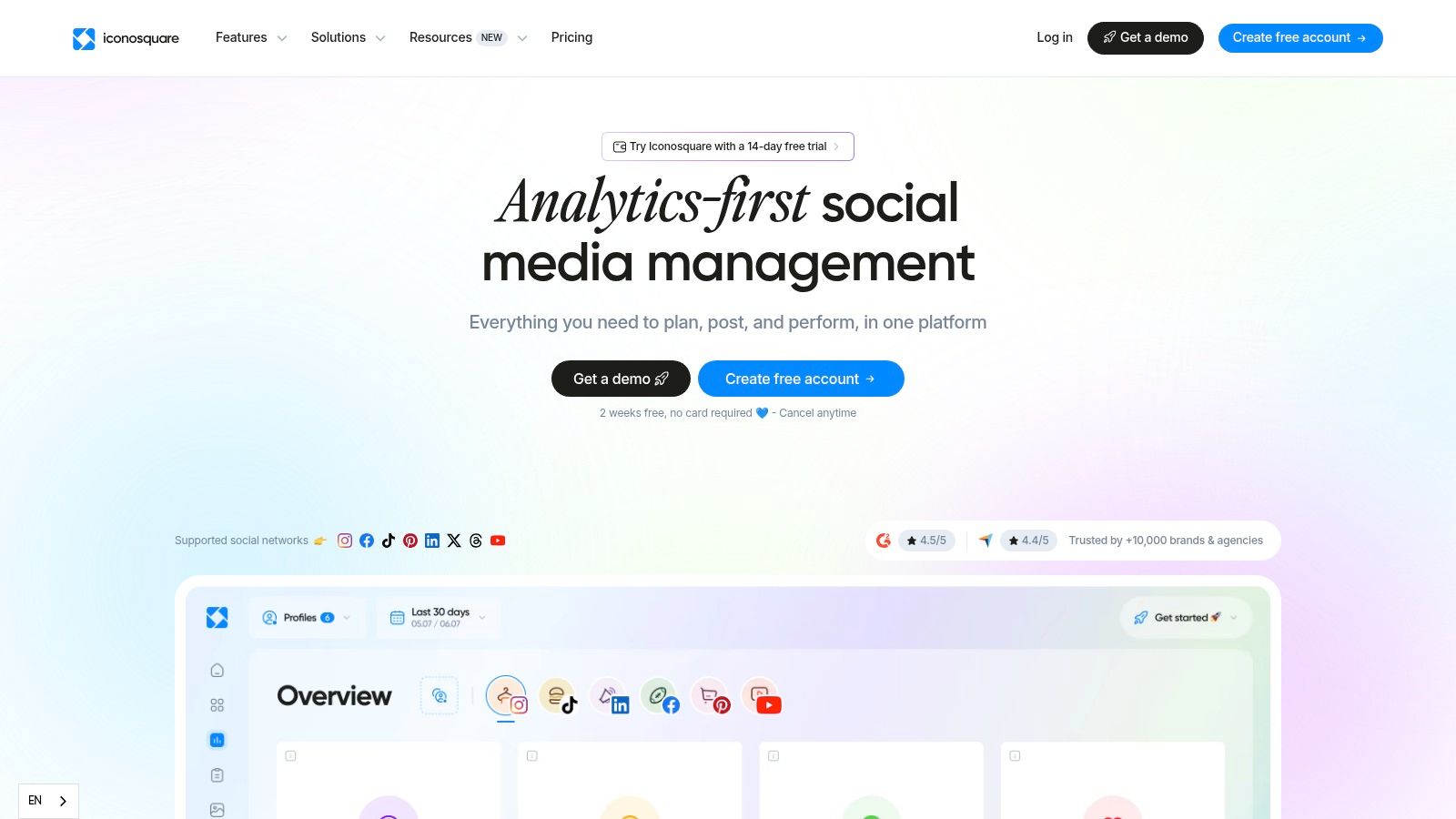
For churches wanting to dive deep into the performance of their visual-heavy platforms like Instagram and TikTok, Iconosquare provides powerful, detailed analytics. It started as an Instagram-focused tool and its strengths still lie there, offering clean, easy-to-interpret dashboards that make it one of the best social media analytics tools for understanding visual content trends. Its benchmarking feature is particularly useful for seeing how your engagement rates stack up against other accounts in a similar category.
This analytics-first approach means you get granular data on post performance, audience demographics, and optimal posting times. For a church, this can translate into knowing exactly what kind of sermon graphics or event photos are resonating most with your congregation. However, unlike integrated systems like ChurchSocial.ai that connect analytics directly to content creation, Iconosquare keeps these functions separate, requiring you to interpret the data here and then build your content elsewhere.
Key Features & Use Cases
- Competitor and Hashtag Tracking: Monitor specific hashtags related to a sermon series or community outreach event to see how they are performing and who is using them. You can also track other local churches to understand their content strategy.
- Group Analytics: Perfect for multi-site churches, this feature allows you to roll up the analytics from several different location-based social media accounts into one master dashboard for a high-level performance overview.
- Customizable Reporting: Build and schedule automated reports that focus on the metrics that matter most to your leadership, such as community growth or reach, without the manual effort each month.
Find it here: https://www.iconosquare.com
7. Keyhole (now part of Muck Rack)
For ministries focused on tracking specific campaigns, hashtags, or events, Keyhole.co provides powerful, real-time monitoring capabilities. Rather than offering broad, account-level analytics, its strength lies in isolating a conversation around a specific term. This makes it an excellent choice for measuring the reach of a Christmas Eve service hashtag, monitoring discussions around a community outreach event, or tracking the impact of a sermon series shared with a unique hashtag.
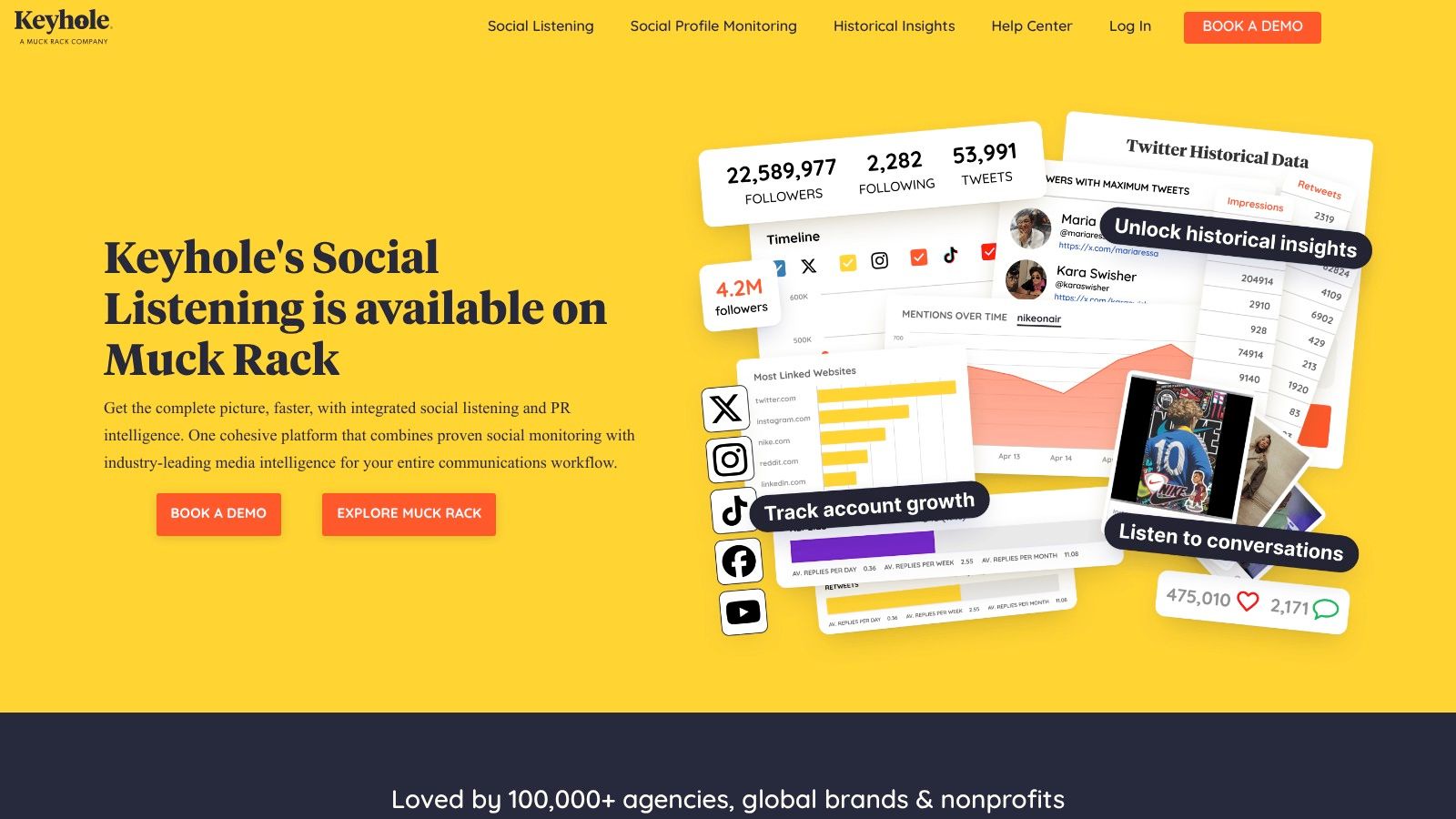
The platform is less about day-to-day content planning and more about in-depth listening and campaign measurement. After its acquisition by Muck Rack, its features are now connected to a wider public relations and media monitoring ecosystem, offering deeper insights into how your church's message is spreading beyond your immediate followers. While a tool like ChurchSocial.ai helps you create and schedule content, Keyhole is one of the best social media analytics tools for understanding the specific, real-time conversations your content generates online.
Key Features & Use Cases
- Real-Time Hashtag Tracking: Launch a hashtag for a VBS week or a giving campaign and get instant reports on its usage, reach, and top contributors. This helps identify key advocates in your community.
- Campaign Performance Dashboards: Create a dedicated dashboard to monitor all social media mentions related to a specific event, like a fall festival, to measure online buzz and sentiment before, during, and after.
- Influencer Identification: The tool can identify accounts that are most frequently engaging with your church's brand or hashtags, helping you spot potential community leaders or online ambassadors to partner with.
Find it here: Keyhole.co
8. Talkwalker (part of Hootsuite family)
For large ministries or denominations needing to understand public perception and online conversations on a massive scale, Talkwalker offers enterprise-level social listening and analytics. It moves far beyond just tracking your own profiles by monitoring over 150 million sources, including blogs, forums, and news sites. This makes it one of the best social media analytics tools for identifying community needs or managing brand reputation across multiple locations. It’s an advanced solution for organizations that need to listen to broad conversations happening outside their immediate digital walls.
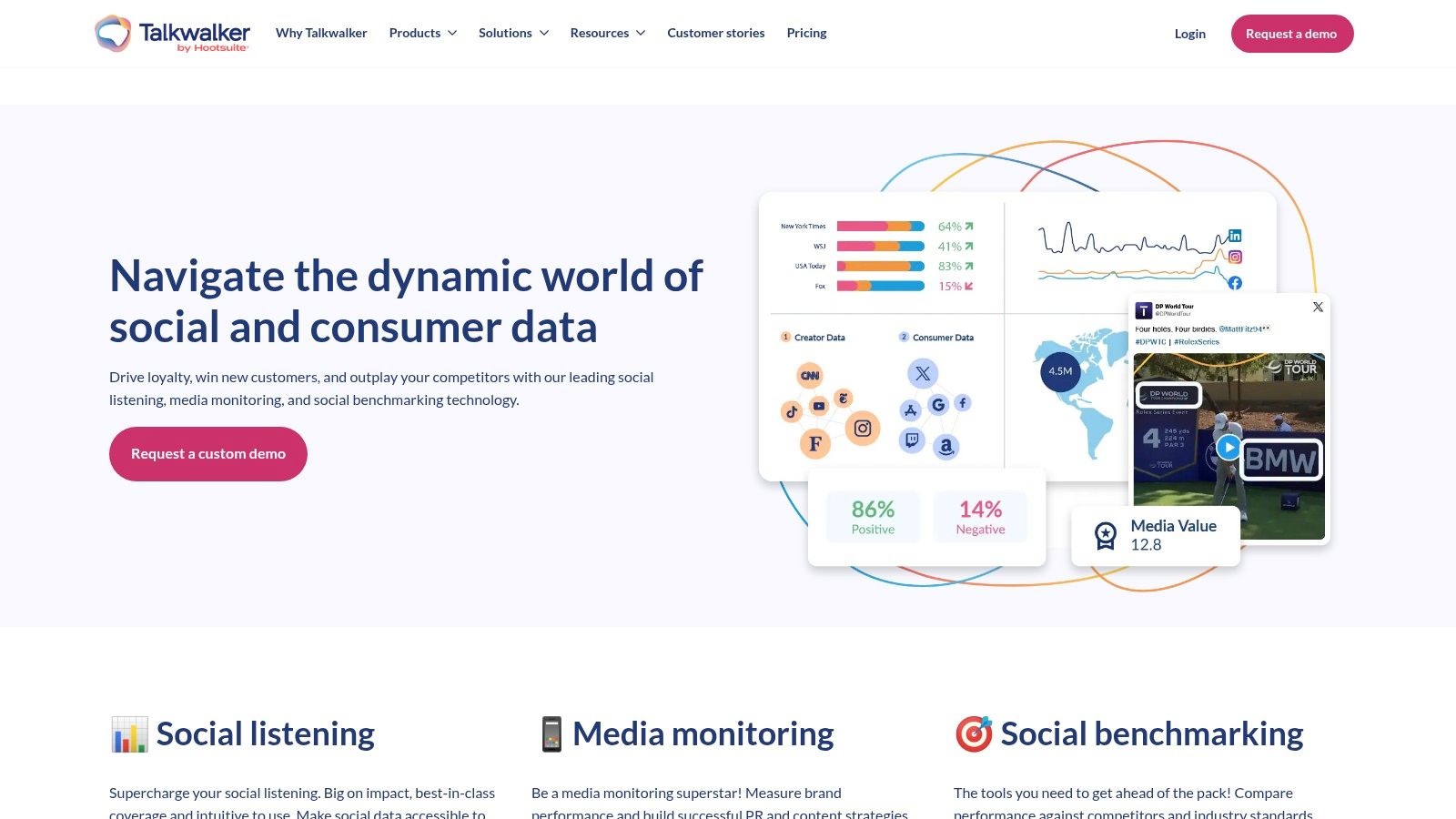
The platform’s strength is its ability to process huge amounts of data and present it through custom dashboards. You can set up real-time notifications for mentions of your church or specific ministry topics, allowing for immediate engagement. Its AI-powered engine helps detect emerging trends, giving your leadership team insights into what cultural conversations are gaining momentum. While it's a powerful listening tool, it lacks the content creation and scheduling features found in a ministry-focused platform like ChurchSocial.ai, making it more suited for research than daily management.
Key Features & Use Cases
- Broad Social Listening: Monitor conversations about your church, community issues, or sermon topics across social media, blogs, news sites, and forums in multiple languages. This is ideal for multi-site churches wanting to understand the unique needs of each community they serve.
- Competitive & Topic Benchmarking: Compare your share of voice against other local churches or track the public sentiment around key theological or social topics to inform your teaching series and outreach strategies.
- Customizable Dashboards & Alerts: Build executive-ready reports that focus on high-level trends and public perception. Set up alerts to be notified instantly of any critical mentions that require a response from your communications team.
Find it here: https://www.talkwalker.com
9. Brandwatch: Enterprise-Level Consumer and Audience Intelligence
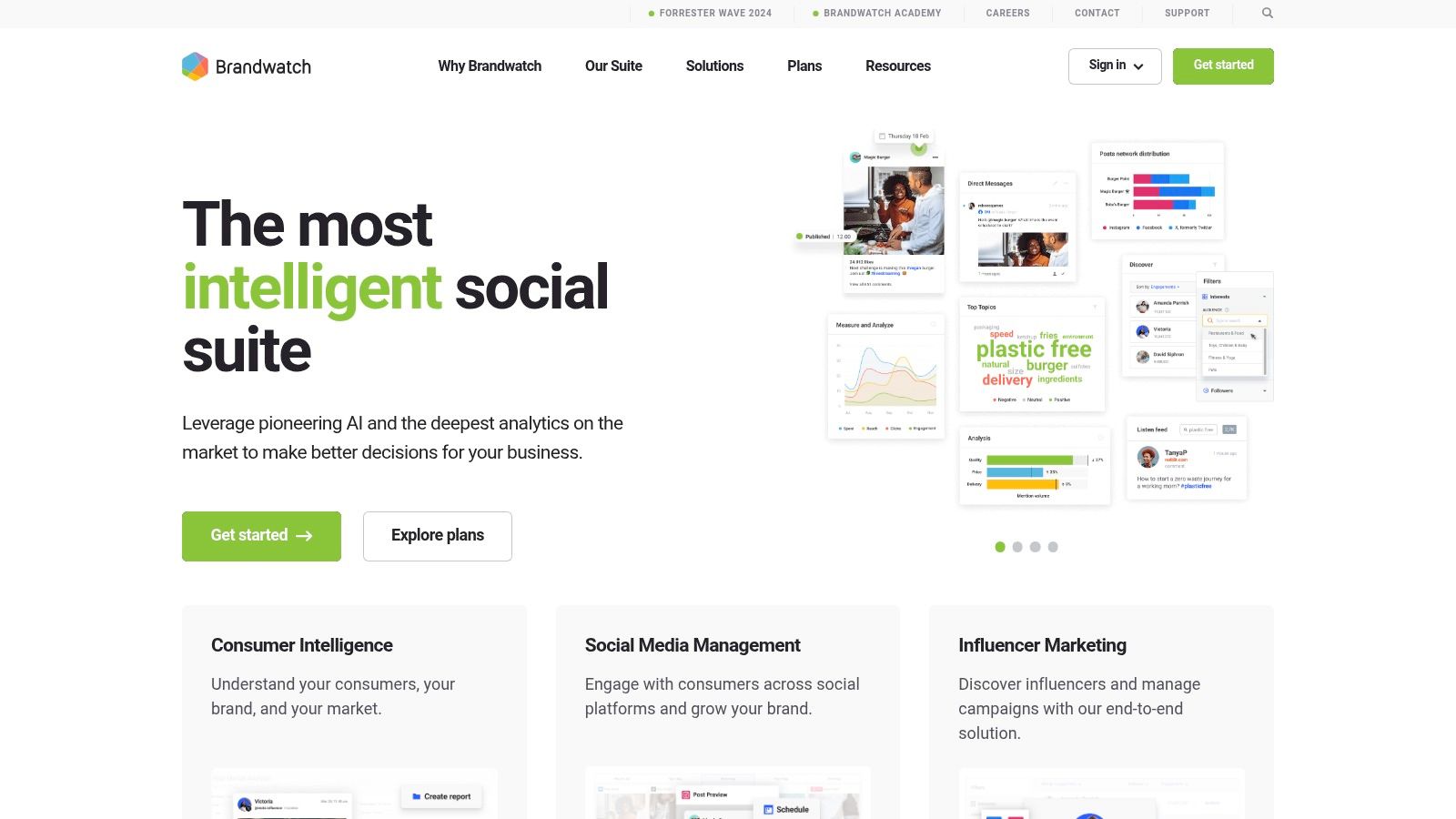
For large church networks or denominations with dedicated communications teams, Brandwatch offers a powerful suite of consumer intelligence tools that go far beyond standard analytics. This platform is designed for deep research, providing insights into audience conversations, sentiment, and trends at a scale most other tools cannot match. It’s less about simple post-performance and more about understanding the broader cultural and community conversations happening online.
Brandwatch excels at social listening, allowing a ministry to track mentions of specific topics, scriptures, or community issues in real-time. This makes it one of the best social media analytics tools for organizations that need to conduct in-depth research for sermon series, new ministry initiatives, or outreach campaigns. The level of data and customization is immense, but this power comes with a significant learning curve and a premium price tag, making it suitable for only the most well-resourced teams.
Key Features & Use Cases
- Advanced Social Listening: You can set up real-time queries to monitor how your community is discussing topics like "faith," "anxiety," or local outreach events. This helps identify needs and shape relevant content.
- Deep Audience Research: Analyze the demographics, interests, and emotions of different audience segments to better understand who you are reaching and who you are missing in your digital ministry.
- Customizable Dashboards: Build reports that focus on the specific metrics that matter to your organization. This is useful for departments that need to measure social media ROI for large-scale campaigns or events.
Find it here: https://www.brandwatch.com
10. Emplifi (formerly Socialbakers)
For large ministries or church networks managing complex digital outreach across multiple locations, Emplifi offers an enterprise-level suite that combines analytics with social media marketing and care. Built on the strong data heritage of Socialbakers, it provides a unified platform to track performance, benchmark against other accounts, and govern a multi-person team. It is one of the best social media analytics tools for organizations that need a single system for publishing, engagement, and deep insights.
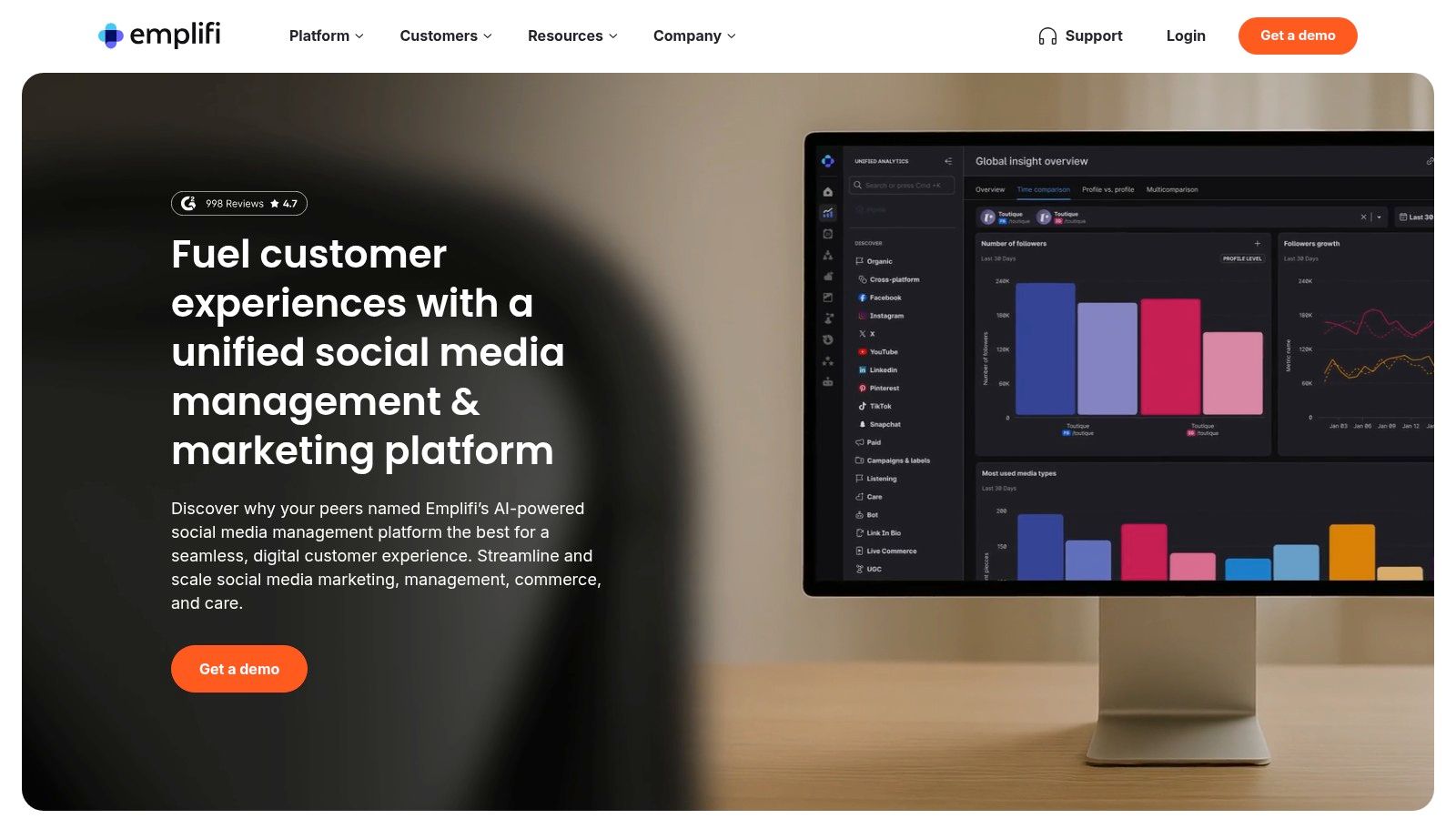
The platform’s power lies in its AI-driven reporting and benchmarking, allowing a central communications team to see how different campus accounts are performing against each other or established goals. While its feature set is immense, for most churches, the complexity and cost may be excessive. Tools like ChurchSocial.ai provide ministry-focused analytics and content creation, like AI reels from sermons, in a much more direct and affordable package. Emplifi is best suited for organizations where social media functions more like a corporate marketing department.
Key Features & Use Cases
- Advanced Benchmarking: A church network can compare the engagement rates, audience growth, and post performance of all its campus accounts in one dashboard to identify best practices.
- AI-Assisted Reporting: The AI ReportBuilder can help a communications director quickly generate detailed performance reports for leadership, showing the ROI of paid and organic social media efforts.
- Collaboration and Governance: For large teams, it offers approval workflows and permissions to ensure brand consistency and control over what gets published across all accounts.
Find it here: Emplifi
11. Metricool: The Value-Packed Tool for Long-Term Trend Analysis
For ministries operating on a tight budget but needing to track performance over long periods, Metricool presents a compelling option. It offers a powerful combination of scheduling and analytics that covers a wide array of platforms, including the often-overlooked Google Business Profile, which is critical for local church visibility. Its key advantage is the unlimited analytics history available on paid plans, making it one of the best social media analytics tools for observing seasonal trends, like Christmas and Easter engagement, year over year.
The platform provides clean, professional-looking reports that are easy to share with leadership or volunteer teams. This makes reporting straightforward without needing to spend hours manually compiling data. While it’s a strong general-purpose tool, its workflow isn't built around the specific content cycles of a church. For an integrated system that connects sermon content directly to social posts, graphics, and analytics, a dedicated platform like ChurchSocial.ai remains a more efficient choice.

Key Features & Use Cases
- Long-Term Performance Tracking: Use the unlimited data history on paid plans to compare your Easter outreach campaign's performance this year against the last two years, identifying what strategies worked best.
- Competitor Benchmarking: Keep an eye on other local churches or ministries to understand their engagement rates and content strategy, helping you find opportunities to better serve your community online.
- Centralized Reporting: Generate a single report that includes data from Facebook, Instagram, and your Google Business Profile to give your church board a complete overview of your digital front door's health.
Find it here: Metricool
12. quintly (Facelift Data Studio): For Deep, Customizable Data Analysis
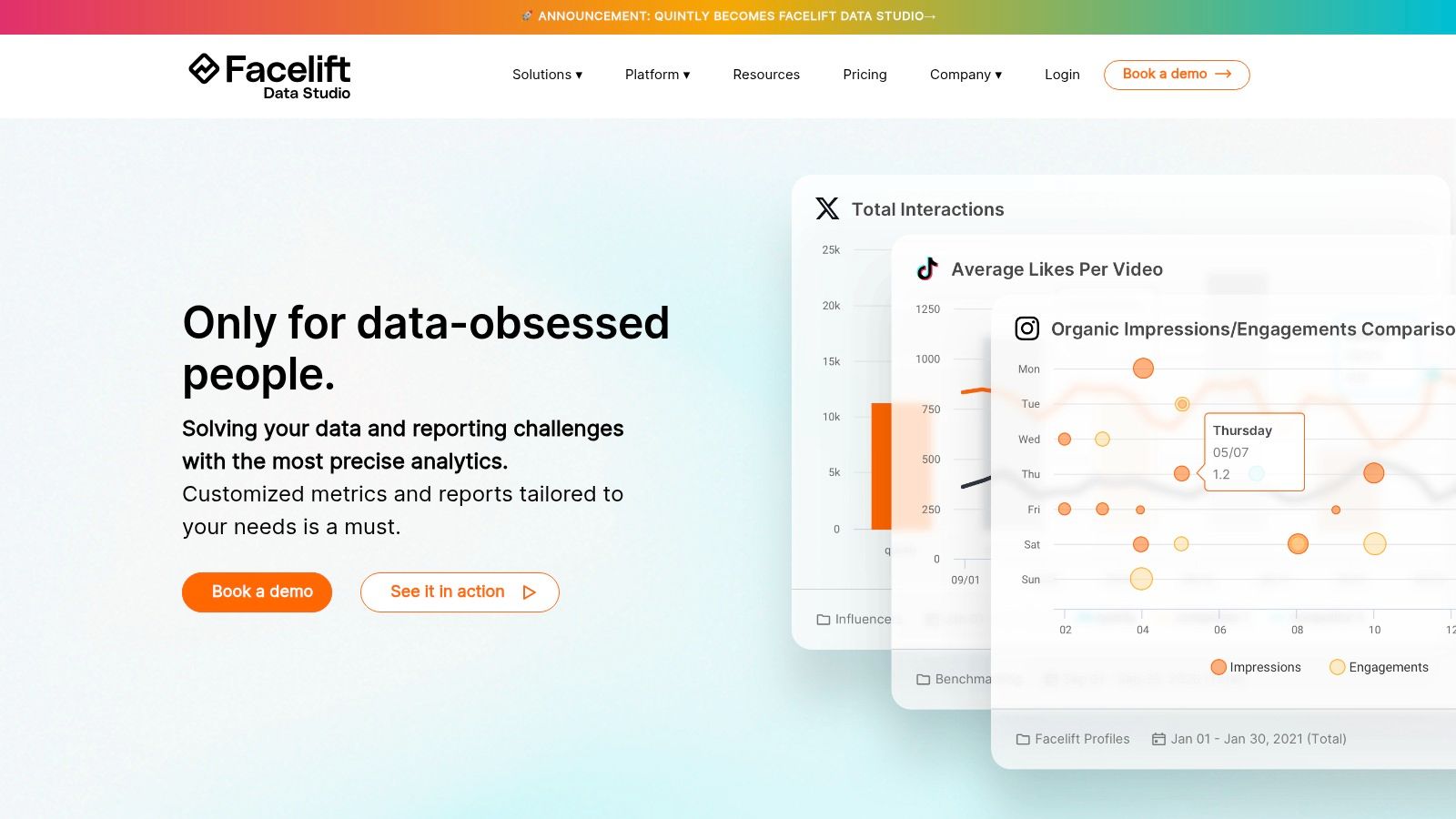
For large ministries, denominations, or agencies managing multiple church accounts, quintly.com offers an advanced analytics platform designed for deep, customizable data reporting. This tool moves beyond standard dashboards, allowing users to build their own metrics using a proprietary query language. It is built for data-driven teams that need to integrate social media performance with broader business intelligence (BI) tools and create bespoke reports from scratch.
While powerful, quintly is a highly technical solution. Its strength lies in its ability to centralize massive amounts of paid and organic data and push it to a data warehouse for further analysis. This level of complexity is often unnecessary for most church communication teams, whose needs are better met by an integrated tool like ChurchSocial.ai that connects insights directly to content creation without requiring a dedicated data analyst.
Key Features & Use Cases
- Custom Metric Builder: Using the quintly Query Language (QQL), teams can define and track unique KPIs that are not available in standard analytics tools, such as specific engagement ratios across different post types.
- Automated, Flexible Reporting: Reports can be automatically generated and exported in various formats (CSV, PDF, XLSX), making it easy to share data with leadership teams or integrate it into other systems.
- Robust API & BI Integration: It is designed to connect seamlessly with BI tools like Tableau or Google Data Studio, centralizing social media data with other organizational metrics for a complete performance picture.
Find it here: quintly.com
Top 12 Social Media Analytics Tools Comparison
Choosing the Right Tool for Your Ministry's Mission
Selecting from the best social media analytics tools comes down to your church's specific needs, budget, and team capacity. We've explored powerful platforms, from enterprise solutions like Brandwatch to focused tools like Rival IQ. Each offers a unique way to measure the impact of your online outreach. For large denominations with dedicated staff, a specialized tool can provide invaluable depth.
However, for most churches, the goal isn't just to collect data but to use it to create better content and connect with your community. This is where a solution built specifically for the church environment shines. Ministry teams, often powered by dedicated volunteers or small staff, need clear, actionable information that directly connects to content creation and scheduling, not complex dashboards that take hours to interpret.
From Data Points to Discipleship
The critical question isn't just "What was our engagement rate?" but "How can we create content that truly resonates with our congregation and reaches new people?" This shifts the focus from pure analytics to an integrated workflow.
Consider these factors as you make your decision:
- Team Capacity: Who will be using this tool? A solo volunteer needs a much different interface than a full-time communications director.
- Budgetary Stewardship: Are you paying for complex features your church will never use? Invest in a platform that provides ministry-specific value.
- Integration with Ministry: Does the tool understand the unique rhythm of a church? A platform that can integrate with Planning Center or turn a sermon into AI-generated reels and social posts offers a distinct advantage.
- Content Creation vs. Analysis: Many of the best social media analytics tools are just that: analytics tools. If your team also struggles with creating graphics, writing posts, and scheduling content, you should look for an all-in-one solution.
As you evaluate platforms, consider exploring a wider range of the best social media management tools to understand all available options. This broader perspective can help clarify whether you need a dedicated analytics tool or a more complete management system.
Ultimately, the right tool will feel less like a chore and more like a partner in your ministry. It should reduce administrative burdens, spark creativity, and provide clear insights that help you connect with people more effectively. Your social media presence is a modern front door to your church; choose the key that not only unlocks it but also helps you welcome people inside.
Ready to stop juggling complex tools and start focusing on your ministry's message? ChurchSocial.ai combines easy-to-understand analytics with powerful AI content creation, including AI-generated reels from your sermons. Our graphic templates and simple drag-and-drop calendar make it easy to manage all of your church social media. It's the all-in-one platform built by ministry-minded people, for ministry-minded people. Try ChurchSocial.ai today and see how simple church social media can be.


