

Managing your church's social media presence can feel like a full-time job, especially when you're working with a volunteer team and a tight budget. Juggling multiple platforms, scheduling posts, and creating engaging content to connect with your congregation and community is a significant challenge. This is where dedicated management tools become essential, transforming a chaotic workflow into a streamlined, effective digital ministry strategy. The right software can save you hours each week, allowing you to focus more on ministry and less on administrative tasks.
This guide is designed to help your church navigate the world of free social media management software. We’ve sifted through dozens of options to curate a list of the best no-cost tools that are perfectly suited for the unique needs of a church. Whether you are a solo volunteer at a small church or part of a larger communications team, you will find a solution here that fits your specific requirements without straining your budget.
In this comprehensive list, we will break down each platform with a focus on practical application for ministry. You will find:
- Honest reviews of key features and the real limitations of each free plan.
- Best use-case scenarios tailored for church volunteers and staff.
- Quick setup tips and recommended workflows to get you started immediately.
- Screenshots and direct links for every tool we cover.
Our goal is to provide a clear, actionable resource that empowers you to choose the best platform to organize your content calendar, schedule posts in advance, and ultimately, amplify your church’s message online. For those looking for even more options and insights into the broader tool landscape, you might also want to explore the Saucial platform for a different perspective on social management solutions. We will also touch on when it might be time to upgrade to a more powerful, ministry-focused paid solution like ChurchSocial.ai, which offers AI-powered content generation from your sermons, seamless calendar integrations with tools like Planning Center, and a full suite of graphic design tools.
1. Buffer
Buffer has long been a go-to for those just starting with social media management, making it an excellent choice for church volunteers. Its reputation is built on a clean, intuitive interface that simplifies scheduling content across multiple platforms. If your church is looking for a straightforward, no-cost way to plan posts without needing a credit card to sign up, Buffer is one of the best pieces of free social media management software available.
The "free-forever" plan is its main draw. It allows you to connect up to three social media channels, which is often perfect for a small church focusing on Facebook, Instagram, and one other platform. You can schedule up to 10 posts per channel at a time. As posts are published, your queue re-opens, allowing for continuous scheduling. This is a great way to start building a consistent posting rhythm for sermon reminders, event announcements, and weekly encouragement.
Best Use Case for Churches
This platform is ideal for the solo volunteer or small church team that needs to batch-create and schedule a week or two of content in advance. The browser extension and mobile app make it easy to share scripture graphics or community photos on the fly. However, the 10-post queue limit means it's not suited for long-term planning.
- Free Plan Limits: 1 user, 3 social channels, 10 scheduled posts per channel queue.
- Key Features: AI Assistant for captions, basic post analytics, publishing calendar view.
- Website: https://buffer.com/pricing
While Buffer provides a fantastic entry point, growing churches often find they need more robust tools for content creation. For an integrated approach that includes AI-generated reels and social posts created directly from your sermon transcripts, you might want to explore a specialized platform. You can learn more about how a dedicated tool like ChurchSocial.ai can streamline your church social media management and save valuable ministry time.
2. Zoho Social
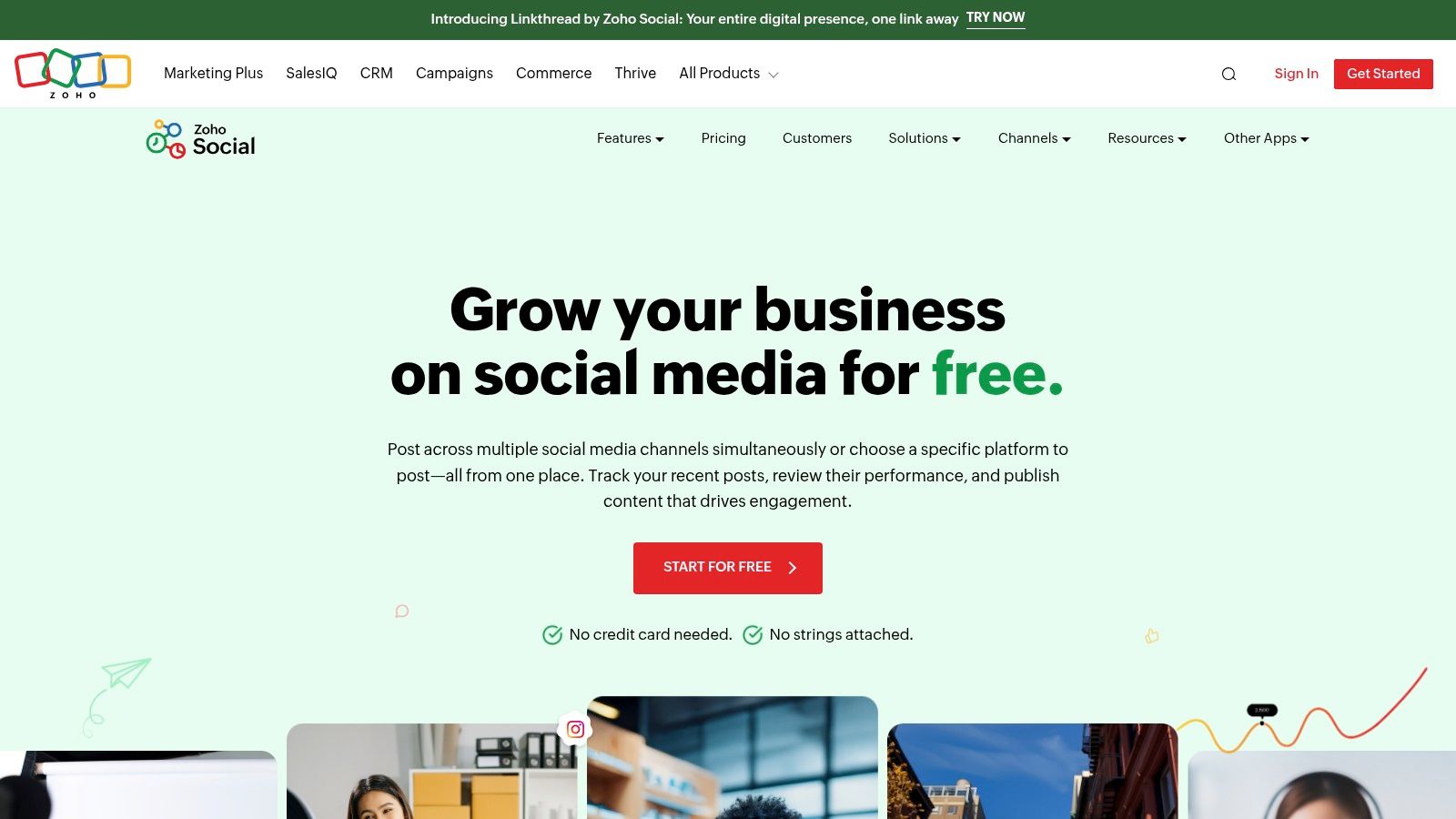
Zoho Social is part of a much larger suite of business applications, and its free edition offers a surprisingly robust starting point for churches. Known for its strong privacy-first stance, Zoho provides a clean, professional interface for managing multiple networks from one dashboard. For a church that wants to establish a presence on several platforms without an initial investment, Zoho Social is a compelling piece of free social media management software.
Its free plan is generous, allowing one user to manage one brand (your church) across seven different social channels, including Facebook, Instagram, X (formerly Twitter), and even a Google Business Profile. Unlike many competitors, Zoho's free plan doesn't publicly state a hard cap on the number of posts you can schedule, offering more freedom for planning ahead. This makes it an excellent tool for scheduling everything from weekly service reminders to ministry updates across all your core platforms.
Best Use Case for Churches
This platform is a fantastic fit for a tech-savvy volunteer or a single staff member managing a church's entire online presence. The ability to connect to a Google Business Profile is a unique advantage, helping you keep your service times and event info current for local searchers. The browser extension also simplifies sharing content you find online, like relevant Christian articles or community news.
- Free Plan Limits: 1 user, 1 brand (with 7 channels).
- Key Features: Publishing to major platforms, zShare browser extension, basic user interface.
- Website: https://www.zoho.com/social/free-edition.html
While Zoho Social is great for scheduling pre-made content, it lacks the specialized tools to create ministry-specific posts efficiently. For churches looking to turn a single sermon into a week's worth of posts, AI-generated reels, and graphics, a purpose-built platform is the next step. Discover how a dedicated tool like ChurchSocial.ai simplifies creating and managing your church social media accounts by integrating with your existing ministry calendars like Planning Center.
3. Publer
Publer is a rising star among social media schedulers, offering a surprisingly generous free plan that is perfect for churches testing the waters of content planning. Its user-friendly interface makes it easy for a volunteer to get started without a lengthy onboarding process. For ministries wanting a lightweight but capable tool, Publer presents itself as a fantastic piece of free social media management software, especially with its inclusion of saved drafts and a basic link-in-bio feature.
The free plan supports three social accounts (excluding X/Twitter), allowing a church to manage its presence on platforms like Facebook, Instagram, and LinkedIn. You can schedule up to 10 posts per account and keep 25 drafts saved for future ideas, which is helpful for brainstorming sermon quotes or event announcements. This makes it easy to build a small content library without committing to a paid plan.
Best Use Case for Churches
Publer is best suited for the small church or ministry team that wants more flexibility than a basic scheduler but isn't ready for a complex, paid system. The ability to save 25 drafts is a key advantage for planning ahead, allowing you to capture ideas for Bible study promotions or community outreach events as they come. The link-in-bio page is a nice bonus for directing your congregation to a sermon series, giving page, or event registration.
- Free Plan Limits: 1 user, 3 social channels (no X/Twitter), 10 scheduled posts per channel, 25 saved drafts.
- Key Features: Post drafts, basic link-in-bio page, content calendar view, 24-hour post history.
- Website: https://publer.io/pricing
While Publer provides excellent starting features, it lacks deep integration and content creation tools tailored for ministry. When you’re ready to turn your sermons into a full week of social content, including AI-generated Reels, carousels, and blog posts, a specialized platform like ChurchSocial.ai is the next step. Learn how a dedicated tool can streamline your church social media management by connecting directly to your sermon library and church calendar.
4. Metricool
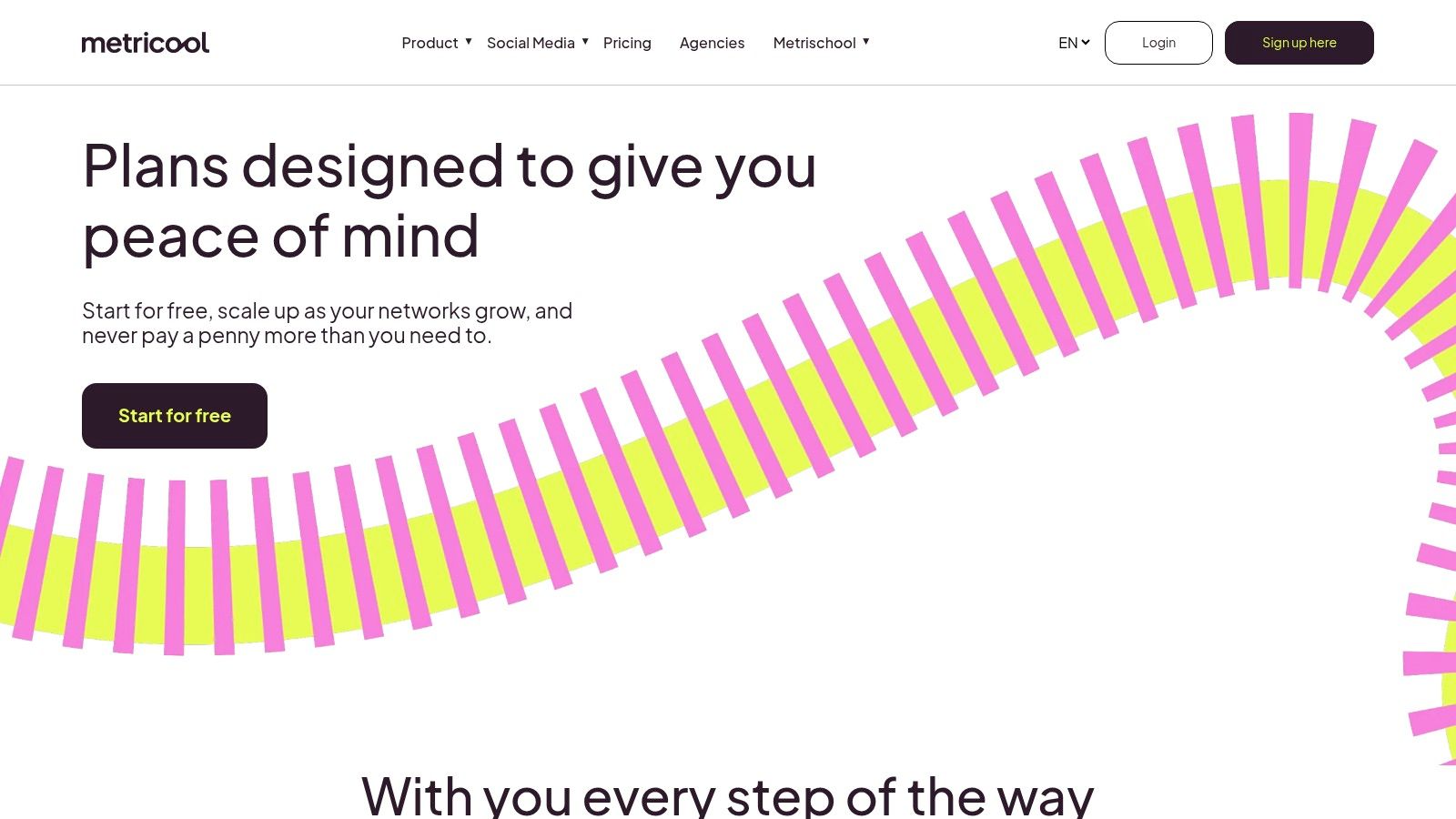
Metricool stands out by combining scheduling with powerful, yet easy-to-understand analytics, even on its free plan. For a church wanting to not only post content but also understand its impact, this platform provides a great starting point. It offers a clean, visual planner and a digestible analytics dashboard, making it a strong contender among the various free social media management software options for those who are data-curious.
The free plan allows you to manage one brand (which is perfect for a single church) and connect major platforms like Facebook, Instagram, and TikTok. You can schedule up to 50 posts per month, which offers more flexibility than many other free tools. The inclusion of basic competitor analysis is a unique feature at this price point, allowing you to track up to five other pages to see what’s working for them.
Best Use Case for Churches
Metricool is best for the church volunteer or staff member who wants to dip their toes into social media analytics without being overwhelmed. It’s ideal for scheduling Sunday service reminders and weekly announcements while also getting a simple report on post performance and audience growth. The 50-post limit is generous, but key platforms like LinkedIn and advanced integrations are behind a paywall.
- Free Plan Limits: 1 user, 1 brand, 50 scheduled posts per month.
- Key Features: Visual content planner, basic analytics and competitor tracking, AI caption assistant.
- Website: https://metricool.com/pricing/
While Metricool offers a great glimpse into social media data, its content creation tools are limited. For churches that need to generate a high volume of engaging content derived from sermons and events, a more specialized tool is necessary. Discover how a platform like ChurchSocial.ai can turn one sermon into dozens of AI-generated social posts, reels, and graphics, streamlining your entire church social media management workflow.
5. CoSchedule Marketing Calendar
For the church volunteer who thinks visually, CoSchedule's Marketing Calendar offers a refreshing, calendar-first approach to social media planning. Its strength lies in its ability to give you a bird's-eye view of your entire content schedule, from sermon series promotions to weekly event reminders. If your team thrives on seeing everything laid out on a drag-and-drop calendar, CoSchedule is a standout piece of free social media management software that prioritizes planning over complex analytics.
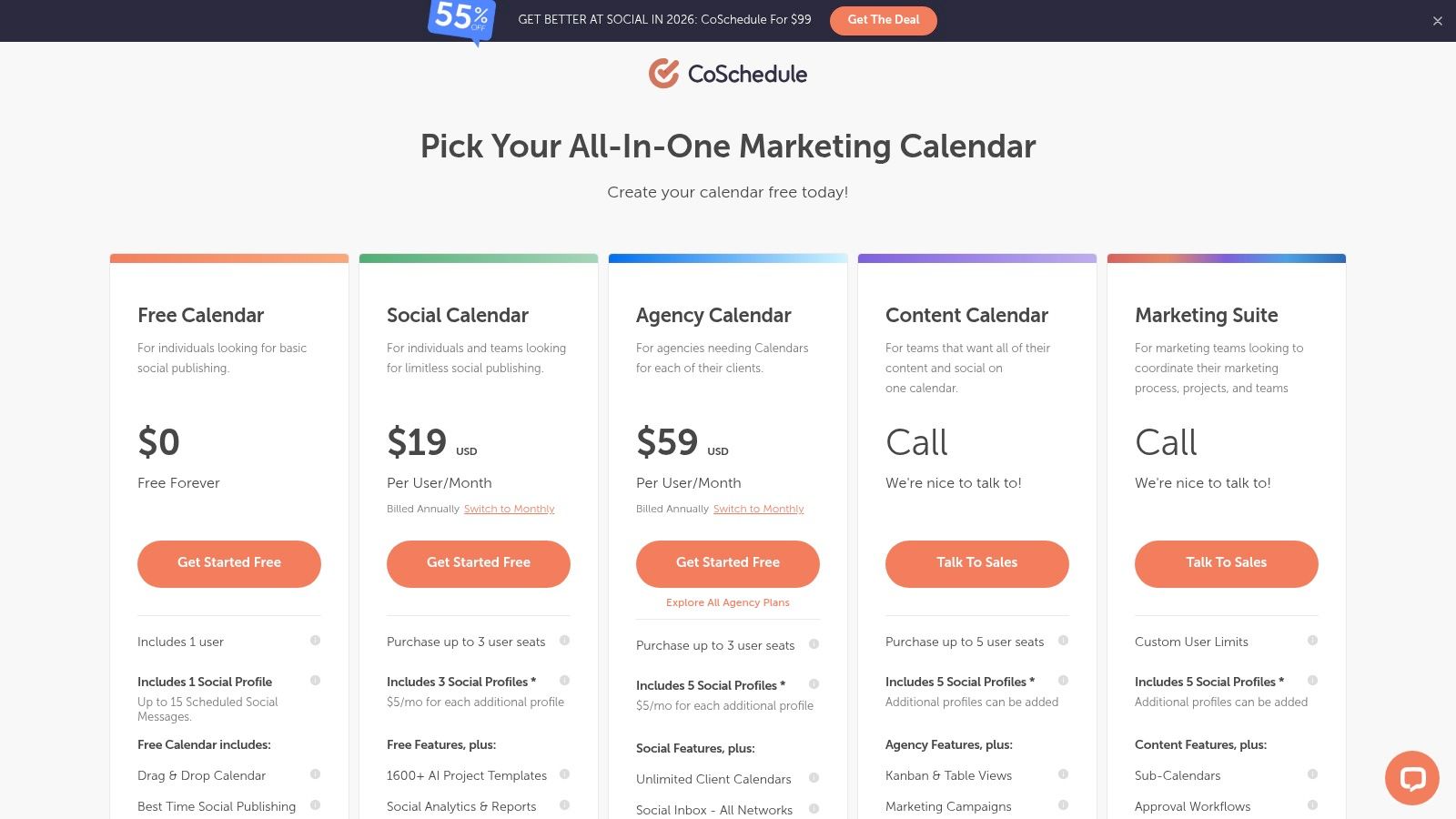
The free Marketing Calendar plan is designed for individuals getting started. It allows one user to connect one social profile and schedule up to 15 messages. This might seem limited, but its true value is in its organizational power. You can visualize your posting cadence for the upcoming weeks, use templates to streamline post creation, and leverage its "Best Time Scheduling" feature to maximize visibility for your posts, all within an intuitive calendar interface.
Best Use Case for Churches
This platform is perfect for a church communications director or volunteer who is responsible for more than just social media, like blog posts or email newsletters, and needs to see how everything fits together. The calendar-centric view helps prevent content gaps and ensures a cohesive message across all channels. However, the one-profile limit on the free plan is a significant restriction for most churches.
- Free Plan Limits: 1 user, 1 social profile, 15 scheduled messages.
- Key Features: Drag-and-drop calendar, Best-Time scheduling, AI assistant, project templates.
- Website: https://coschedule.com/pricing
While CoSchedule provides an excellent organizational framework, churches need more than just a calendar. A tool that integrates deeply with your ministry's core content, like sermons, is crucial. For an all-in-one solution like ChurchSocial.ai that transforms your sermon into AI-generated reels, social posts, and graphics, and syncs with your church calendar from Planning Center, you can explore how a purpose-built platform can enhance your church social media management.
6. Adobe Express – Content Scheduler
For churches that want to create and schedule their graphics in one seamless workflow, Adobe Express is a game-changer. It combines a powerful design tool, similar to Canva, with a robust content scheduler, making it an incredible all-in-one piece of free social media management software. If your ministry team creates a lot of visual content like sermon quotes, event flyers, or scripture graphics, this tool eliminates the need to jump between different apps.
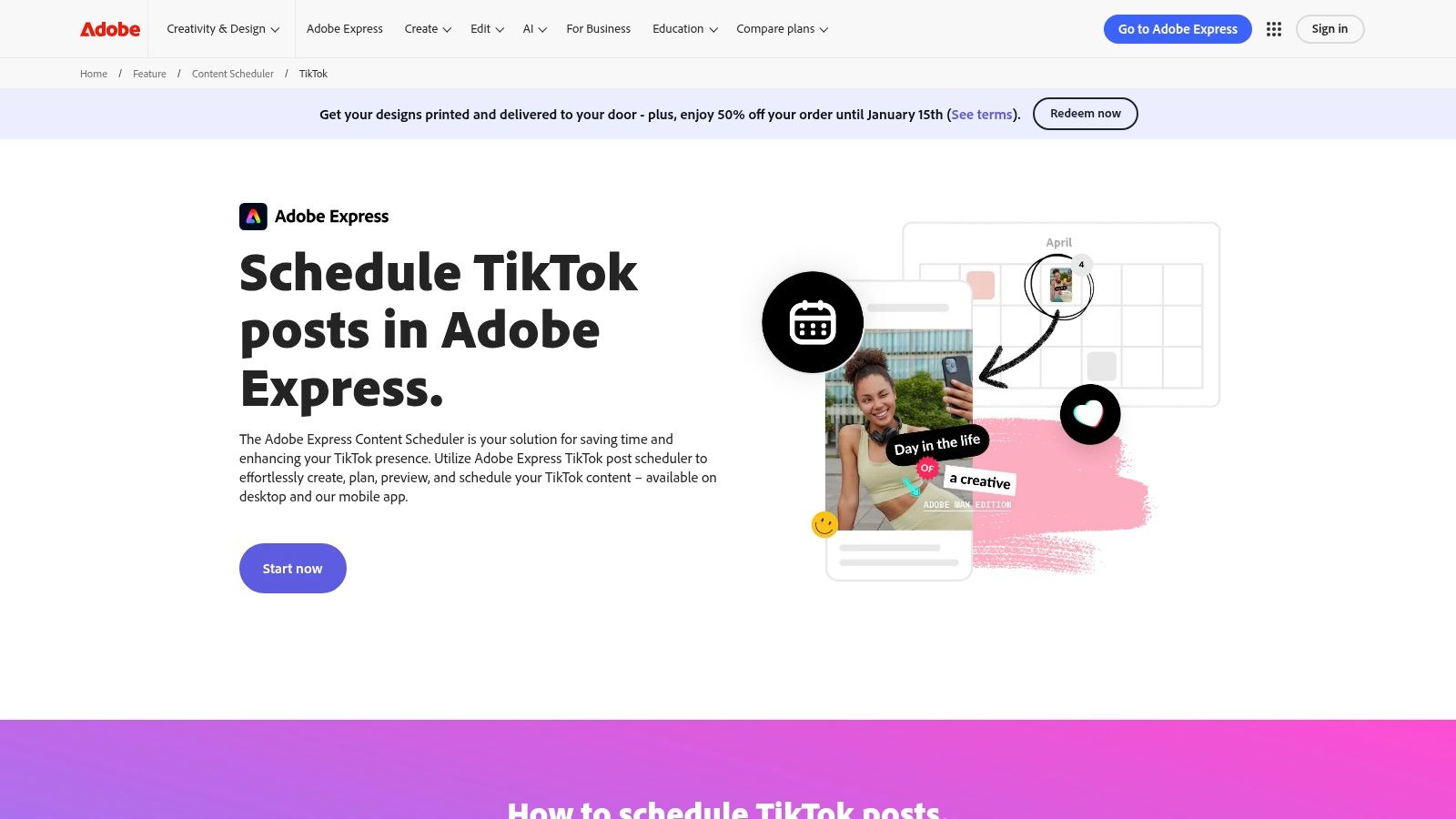
The free plan is surprisingly generous. It allows you to connect a profile for TikTok, Instagram, Facebook, X, Pinterest, and LinkedIn, and schedule up to 1,000 posts per month. This high limit means a volunteer could batch-create and schedule an entire month’s worth of visual content in a single session. The platform provides a massive library of templates and stock assets, which is perfect for designing high-quality announcements and posts quickly.
Best Use Case for Churches
Adobe Express is perfect for the visually-focused church that needs an efficient way to design branded graphics and schedule them directly. It’s ideal for communications teams that want to maintain a consistent aesthetic across platforms without paying for separate design and scheduling tools. The mobile app makes it easy to create and post from anywhere.
- Free Plan Limits: 1 user, multiple social channels (1 per platform), up to 1,000 posts per month.
- Key Features: Integrated design and scheduling, large template library, basic scheduling and publishing.
- Website: https://www.adobe.com/express/feature/content-scheduler/tiktok
While Adobe Express excels at visual content creation and scheduling, its strength is not in generating written content from your church’s unique ministry activities, like sermons. For a tool designed to transform your sermon transcripts into AI-generated posts, graphics, and video clips, ChurchSocial.ai provides a more ministry-centric solution. You can learn more about how to schedule social media posts as part of a comprehensive content strategy.
7. Meta Business Suite
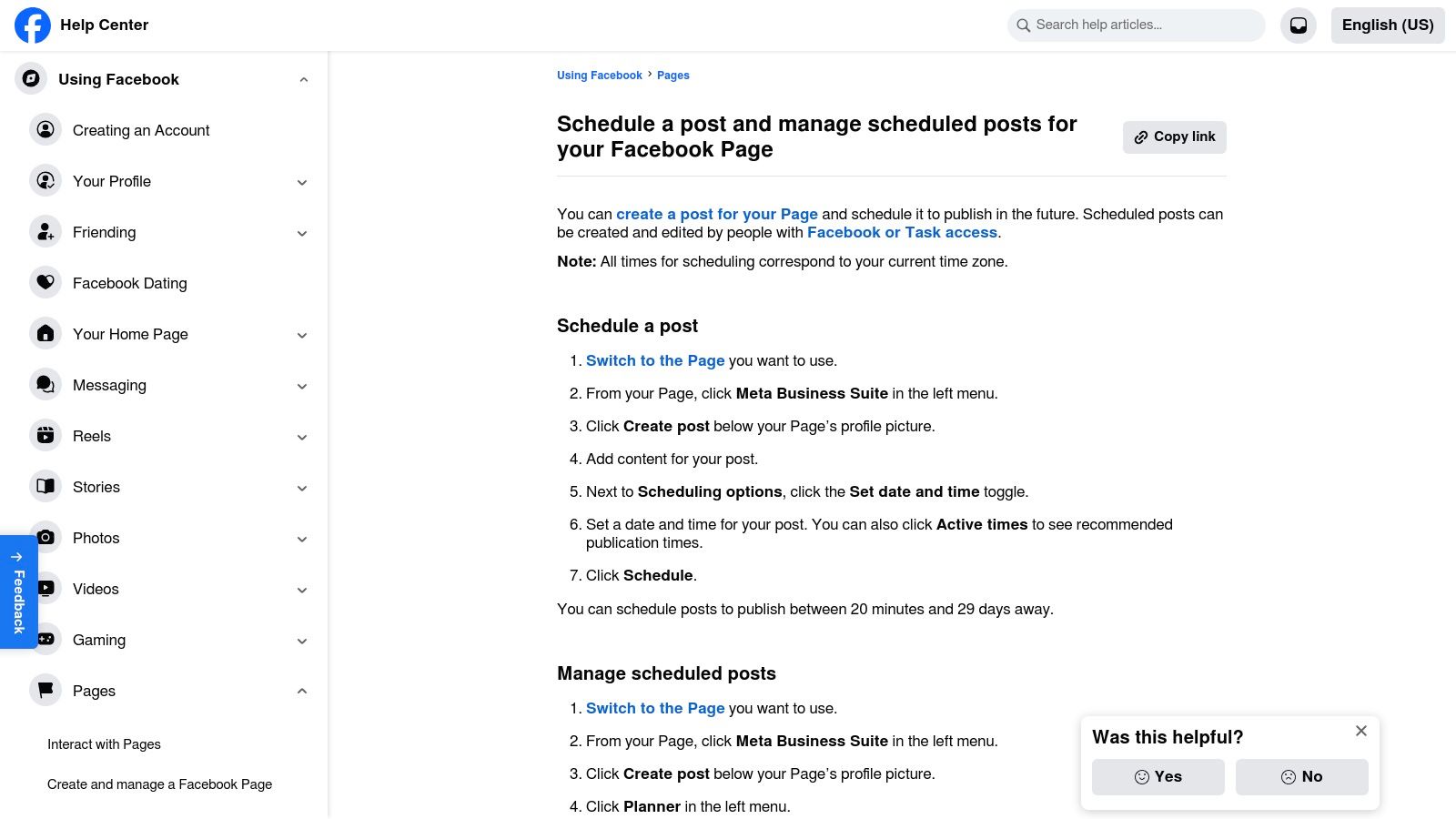
For churches focusing their outreach efforts primarily on Facebook and Instagram, Meta Business Suite is the official, completely free management tool. It eliminates the need for a third-party application, providing a native, integrated experience that often performs more reliably for Meta's platforms. If your church's core audience is on Facebook and Instagram, this is the most straightforward piece of free social media management software for your needs.
The main advantage is direct integration. You can create, schedule, and analyze posts, Stories, and Reels for both platforms from a single dashboard. Features like the content calendar and active times recommendations help volunteers plan sermon clips and event reminders when their congregation is most likely to be online. It's an excellent no-cost solution for managing the foundational platforms of most church communication strategies.
Best Use Case for Churches
Meta Business Suite is perfect for the church volunteer who is dedicated to managing only the church's Facebook Page and Instagram Business account. It provides all the essential scheduling and management tools without the potential API limitations or costs of external services. Its simplicity makes training new volunteers quick and easy.
- Free Plan Limits: 100% free for managing Facebook Pages and Instagram accounts.
- Key Features: Native scheduling for posts and Reels, unified inbox for messages and comments, basic performance analytics.
- Website: https://www.facebook.com/help/389849807718635
While ideal for Meta-centric strategies, its biggest limitation is that it doesn't support other platforms. For churches wanting a more powerful, all-in-one solution that transforms sermons into AI-generated Reels and integrates with calendars like Planning Center, exploring a specialized tool like ChurchSocial.ai can provide a more comprehensive approach to your church social media management.
8. Instagram (in-app native scheduling)
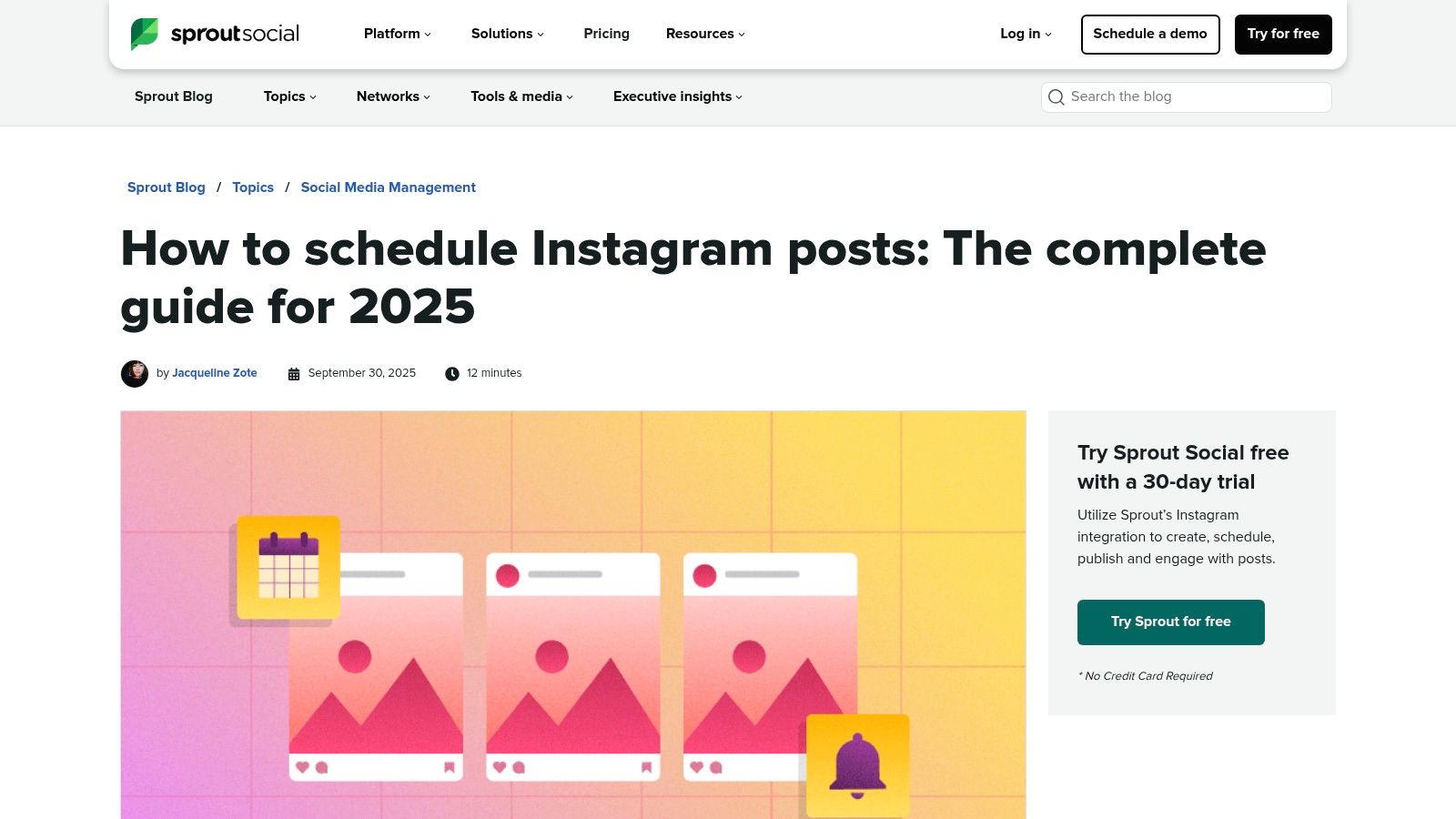
Sometimes the simplest tool is the one already in your hands. For churches heavily focused on visual ministry through Instagram, the platform's own native scheduling feature is a surprisingly effective piece of free social media management software. If your church has a Business or Creator account, you can schedule single posts and Reels directly within the app, making it perfect for phone-first workflows.
This built-in function eliminates the need for an external app for basic planning. It's ideal for a volunteer who captures a great moment at a church event and wants to schedule it for later in the week. The scheduling window is generous, allowing you to plan content from 20 minutes up to 75 days in advance, providing flexibility for both immediate and future posts.
Best Use Case for Churches
This is best for the church that is primarily Instagram-focused and needs a simple, no-cost way to schedule content without leaving the app. It’s perfect for scheduling sermon clips as Reels or posting event graphics created on a mobile device. However, its lack of a robust calendar view and inability to manage other platforms makes it a limited solution.
- Free Plan Limits: Available for all Professional (Business/Creator) accounts; no post limits.
- Key Features: Schedule posts and Reels natively, manage scheduled content in-app, reliable since it's a first-party tool.
- Website: https://sproutsocial.com/insights/instagram-scheduling/
While native scheduling is convenient for Instagram, it doesn’t help you manage Facebook or other channels, nor does it assist with content creation. For an all-in-one solution that generates social posts and Reels from your sermons and integrates with your church calendar, ChurchSocial.ai is a major step up. You can explore how a dedicated tool streamlines your entire church social media management workflow and repurposes your ministry content effortlessly.
9. TikTok (Video Scheduler via web/TikTok Studio)
While not a full-suite tool, TikTok's own native scheduler is a powerful and often overlooked piece of free social media management software for churches wanting to build a presence on the platform. Accessible via a web browser on your desktop, TikTok Studio allows you to upload, edit, and schedule your videos in advance without needing a third-party app. This is perfect for batching short-form sermon clips, event promotions, or behind-the-scenes ministry moments.
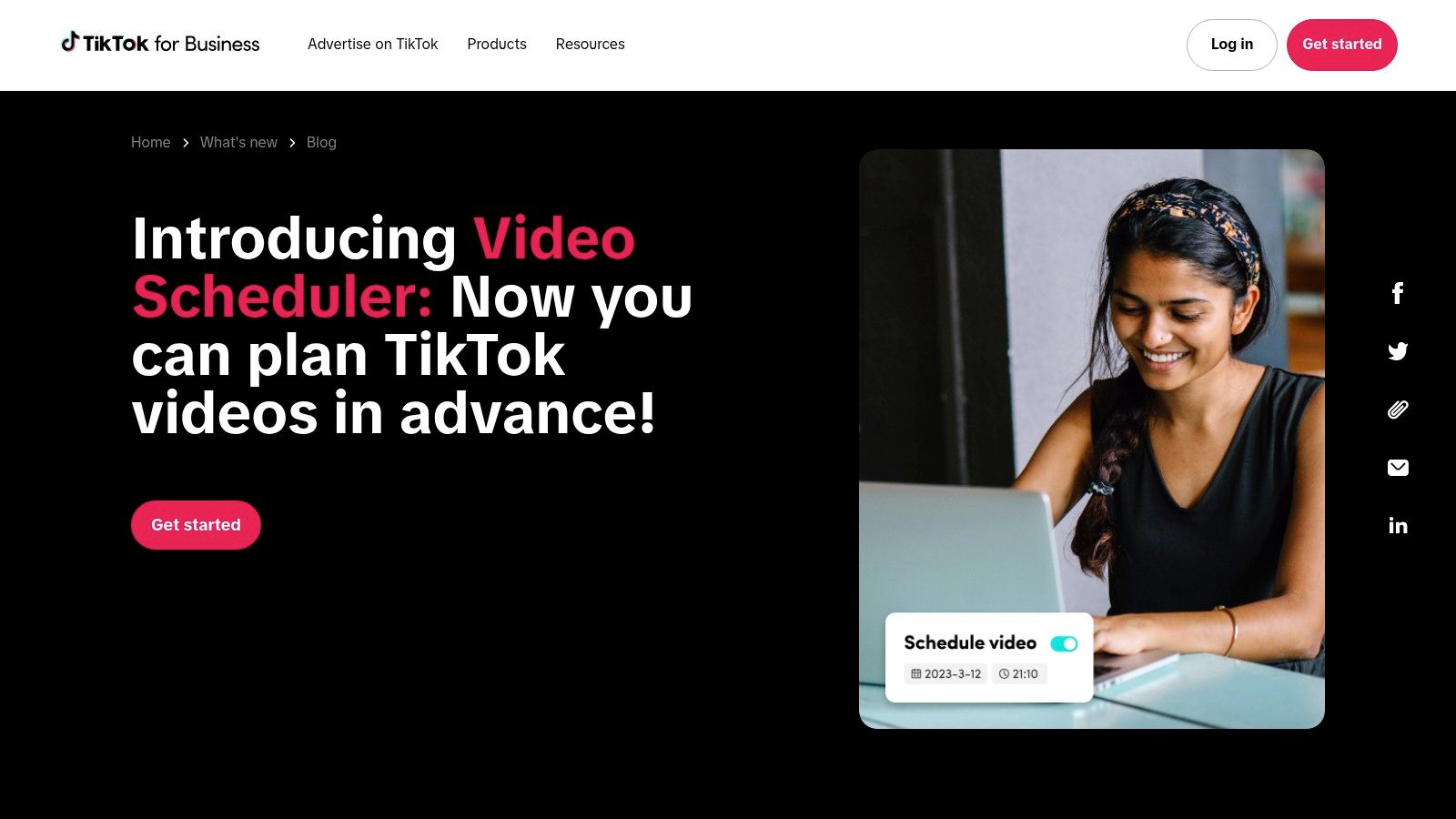
The primary benefit is its simplicity and direct integration. You can schedule videos from 15 minutes up to 10 days in the future, which helps maintain a consistent posting cadence. This requires a Business Account (which is free to switch to) but provides a clean workflow for getting content queued up. Instead of trying to upload from your phone during a busy week, your media volunteer can prepare a week’s worth of videos in one sitting.
Best Use Case for Churches
This is ideal for the church that has started creating short-form video content but needs a simple system to ensure it gets posted consistently. It's a fantastic, no-cost starting point for scheduling your TikTok-specific content. The main limitation is the 10-day scheduling window, making it unsuitable for long-term planning.
- Free Plan Limits: Schedule up to 10 days in advance, requires a Business or Creator account.
- Key Features: Native scheduling directly on the platform, desktop browser access, simple upload-and-schedule workflow.
- Website: https://ads.tiktok.com/business/en/blog/introducing-video-scheduler-now-you-can-plan-tiktoks-in-advance
While the native scheduler is great for TikTok, it doesn't help with your other platforms or content creation itself. To truly streamline your workflow, you can learn more about how to create engaging social media content with tools like ChurchSocial.ai, which can generate AI reels from sermons and manage your entire content calendar from one place.
10. Pinterest (Native Pin Scheduler)
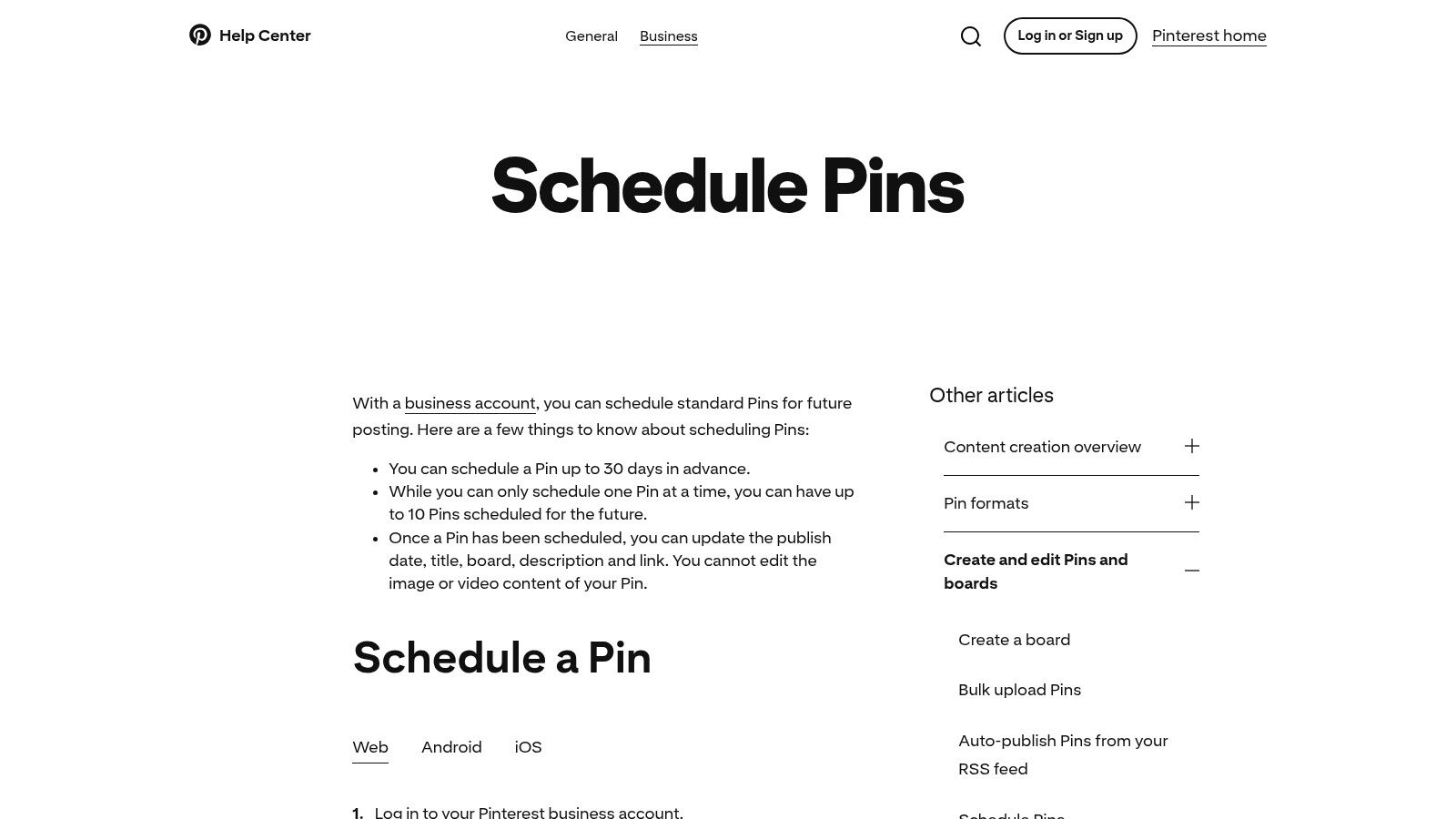
For churches active on Pinterest, managing content doesn't always require a third-party tool. Pinterest’s own native scheduler, available with a free Business account, is a surprisingly effective piece of free social media management software for visual content. It’s a simple, no-frills way to plan and publish Pins for sermon series graphics, event flyers, or inspirational quotes without leaving the platform.
This built-in feature allows you to schedule Pins up to 30 days in advance, providing a straightforward method for batching content. While it's not a comprehensive management suite, its direct integration means there are no connection issues or formatting errors. For a church that uses Pinterest to share devotionals, blog post graphics, or announcements, this native tool is a cost-effective and reliable option.
Best Use Case for Churches
The native scheduler is perfect for the church volunteer who manages the Pinterest account and wants to plan a month's worth of visual content in one sitting. It's ideal for seasonal campaigns like Advent or Easter, allowing you to prepare and schedule relevant graphics and devotionals ahead of time. The main limitation is that you must schedule Pins one by one.
- Free Plan Limits: 1 user, 1 Pinterest account, up to 100 scheduled Pins, 30-day scheduling window.
- Key Features: Schedule Pins and Idea Pins, edit scheduled Pin details before publishing, direct and official tool.
- Website: https://help.pinterest.com/en/business/article/schedule-pins
While the native scheduler is great for Pinterest-specific planning, it operates in a silo. For a truly integrated strategy where you can create graphics, generate post ideas from sermons, and schedule to all your platforms from one calendar, a dedicated tool is necessary. A platform like ChurchSocial.ai transforms your church social media management by centralizing content creation and scheduling.
11. LinkedIn (Native Post Scheduling)
For churches focused on professional outreach, staff recruitment, or connecting with community leaders, LinkedIn is an essential platform. While not a comprehensive tool, LinkedIn’s built-in scheduling feature is a surprisingly effective piece of free social media management software for managing your church's professional presence without needing a separate app. It allows you to plan and publish content directly from the post composer.
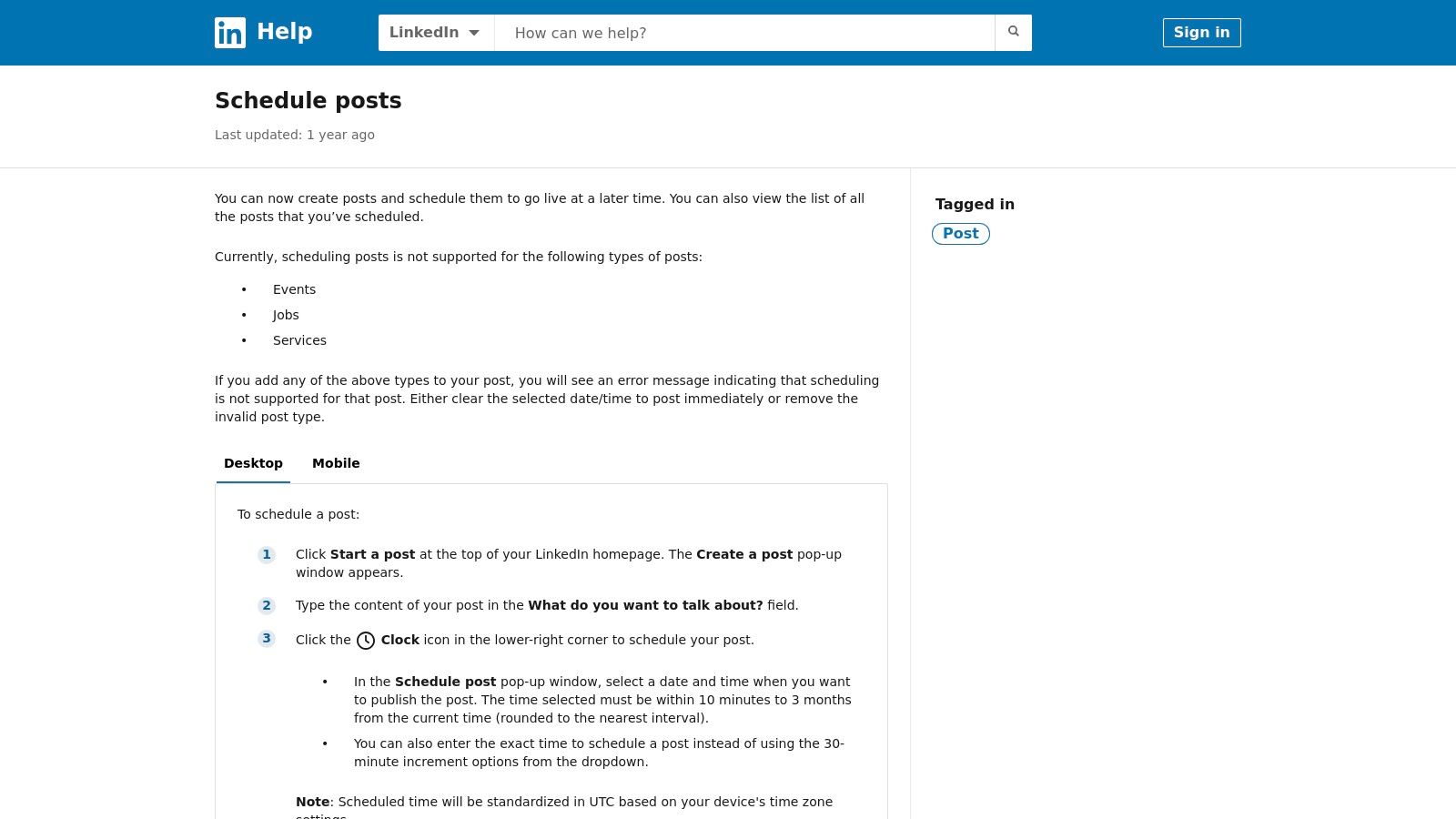
This native function is perfect for scheduling job postings for ministry positions, sharing leadership articles from your pastoral staff, or highlighting community partnerships. You can schedule posts up to three months in advance, which is great for planning around major church seasons like Easter and Christmas. Accessing it is as simple as clicking the small clock icon when creating a post.
Best Use Case for Churches
This tool is ideal for the church administrator or pastor responsible for maintaining the church’s professional image. It’s perfect for scheduling a consistent stream of content, like weekly leadership thoughts or monthly volunteer highlights, without adding another tool to the workflow. However, it only manages LinkedIn and cannot schedule Events or Jobs posts.
- Free Plan Limits: No user or post limits, but only for standard posts on a single LinkedIn Page.
- Key Features: Schedule up to 3 months in advance, view and manage scheduled posts in a dedicated list.
- Website: https://www.linkedin.com/help/linkedin/answer/a1347212
While native scheduling is convenient for a single platform, it doesn't solve the challenge of managing a broader social media strategy. A centralized platform like ChurchSocial.ai can handle all your channels from one simple drag-and-drop calendar. It also offers specialized tools to create AI-generated reels, graphics, and social posts directly from your sermon content, truly streamlining your church social media management.
12. YouTube Studio
While not a multi-platform tool, YouTube Studio is an essential piece of free social media management software for any church that posts video sermons or announcements. Since YouTube is often the primary hub for a church's long-form video content, using its native scheduling tools is the most reliable and effective way to manage these important posts. It allows you to upload and schedule your weekly sermon to go live at the perfect time without needing a third-party connection.
The platform is built directly into your church's YouTube channel and is completely free. During the upload process, you can set a specific date and time for your video to be published. All your scheduled videos are then neatly organized in the "Content" tab of your Studio dashboard, giving you a clear view of your upcoming video pipeline. This native functionality ensures maximum reliability and access to YouTube's latest features.
Best Use Case for Churches
YouTube Studio is indispensable for the church media volunteer responsible for uploading and publishing the weekly sermon video. By scheduling the video to release on Sunday afternoon or Monday morning, you can ensure your message reaches the congregation consistently. It's a "set it and forget it" tool specifically for your most important video content.
- Free Plan Limits: No limits on scheduling or users with channel access.
- Key Features: Native video scheduling, content management dashboard, access to creator optimization tools like thumbnail A/B testing (eligibility required).
- Website: https://studio.youtube.com/
Managing your primary sermon video here is a must, but what about creating shorter clips and promotional graphics for other platforms? For turning sermon transcripts into AI-generated Reels, carousels, and a full content calendar, a dedicated tool like ChurchSocial.ai can help you take that single sermon and multiply its impact across all your church social media management channels.
12 Free Social Media Management Tools — Feature Comparison
When to Graduate from Free Tools: Your Next Step in Digital Ministry
Navigating the landscape of free social media management software can be a game-changer for your ministry, especially when resources are tight and every minute of a volunteer's time counts. Throughout this guide, we've explored a wide array of powerful platforms, from versatile schedulers like Buffer to the essential native tools within Meta Business Suite and YouTube Studio. Each offers a unique entry point into streamlining your digital outreach without impacting your church's budget.
You've learned how tools like Adobe Express can help you design and schedule graphics in one place. These free options are the perfect starting point for establishing a consistent, organized, and impactful social media presence. They empower a solo volunteer or a small team to lay a solid foundation for digital discipleship.
However, as your ministry grows, so will the complexity of your communication needs. The very limitations that make free tools accessible can eventually become bottlenecks that hinder your mission's reach.
Recognizing the Ceiling of Free Software
Free tools are an incredible blessing, but they are designed with intentional limits. Recognizing when you've hit these limits is the first step toward scaling your digital ministry effectively. Watch for these common growing pains:
- The Time Sink: Are you spending more time toggling between different "free" accounts, manually copying sermon quotes, and patching together workflows than you are on ministry? The time lost trying to make separate, limited tools work together often outweighs the initial cost savings.
- The Content Bottleneck: Is your team struggling to consistently generate fresh, engaging, and biblically-sound content? If you're constantly struggling to create visuals and short videos from the weekly sermon, your free tools lack the specialized features to help.
- The Data Black Hole: Are you able to tell what's actually working? Most free plans offer minimal analytics. Without clear data, you're essentially guessing which posts resonate with your community and which ones fall flat, making it impossible to refine your strategy for real impact.
- The Collaboration Wall: Has your team grown beyond one person? Trying to coordinate content approvals and plan a calendar using a patchwork of free tools, emails, and direct messages leads to confusion, missed posts, and volunteer burnout.
If these challenges sound familiar, it’s not a sign of failure; it's a sign of growth. Your ministry's digital needs are maturing, and it's time to consider a tool built specifically to handle the unique demands of church communication. The goal is not just to manage social media but to multiply your ministry's impact online.
This is the point where a dedicated, all-in-one platform like ChurchSocial.ai becomes an investment rather than an expense. With ChurchSocial.ai, you can automatically generate reels, graphics, and social posts from your sermon transcript, manage everything on a simple drag-and-drop calendar, and even integrate with your church calendar for event promotion. When you’re ready to reclaim your time and amplify your message, graduating to a purpose-built solution is the most strategic next step you can take. Your mission deserves tools that grow with you.
Ready to transform your church's social media from a time-consuming task into a powerful ministry engine? ChurchSocial.ai is the all-in-one platform built specifically for churches, integrating AI-powered content creation from your sermons with a simple drag-and-drop calendar and powerful design tools. See how you can save hours every week and amplify your message by exploring ChurchSocial.ai today.


