
Sunday is coming. A family just moved across town, and before they ever visit a church building, they search on their phone for service times, directions, kids ministry, and whether the church looks active and welcoming. If your church doesn't show up clearly, or if your listing shows the wrong hours, an old phone number, or no photos at all, you've already made that visit harder than it needed to be.
That's why Google Business Profile setup matters so much for churches. It isn't a side task for someone on staff when they get around to it. It's one of the clearest ways to help people find your church at the exact moment they're looking for one.
Why Your Church Needs a Google Business Profile
A church's Google Business Profile functions like a digital front door. For many visitors, it's the first thing they see before your website, your Instagram, or your Sunday welcome team. They're checking practical details first: where you are, when services start, whether the building is accessible, and whether the church feels alive.
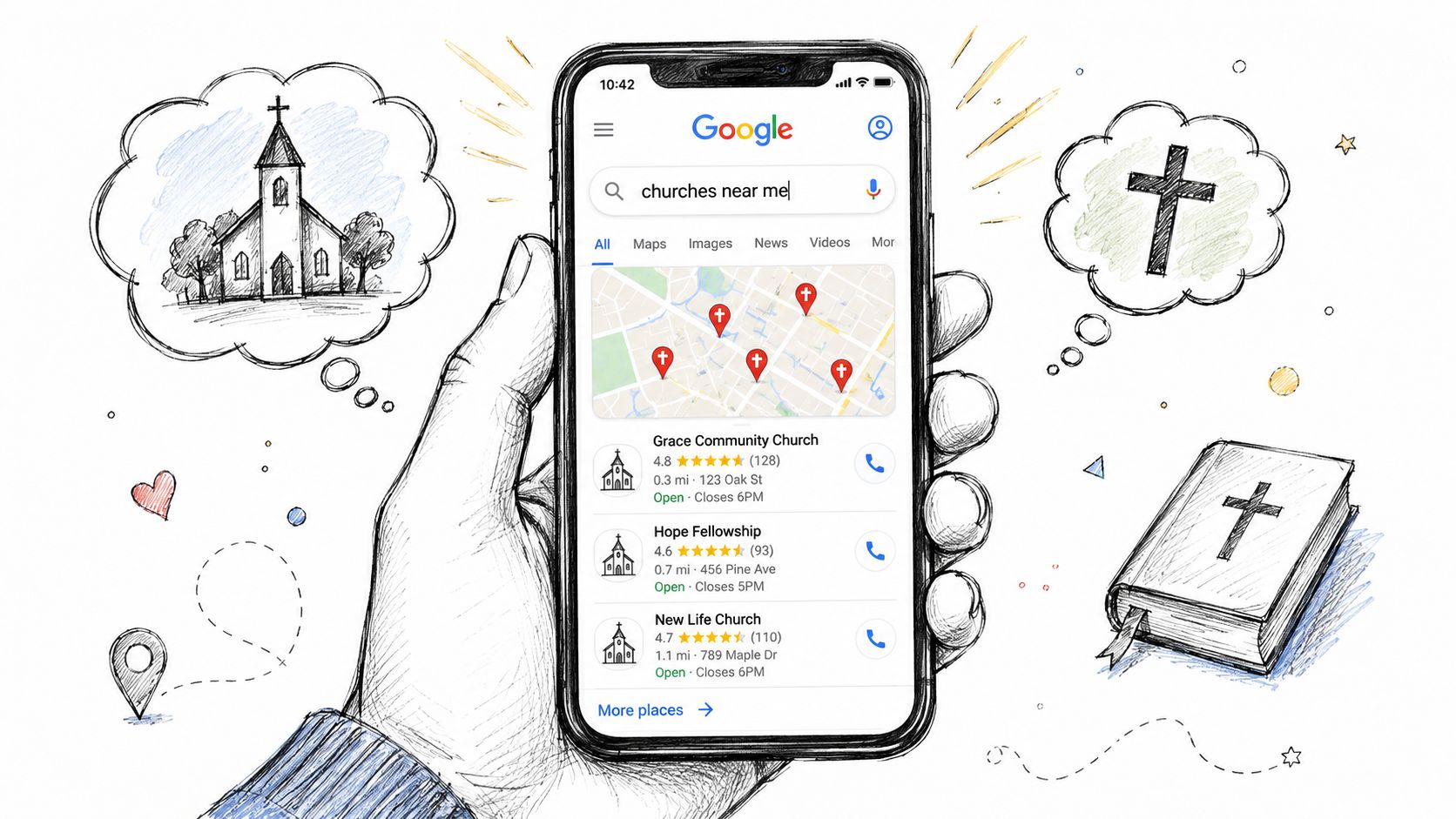
Google positions Google Business Profile as a free way for organizations to appear on Search and Maps through three steps: create, personalize, and manage, and it allows owners to add hours, photos, updates, and review responses from the same profile through Google Business Profile. That matters for churches because local discovery usually starts with simple questions, not deep brand loyalty.
Visibility matters before a visitor ever arrives
Industry data gives this weight. Businesses with a Google Business Profile are 2.7x more likely to be trusted by customers, and fully filled-out profiles receive 80% more appearances in search and 4x as many website visits, according to Google Business Profile statistics compiled by Search Endurance. Churches don't operate like restaurants or contractors, but the local search behavior is similar. People still choose from what they can find, trust, and understand quickly.
A weak listing creates friction:
- Missing service times means a visitor isn't sure when to come.
- No recent photos can make the church feel inactive.
- An outdated phone number sends a family to voicemail limbo.
- No clear description leaves basic ministry questions unanswered.
Practical rule: If a first-time guest can't confirm your location, worship time, and next step in under a minute, your profile needs work.
Church leaders who want a broader outreach strategy should also think beyond Google alone. Strong local discovery works best when it supports your wider communications system. If attendance is a current focus, this practical guide on how to increase church attendance connects digital visibility with real on-campus follow-through.
Credibility starts with completeness
I've found that churches often treat Google as a map listing when it should be treated as ministry infrastructure. It answers urgent questions for people who aren't ready to email the office. It also helps regular attenders confirm holiday schedules, midweek events, and campus details without calling anyone.
If you want another perspective on the fundamentals, these local business Google Business Profile tips are useful because they reinforce the same core principle: complete, active profiles tend to perform better than neglected ones.
Creating or Claiming Your Church Profile
Many churches make the same mistake at the start. They create a brand-new profile before checking whether Google has already generated one. That often leads to duplicate listings, confused directions, and split visibility.
Google's own guidance says there should only be one profile per business or location to avoid display problems in Search and Maps, and it supports both paths: claiming an existing profile or creating a new one through Google's profile setup guidance.
First check whether your church already exists
Search your church name in Google Search and Google Maps first. Do this for:
- Your main church name
- Common abbreviations
- Older campus names
- Misspelled variations your community might use
If a listing appears and it isn't managed by your team, don't create another one. Claim it.
If your church already appears on Maps, your job probably isn't “set up a listing.” It's “take ownership of the right listing.”
That single decision prevents a lot of cleanup later.
Claiming an existing profile
Claiming is common for churches that have been around a while. A profile may have been auto-populated, created by a volunteer years ago, or left unmanaged after a staff transition.
The basic process looks like this:
- Find the existing profile in Search or Maps.
- Request ownership through Google's prompt.
- Wait for confirmation if another owner or manager is attached.
- Complete verification once access is granted.
This path is different from starting fresh. It can take more patience, but it's usually the correct route if your church already shows publicly.
Creating a new church profile
If no listing exists, create one. Google's public setup flow points users to create, personalize, and manage a profile, but the details matter most for churches.
Use your actual church identity:
| Field | What to use |
|---|---|
| Church name | Your actual church name as used on signage and official documents |
| Address | Your real worship location, if people attend there |
| Phone | Your main line or the number a guest can actually reach |
| Website | The page most helpful for a first-time visitor |
| Category | The category that best matches your core ministry presence |
Don't try to improve search visibility by adding city names, taglines, or ministry keywords into the church name. That usually creates problems instead of helping.
For a practical outside example of profile improvement work, this article on how to optimize your Google Business Profile is written for restaurants, but the setup logic still applies. Get the core data right before you worry about optimization tactics.
One church, one location, one profile
If your church has multiple campuses, each physical location should be treated carefully. A single location should not have multiple public profiles competing with each other. Keep ownership centralized, document who has access, and use an internal password and permissions process so a profile doesn't get stranded with a former staff member or volunteer.
That simple discipline saves hours later.
Optimizing Your Profile to Welcome Visitors
Once your church is claimed and verified, the actual work starts. A bare profile can appear in search. A well-built profile can answer a visitor's questions before they ask them.
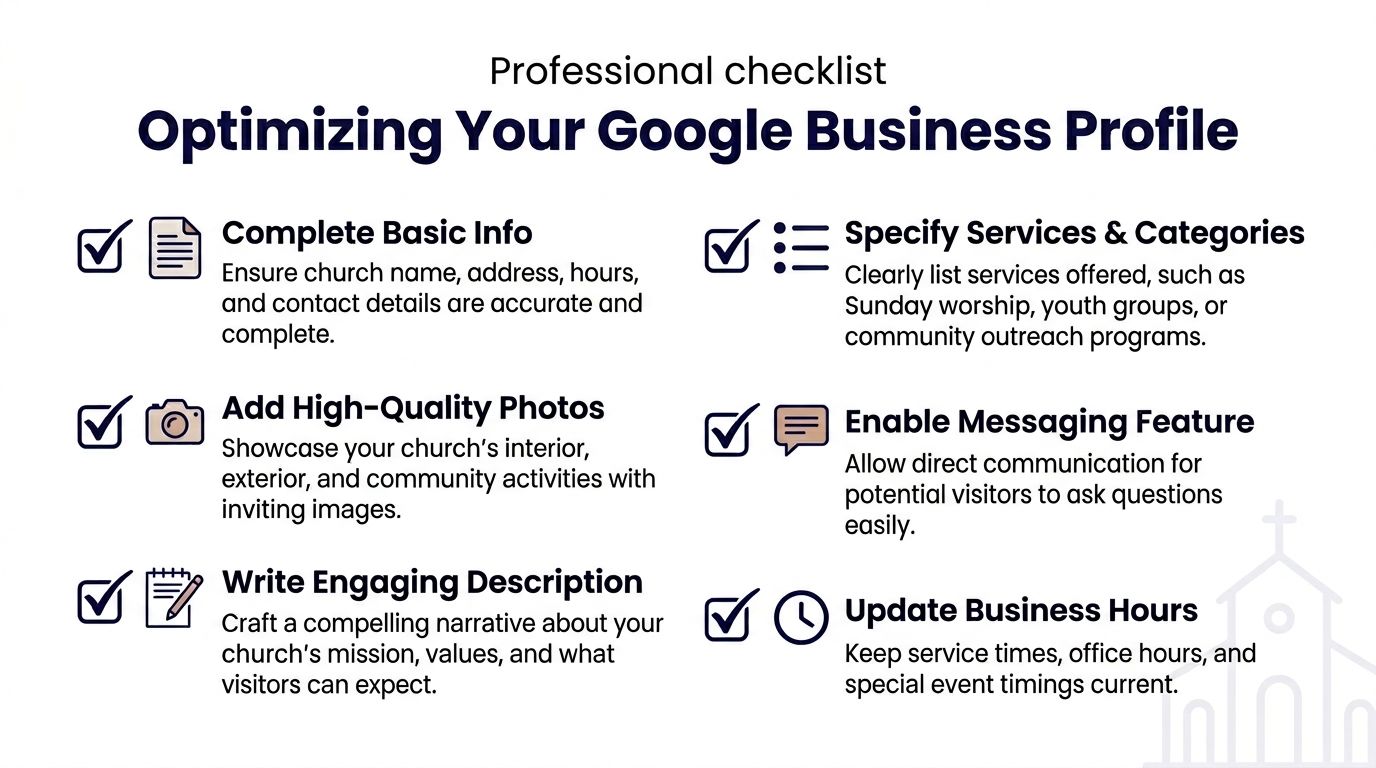
Fill the fields that remove doubt
For churches, the highest-value fields are the ones that reduce uncertainty for a first-time guest.
Start with these:
- Primary category. Use the category that reflects the church itself, not a ministry program.
- Address or service area. If you have a physical worship location, use it accurately. If your ministry operates differently, configure the profile to reflect reality.
- Phone number. Use the number someone will answer or return.
- Website link. Send people to your most useful visitor page, not a buried internal page.
- Hours. Churches should think through office hours and service times carefully so visitors aren't left guessing.
Google requires businesses to be represented exactly as they are in the real world, and stuffing keywords into the business name or address fields can put the profile at risk, according to Google's business representation guidelines.
Use categories and descriptions with restraint
Church teams sometimes overcomplicate categories. In practice, less is better. Google's guidance favors using the fewest categories needed to describe the core business. For a church, that means your main identity should stay clear.
Your description should sound like your church, not like an SEO checklist. Write for a parent, a new resident, or someone returning to church after years away. Include what they can expect on Sunday, what ministries are available, and whether you offer livestreams or classes.
A useful mental check is this: if the description sounds unnatural when read aloud by a pastor or front-desk volunteer, rewrite it.
Your Google description should help a guest decide whether to visit. It shouldn't try to impress an algorithm.
Choose photos that build confidence
Churches often default to stage shots with people everywhere. Those can be useful, but they aren't always the best first images for local search. For many churches, cleaner environmental photos work better.
Consider uploading:
- Exterior building photos so guests recognize the property when they arrive
- Sanctuary photos taken before a service, with clear lighting
- Lobby and welcome desk images that show where guests should enter
- Kids ministry check-in areas without featuring identifiable children
- Parking and entrance views that reduce arrival-day anxiety
If you want a broader optimization framework from outside the church world, this guide for local service businesses is worth scanning because it highlights many of the profile elements that also matter for local ministry visibility.
Keep special hours and attributes current
Churches run into avoidable confusion around holidays and special events. Easter weekend, Christmas Eve, Good Friday, night of worship gatherings, and office closures all create exceptions. If your profile says one thing and your website says another, visitors won't know which to trust.
A simple maintenance checklist helps:
- Review service times weekly
- Update holiday schedules early
- Confirm accessibility details
- Check links after major website changes
If your church is a service-area ministry, mobile outreach, or a nontraditional setup without a normal public office, configure the listing that way instead of forcing a storefront model that doesn't fit.
Engaging Your Community with Posts and Messaging
A complete profile helps people find you. An active profile shows that your church is engaged, current, and paying attention.
Google Posts work well for churches because they give you a lightweight place to publish timely updates. Think of them as short ministry touchpoints tied to local search intent. You can use them to announce a sermon series, invite people to a food drive, remind families about VBS registration, or highlight a Christmas Eve schedule change.
What churches should post
The churches that manage this well usually don't post random graphics. They post the kinds of updates a local guest or attender would need.
Good fits include:
- A new sermon series with a short invitation and service details
- Seasonal events like Easter, Christmas, or back-to-school prayer nights
- Community outreach such as pantry distributions or volunteer drives
- Midweek ministries including youth nights, support groups, or classes
Messaging matters too. When someone asks, “Do you have childcare?” or “Which entrance should I use?” they're often deciding whether they'll come at all. A slow or unclear response can quietly end the conversation.
Turn weekly ministry work into Google content
Churches often stall. The problem usually isn't ideas. It's workflow. The sermon exists. The event is already on the calendar. The announcement slide was already made. But nobody has time to turn those pieces into fresh Google Posts every week.

One practical way to handle that is to use a church-specific workflow tool that can repurpose existing ministry material. ChurchSocial.ai can create content from sermon transcripts, generate sermon-based clips and social copy, offer graphic templates and an editor for posts and carousels, and schedule content through a drag-and-drop calendar. It also supports Google Business as a publishing channel and connects with church calendars such as Planning Center, which makes it easier to turn weekly ministry activity into consistent Google updates. If your team is trying to connect local search with a broader outreach strategy, this article on social media and church communication is a useful companion read.
A healthy Google profile usually doesn't need “more content.” It needs a repeatable way to publish the content your church is already creating.
Messaging needs an owner
Don't enable messaging unless someone owns it. Churches get into trouble when a feature is turned on but nobody checks it. Assign response responsibility to a staff member or trained volunteer. Build simple response templates for common questions, but personalize them before sending.
Quick, human replies beat polished but delayed ones every time.
Managing Your Profile with ChurchSocial.ai
A church Google Business Profile needs regular care, the same way your front doors, lobby signs, and service slides do. If Christmas Eve times changed in Planning Center but your Google profile still shows the old schedule, a first-time guest feels that disconnect before they ever meet your team. Good management closes that gap.
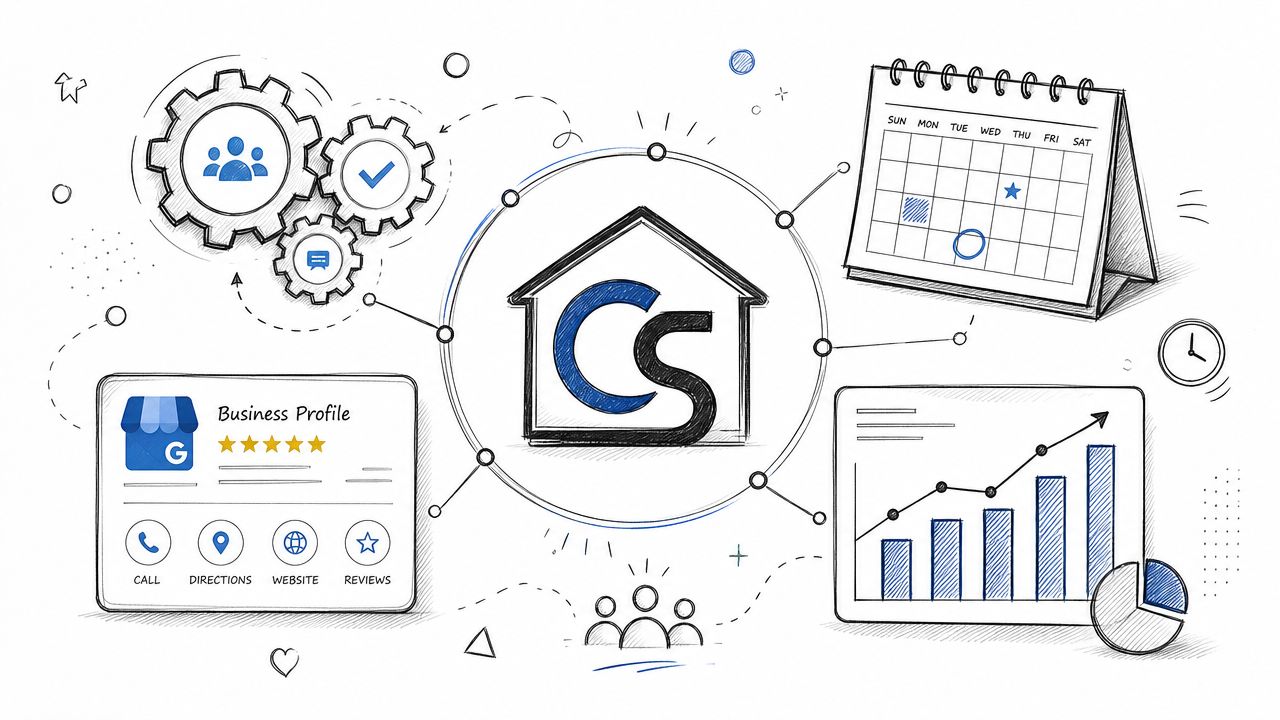
Watch the signals that matter
Church staff can waste time staring at numbers that do not change ministry decisions. Track the signals that point to a real next step for a guest or your team.
| Signal | What it often tells you |
|---|---|
| Search visibility | Whether people can find your church while searching nearby |
| Website visits | Whether your profile is sending people to plan-a-visit, ministries, or sermon pages |
| Calls | Whether guests need direct help with service times, childcare, or events |
| Direction requests | Whether searchers are getting ready to attend in person |
Those signals become more useful when you review them against the church calendar. If direction requests rise the week before Easter, that makes sense. If website visits spike after you post a sermon series invite but nobody clicks through to your visit page, your content may be interesting without helping a newcomer take the next step.
Multi-campus churches feel this even more. One campus may have current photos, correct ministry hours, and fresh event posts, while another still shows last fall's outreach banner. Guests notice the difference quickly.
Build a workflow your team can keep
The churches that manage GBP well usually do not treat it as a side task. They fold it into the same communications process already used for sermons, events, and weekly announcements.
A sustainable rhythm often looks like this:
- Weekly review of service times, ministry updates, and unanswered questions
- Monthly content planning for sermon series, baptisms, food drives, and major church events
- Quarterly photo refresh for worship spaces, kids check-in, signage, and seasonal decor
- Shared access and clear ownership so the profile does not stall when a volunteer rotates off the team
I have found that churches stay consistent when the source of truth is clear. Planning Center may hold event details. Your website may hold visit-page content. Google needs the public-facing highlights, not a second full calendar built by hand.
That is where ChurchSocial.ai helps in a practical way. Teams can use ChurchSocial.ai's social media management tools to plan Google updates alongside Facebook, Instagram, YouTube, and sermon-based content, while keeping church events tied to systems such as Planning Center. The benefit is simple. Fewer duplicate steps, fewer missed updates, and a better chance that a guest sees the same message everywhere.
Treat profile management like front-door ministry
Google profile management is hospitality work. If your listing promotes a women's event that happened two months ago or shows office hours nobody keeps anymore, guests start with confusion instead of trust.
Review the profile the way a first-time family would. Check service times before holiday weekends. Replace stale event graphics with current ministry photos. Make sure the phone number reaches someone who can help. Remove posts that no longer reflect what a guest will experience on campus.
A healthy process beats occasional cleanup. ChurchSocial.ai makes that process easier because it lets your team reuse sermon content, event plans, and scheduled communications instead of rebuilding each update from scratch. That keeps Google Business Profile management connected to the rest of your ministry communications, which is where it belongs.
Troubleshooting Verification and Common Issues
Verification is where many churches get stuck. The hardest cases usually involve an old listing, a former staff owner, or a profile that Google already auto-populated years ago. In those situations, claiming the profile often requires an ownership request and a waiting period rather than a simple new-profile flow, as explained in this walkthrough on claiming an existing Google Business Profile.
When verification requires visual proof, make your church easy to confirm. Show permanent exterior signage, the main entrance, and the physical connection between the building and the profile details. If your listing uses an address, signage matters because Google's guidelines tie physical presence closely to how location-based profiles are represented.
If something goes wrong, work the problem in this order:
- Check for duplicate listings before making edits anywhere else.
- Confirm the church name, address, and phone match the actual church.
- Review account access so current staff control the profile.
- Document everything before submitting appeals or ownership requests.
Suspensions and duplicate issues usually get worse when churches start improvising. Slow, accurate cleanup works better than repeated edits made in frustration.
Churches don't need more disconnected tools. They need a clear system for turning sermons, events, and weekly ministry rhythms into consistent outreach. ChurchSocial.ai gives church teams a practical way to plan content, create sermon-based posts and reels, manage graphics, and schedule updates across channels, including Google Business, from one calendar. For a solo volunteer or a larger communications team, that makes Google Business Profile management easier to sustain week after week.


