

Your weekly sermon is the heart and soul of your ministry, but its impact shouldn't be trapped within the four walls of your church on a Sunday morning. When you turn your sermon on video, you transform a one-time event into a resource that can reach people all week long. This isn't just about hitting "go live"; it's a fundamental shift in how we do outreach.
Why Your Sermon on Video Is Your New Front Door
Think about it: the first time many people interact with your church won't be by walking through your physical doors. It’ll be online. Your recorded sermon is often the very first "hello" a potential visitor gets, offering a real look into your teaching, your worship, and your community's heart long before they decide to visit in person.
That makes having a solid, high-quality video strategy more than just a tech task—it's an act of digital hospitality.
This isn't just a hunch; the shift is well-documented. The COVID-19 pandemic threw this into hyperdrive, with a staggering 96% of U.S. Protestant pastors starting to stream their services in 2020. And this change is here to stay. Looking ahead, 86% of U.S. church leaders now see digital tools as essential for building deeper connections within their congregations by 2025. You can dig into more of these key tech trends shaping the U.S. church for the full picture.
Beyond the Sunday Live Stream
Simply broadcasting your service on Sunday isn't enough anymore. The real magic happens after the live stream ends. A single sermon holds a goldmine of content that can fuel your church's communication for the entire week. Your sermon isn't a single event; it's the raw material for a whole content strategy.
From just one message, you can create:
- AI-Generated Reels: Short, powerful video clips from key sermon points that grab attention on Instagram, TikTok, and Facebook.
- Thought-Provoking Social Posts: Pull out key questions and insights from the sermon to spark conversation in your online groups.
- Shareable Graphics & Carousels: Turn powerful quotes and scripture references into eye-catching, shareable images.
- In-Depth Blog Articles: Transform sermon transcripts into readable, SEO-friendly posts that can reach new people through Google searches.
The problem for most churches isn't a lack of meaningful content. It’s the lack of time and the right tools to repackage it for a digital world.
This approach turns your one-hour sermon into a week-long conversation. But let's be honest, the manual work involved—filming, editing, creating clips, writing posts, designing graphics, and scheduling it all—can feel like a full-time job.
That’s where tools like ChurchSocial.ai come in. Imagine uploading your sermon and having AI automatically generate social media clips, posts, and even a blog article for you. With built-in graphic templates, an easy-to-use editor, and a simple drag-and-drop calendar, you can plan and manage your entire social media presence in a fraction of the time. It even integrates with church calendars like Planning Center to create content for your events. It turns a mountain of work into a simple, sustainable workflow.
Capturing Your Sermon With a Digital Audience in Mind
A powerful sermon on video doesn’t just happen when you hit the record button. It actually starts with a total mindset shift.
You’re not just speaking to the people in the pews anymore. You're speaking to someone on their couch, someone on their lunch break, or maybe someone listening with headphones on the bus. This digital audience needs a slightly different approach to make sure your message lands with real clarity and impact.
This decision tree says it all.
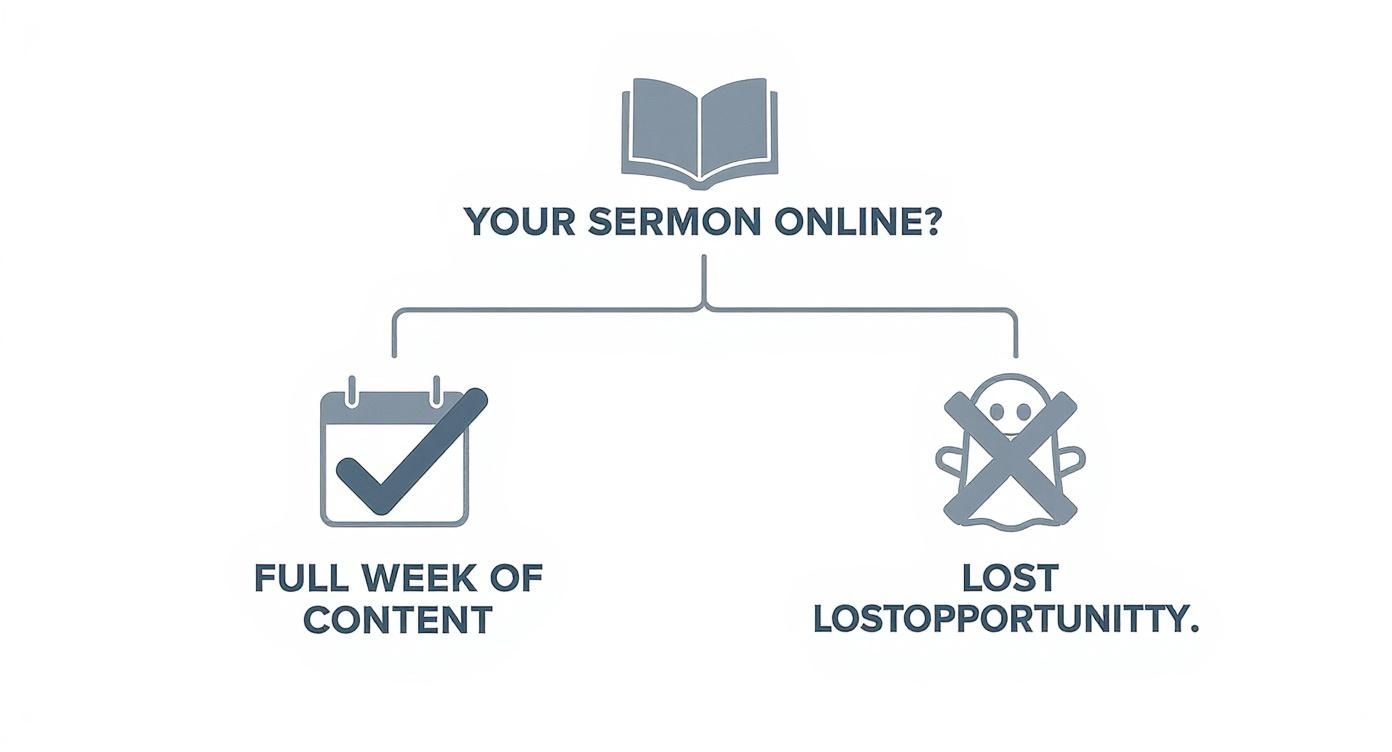
The takeaway here is simple but profound: a recorded sermon isn't the end of the process. It's the beginning of a content strategy that can engage your community all week long.
Adapting Your Delivery for the Camera
Let's be honest, speaking to a camera can feel weird at first. The energy you draw from a live congregation just isn't there, so you have to be much more intentional. My best advice? Think of the camera lens as a direct connection to one single person. Make eye contact with it like you're having a one-on-one conversation.
Vary your vocal tone, your pace, and your volume to keep that viewer hooked. A flat, monotonous delivery that might be fine in a big room will have online viewers clicking away in seconds. Emphasize key points with your voice and use pauses to let the big truths really sink in. I’ve found that compelling stories and clear, bite-sized points always translate better to a screen than abstract theological debates.
Getting the Technical Setup Right (On Any Budget)
You don’t need a Hollywood budget to produce a high-quality sermon on video. You can get fantastic results by focusing on just three core areas: camera, audio, and lighting. Believe it or not, the smartphone in your pocket is an incredible video camera, more than capable of capturing crisp, clear footage.
The real secret is in how you use it. To get that professional look, you absolutely have to stabilize your camera.
- Use a Tripod: A simple, cheap tripod is the single best investment you can make. It kills the shaky-cam look and gives you a consistent, professional frame.
- Frame Your Shot: Use the "rule of thirds" and position the speaker slightly off-center. Aim for a medium shot, usually from the waist up. It feels more personal and engaging.
- Choose a Clean Background: Your background shouldn't be distracting. A simple wall, a bookshelf, or your church's stage can work great. Just avoid cluttered spaces or areas with lots of movement in the background.
The most common mistake I see churches make is neglecting audio. People will forgive grainy video, but they absolutely will not tolerate bad sound.
Clear audio is completely non-negotiable. Your phone's built-in mic is designed to pick up sound from all directions, which means it will capture every echo and background noise in the room. An external microphone is a must-have. A simple lavalier (or lapel) mic that clips onto the speaker's shirt can dramatically improve your audio for a very small investment.
To help you get started, here's a look at what you might need depending on your budget.
Essential Equipment for Recording Your Sermon
Even the "Starter" setup will produce a video that is leaps and bounds better than an unstabilized phone with built-in audio. Start where you can, and upgrade as you grow.
Mastering Simple Lighting and Composition
Good lighting is what separates an amateur-looking video from a professional one. You don't need complicated, expensive kits to get started. The best light source is often totally free: a window. Just position the speaker facing the window so their face is evenly and softly lit.
If natural light isn't a good option, a basic "three-point lighting" setup can be created with affordable LED lights. The goal is just to light the speaker clearly without creating any harsh, distracting shadows.
For a deeper dive into practical setups, check out our detailed guide on the essential role of video for sermons, which covers more advanced techniques. By nailing these fundamentals, you’ll create a sermon on video that not only honors the message but also truly captivates your digital community.
Polishing and Preparing Your Sermon Video for Impact
Once you’ve hit "stop" on the recording, the real work begins. This is where you take that raw footage and shape it into a polished, engaging, and genuinely helpful sermon on video. The goal isn’t to create a Hollywood production, but to simply remove the distractions so the message can shine through.
Think of it as setting the table for your online guests. The first, most basic step is to trim the fat. Cut out the long, silent pauses before the sermon starts, the announcements that aren't relevant online, and any technical hiccups. This simple cleanup makes the video feel intentional and respects your viewer's time right from the start.
The Essentials of Sermon Video Editing
You don't need to be a professional video editor to make a huge difference. Most editing software, even the free stuff, has all the tools you need to add a layer of polish that makes your sermon feel like it was made for the viewer, not just recorded.
Here are a few simple things that go a long way:
- Intro and Outro Graphics: Start with a simple graphic showing your church's logo and maybe the sermon series title. End with a slide that gives people a clear next step—your website, service times, or a link to join a small group. It frames the experience.
- Lower Thirds: These are just the little text overlays at the bottom of the screen. Use them to introduce the speaker, pop up a scripture reference right when it’s mentioned, or emphasize a key quote. It helps people follow along, especially if they’re multitasking.
- Color and Audio Tweaks: This is where the magic happens. A slight boost in audio levels can be the difference between someone hearing the message clearly and just giving up. A little color correction can make a video shot on an iPhone look surprisingly vibrant and professional.
These aren't complicated changes, but they completely change the viewing experience. It goes from being a raw recording to a thoughtful presentation.
Accessibility Is Non-Negotiable
If you do one thing after editing, make it this: add captions. This isn’t a bonus feature anymore; it’s an absolute must for any ministry that wants to reach people online. Yes, captions make your sermon accessible to those with hearing impairments, but their impact is so much bigger than that.
Think about it: a huge number of people on social media watch videos with the sound off. If you don't have captions, your message is literally silent as they scroll past.
By adding clear, easy-to-read captions, you ensure your sermon can connect with people wherever they are—in a quiet office, on a noisy bus, or late at night when they can't turn the volume up. YouTube's auto-captions are a starting point, but they’re often riddled with errors. Taking five minutes to clean them up is a simple act of hospitality for your online audience.
The Power of Automation with ChurchSocial.ai
Okay, let's be real. Manually editing a full sermon and then scrubbing through it again to find a few shareable clips can eat up hours of your week. It's a classic ministry bottleneck. Instead of tying up your staff or volunteers with tedious busywork, you can automate the heaviest lifting.
This is where a tool like ChurchSocial.ai completely changes the game.
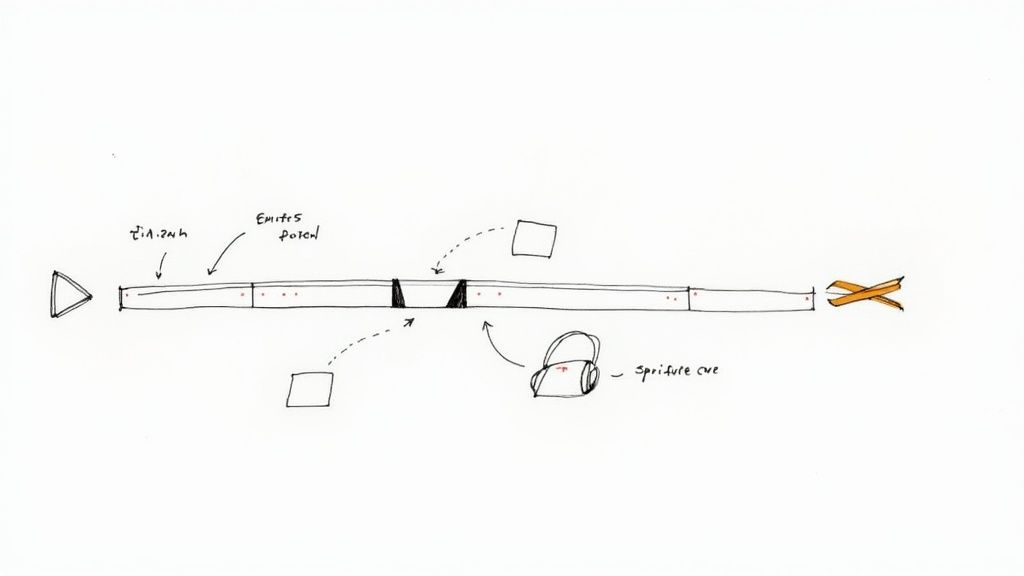
You can see how it's built to take your single sermon and multiply its reach without adding to your workload. You just feed it your sermon transcript, and the AI takes over.
It analyzes the entire message, pinpoints the most powerful and shareable moments, and then automatically creates a batch of engaging, ready-to-post vertical clips—complete with captions. A task that used to take a volunteer hours of searching, clipping, and formatting is now done in minutes. That’s time you can pour back into people, not pixels. And once those clips are ready, it's crucial to optimize your sermon videos for YouTube to make sure they're actually discovered by the people who need to hear them.
Transforming One Sermon Into a Full Week of Content
Your Sunday sermon is the spiritual heartbeat of the week, but its impact shouldn't stop when the last person leaves the building. That single, long-form video of your message is an absolute goldmine of content, just waiting to be repurposed. This isn't just about squeezing more mileage out of your sermon on video; it's about turning one core message into a week-long conversation that meets your community right where they are.
The biggest challenge for most churches today isn’t a lack of meaningful things to say—it’s the overwhelming task of actually creating, designing, and sharing all that content consistently. The key is to start thinking of your sermon as the starting point, not the finish line. That simple shift unlocks a sustainable and truly impactful content strategy.
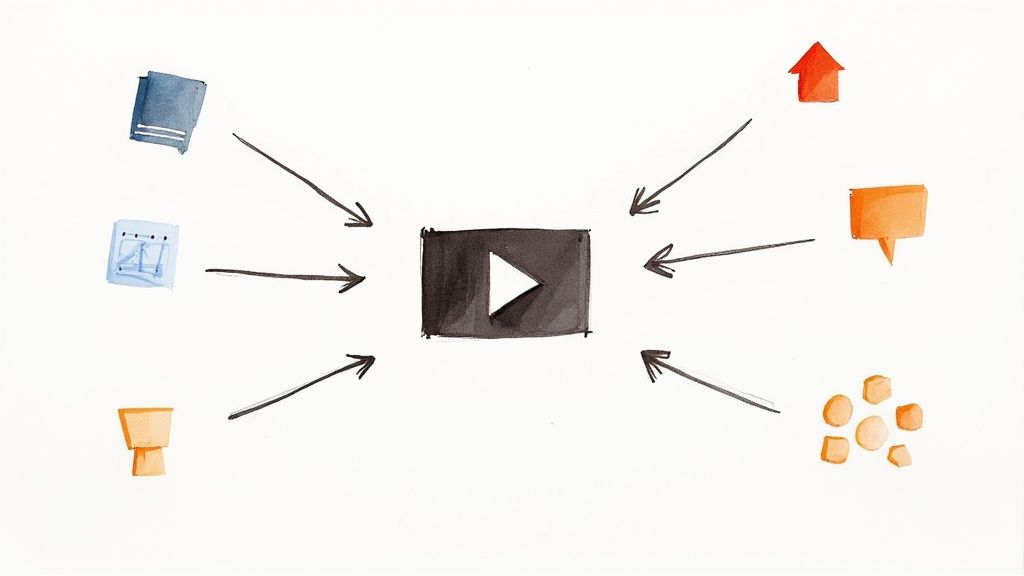
Beyond the Sermon Clip
Short video clips are fantastic, but your sermon holds so much more potential. The real goal is to deconstruct the message into all sorts of formats that work for different platforms and speak to different learning styles. One person might be deeply moved by a one-minute reel on Instagram, while another might connect better with a written reflection on the church blog or a simple discussion question on Facebook.
When you diversify your content like this, you create multiple entry points for people to engage with the truth shared on Sunday. It’s a powerful approach that multiplies your reach and reinforces the main idea all week long.
Here are just a few ways you can break down a single sermon:
- Powerful Quote Graphics: Pull out the most memorable, tweetable sentences and turn them into shareable images for social media.
- Discussion Prompts: Grab a challenging question from the message and post it on Facebook to spark a meaningful online conversation.
- Blog Post Reflections: Go deeper on a key point or illustration from the sermon, turning it into a readable, SEO-friendly blog post for your website.
- Small Group Questions: Create a simple PDF with questions based on the sermon for your small groups to use in their weekly meetups.
The real win isn't just creating more content; it's about creating a cohesive spiritual conversation that flows from Sunday into the rest of the week, making the message stick.
This strategy ensures that your sermon on video becomes a living, breathing resource, not just another file in a static archive.
The AI-Powered Ministry Partner
This multi-faceted approach sounds great in theory, but let's be honest—the practical side of it can be completely overwhelming for already busy church staff and volunteers. Manually transcribing a sermon, finding the best quotes, writing social media posts, designing graphics, and then scheduling it all is a massive time commitment.
This is exactly where a tool like ChurchSocial.ai comes in to serve your ministry. Instead of piling more tasks onto your plate, it automates the most time-consuming parts of the process, acting like a digital ministry assistant that works behind the scenes.
Just upload your sermon transcript, and the AI gets to work. It immediately analyzes the content and generates an entire suite of materials for you to use. Within minutes, you have AI-generated reels, social posts, blogs, and more. This is easily one of the most effective ways to create clips from video and other content without all the manual effort.
From Sermon Transcript to Scheduled Content
ChurchSocial.ai doesn't just hand you a list of raw ideas; it delivers ready-to-use assets that you can quickly tweak and schedule. The platform is designed to handle the entire workflow, from start to finish.
Here’s what that looks like in practice:
- AI-Generated Content: The system gives you AI-generated reels, suggested social media posts tailored for different platforms (like Facebook and Instagram), and even a full blog post draft based on your sermon.
- Easy Graphic Creation: You can take the generated quotes and posts and instantly drop them into professionally designed graphic templates using the built-in editor. This makes it simple to create stunning photos and carousels in minutes, even with zero design experience.
- Simple Scheduling: Once your content is ready, the simple drag-and-drop calendar lets you visually plan and schedule everything out. The platform even integrates with your existing church calendars, like Planning Center, to help you create content for upcoming events.
This streamlined workflow transforms what used to be hours of tedious work into a manageable, and even enjoyable, task. It frees up your team to focus on what truly matters—engaging with your community and building relationships—while ensuring your online presence is consistent, professional, and spiritually enriching.
Scheduling and Promoting Your Content with Ease
Creating great content is only half the battle. Getting people to actually see it is the other, equally important half. Once you've got your polished full-length sermon, a handful of AI-generated reels, and some great quote graphics, you need a smart plan to get them out there. This is how you turn a week’s worth of content into a week of connection.
A strategic approach to publishing can be the difference between a video that gets a few dozen views from your regulars and one that starts reaching new people in your community. It all comes down to understanding the unique rhythms of each social media platform and posting when your audience is most likely to be scrolling.
Platform-Specific Best Practices
Every platform has its own unwritten rules and expectations. If you just blast the same post everywhere, you're going to limit your impact.
- YouTube: This is the home for your full-length sermon. Your focus here should be on a compelling title and a detailed description packed with keywords someone might actually search for. To give your sermons the best chance, it's worth learning about the best time to upload YouTube videos.
- Facebook: This is your community hub. It’s perfect for sharing sermon clips, sparking discussion with questions, and announcing events. Don't forget to use the description to tag people or ask a direct question to get those comments and shares rolling.
- Instagram & TikTok: These platforms are prime real estate for your short, attention-grabbing sermon reels. The name of the game is grabbing attention in the first three seconds. Use relevant hashtags to help people who don't follow you yet discover your church.
The Importance of Strategic Scheduling
Posting content at random times is like holding a church service at 3 AM on a Tuesday—you’re just not going to get a crowd. Scheduling your posts for when your community is most active online dramatically increases your chances of sparking that initial interaction.
This is especially true for reaching younger generations. A livestream just doesn't cut it anymore; they expect more engaging ways to connect. In fact, video sermons have seen 46% of churches reporting higher participation from Millennials and 39% from Gen Z, who are much more open to tech in their worship experience. When you schedule content for when they're actually online, you're meeting them right where they are.
A consistent posting schedule does more than just boost engagement; it builds anticipation and reliability. Your community begins to expect and look forward to your daily encouragement and updates.
For churches already juggling multiple ministries and a packed calendar, trying to maintain this kind of consistency can feel downright impossible. That's where a dedicated management tool really becomes a lifesaver.
Streamline Your Entire Workflow with ChurchSocial.ai
Let's be honest, managing a content calendar across multiple platforms can quickly become a chaotic mess of spreadsheets, reminders, and forgotten passwords. ChurchSocial.ai was designed to bring some sanity to that chaos, simplifying your entire content workflow into one central, easy-to-use hub.
The simple drag-and-drop calendar is a game-changer for church communicators. You can visually plan out your entire week or month of content in just a few minutes, scheduling your AI-generated sermon clips, quote graphics, discussion questions, and even promotions for upcoming events.
ChurchSocial.ai brings all your essential tasks together:
- AI Content Creation: Generate AI reels from your sermons, plus social posts, blogs, and more from the transcript.
- Graphic Design: Use built-in templates and an editor to create beautiful, branded photos and carousels without needing to be a pro.
- Scheduling: Plan and schedule everything to all your social accounts from one simple drag-and-drop calendar.
This system is built for the reality of church ministry. It even integrates with calendars you're already using, like Planning Center, to automatically pull in event details and help you create promotional content without any extra effort. If you want to get a better handle on the fundamentals, check out our guide on how to schedule social media posts for maximum impact.
By bringing everything under one roof, ChurchSocial.ai helps your team create a consistent, effective, and spiritually enriching online presence—all without adding hours of extra work to their week.
Your Questions About Sermon Videos Answered
Stepping into video ministry for the first time? It's totally normal to have a ton of questions. For many churches, this is new ground, and wondering about the budget, how to keep people engaged, and just how much time this all takes is part of the process.
Let's walk through some of the biggest concerns I hear from church leaders, and I'll give you some straightforward, practical answers to help you get started with confidence.
What if Our Church Has a Very Small Budget for Video Equipment?
This is the most common question, and the answer is simple: you can absolutely start with the phone in your pocket. A modern smartphone camera is more than powerful enough to create high-quality video that genuinely connects with people online.
The trick isn't a big budget; it's getting the fundamentals right.
First, get a simple tripod. It eliminates shaky footage, which is the quickest way to make a video look unprofessional. Second, focus on audio—it’s actually more important than video quality. An inexpensive lavalier mic that plugs into your phone will make the speaker's voice sound crisp and clear. That alone will keep viewers tuned in longer. Whenever you can, use natural light from a window.
The most important step is simply to begin. Learn as you go and gradually improve your setup as your church's resources allow. The goal is connection, not perfection.
You don't need to spend a dime on software, either. Free editing tools like DaVinci Resolve or CapCut are incredibly powerful and let you trim your video, add text, and make basic adjustments without any cost.
How Can We Make Our Sermon on Video More Engaging?
Engagement starts when you stop thinking like a broadcaster and start thinking like a viewer. That static, single-camera shot from the back of the room just doesn't cut it online.
Try adding some simple dynamic elements. If you have a second camera (even another phone!), set it up for a different angle, like a close-up on the speaker. You can then switch between these two shots in your edit to make the video feel much more alive.
During the editing process, add simple visual aids. Putting the main scripture reference or a key quote on the screen as a text overlay can make a huge difference in how much people remember. You could even ask questions directly in your sermon that you later post on social media to get a conversation going.
For live streams, have a volunteer act as a "digital host" in the chat. They can welcome people by name and ask questions, making online viewers feel seen and included. After the service, a tool like ChurchSocial.ai can take your sermon and automatically generate short, punchy AI reels designed for high engagement on platforms like Instagram and TikTok.
We Don't Have Time to Manage All This Content. How Can ChurchSocial.ai Help?
This is the number one challenge for most churches, and it’s the exact reason we built ChurchSocial.ai. Let's be honest: church staff and volunteers are already stretched incredibly thin. The platform is designed to be your ministry partner, automating the most time-consuming tasks to give you back hours every single week.
Instead of a dozen manual steps, you get one streamlined workflow. You just provide the sermon transcript, and the AI generates a whole week's worth of content—from AI-generated reels and social media posts to blog articles and more.
From there, you can jump into the built-in graphic editor. It’s packed with templates, so you can create beautiful photos and carousels in minutes, even with zero design experience. Finally, the simple drag-and-drop calendar lets you schedule everything across all your social media channels in one go.
ChurchSocial.ai brings content creation, design, and scheduling into one intuitive place, turning an overwhelming workload into a sustainable process for any church team.
Ready to transform your sermon into a full week of engaging content without the burnout? See how ChurchSocial.ai can simplify your workflow and amplify your message. Get started with ChurchSocial.ai today!


