

Your church probably already uses more digital tools than it did a few years ago. The problem isn’t access. It’s fragmentation. Sermons live in one place, events in another, volunteer schedules somewhere else, and social posting gets squeezed into late nights by whoever still has enough energy to open Instagram.
That’s why faith based apps matter so much right now. Used well, they don’t just add convenience. They reduce handoff friction, keep your ministry visible during the week, and help a small team act like a much larger one. If you’re weighing custom tools against prebuilt platforms, the same core question applies as it does when choosing the right business software: does this tool fit the work your team does every week?
The market shift is real. Since 2019, downloads of religion and spirituality apps have increased by 79.5% globally, according to Heartlander News reporting on faith app adoption. Churches don’t need to chase every new app because of that trend, but they should pay attention to it. People are already engaging faith digitally. The better move is to build a ministry stack that meets them there.
1. ChurchSocial.ai

Most church teams don’t need another generic social tool. They need one that understands the weekly rhythm of ministry. That’s where ChurchSocial.ai stands out. It’s built for churches that want to turn sermons, events, and ministry moments into a consistent social presence without adding another complicated workflow.
The biggest strength is that content creation and scheduling happen in the same place. You can create posts, build graphics, generate reels from sermons, and organize everything on a drag-and-drop calendar instead of juggling separate apps for writing, design, editing, and publishing.
Why it works for churches
ChurchSocial.ai is strongest when a church wants to turn one Sunday message into a week of outreach content. Upload the sermon, use the transcript, pull out clips, generate captions, create blog content, and schedule posts across multiple channels from one dashboard. That’s a ministry workflow, not just a marketing workflow.
For churches trying to figure out how AI fits ministry without becoming gimmicky, this practical guide to AI for churches is a good companion to the platform itself.
Practical rule: If your team keeps saying, “We have content, but we never have time to post it,” you don’t have a content problem. You have a workflow problem.
What I like most is the church specificity. The Sermon Clip Creator isn’t trying to force church staff into a creator economy template. It’s aimed at actual sermon repurposing. The caption writer helps when volunteers freeze up staring at a blank text box. The AI content tools can also turn sermon transcripts into discussion prompts, blog posts, and descriptions that would otherwise sit on someone’s to-do list for weeks.
Real trade-offs
ChurchSocial.ai is affordable at the entry level, with Starter at $15/month and Growth at $25/month, and add-ons for Sermon Studio, Design Studio, and extra social accounts. That modular structure is good for smaller churches because you don’t have to buy everything on day one. The trade-off is obvious. If you want the full video and design workflow, your total monthly cost rises.
A second trade-off shows up with multi-campus setups. The base setup is simple, but churches managing several ministries or campuses may need extra accounts or a larger plan to avoid bottlenecks.
Still, for churches that care about outreach momentum, this is the strongest featured pick on this list.
- Best fit: Churches that want one hub for planning, creating, and scheduling social content
- Less ideal: Teams looking only for giving, check-ins, or database management
- Standout strength: Sermon-to-social workflow in one platform
2. Planning Center / Church Center
Planning Center is the operational backbone for a lot of churches because it handles the unglamorous but essential work. People, services, giving, check-ins, groups, and event coordination all sit inside a modular system that can grow with the church instead of forcing a full platform migration every time a new need appears.
Its companion experience, Church Center, is what your congregation uses. Members can sign up for events, check in kids, access directories, and manage giving through a familiar app and web experience. For many churches, that member-facing simplicity is the reason to stick with it.
Where Planning Center shines
Planning Center is especially strong when different ministries need structure without losing flexibility. Worship teams can manage service plans, kids ministry can run check-ins, and admin staff can work with people data without trying to bend one feature into five different jobs.
If you’re comparing operational platforms before deciding what should power your backend, this church management software comparison helps frame where Planning Center fits.
One practical advantage is transparent module-based pricing. That matters for churches trying to avoid buying a giant bundled suite they won’t fully use. Support is also consistently respected by ministry teams, and the product updates regularly.
The trade-offs to watch
The modular approach is both the advantage and the catch. It’s flexible, but full capability often means subscribing to several modules over time. A church that starts small can gradually build a strong system. A church that needs everything immediately may find the combined setup larger than expected.
Planning Center also isn’t your content engine. It organizes ministry well, but it won’t turn sermons into clips or build a social calendar. That’s why it pairs so naturally with ChurchSocial.ai. Planning Center handles operations. ChurchSocial.ai handles outward communication.
Use Planning Center as your system of record, then push ministry moments outward with a social tool built for visibility.
3. Tithely
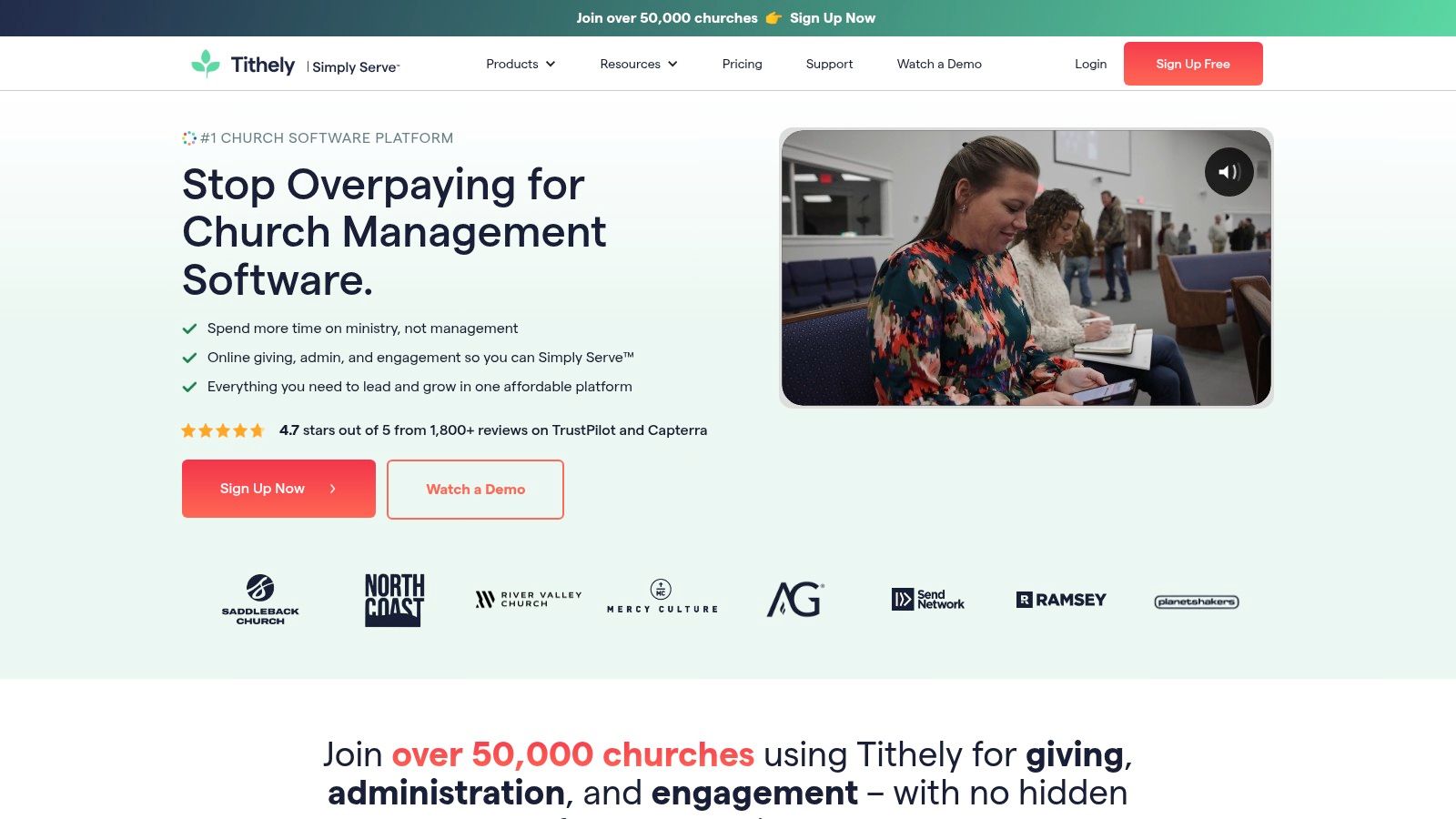
Tithely is a good fit for churches that want one vendor for giving, church management, messaging, website tools, and a branded app. That bundle-first approach appeals to small and mid-sized churches that don’t want to assemble a stack from scratch.
The platform is church-first in its packaging. Online giving is central, but Tithely doesn’t stop there. It tries to cover the core digital needs a church leader usually asks about in the same conversation: giving, people data, events, communication, site presence, and mobile access.
What churches tend to like
Tithely’s strongest appeal is simplicity. The bundles are easy to understand, and churches that want a branded mobile app without custom development often see value quickly. The donor “Cover the Fees” option is also practical for churches that want to preserve more of each gift without adding a separate giving tool.
For a church plant or a growing congregation, that straightforward packaging can reduce decision fatigue. Instead of comparing five separate products, the church can get moving with one platform and refine later.
Where it can fall short
The main caution is overbuying. If your church only needs digital giving and a basic member app, an all-in-one bundle can feel heavier than necessary. Tithely makes more sense when you plan to use the broader package.
Transaction fees also deserve a close look before committing. Churches with a certain payment mix may find another giving platform more cost-effective. That doesn’t make Tithely a bad choice. It just means finance and operations should review the details before communications or ministry staff fall in love with the convenience.
- Best fit: Churches that want bundled giving, ChMS, and mobile app functionality
- Less ideal: Churches that already have a strong backend and only need outreach tools
- Standout strength: Clear church-focused packaging
4. Subsplash
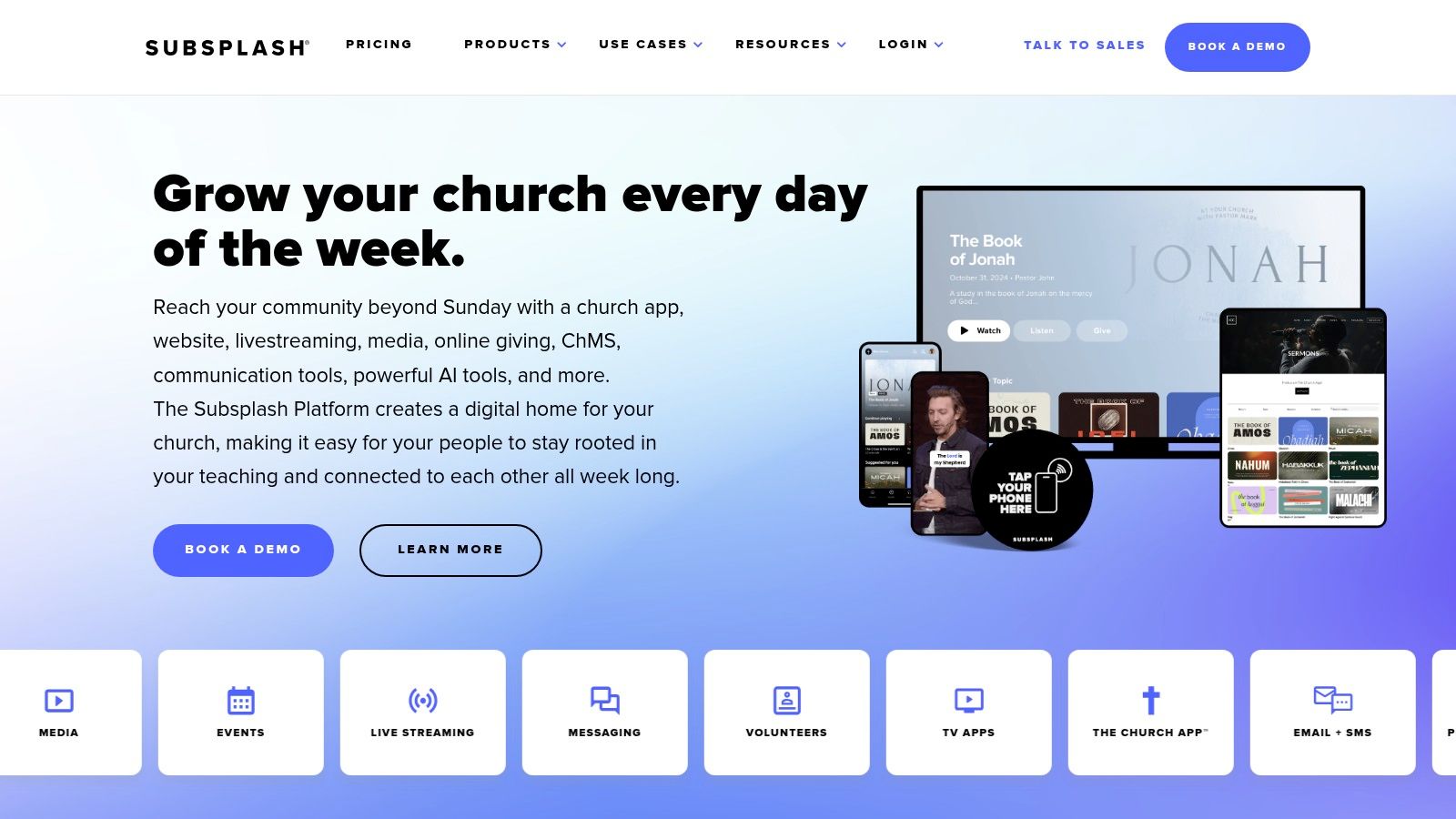
Subsplash built a strong reputation by helping churches deliver a polished mobile experience. If your church wants members to access sermons, notes, giving, livestreams, and updates from one branded app, Subsplash is one of the most recognizable options in this category.
It’s best understood as a front-door platform. Members open the app, watch content, give, and stay connected to church life without bouncing between disconnected tools.
Why churches choose it
The integrated experience is the selling point. Media, giving, communication, and app branding sit together, which makes the church feel more organized to the end user. That’s especially valuable for churches with active sermon libraries, ongoing livestream needs, or ministries that want a stronger mobile presence.
Subsplash also works well when brand presentation matters. Churches that are committed to a clean digital impression often like how unified the experience feels.
Where caution is wise
Pricing is quote-based, so budget planning isn’t as simple as comparing published plans. That’s not unusual for a platform at this level, but it does slow down decision-making for teams that need hard numbers early.
The second trade-off is expansion cost. As more advanced needs get added, some churches feel the platform becomes more expensive than expected. Subsplash is easiest to justify when the mobile app itself is strategic, not just a nice extra.
A branded app only pays off if your church will actively use it for media, giving, communication, and next steps. Otherwise it becomes shelfware on members’ phones.
5. Pushpay (ChurchStaq)

Pushpay, through ChurchStaq, is aimed further upmarket than some of the other tools on this list. It combines giving, church management, app functionality, engagement tools, and Resi live streaming into a broader ecosystem that serves larger or more complex ministries well.
This is the kind of platform churches consider when they’ve moved beyond “we need an app” and into “we need systems that work together reliably across teams.”
Best use case
Pushpay makes the most sense for mid-sized to large churches that need depth, integrations, and a more enterprise-style setup. Resi integration is a major plus for churches where streaming reliability is mission-critical. The broader partner ecosystem also helps when church operations intersect with payroll, finance, and advanced engagement tracking.
Large churches often appreciate that they can build a more connected environment instead of relying on a patchwork of point solutions.
What smaller churches should know
Smaller congregations can absolutely use Pushpay, but they should ask a hard question first: are we paying for capability we’ll effectively use? That’s often the line between a wise investment and an oversized stack.
Pricing is sales-assisted, so the buying process takes more time than with self-serve platforms. That’s not necessarily bad, but it does make Pushpay less nimble for churches that need to move fast or test tools gradually.
For many churches, Pushpay works best when operations, finance, and streaming are the top priorities. If content creation and outreach are the pain point, they’ll still want a platform like ChurchSocial.ai alongside it.
6. YouVersion

A pastor finishes Sunday’s message, asks the church to stay in the Word during the week, and needs a tool people will readily open on Tuesday. YouVersion often fills that role because the adoption hurdle is low. Many church members already know the app, already trust it, and already have it installed.
That familiarity matters in a ministry workflow. If ChurchSocial.ai handles content creation and outreach, and tools like Planning Center or Tithely handle operations, YouVersion fits into the discipleship layer. It helps churches extend sermon themes into reading plans, devotionals, and Scripture habits between Sundays without asking staff to build a Bible engagement system from scratch.
Where it fits best
YouVersion works well for churches that want to reinforce the message after the service. A sermon series can point people to a coordinated reading plan. Small groups can stay aligned around shared passages. Staff can recommend a tool that feels accessible to new believers and long-time members alike.
I usually recommend YouVersion when the ministry goal is consistency, not customization. That trade-off is important. Churches gain reach and familiarity, but they give up some control over branding, app experience, and how tightly the tool connects to the rest of their internal systems.
What to expect from YouVersion for Churches
YouVersion for Churches adds practical ministry value beyond individual Bible reading. It gives churches a way to connect sermon content, devotional follow-up, and weekly Scripture engagement inside an ecosystem people already use regularly.
The limitation is clear. YouVersion does not run your church operations. It will not replace event registration, giving, volunteer scheduling, or a branded communication workflow. Churches usually get the best result when they use it alongside other ministry software instead of expecting it to carry the full digital stack.
- Best fit: Churches that want Scripture engagement with low adoption friction
- Less ideal: Teams that need strong branding control or an all-in-one church app
- Standout strength: Familiarity, accessibility, and week-to-week discipleship support
7. Dwell
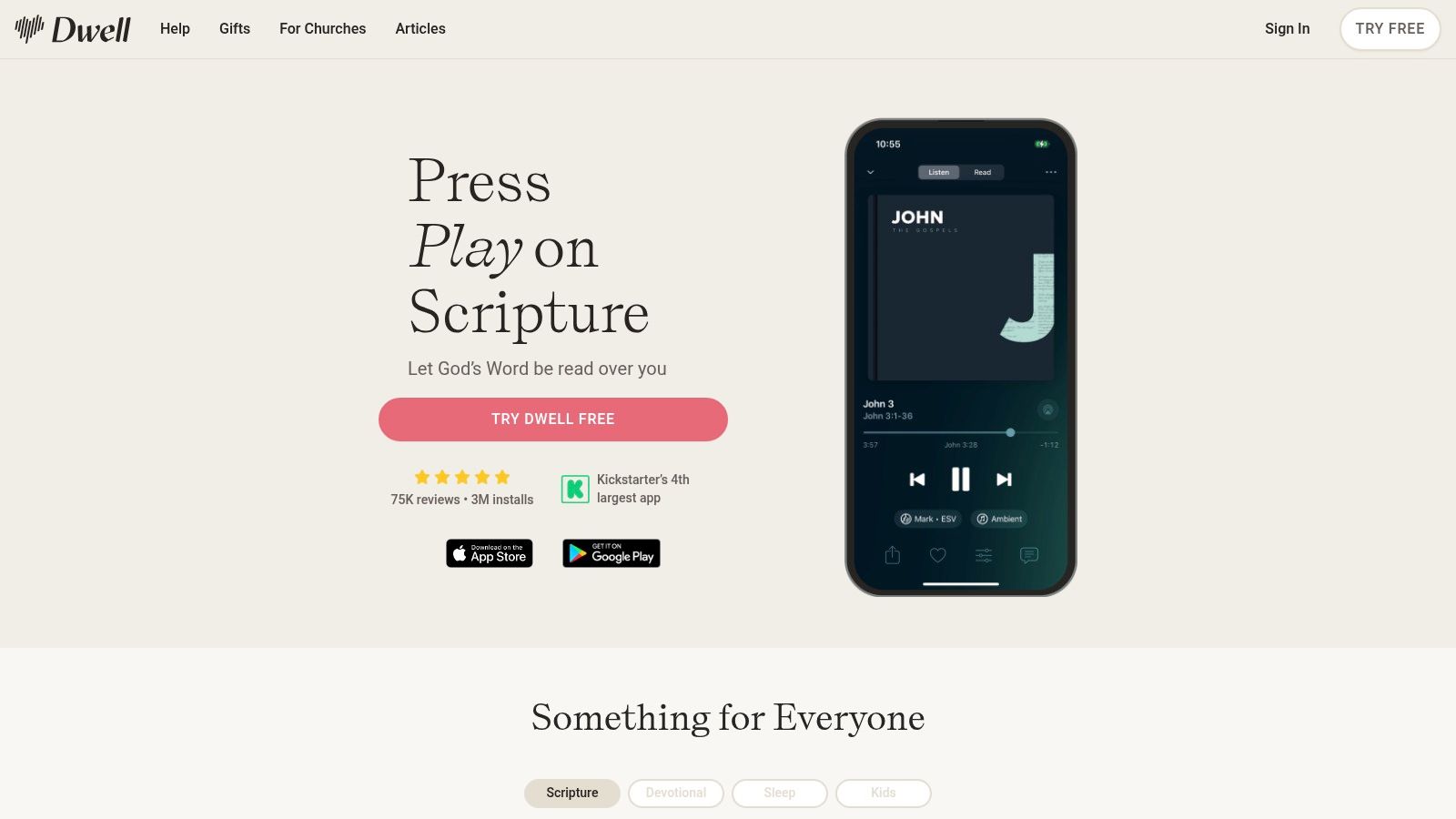
Dwell takes a narrower path than YouVersion, and that’s exactly why some churches and members love it. It focuses on a premium listening experience. Different voices, background music, playlists, and listening plans make Scripture audio feel intentional rather than utilitarian.
That matters for discipleship habits. Some people won’t sit down for a long reading plan, but they will listen during a commute, a walk, or early-morning routines.
Where Dwell fits well
Dwell works best as a habit-building companion. It’s not trying to be everything. It’s trying to make audio Scripture feel inviting enough that people return to it consistently. For churches encouraging daily engagement outside Sunday, that’s a valuable role.
Its published consumer pricing and trial options also make it easier for members to evaluate personally without waiting for a church-wide rollout. That can reduce decision pressure on staff.
Its limitation is also its identity
If your church needs deep study tools, events, giving, or member communication, Dwell won’t cover that. It’s a focused app for listening, not a broad ministry platform. That’s not a weakness unless you expect it to do more than it was built for.
I usually recommend Dwell as a supplementary discipleship tool, not a core church operations app. It supports spiritual rhythm well, but it doesn’t organize ministry.
8. Hallow
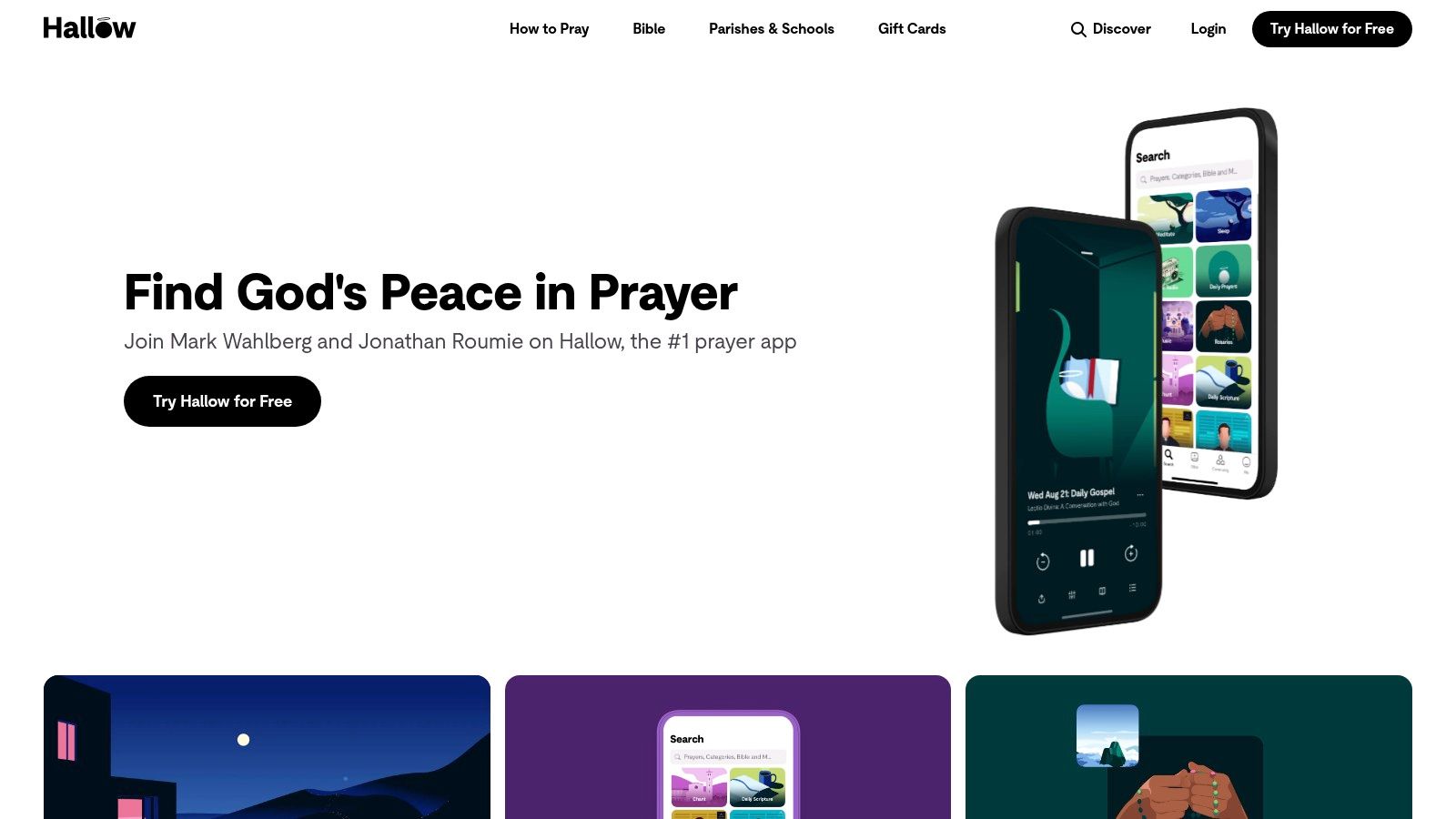
A pastor wants people praying between Sundays, not just hearing one more reminder from the stage. Hallow is built for that daily rhythm. It focuses on guided prayer, Catholic devotional practice, meditation-style sessions, and seasonal content that gives users a clear structure to follow.
That focus is the point.
In the ministry workflow of discipleship and personal spiritual formation, Hallow fits as a specialized prayer tool. It does not try to run church operations, manage events, or replace your communication stack. It helps people return to prayer consistently, which is why it makes sense as one part of a broader digital ministry ecosystem alongside tools for content, administration, and member engagement.
Why church leaders should pay attention
Hallow is a strong example of product discipline. The app serves a defined audience, keeps the experience simple, and makes repeat use easy. Church leaders can learn from that even if they would never adopt it as an official church-wide standard.
I often tell ministry teams to separate two questions. Is this app effective for the people it is built for? Is this app aligned enough with our church’s theology and ministry model to recommend broadly? With Hallow, the answer to the first question is often yes. The second depends on your context.
If your team is trying to create better digital prayer habits across the week, a practical next step is building a digital prayer board for church prayer requests and follow-up. That gives your church a shared prayer workflow, while apps like Hallow support individual practice.
When Hallow is the right choice
Hallow fits best in Catholic parishes, Catholic schools, and ministries serving people who want guided structure in prayer without needing much setup. It can also be a thoughtful recommendation for individual members who already connect with liturgical or tradition-shaped devotional practices.
The trade-off is clear. In many Protestant or non-denominational churches, parts of the app’s core content will not map closely to congregational teaching or worship culture. That does not make it a weak app. It makes it a narrow app with a defined lane.
Used that way, Hallow is valuable. It works well as a focused discipleship recommendation inside a larger ministry tech stack, not as the platform that holds the whole church together.
9. Pray.com
Pray.com works best in the personal discipleship lane. It gives people a large library of faith content they can listen to during the week, including daily prayers, Bible narration, meditations, podcasts, and bedtime stories for kids.
That range is the main advantage.
In real church use, broad consumer apps like this can help where staff-built content usually runs thin. A church may have strong Sunday teaching and solid small-group rhythms, but still lack practical tools for Monday morning commutes, bedtime routines, or short prayer moments during the day. Pray.com fills some of that gap with content people can start using right away.
What stands out in practice
The app gives churches multiple entry points for different households. Parents may use the kids content at night. A member with a long commute may prefer narrated prayer or Bible audio. Someone newer to faith may start with simpler devotional listening before taking on a more structured reading plan.
The free ad-supported tier also lowers the barrier to trial. That matters if your church wants to recommend a resource without turning it into a budget decision for every family on day one.
What to watch
The trade-off is environment and control. Ads in a devotional app can feel distracting, especially for prayer-focused use. Content breadth also means church leaders should review what they are comfortable recommending from the platform, rather than assuming the whole catalog fits every ministry context equally well.
Pray.com also sits outside your core church systems. It will not handle member records, follow-up workflows, event registration, or team coordination. In a healthy ministry tech stack, this belongs in the personal engagement layer alongside other discipleship tools, while platforms like ChurchSocial.ai, Planning Center, or Subsplash handle church communication and operations.
That distinction matters. Pray.com can support consistency in personal prayer and listening habits. It should be treated as one piece of a larger digital ministry ecosystem, not the hub that holds everything together.
10. RightNow Media

RightNow Media solves a different problem from most faith based apps on this list. It doesn’t primarily organize the church or power giving. It gives churches a large discipleship video library they can extend to members, leaders, families, and small groups.
That’s a practical win for churches that don’t want to create every Bible study resource in-house. Leader training, group curriculum, kids content, and topical studies are already available in one licensed environment.
Why churches keep it
The core value is content depth. If your staff is stretched thin, RightNow Media can cover a lot of midweek discipleship needs without asking pastors to build every lesson, workbook, or video series from scratch. The mobile and TV access also make it easier for families and groups to use content in real life.
For churches with active small-group ministries, that library can remove a lot of prep friction.
The trade-off is control
RightNow Media gives you breadth, but not complete ownership over the content ecosystem. Churches still need to decide which studies they want to promote and how those recommendations align with their doctrinal boundaries and ministry priorities.
It’s also quote-based for standard church pricing, so budget conversations require direct contact. That’s fine for many churches, but it means less self-serve comparison than some ministry leaders prefer.
If your church is constantly producing original curriculum because “that’s what we’ve always done,” a licensed library can free up staff time for shepherding instead of content production.
Top 10 Faith-Based Apps, Feature & Pricing Comparison
| Product | Core features | ✨ Unique selling points | ★ UX / Quality | 👥 Target audience | 💰 Pricing / Value |
|---|---|---|---|---|---|
| ChurchSocial.ai 🏆 | Multi‑channel scheduler, visual calendar, AI Caption Writer, Sermon Clip Creator, templates, Planning Center integ. | ✨ Church‑specific AI workflows; auto sermon→clips; brandable templates | ★★★★☆, Time‑saving, intuitive | 👥 Volunteers, comms pastors, multi‑site teams | 💰 Starter $15/mo; Growth $25; Sermon +$49, Design +$15, extra accounts +$8 |
| Planning Center / Church Center | Modular ChMS (People, Services, Check‑ins, Giving), Church Center app | ✨ À‑la‑carte modules; congregant mobile hub | ★★★★☆, Robust, well‑supported | 👥 Admins, worship teams, ops staff | 💰 Module‑based; start free, pay per module |
| Tithely | Giving, ChMS, messaging, events, sites, custom app | ✨ Bundled "All Access" with native giving & app | ★★★☆☆, Simple setup, bundled tools | 👥 Small–mid US churches | 💰 Posted bundles; 30‑day trials; transaction fees vary |
| Subsplash | Custom mobile app, giving, media hosting, live streaming, websites | ✨ Polished, integrated mobile experience | ★★★★☆, High‑quality, branded UX | 👥 Churches wanting branded app & media | 💰 Quote‑based pricing; contact sales |
| Pushpay (ChurchStaq) | Digital giving, ChMS, configurable app, Resi streaming, engagement tools | ✨ Enterprise‑grade streaming & partner ecosystem | ★★★★☆, Enterprise features, scalable | 👥 Mid–large churches, enterprise teams | 💰 Sales‑assisted pricing; potentially costly |
| YouVersion | 2,500+ Bible versions, reading plans, audio, social plans | ✨ Unmatched Bible library & embedding tools | ★★★★★, Huge reach; free for users | 👥 Congregants; scripture engagement programs | 💰 Free for end users and churches |
| Dwell | Premium audio Bibles, multiple voices, playlists, listening plans | ✨ Curated, cinematic listening experience | ★★★★☆, Polished audio UX | 👥 Individuals, families, commuters | 💰 Clear subscription tiers; free trial |
| Hallow | Guided prayers (Rosary, Examen), meditations, music, parish programs | ✨ Deep Catholic content & parish partnerships | ★★★★☆, Curated devotional UX | 👥 Catholic parishes & faithful | 💰 Free tier + premium subscriptions; parish deals |
| Pray.com | Daily prayers, narrated Bible content, meditations, podcasts, family plans | ✨ Ad‑supported free tier + family options | ★★★☆☆, Accessible audio & devotionals | 👥 Individuals & families | 💰 Free ad tier; premium subscriptions (varies) |
| RightNow Media | 25,000+ studies, kids' shows, leader resources, offline viewing | ✨ Extensive discipleship video library for groups | ★★★★☆, Leader‑focused, resource‑rich | 👥 Churches, small groups, leaders | 💰 Church subscription; quote‑based pricing |
Putting It All Together Your Digital Ministry Workflow
The best church tech stack isn’t the one with the most logos. It’s the one your team will use on Tuesday, not just admire on launch day. Most churches need a clear split between operations, discipleship, and outreach. When those three areas are covered well, digital ministry starts to feel sustainable.
A simple pattern works for a lot of churches. Use Planning Center to organize people, services, volunteers, and events. Let a discipleship platform like YouVersion, Dwell, Hallow, Pray.com, or RightNow Media support Scripture, prayer, and midweek engagement based on your tradition and ministry style. Then make ChurchSocial.ai the outward-facing content engine that keeps your church visible and inviting all week.
That workflow matters because the biggest digital ministry bottleneck usually isn’t lack of good content. It’s failure to repurpose what already exists. Sermons happen. Events happen. Testimonies happen. The problem is that many churches never turn those moments into posts, clips, carousels, blog articles, or short-form video people can discover and share.
ChurchSocial.ai closes that gap well. A sermon recording can become reels, captions, blog content, and discussion posts without requiring a communications team to start from zero. Event details from Planning Center can feed your content calendar instead of forcing someone to manually rewrite every announcement for each social platform. The drag-and-drop scheduling view also helps churches stay proactive instead of posting only when a volunteer remembers.
That last point is more important than it sounds. Consistency builds trust. A church with a clear, active digital presence feels easier to visit, easier to follow, and easier to invite someone toward. In many communities, social media has replaced the old bulletin-board effect. People check your Instagram before they check your signage.
There’s also a practical market reason not to ignore this category. The spiritual wellness apps market is projected to grow from USD 2.89 billion in 2026 to USD 9.91 billion by 2035 at a 14.66% CAGR, with religious and faith-based apps representing 10% of that market, according to Towards Healthcare market sizing for spiritual wellness apps. Whether a church wants to think in market terms or not, that projection points to an ongoing shift in how people engage spiritual content digitally.
For church leaders, the takeaway is straightforward. Don’t buy apps in isolation. Build a system. Choose one platform to manage church operations. Choose the discipleship tools that fit your theology and people. Then choose one content and outreach hub that helps your message travel further with less manual effort.
If you’re a solo volunteer, that could mean keeping the backend simple and using ChurchSocial.ai to turn one sermon into a full week of posts. If you’re a communications pastor, it could mean syncing Planning Center events into a more disciplined social workflow. If you lead a multi-site team, it means standardizing content production without flattening each campus’s voice.
Faith based apps work best when they serve ministry, not distract from it. The right stack saves time, reduces chaos, and helps your church show up where people already are. That’s the point. Not more software. Better follow-through.
If your church is tired of scrambling for posts every week, ChurchSocial.ai is the clearest place to start. It gives churches one practical system to turn sermons into reels, transcripts into social posts and blogs, event details into scheduled content, and scattered ideas into a real calendar your team can manage. Whether you’re a solo volunteer or a full communications team, it’s built to help you save time, stay consistent, and extend your ministry beyond Sunday.


