

YouTube is a powerful platform for churches to share sermons, worship sessions, and community updates. But with millions of videos uploaded daily, how do you make your content stand out? It starts with the thumbnail. A compelling thumbnail acts as the front door to your video, inviting viewers to click and engage with your message. For many churches, budget and design skills are major hurdles. The great news is you don't need a graphic designer or an expensive subscription to create beautiful, effective thumbnails.
This guide will walk you through 12 of the best resources for creating free thumbnails for YouTube, specifically tailored for the needs of your ministry. We will explore tools that are easy for volunteers to use, offer church-appropriate templates, and help you maintain a consistent, professional brand presence online. Each entry includes detailed pros and cons, screenshots, and direct links to get you started immediately. Whether you're promoting a new sermon series or a special event, these free tools can elevate your church's YouTube ministry.
We'll also touch on how integrating these designs into a unified platform like ChurchSocial.ai can revolutionize your entire social media workflow, from sermon to schedule. With ChurchSocial.ai, your church can use AI to generate reels from sermons, create social posts from transcripts, design graphics with our templates, and manage it all on a simple drag-and-drop calendar. For those managing multiple platforms, exploring the 12 Best Apps for Social Media Managers can provide solutions to optimize your broader content strategy and efficiency. This list is your one-stop resource for finding the perfect free thumbnail maker that fits your church's unique voice and technical skill level. Let's dive in and find the right tool to make your ministry's videos shine.
1. Canva
Canva is arguably the most popular and user-friendly graphic design platform available today, making it a perfect starting point for creating free thumbnails for YouTube. Its drag-and-drop interface is exceptionally easy for non-designers, allowing church volunteers and staff to quickly produce professional-quality visuals for sermon series, event promotions, and announcements without a steep learning curve. The platform starts you with a correctly sized canvas (1280×720 pixels), eliminating guesswork and ensuring your thumbnails meet YouTube’s technical requirements.
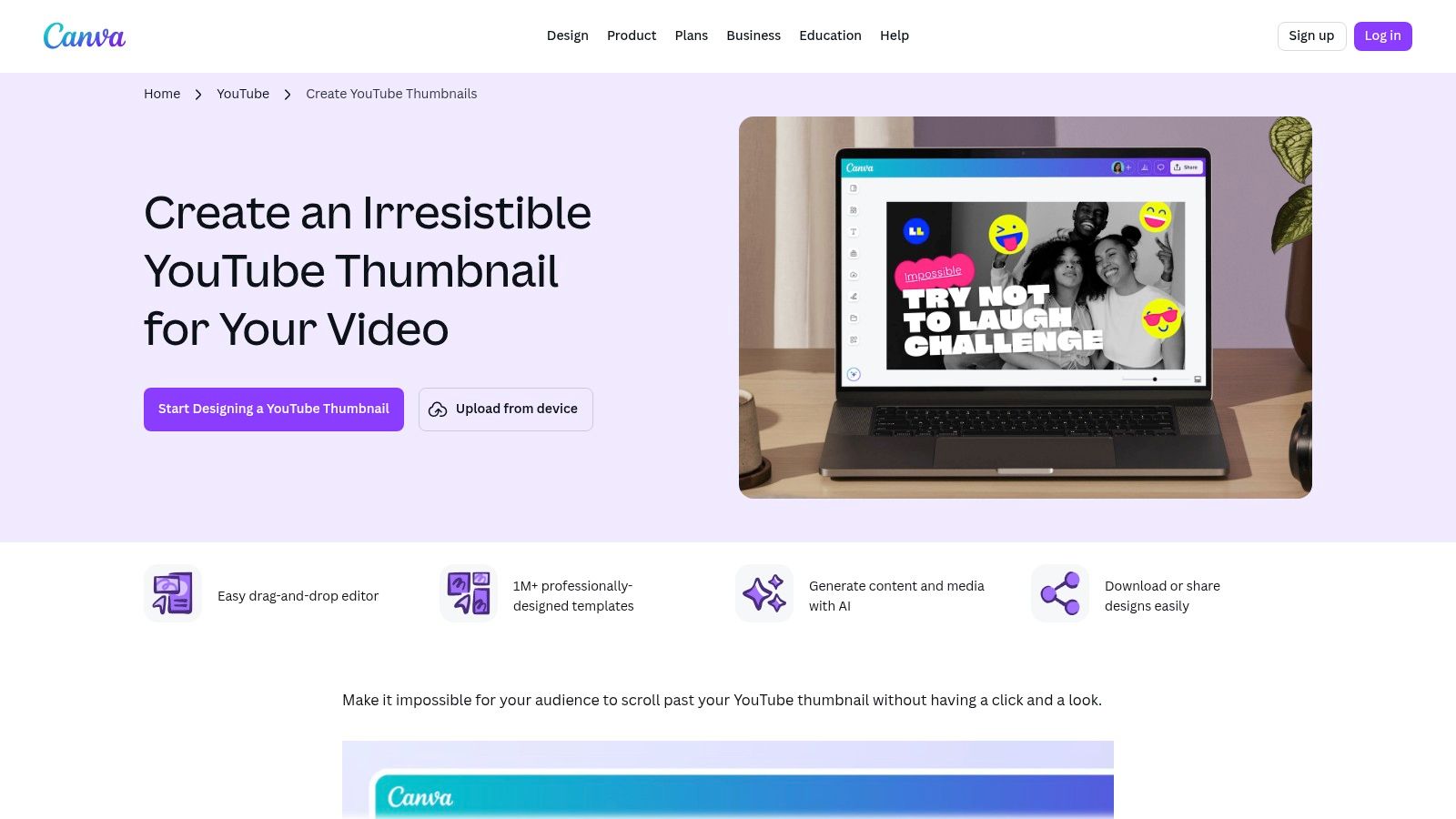
What truly sets Canva apart is the sheer volume of its free assets. You gain access to a massive library of templates, photos, icons, and fonts that can be mixed and matched to fit your church’s unique branding. A key benefit is that the robust free plan allows you to download your finished thumbnail as a JPG or PNG without any watermarks, which is a major advantage. While Canva is excellent for designing individual graphics, a platform like ChurchSocial.ai can streamline your entire workflow. It lets you create graphics with its own editor and templates, then use its drag-and-drop calendar to schedule them alongside AI-generated content from your sermons, creating a unified social media plan.
Pros & Cons
| Pros | Cons |
|---|---|
| Extremely intuitive for beginners | Some premium photos/elements are paywalled |
| Huge library of free templates and assets | Advanced brand controls require Pro plan |
| Exports finished designs without watermarks | Font uploads are a paid feature |
Website: Canva YouTube Thumbnail Maker
2. Adobe Express
Adobe Express is a powerful, yet accessible design tool from the creators of Photoshop and Premiere Pro. It offers a streamlined approach for churches needing to create high-quality, free thumbnails for YouTube without the complexity of professional software. Its template-driven workflow is perfect for volunteers and staff. The platform guides you through the process, starting with professionally designed thumbnail templates that are already sized correctly for YouTube, ensuring your final graphic looks great on any device.
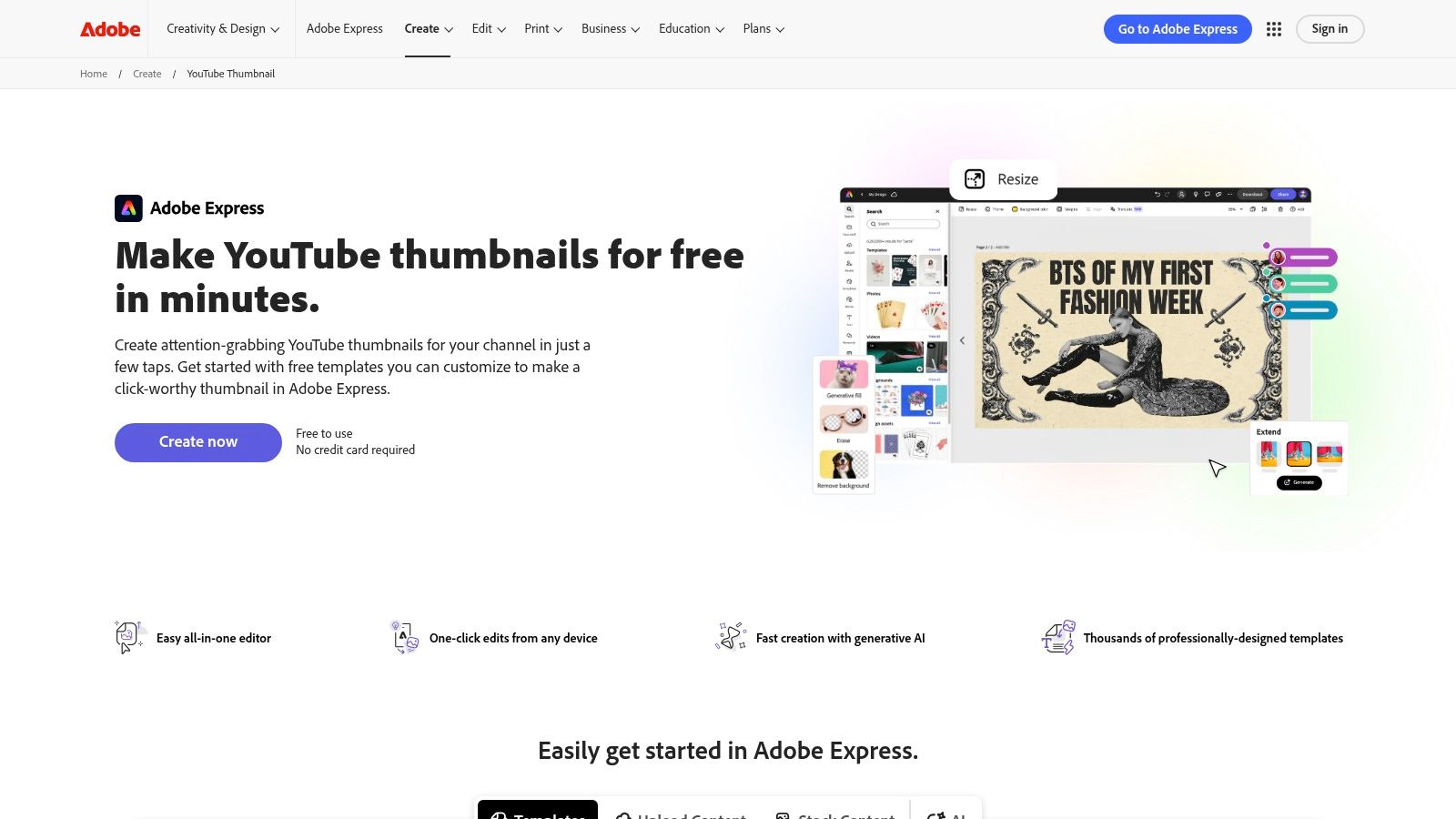
What makes Adobe Express stand out is its strong integration of brand management features even within its free plan. Your church can set up a basic "Brand Kit" with your specific colors, fonts, and logo, making it simple to maintain a consistent look across all your video content. After designing your thumbnail, remember that a tool like ChurchSocial.ai can take over. It allows you to create graphics using its own built-in editor and templates, then use AI to generate complementary social media posts from your sermon, all scheduled on one simple calendar.
Pros & Cons
| Pros | Cons |
|---|---|
| Clean, guided workflow with brand features | Some advanced and AI features are paid |
| Good starter template variety | Occasional learning curve if coming from Canva |
| Access to Adobe Stock photos and quick edits | Free plan has limits on premium assets and tools |
Website: Adobe Express YouTube Thumbnail Maker
3. Fotor
Fotor stands out by incorporating artificial intelligence directly into the thumbnail creation process, offering a powerful shortcut for church teams pressed for time. Its AI Thumbnail Maker can generate unique design concepts from a simple text prompt. This is perfect for when you need to overcome a creative block or produce multiple thumbnail variations for a sermon series quickly. The platform starts you with the correct 1280x720 pixel dimensions and includes features like an automatic subject cutout tool, which simplifies placing an image onto a new background.
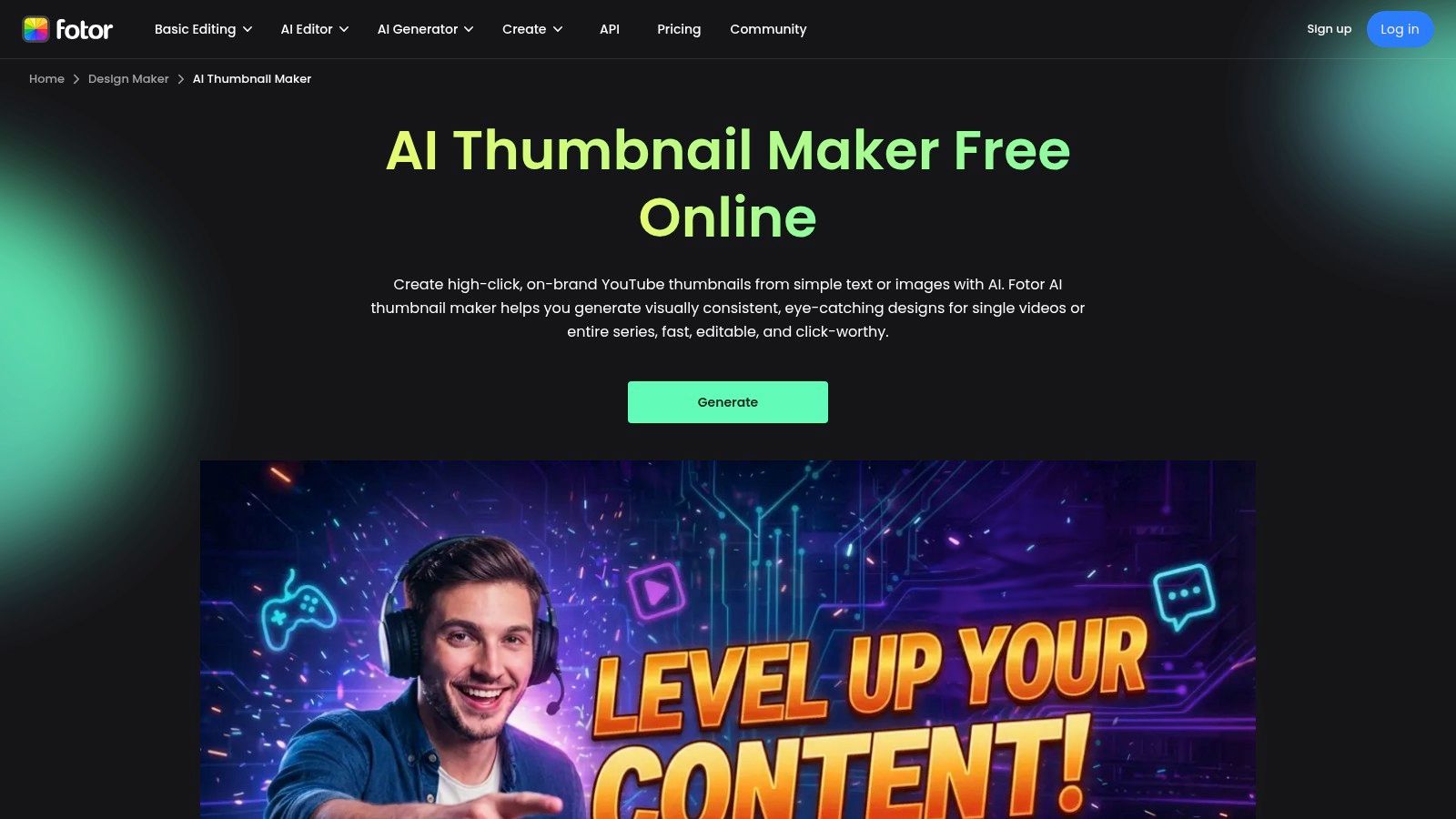
What makes Fotor a compelling option for creating free thumbnails for YouTube is its speed for generating initial ideas. Instead of starting with a blank canvas, you can give the AI a topic like "youth group fall retreat" and receive several visual starting points in seconds. While the AI-generated images are a major draw, be aware that the outputs may sometimes require manual adjustments. Once your thumbnail is ready, you can schedule it alongside your video and other social content using a dedicated tool like ChurchSocial.ai. Our platform lets you create graphics, generate AI content from sermons, and manage your entire content calendar from one central location.
Pros & Cons
| Pros | Cons |
|---|---|
| Very fast for generating initial design ideas | AI outputs may need manual tweaking for brand look |
| AI tool can automatically cut out subjects | Some AI and stock options require a paid plan |
| Claims no watermark on AI-generated downloads | Free version has some feature limitations |
Website: Fotor AI Thumbnail Maker
4. Snappa
Snappa positions itself as the fastest way to create online graphics, and for YouTube thumbnails, it lives up to that promise. This tool is built for speed and simplicity, making it a strong choice for church teams who need to create professional-looking thumbnails quickly without getting bogged down in complex features. Its interface is clean and focused, presenting you with perfectly sized YouTube thumbnail templates (1280x720 pixels) right from the start, which helps streamline the design process for weekly sermon videos or event announcements.
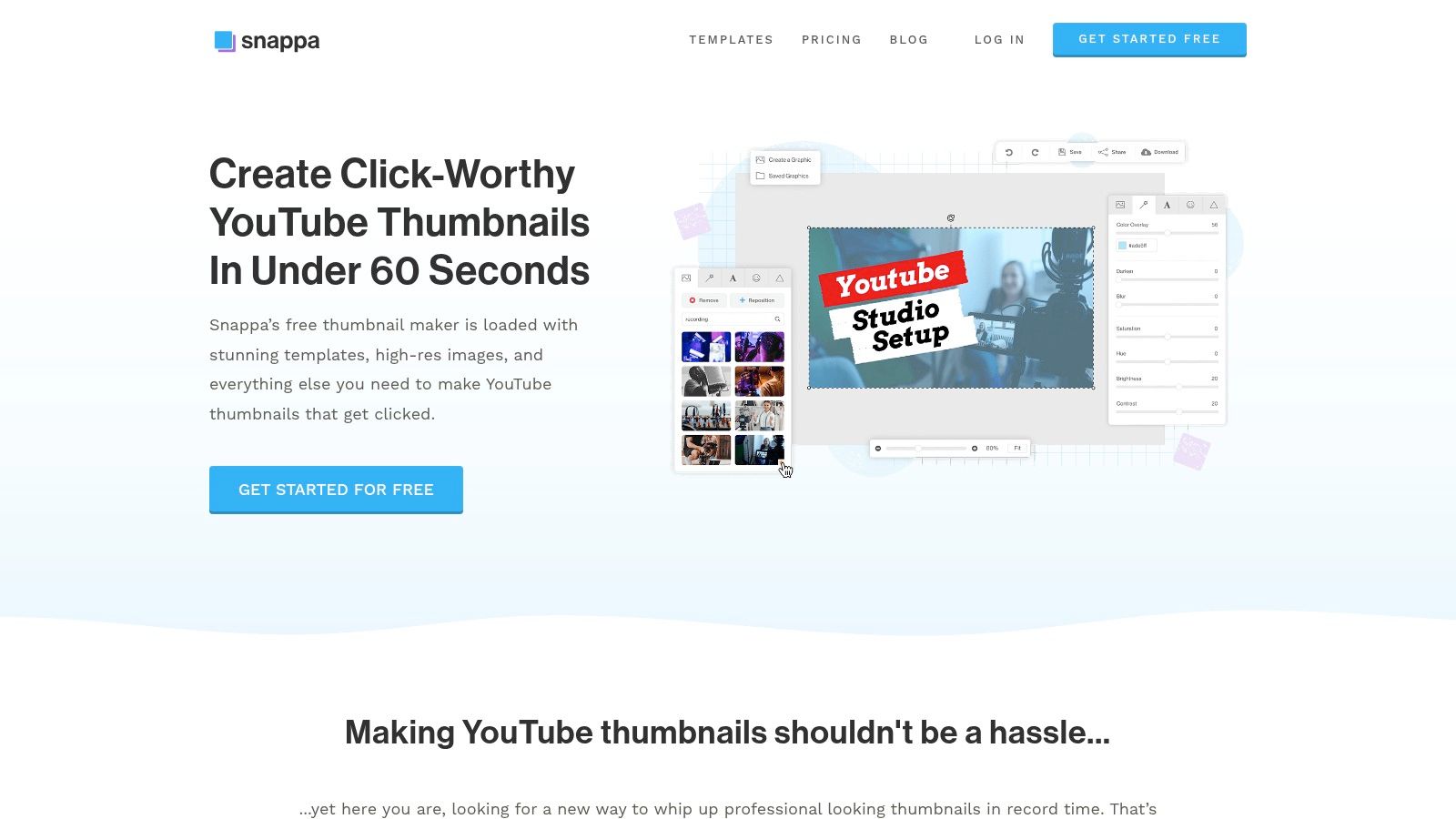
The primary trade-off with Snappa is its free plan's download limit. You are restricted to just three downloads per month, which makes it best suited for churches with a very low-volume video output. However, for those three downloads, you get full access to a large library of royalty-free photos and a straightforward editor. Once your thumbnail is complete, pairing it with a powerful scheduling tool is the next step. With ChurchSocial.ai, you can easily plan and post your videos and their new thumbnails across all your social media platforms from a single, easy-to-use drag-and-drop calendar. This combination of quick design and smart scheduling can save your ministry valuable time.
Pros & Cons
| Pros | Cons |
|---|---|
| Extremely quick for repetitive workflows | Free plan limits downloads to 3 per month |
| Clear licensing for included assets | Smaller template library than competitors |
| Simple, focused editor for fast creation | Fewer advanced features than other tools |
Website: Snappa YouTube Thumbnail Creator
5. Pixlr
Pixlr strikes a fantastic balance between the simplicity of a template-based tool and the control of a more advanced photo editor. It offers a dedicated YouTube Thumbnail Maker that starts you with the correct 1280x720 canvas and a wide selection of free templates. Because it runs entirely in your browser, there's nothing to install, making it a fast and accessible option for volunteers or staff working on different computers. It's lightweight enough to perform well even on modest hardware, ensuring no one is left out.
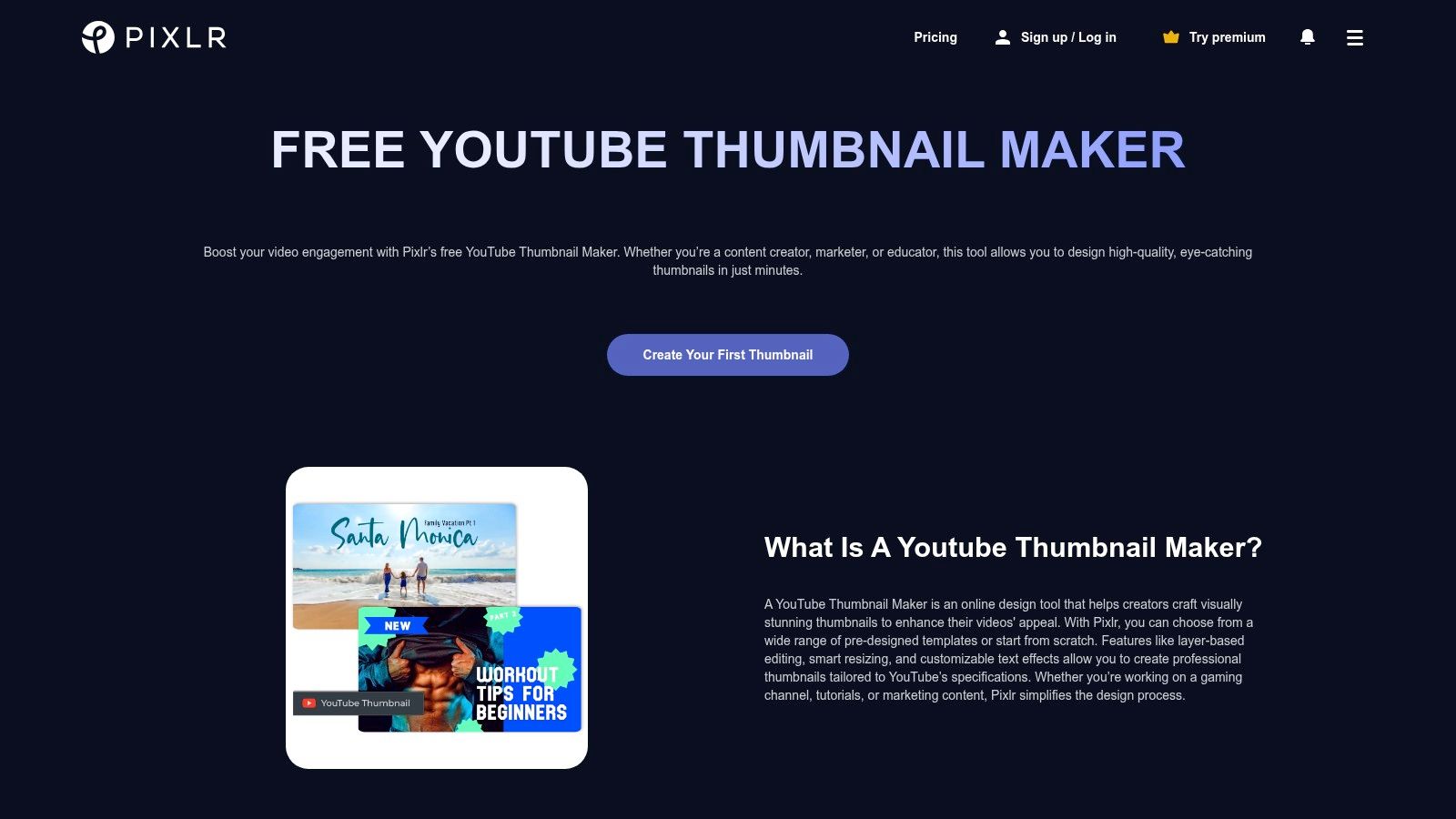
What makes Pixlr stand out is its more powerful editing capabilities, like quick background removal and a wide range of filters, which are often found in paid software. This allows for greater creative freedom when you want to apply a consistent visual style to your sermon series thumbnails. While you can design great free thumbnails for YouTube with Pixlr, managing the entire content lifecycle—from sermon to social post—is where ChurchSocial.ai shines. With our platform, you can generate social posts and graphics from your sermon content and then schedule them alongside your new video thumbnails, all from one calendar.
Pros & Cons
| Pros | Cons |
|---|---|
| Fast performance on modest hardware | Free plan includes on-screen ads |
| Easy to start with templates or scratch | Some AI tools are locked behind a paywall |
| Browser-based; no software installation | Interface can feel busy for new users |
Website: Pixlr YouTube Thumbnail Maker
6. Kapwing
Kapwing offers a powerful, browser-based video editing suite with an excellent workflow for creating free thumbnails for YouTube, especially if your source material is the video itself. Its standout feature is the ability to easily import a video, scrub through it, and capture the perfect freeze-frame to use as your thumbnail's base. This process saves immense time for church media teams who want to pull a key moment from a sermon or event recording without needing complex desktop software. The platform provides a correctly sized canvas (1280x720 pixels) and a modern, collaborative interface.
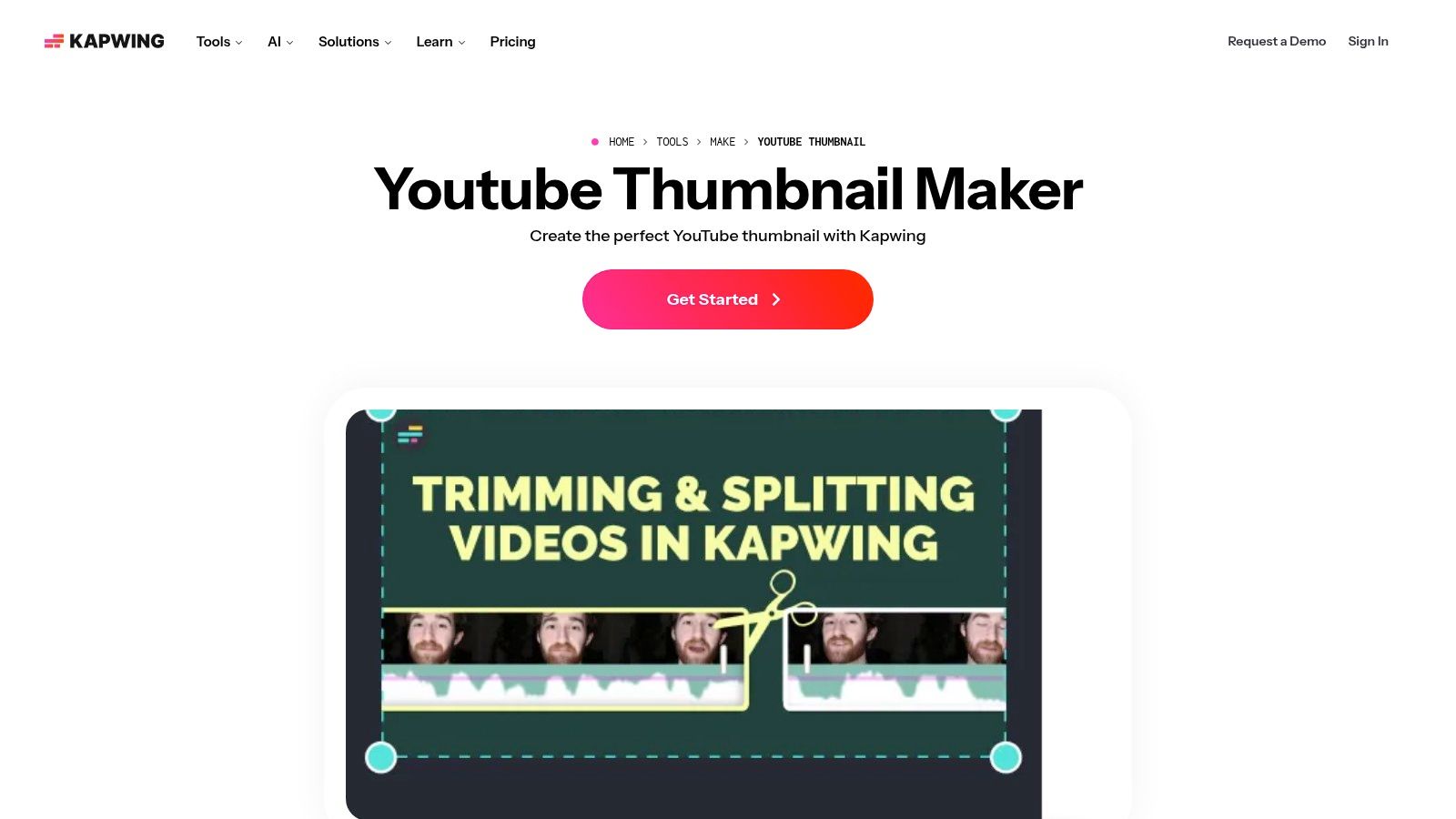
What makes Kapwing particularly useful is its focus on video-centric design. After extracting a frame, you can immediately add text, shapes, and other effects using its built-in editor. Once your Kapwing-designed thumbnail is complete, you can bring it into a tool like ChurchSocial.ai. Our platform helps you schedule and post your full video and its new, attention-grabbing thumbnail across all your church's social media platforms from a single, easy-to-use calendar. This saves you from jumping between different apps to manage your ministry's content.
Pros & Cons
| Pros | Cons |
|---|---|
| Great for turning video frames into thumbnails | Some exports and features are paywalled |
| Modern, collaborative user interface | Free asset library is not as deep as others |
| Freeze-frame workflow is very efficient | Can feel complex for simple image-only designs |
Website: Kapwing YouTube Thumbnail Maker
7. VistaCreate (formerly Crello)
VistaCreate, formerly known as Crello, is another powerful design tool that operates much like Canva. It provides a familiar and effective platform for churches looking to create free thumbnails for YouTube. The drag-and-drop editor is straightforward, ensuring volunteers can design visuals for sermon series or event announcements with minimal training. It starts you with a perfectly sized 1280x720 pixel canvas, so your final image is ready for YouTube without any adjustments.
What makes VistaCreate a strong contender is its generous free plan, which includes access to a large stock library and, most notably, the ability to upload your own fonts. This feature is often reserved for paid tiers on other platforms, making VistaCreate an excellent choice for maintaining strict brand consistency without a budget. Once your design is complete, you can schedule it alongside your sermon clips and social posts using a dedicated management tool like ChurchSocial.ai. Our all-in-one platform has its own graphic editor plus a simple calendar to help organize your entire content plan from one place.
Pros & Cons
| Pros | Cons |
|---|---|
| Familiar drag-and-drop experience | Sticker maker and other features are Pro-only |
| Free plan allows font and image uploads | Some templates can feel similar to competitors |
| Simple Brand Kit feature for easy consistency | Free stock library is smaller than the Pro one |
Website: VistaCreate
8. Picsart
Picsart is a versatile web and mobile photo editor that has become a go-to for creators who need to design on the move. Its dedicated YouTube Thumbnail Maker is particularly valuable for church staff or volunteers who often manage social media from their phones. The platform offers a solid starting point with templates correctly sized for YouTube, allowing for quick edits and uploads directly from a mobile device after a Sunday service or mid-week event. This makes it a great option for creating quick, text-over-image graphics that are punchy and effective.
What makes Picsart stand out is its strong emphasis on creative effects, stickers, and "remix" culture, which can help a church's content feel more modern and engaging, especially to a younger audience. While Picsart excels at fast, creative edits for individual thumbnails, a tool like ChurchSocial.ai provides the next step by helping you schedule and manage your entire content calendar. You can design in Picsart and then use ChurchSocial.ai to pair that thumbnail with AI-generated social posts from your sermon and schedule it all at once.
Pros & Cons
| Pros | Cons |
|---|---|
| Excellent for fast, on-the-go mobile editing | Many popular assets require a paid subscription |
| Large library of creative effects and stickers | The user interface can feel cluttered to new users |
| Good for remixing and quick text-based designs | Exporting can sometimes be confusing on mobile |
Website: Picsart YouTube Thumbnail Maker
9. BeFunky
BeFunky is a long-standing online photo editor that includes a dedicated YouTube Thumbnail Maker, offering a solid alternative for creating clean, effective visuals. It focuses on bold, readable designs, providing straightforward text, effects, and overlay tools that are easy for church staff or volunteers to master. The platform guides you toward professional-looking results without overwhelming you with complex features, making it a reliable choice for producing free thumbnails for YouTube that capture attention.
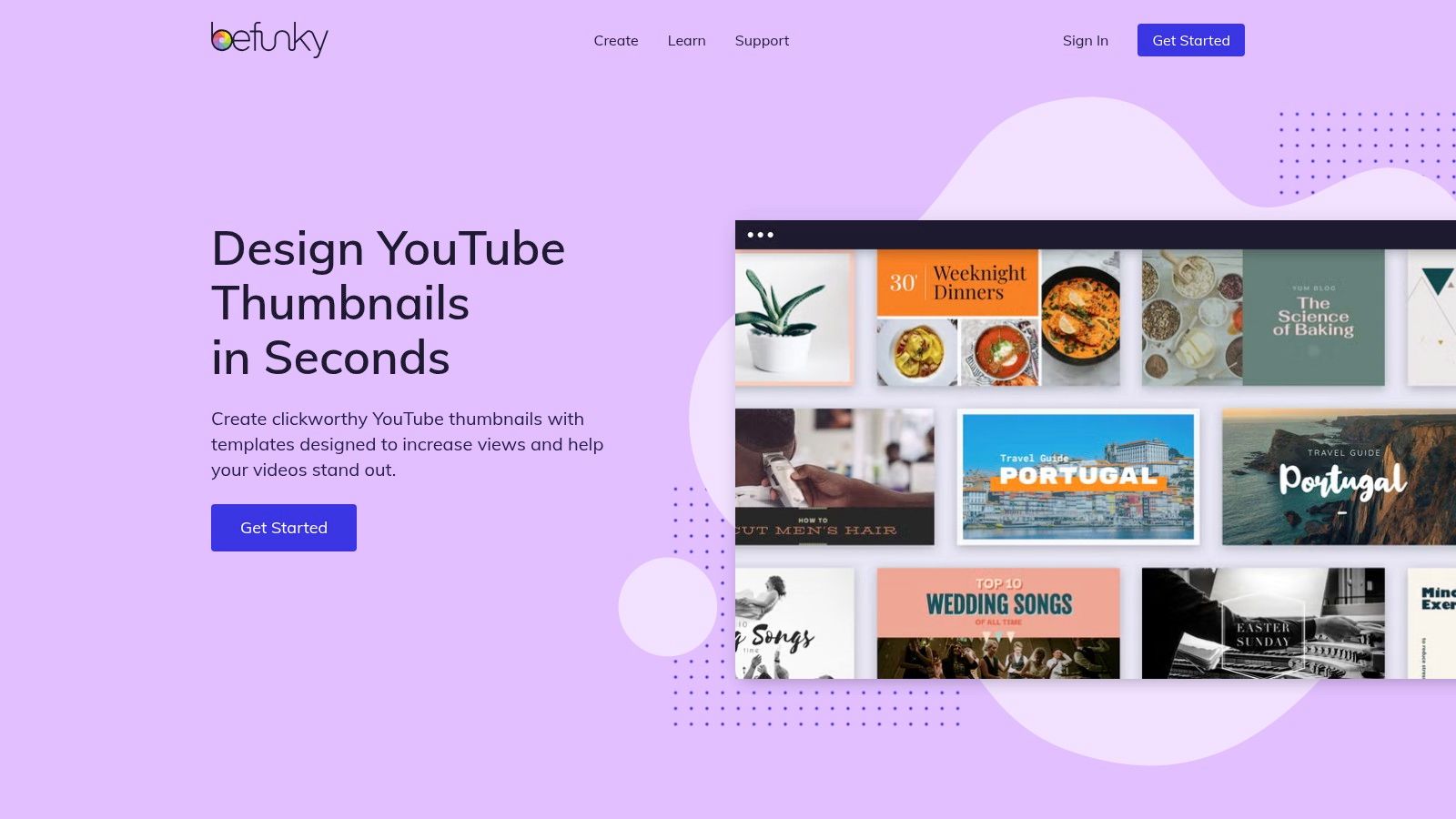
The strength of BeFunky lies in its simplicity and focus on typography. The templates are designed with legibility in mind, perfect for sermon titles or event announcements that need to be understood at a glance. You can download the final PNG or JPG watermark-free. While BeFunky is great for the design phase, using a tool like ChurchSocial.ai helps you complete the process. Our platform has its own graphic editor, plus it lets you schedule your videos and their new thumbnails across your entire social media calendar from one simple dashboard.
Pros & Cons
| Pros | Cons |
|---|---|
| Beginner-friendly and intuitive user interface | Some features and stock assets are paywalled |
| Excellent typography for readable thumbnails | Fewer AI-assisted features than newer platforms |
| Browser-based editor requires no installation | Interface feels slightly dated compared to rivals |
Website: BeFunky YouTube Thumbnail Maker
10. Photopea
For teams with some design experience, Photopea stands out as a powerful, browser-based photo editor that mirrors the functionality of Adobe Photoshop. This makes it the perfect tool for creating completely custom free thumbnails for YouTube when you need granular control over layers, masks, and effects. Since it runs directly in your browser, there's no software to install, and it can open and edit PSD files, which is a huge advantage if you’re working with pre-existing templates. You can start with a 1280x720 pixel canvas and build your thumbnail with precision.
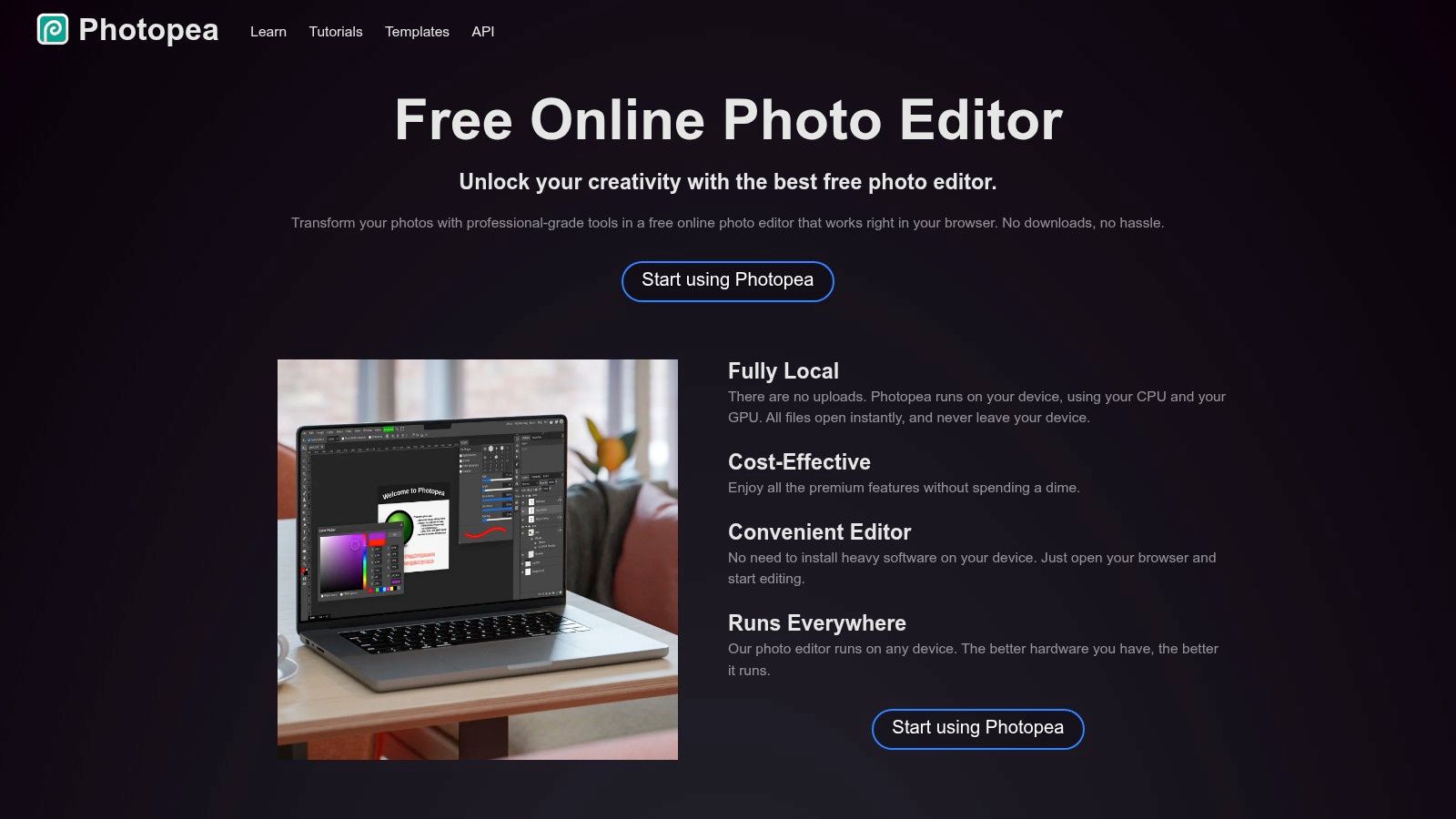
Photopea is not a template-driven tool like Canva, so it assumes a higher level of user skill. Its strength lies in its advanced toolset, allowing for complex image composites and precise text manipulation. This is ideal for a church that wants to create a signature thumbnail style. While Photopea provides the creation tools, you can pair it with ChurchSocial.ai to schedule and manage the publication of your videos and thumbnails. Our platform is free to use with ads, and you can download your final thumbnail as a PNG or JPG without any watermarks.
Pros & Cons
| Pros | Cons |
|---|---|
| Photoshop-like power for precision edits | Steeper learning curve for beginners |
| No sign-in required and completely free to use | Interface can feel cluttered with ads |
| Supports PSD files and other professional formats | Not template-driven; requires design from scratch |
Website: Photopea
11. PosterMyWall
PosterMyWall operates as a template-first design platform, providing a substantial collection of options perfect for creating free thumbnails for YouTube. Its key advantage for churches on a tight budget is its generous free plan. You can download social media-sized images, including the standard 1280×720 YouTube thumbnail size, completely free and without any PosterMyWall branding. This makes it an excellent choice for quickly producing a thumbnail for a sermon announcement or event promotion without incurring extra costs.
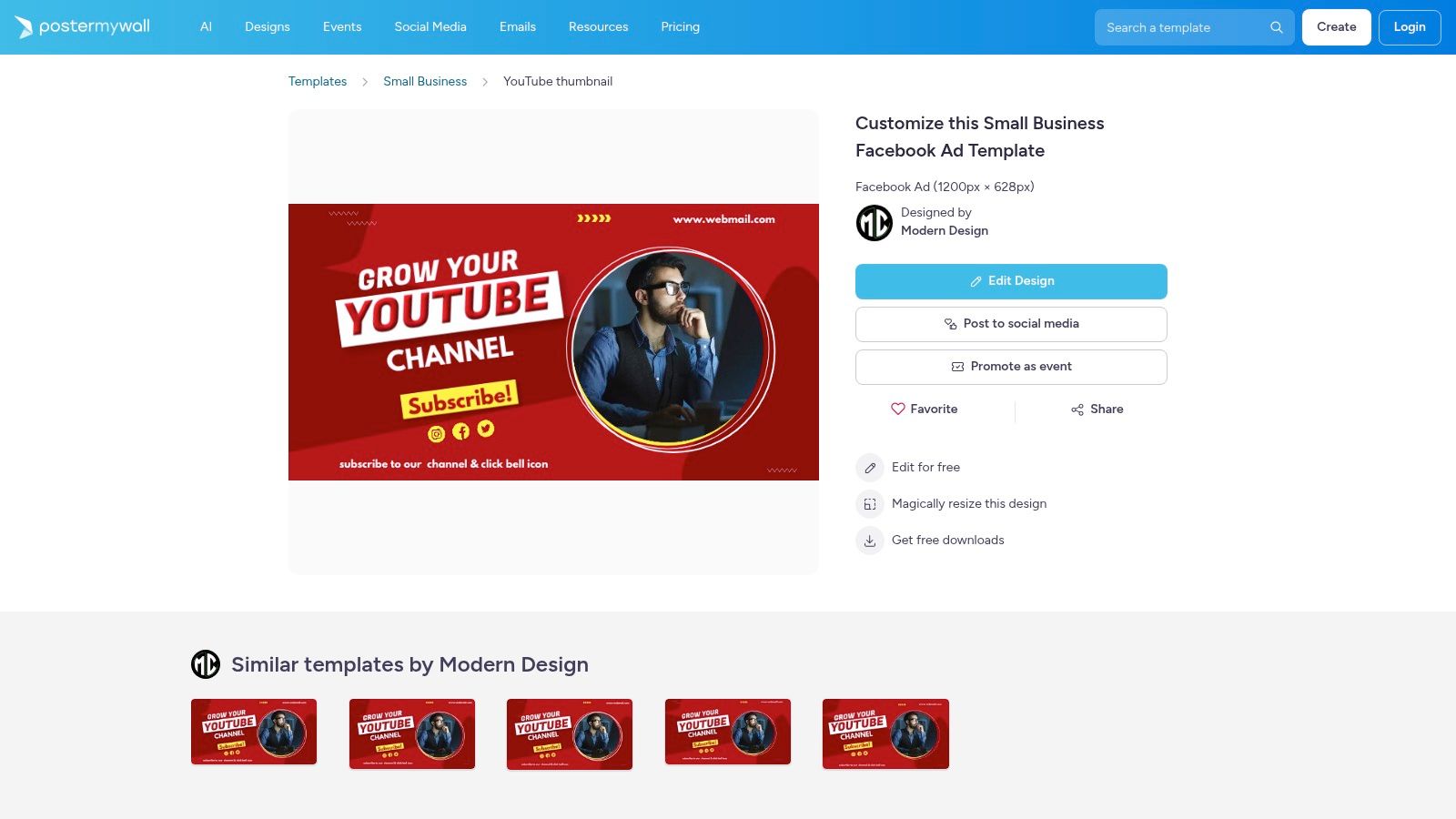
The platform is built around speed. You can find a template you like, make quick text and color adjustments using the basic editor, and download the finished product in minutes. This speed is invaluable for busy church staff or volunteers. Once your thumbnail is ready, you can pair it with video content and schedule everything for publication using a dedicated tool like ChurchSocial.ai, which helps manage your entire content calendar. While PosterMyWall excels at quick, free graphics, be mindful that selecting premium Getty Images within a template will result in a watermarked image, so stick to the free elements or upload your own.
Pros & Cons
| Pros | Cons |
|---|---|
| Free social-size downloads without a watermark | Some templates and assets require a premium plan |
| Wide template variety for quick turnarounds | Stock photo watermarks on premium Getty images |
| Easy-to-use editor for basic modifications | Fewer advanced editing features than competitors |
Website: PosterMyWall YouTube Thumbnail Maker
12. Pixelied
Pixelied offers a powerful and streamlined alternative for creating free thumbnails for YouTube, functioning as a direct competitor to Canva but with its own distinct advantages. The platform's dedicated YouTube Thumbnail Maker gets you started immediately with a correctly sized 1280×720 pixel canvas and a collection of fully customizable templates. Its interface is minimal and straightforward, making it an excellent choice for church volunteers who may feel overwhelmed by more complex design suites but still want to produce high-quality, professional-looking thumbnails for sermons and ministry events.
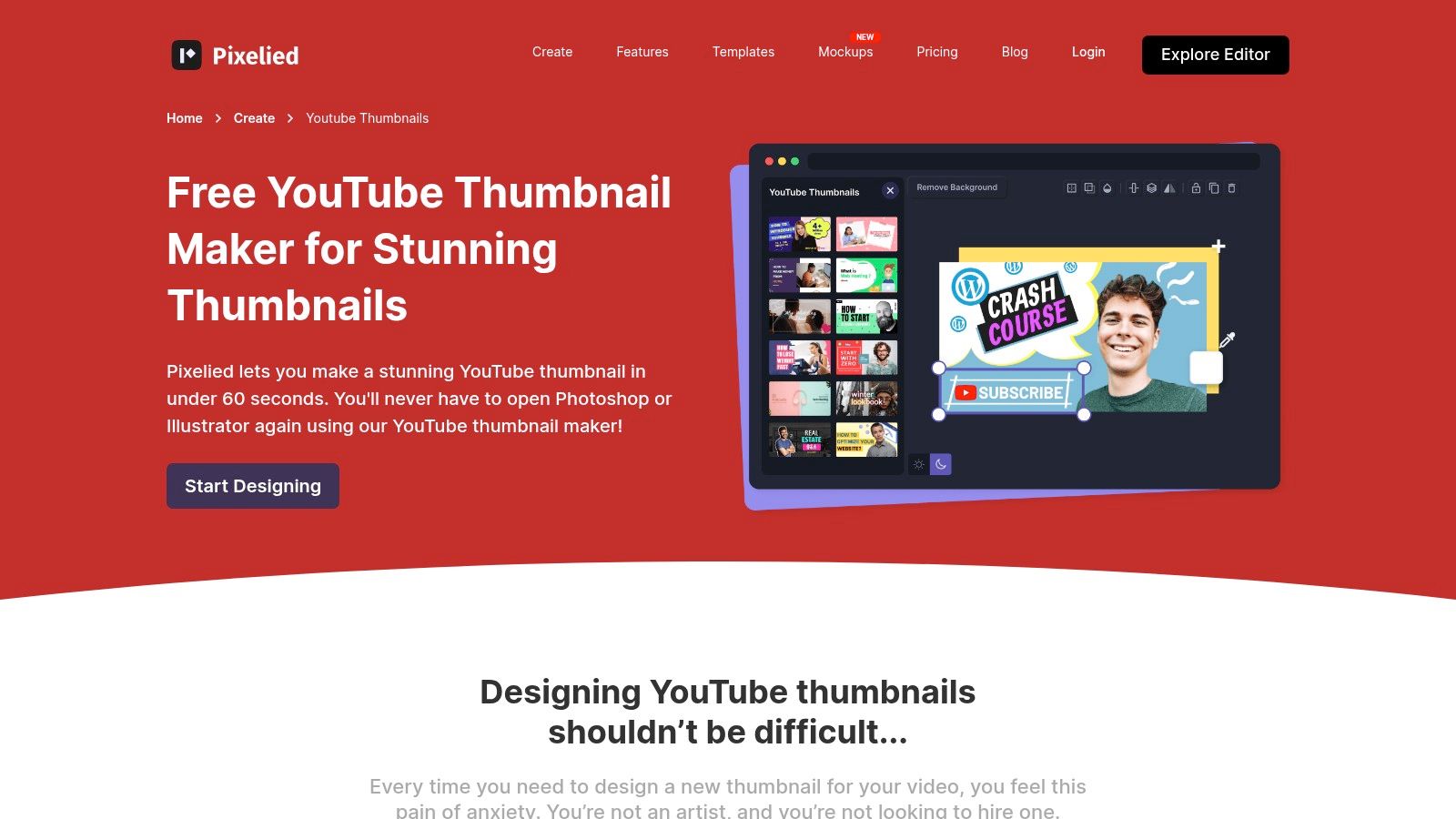
What makes Pixelied a solid choice is its focus on ease of use without sacrificing essential features. The free plan provides access to a good selection of templates, stock photos, and icons that can be quickly adapted to fit your church’s branding. Crucially, you can download your final designs as JPG or PNG files without any watermarks. Once you've created your thumbnail in Pixelied, you can use a tool like ChurchSocial.ai to schedule its corresponding video and other AI-generated content across all your social media platforms from a single, easy-to-use calendar.
Pros & Cons
| Pros | Cons |
|---|---|
| Straightforward, minimal interface is easy to use | Smaller ecosystem and asset library than Canva |
| Templates are easy to adapt for consistent branding | Some assets and features are locked to paid tiers |
| Exports finished designs without watermarks | Limited advanced features on the free plan |
Website: Pixelied YouTube Thumbnail Maker
12 Free YouTube Thumbnail Tools — Comparison
| Tool | Key features (✨ / 🏆) | UX & Quality (★) | Best for (👥) | Price / Value (💰) |
|---|---|---|---|---|
| Canva | ✨ Huge template & asset library, Brand Kit 🏆 | ★★★★☆ | 👥 Volunteers & non-designers | 💰 Strong free plan; Pro for advanced brand controls |
| Adobe Express | ✨ Guided templates, Brand Kit, background remover | ★★★★☆ | 👥 Adobe users & teams | 💰 Free tier; paid for advanced/AI features |
| Fotor | ✨ AI thumbnail generator, auto cutout | ★★★☆ | 👥 Idea generators & quick mockups | 💰 Free with paid AI/stock options; claims no AI watermark |
| Snappa | ✨ Click-ready templates, one-click resize | ★★★★☆ | 👥 Low-volume creators & testers | 💰 Free (3 downloads/mo); paid for more |
| Pixlr | ✨ Fast browser editor, quick background removal | ★★★★☆ | 👥 Fast edits on modest hardware | 💰 Free with ads; paid to remove ads/unlock AI |
| Kapwing | ✨ Freeze-frame extraction, collaboration 🏆 | ★★★★☆ | 👥 Video-first teams & creators | 💰 Free tier; paid for higher-res exports & workspaces |
| VistaCreate | ✨ Canva-style editor, uploads & basic animation | ★★★★☆ | 👥 Small teams wanting brand consistency | 💰 Free templates; Pro for premium assets/features |
| Picsart | ✨ Mobile + web apps, creative effects | ★★★★☆ | 👥 Mobile creators & remixers | 💰 Free tier; subscription for premium assets |
| BeFunky | ✨ Readable typography-focused templates | ★★★☆ | 👥 Absolute beginners & simple thumbnails | 💰 Free basic tools; paid for full features |
| Photopea | ✨ PSD-style layer control, pro-level tools 🏆 | ★★★★☆ | 👥 Advanced editors & designers | 💰 Free (ads); optional paid to remove ads |
| PosterMyWall | ✨ Template-first, free social-size downloads | ★★★★☆ | 👥 Budget-conscious teams | 💰 Free downloads (no watermark); some premium assets |
| Pixelied | ✨ Minimal interface, format guidance | ★★★★☆ | 👥 Small teams wanting simple branding | 💰 Free templates; paid for larger library/features |
Streamline Your Ministry's Workflow with an All-in-One Solution
You now have a powerful list of tools to create compelling, free thumbnails for YouTube. From Canva’s extensive template library to Photopea’s advanced editing capabilities, the resources we've covered can certainly elevate your church’s visual presence online. Each tool, whether it's Fotor, Pixlr, or Adobe Express, offers a unique set of features that can help a volunteer or staff member design a thumbnail that captures attention and communicates value.
The journey, however, doesn't end with a finished thumbnail. That graphic is just one piece of a much larger digital outreach puzzle. The real challenge for many ministries isn't just creating the content; it's managing the entire workflow that surrounds it. You design a thumbnail in one app, write a post in a document, and then manually upload everything across YouTube, Facebook, and Instagram. This fragmented process consumes valuable time and energy, pulling focus away from what truly matters: connecting with your community.
Moving from Disconnected Tools to a Unified System
Consider the typical content cycle for a Sunday sermon. After the service, a volunteer might spend hours:
- Editing the sermon video for YouTube.
- Designing a thumbnail using one of the free tools mentioned.
- Writing social media captions to promote the video.
- Manually posting everything to different platforms at different times.
This multi-step, multi-tool process is where ministries often lose momentum. While free tools are great for specific tasks, they don't solve the bigger operational problem of content management and distribution. This is precisely where an integrated platform can make a significant difference.
The Power of an All-in-One Ministry Solution
Imagine a different reality. You upload your sermon transcript or video file to a single platform. From that one asset, the system automatically generates short, engaging video clips perfect for Reels and Shorts. It also drafts social media posts, discussion questions, and even a blog post based on your sermon's key points.
This is the efficiency that ChurchSocial.ai offers. It moves your ministry beyond just creating free thumbnails for YouTube and into a complete content strategy ecosystem. Our platform includes a built-in graphics editor with templates designed specifically for churches. You can create your YouTube thumbnail, event announcements, and carousel posts all within the same system, ensuring brand consistency.
Then, you can schedule everything on a simple drag-and-drop calendar. We even integrate with Planning Center and other church calendars to automatically import your events, making it effortless to create and schedule promotional content. By centralizing your entire workflow, ChurchSocial.ai saves your staff and volunteers countless hours, freeing them to focus on ministry, not marketing logistics. The free tools are excellent for the "what" of creating a thumbnail; an all-in-one solution provides the "how" for your entire digital outreach strategy.
Ready to stop jumping between apps and start building a cohesive digital ministry? ChurchSocial.ai combines a graphics editor for your YouTube thumbnails with AI-powered content creation and a simple scheduling calendar. See how you can transform one sermon into a week of content by visiting ChurchSocial.ai and starting your journey today.


