
Saturday afternoon arrives, the bulletin is almost done, and the front panel still looks empty. You need an image that feels reverent, prints cleanly, and doesn't create a copyright headache later. That simple task often turns into twenty browser tabs, inconsistent file sizes, and a last-minute compromise.
That's why searches for church bulletin visuals have grown so much. A Vanco Payments roundup on free church bulletin covers notes that over 65% of U.S. churches now use digital or printable bulletins weekly, up from 42% in 2019, and Google Trends showed a 150% increase in searches for “free church bulletin covers” and “church bulletin clipart” between 2020 and 2025. Churches need affordable artwork, but they also need something practical enough for volunteers to use without design training.
The hard part isn't only finding church bulletin images free. It's finding images that fit your Sunday theme, work in print, match your church branding, and can also support your digital communication during the week. An isolated download helps for one bulletin. A repeatable system helps every week.
Here are the 10 sources I'd put in front of a church team right now, starting with the option that solves the biggest workflow problem, not just the image problem.
1. ChurchSocial Graphic Design Tool
If your team is tired of grabbing an image from one site, editing it somewhere else, then uploading it into a social scheduler later, ChurchSocial.ai is the strongest option on this list. It's built for churches first, which matters more than people often realize. General design tools can make a decent bulletin. ChurchSocial helps you make the bulletin, turn that same visual into social content, schedule it, and keep the whole thing on-brand.
The practical win is workflow. You're not just collecting church bulletin images free and hoping they fit. You're using church-specific templates for bulletins, sermon series, events, and volunteer recruitment inside the same platform where your team can manage captions, publishing, and calendar planning.
Why it works better than a download site
Small churches especially feel the pressure here. According to PosterMyWall church bulletin template results, market adoption of free bulletin image resources reached 68% among U.S. churches under 200 attendees, and 82% of small church volunteers rely on free assets. The same analysis says those volunteers also face higher rework rates because low-resolution files often aren't print-ready. That's the problem ChurchSocial is positioned to fix.
Instead of starting with a random image, teams can start with a church-ready layout, swap imagery, apply a brand kit, and resize for social without rebuilding the design. If you want more bulletin-specific inspiration, their guide to church bulletin graphics is worth bookmarking.
Practical rule: The best bulletin image is the one your team can reuse across print, Instagram, Facebook, and event promos without redesigning it four times.
A few real trade-offs matter:
- Best for churches: Templates and workflows are ministry-focused, which is great for churches and less useful outside that setting.
- Strong for volunteers: The editor is approachable, but AI output still needs human review before publishing.
- Scales with your team: Modular add-ons help if you also want sermon clips, AI-written posts, and broader campaign planning.
One more advantage is consistency. A bulletin image shouldn't live alone for six days. In ChurchSocial, that same visual can support sermon-based posts, reels, event reminders, and scheduled publishing from one calendar. If your ministry also experiments with motion content, you can even create hyper-realistic videos elsewhere and still keep your core planning process centered in ChurchSocial.
2. Unsplash
Unsplash is one of the easiest places to find polished photography that doesn't immediately look like stock. Search terms like cross, worship, prayer, light, Bible, church exterior, stained glass, or seasonal themes usually return strong visual options for bulletin covers.
Its biggest strength is taste level. Many churches want bulletin artwork that feels clean and modern without becoming flashy. Unsplash does that well, especially for scenic, symbolic, and architectural imagery.
Best use case
Use Unsplash when you need a single strong image and don't need a church-specific layout. It's often the fastest fix for a blank bulletin front page.
What works well:
- High-resolution photography: Images usually hold up in print better than low-quality free downloads.
- Low friction: Most images download quickly without a complicated process.
- Strong mood-based search: You can search by concept, not only by object.
What doesn't work as well:
- Not church-specific: You'll still need to build the bulletin design around the image.
- Watch for people: If your church prefers images without people, you'll need to filter carefully.
- License limits still matter: Free doesn't mean unlimited reuse in every context.
Unsplash is excellent when you want a reverent photo background and already know how to handle layout in another tool. It's weaker if your team needs editable bulletin-ready assets rather than standalone photography.
3. Pexels
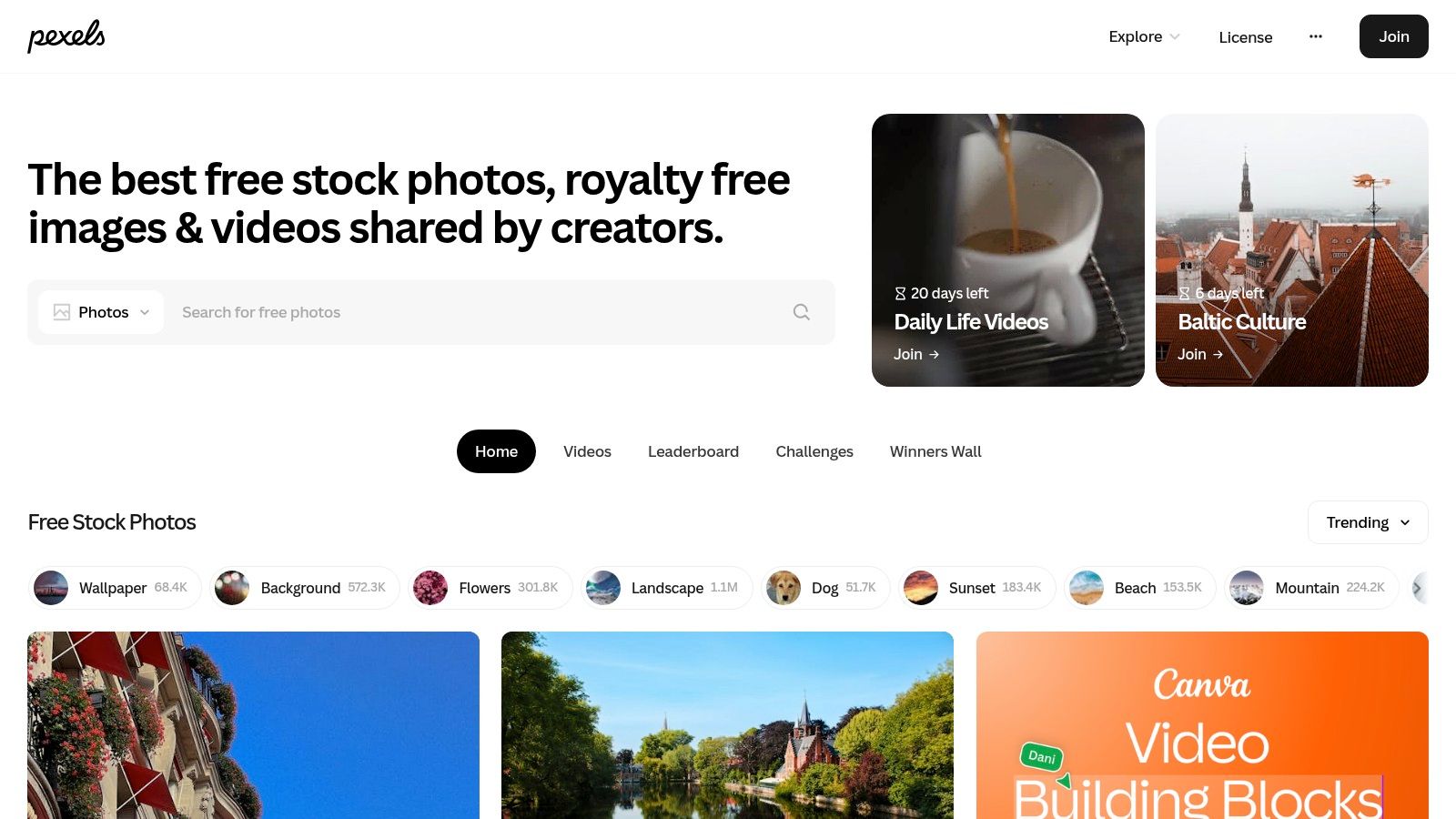
Pexels is the free library I recommend when you want breadth. It has photos and videos, and the search results for faith-adjacent terms are usually broad enough to support bulletin art, website banners, sermon slides, and matching social visuals.
That variety helps when you're building continuity for a series. If you find a visual style that works, you can often locate similar images and companion motion clips without leaving the platform.
Where Pexels fits
Pexels is useful when your bulletin needs to connect with the rest of your church communication. A photo used on Sunday can also become a background for a sermon quote post or an event reminder.
A few trade-offs stand out:
- Straightforward usage: The license is easy for volunteers to understand.
- Helpful vertical options: Portrait-oriented images can work well for half-page covers or inserts.
- Quality varies: Some images look polished, others look more generic.
- People and brands show up often: Review each image before using it in a bulletin cover.
Good bulletin art should still look intentional when cropped for social. Pexels gives you enough range to plan that way.
If your team is trying to keep one visual thread from print to online, Pexels gives you more flexibility than photo-only libraries with narrower search results.
4. Pixabay
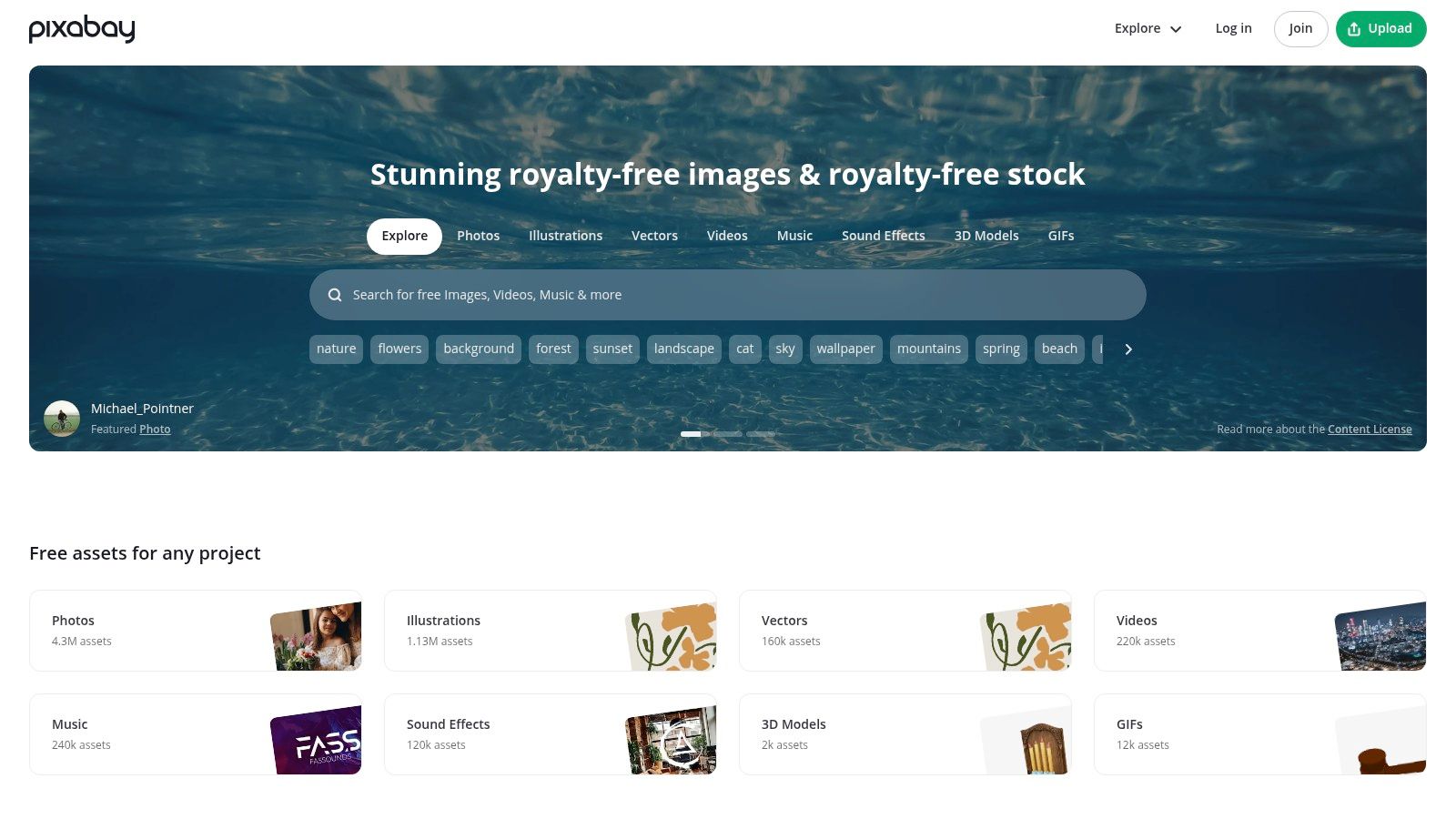
Pixabay earns a spot here because it isn't limited to photography. You can find photos, illustrations, vectors, and simple icon-style artwork in one place. For church bulletin images free, that matters because many bulletins print better with clean line art or symbolic graphics than with full-bleed photography.
This is one of the better choices for churches that want doves, crosses, candles, Bibles, stained glass motifs, or black-and-white art that reproduces sharply on standard office printers.
Best for print-friendly variety
The strongest reason to use Pixabay is print control. Photos can be beautiful, but vectors and illustrations often scale and print more cleanly, especially on lower-cost printers.
Useful strengths:
- More than photos: Icons and illustrations solve problems that photography can't.
- Orientation filters: Handy when you know your bulletin layout dimensions.
- Good for monochrome printing: Simple art often survives grayscale output better than photos.
Limitations to keep in mind:
- Mixed contributor quality: Some results look dated.
- Trademark caution: Avoid anything with recognizable logos or branded elements.
- Less cohesive style: You may need more searching to keep a polished visual identity.
If you're pairing bulletin imagery with scripture graphics, ChurchSocial's collection of Bible verses pictures free download ideas can help you think beyond the front cover and into inserts, slides, and social posts.
5. FreeBibleImages
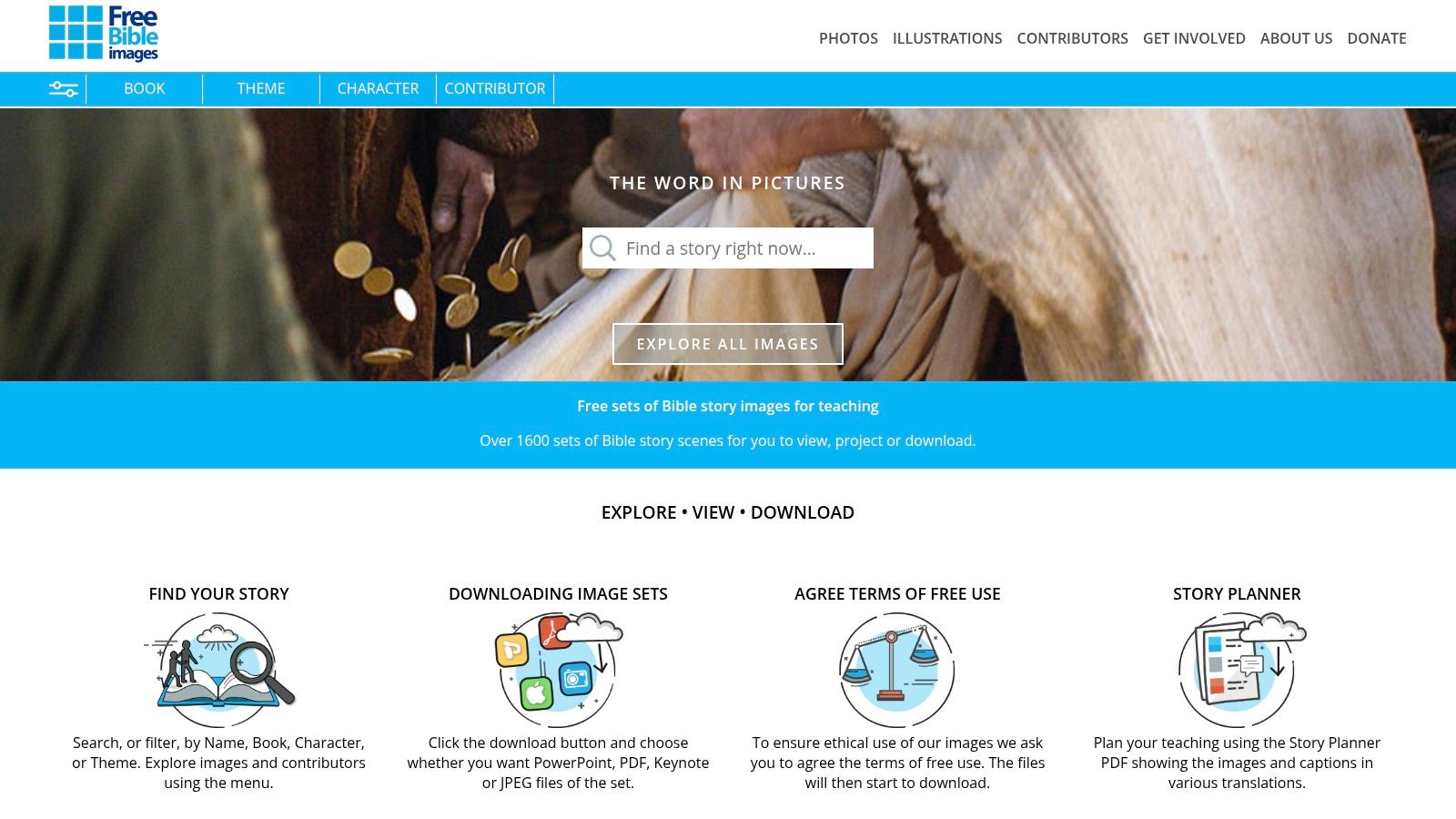
FreeBibleImages is different from the general stock sites because it's built around Bible narrative content. If your bulletin regularly includes children's inserts, sermon tie-ins, teaching pages, or scripture-specific illustrations, this site can be more useful than a broad photo library.
Its story packs are the main value. Instead of one isolated image, you often get a cohesive set tied to a biblical passage or teaching theme.
Best for scripture-aligned content
This is a strong fit when your bulletin needs to reinforce the sermon text or support ministry education. It works particularly well for family ministry and children's discipleship pieces.
What stands out:
- Passage-specific art: Helpful when you want more than generic church imagery.
- Cohesive sets: Easier to maintain continuity across a bulletin insert or teaching page.
- Maps and teaching visuals: Useful beyond decorative design.
What to watch:
- Attribution is required: Volunteers need to follow the reuse guidance carefully.
- Context matters: The site's terms expect use that respects the Christian message.
- Less modern lifestyle photography: This is more educational than editorial in style.
This isn't the site I'd use for every front cover. It is one of the first I'd check for scripture-driven inserts and ministry teaching materials.
6. Church Media Drop
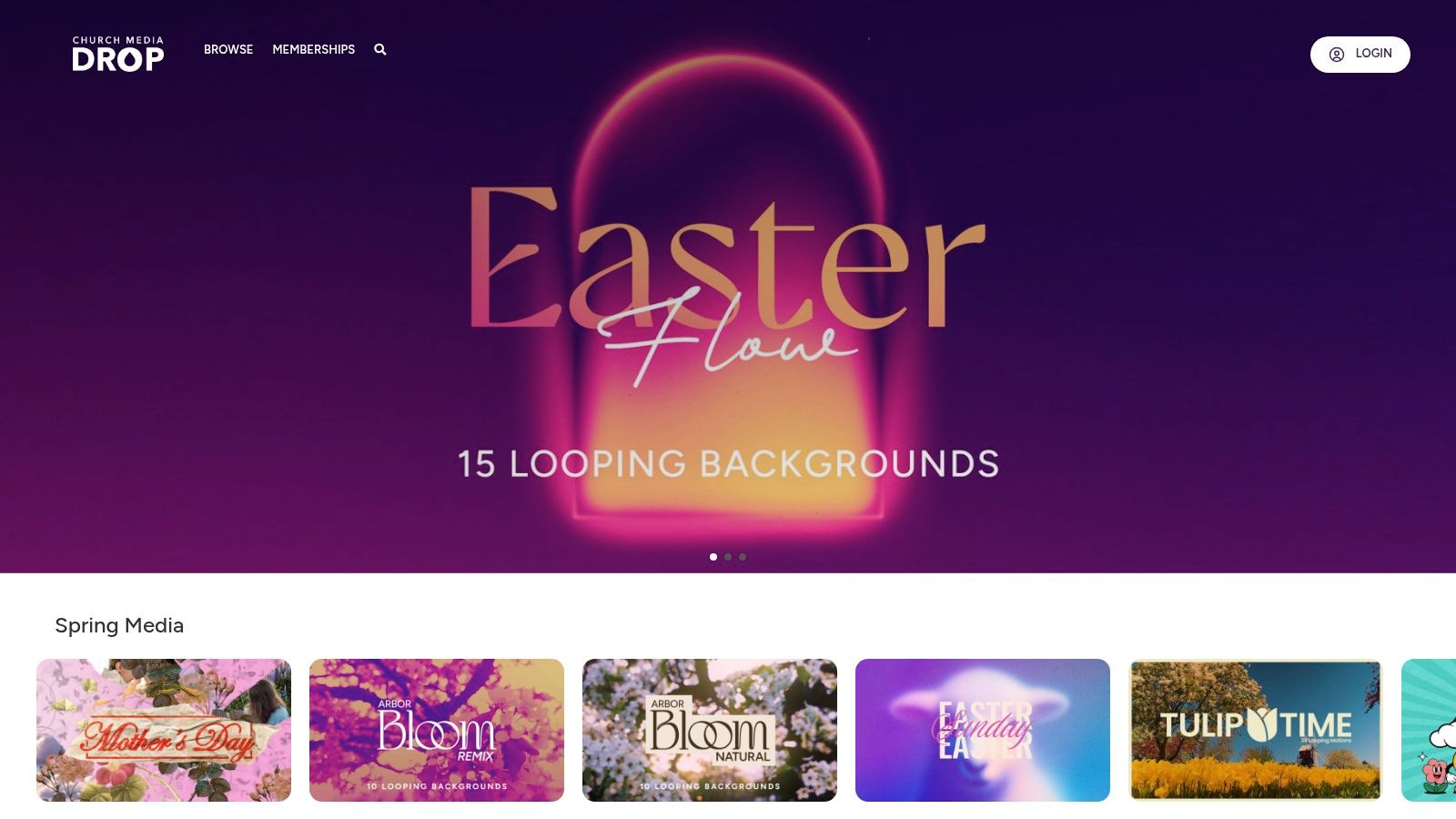
Church Media Drop feels more like a church creative community than a stock library. That's useful because the assets are often made by people who understand sermon series pacing, church seasons, and the difference between a bulletin visual and a flashy ad.
You'll find sermon art, social graphics, loops, and seasonal resources. Some of those can work directly in a bulletin. Others are better as a starting point for adaptation.
What it does well
Church Media Drop is strongest during seasonal planning. Advent, Christmas, Lent, Easter, Mother's Day, and church-wide emphasis months are where this kind of library saves teams the most time.
Consider this simple approach:
- Church-native style: Designs usually feel more ministry-appropriate than generic stock.
- Ready-made seasonal packs: Helpful when the calendar moves fast.
- Useful beyond print: Motion and slide assets support a unified Sunday experience.
The trade-off is consistency. Community-driven libraries can vary a lot in visual quality, theology cues, and editability. Some items are excellent. Some feel like placeholders. Download with discernment, and expect to refine what you use.
If a free church design asset looks great on a screen but doesn't fit your church's tone, it still costs you time.
7. Ministry Designs Media
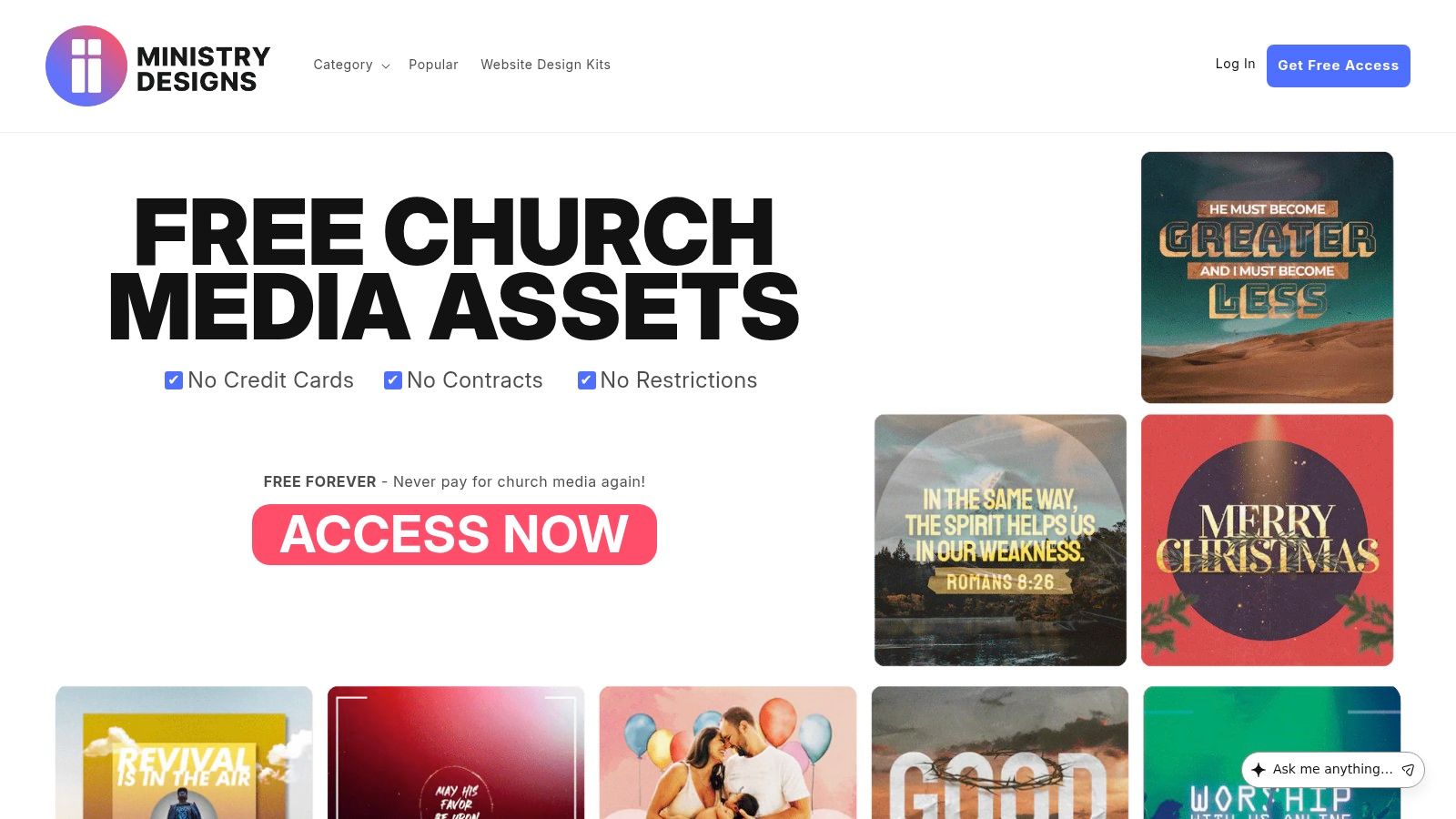
Ministry Designs Media is one of the better church-specific options when your team wants editable source files. That matters more than people expect. A beautiful free design loses value quickly if you can't change colors, titles, dates, or layout structure.
Many of its media packs include Canva templates or PSD files, which makes it easier for volunteers to adapt designs for a bulletin, an announcement slide, and a social post.
Strong pick for editable church media
This platform is useful when your church wants speed without giving up control. Instead of starting with a photo, you start with a ministry-ready design and tailor it.
The practical upside:
- Church bulletins category: Easier to find ministry-specific layouts.
- Editable files: Volunteers can move faster when they aren't rebuilding from scratch.
- Seasonal collections: Good for recurring church calendar moments.
The caution is simple. Verify what's included with each asset and read the usage details inside the download. Some free libraries make access easy, but the fine print still matters. That's especially important because legal confusion remains common. A summary on Sarah Titus discussing church bulletin resources highlights a licensing gap across free church image sites and cites a 2025 Creative Commons survey where 68% of non-profits in the sample faced licensing-related issues, with 42% reporting accidental infringements that led to takedown notices on church social media.
That's one reason many teams eventually move from scattered free assets to a more controlled, integrated platform.
8. CreationSwap
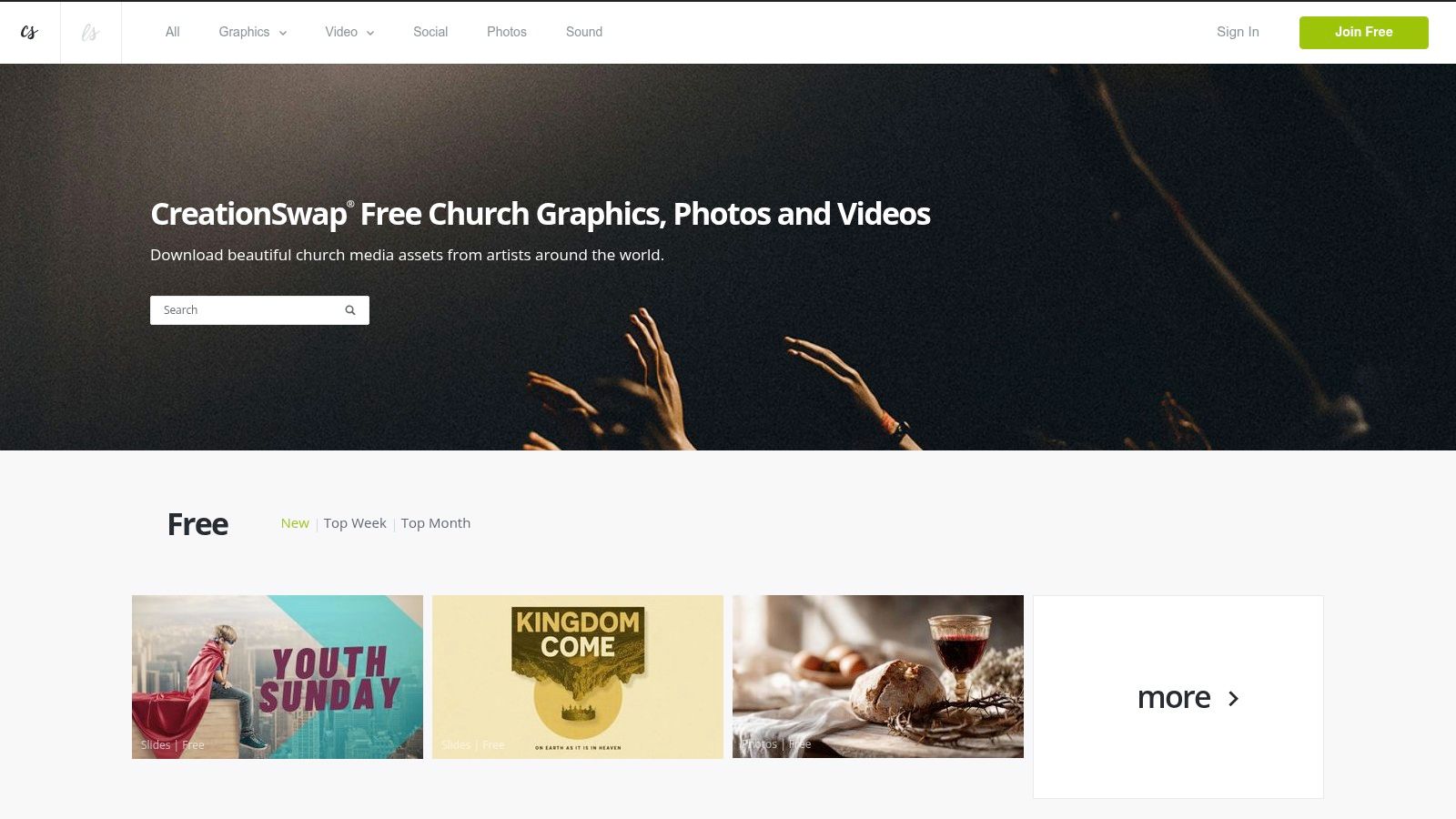
CreationSwap has been around long enough to become familiar to many church creatives. Its value is the blend of free and premium resources with a clearer licensing structure than many free-only libraries.
That makes it a practical middle ground. If your church wants faith-focused artwork but also wants the option to expand into a larger paid library later, CreationSwap can work well.
Good for churches that want room to grow
A lot of teams outgrow random free downloads before they outgrow budget constraints. CreationSwap meets that moment well.
Reasons churches keep using it:
- Faith-focused catalog: More ministry themes than broad stock sites.
- Free section with real utility: Enough for many bulletin needs.
- Formal licensing pages: Better than guessing what “free” means.
Trade-offs:
- Not everything is free: You'll see premium assets alongside free ones.
- Check each asset: Terms can vary, so volunteers still need to verify usage.
- Style can differ widely: Great for variety, harder for strict brand consistency.
If your church is in that in-between stage, not ready for a fully integrated workflow but past the point of relying only on general stock sites, CreationSwap is a reasonable bridge.
9. Canva
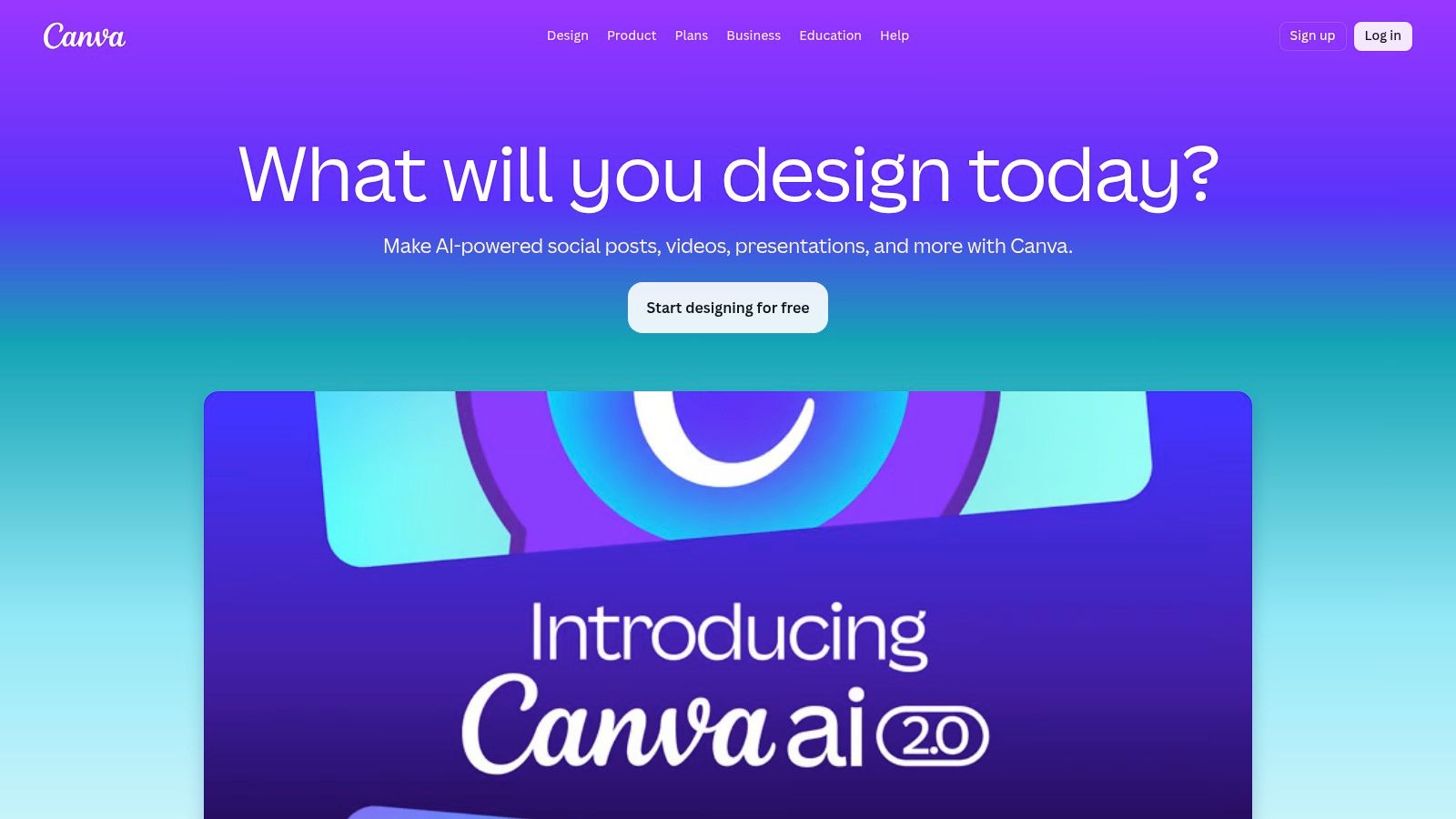
Canva is still one of the easiest tools for volunteers to learn. If your main challenge isn't finding church bulletin images free, but turning those images into a finished bulletin cover without design software experience, Canva helps.
Its free tier is often enough for basic bulletin design. You can pick a print-sized template, replace the image, add your church name and service details, and export quickly.
Why churches keep coming back to Canva
Canva lowers the learning curve. That's a big deal when the bulletin is assembled by a volunteer who also handles slides, social posts, and email announcements.
What works:
- Fast editing: Good for last-minute changes.
- Template-driven design: Helpful for non-designers.
- Team collaboration: Multiple staff or volunteers can work from the same design system.
What doesn't:
- Some assets are locked: You may hit Pro-only elements while editing.
- Licensing still applies: You can't treat Canva's stock assets as standalone files for redistribution.
- Generic church templates can feel generic: They often need customization to avoid looking templated.
Canva is strong as a design surface. It's weaker as a full ministry communication system unless your team already has separate tools for planning, writing, scheduling, and sermon content repurposing.
10. Adobe Express
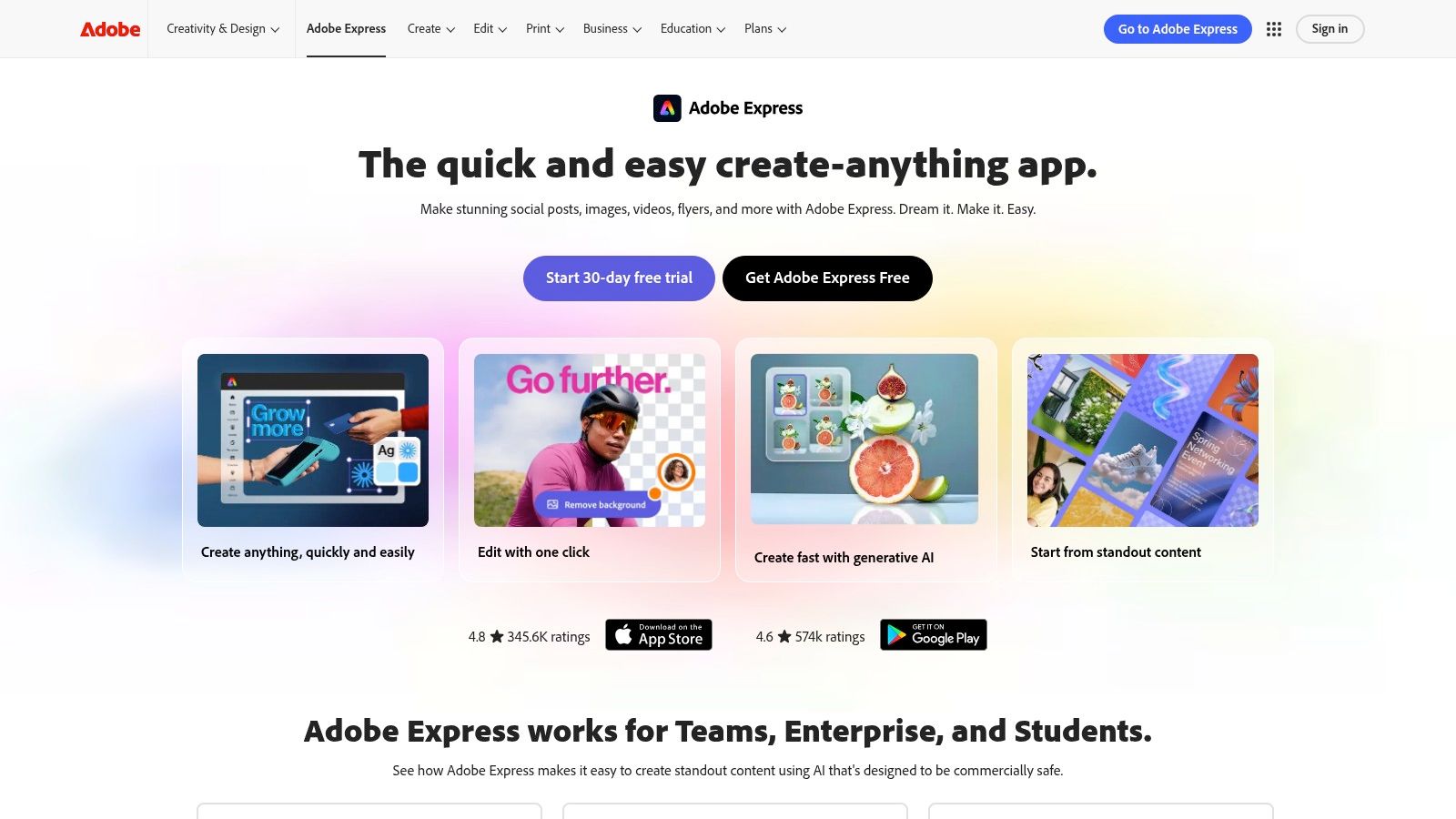
Adobe Express is a good fit for churches that want template speed with a more Adobe-like design environment. It gives you access to templates, fonts, and stock options inside one app, which can simplify bulletin production for teams that don't want to touch full Adobe software.
I usually recommend Adobe Express to churches that already trust Adobe's ecosystem and want reliable print exports. It feels a bit more structured than some free design tools.
Best when you want design reliability
Adobe Express is often stronger than basic free tools when print quality matters and the team wants a cleaner stock library experience.
Useful advantages:
- Template-based workflow: Faster than starting in Photoshop or InDesign.
- Strong export options: Helpful for print-ready files.
- Adobe ecosystem: Familiar for teams already using Adobe products.
The downsides are predictable:
- Some content is premium: You won't have full access on the free plan.
- License tiers matter: Not every included asset has identical permissions.
- Less church-native than church-specific platforms: You still supply the ministry strategy.
If you're comparing broader graphic tools, ChurchSocial's guide to free church graphics templates is a good companion resource because it frames templates around ministry communication, not just design mechanics.
Top 10 Free Church Bulletin Image Resources Comparison
| Product | Core features ✨ | Quality/UX ★ | Price/value 💰 | Target audience 👥 | Best for / USP 🏆 |
|---|---|---|---|---|---|
| ChurchSocial Graphic Design Tool | ✨ Church templates, drag‑drop editor, auto‑resize, brand kit, AI caption + scheduling | ★★★★☆, church‑first, non‑designer friendly | 💰 from $15/mo + modular add‑ons | 👥 Small staffs, volunteers, comms teams | 🏆 Integrated AI workflow + sermon clip & publishing tools |
| Unsplash | ✨ Massive high‑res photo library, strong church search results | ★★★★★, editorial quality, print‑ready | 💰 Free (Unsplash License) | 👥 Anyone needing high‑quality photos for bulletins | 🏆 High‑resolution, tasteful photos with minimal friction |
| Pexels | ✨ Free photos & videos, vertical shots, video loops | ★★★★☆, good variety; includes video assets | 💰 Free (Pexels License) | 👥 Churches needing images + free video loops | 🏆 Free video/vertical assets for multi‑platform designs |
| Pixabay | ✨ Photos, vectors & illustrations; orientation/size filters | ★★★★, strong vector/icon options, mixed photo quality | 💰 Free (Pixabay License) | 👥 Designers needing icons, vectors, print art | 🏆 Wide vector/icon library ideal for crisp bulletin art |
| FreeBibleImages | ✨ Bible story packs, maps, teaching‑oriented artwork | ★★★★, cohesive educational sets | 💰 Free (attribution required) | 👥 Children's ministry & teaching teams | 🏆 Faith‑specific narrative packs tailored for lessons |
| Church Media Drop | ✨ Community‑shared sermon art, slides, motion loops | ★★★☆☆, style & quality vary by contributor | 💰 Mostly free; some premium/memberships | 👥 Church creatives seeking ready‑made assets | 🏆 Peer-created church assets including motion loops |
| Ministry Designs Media | ✨ Sermon series packs, editable PSDs & Canva templates | ★★★★, church‑focused, editable source files | 💰 Free forever (account often required) | 👥 Volunteers needing editable bulletin templates | 🏆 Editable PSD/Canva packs built for church bulletins |
| CreationSwap | ✨ Marketplace of free + premium church media with licensing | ★★★★, curated faith‑focused selection | 💰 Free section + premium purchases/subs | 👥 Churches wanting licensed downloadable assets | 🏆 Marketplace with clear licensing & subscription options |
| Canva | ✨ Drag‑and‑drop editor, bulletin templates, brand kit, team tools | ★★★★★, very intuitive, strong collaboration | 💰 Free; Pro paid (nonprofit discounts) | 👥 Volunteers & teams needing quick collaborative design | 🏆 Fast templates, team collaboration & easy print exports |
| Adobe Express | ✨ Template‑driven design, Adobe Stock Free collection, print exports | ★★★★☆, reliable exports, Adobe ecosystem | 💰 Free plan; premium assets require paid plan | 👥 Users needing Adobe licensing & print reliability | 🏆 Adobe Stock integration and trusted print‑ready exports |
From Bulletin Images to a Full Content Strategy
A free image can solve this week's immediate problem. It doesn't solve next week's bulletin, Wednesday's event post, Friday's sermon quote graphic, or the volunteer handoff when the usual designer is out. That's why the best answer to church bulletin images free usually isn't one website. It's a workflow.
Churches are already blending print and digital communication. A ChurchArt overview of church bulletin images cites a 2025 church graphics survey of 2,300 churches and reports 76% overall approval for free resources, but only 54% rated the quality for bulletin-specific needs as excellent. The same summary notes that integrated tools produce stronger satisfaction and higher reuse because teams aren't constantly starting over. That matches what many church teams experience in practice. Free downloads are helpful. Fragmented processes are exhausting.
The issue usually shows up in four places:
- Brand inconsistency: One bulletin uses a watercolor cross, the next uses a dark stock photo, and social graphics look unrelated.
- Production drag: The team keeps resizing the same concept for print, Facebook, Instagram, and slides.
- Licensing confusion: Volunteers assume “free” means unrestricted.
- Content waste: Sunday's bulletin art never gets reused to support the rest of the week.
An integrated platform changes that. Instead of hunting for an image, downloading it, editing it somewhere else, then manually posting related content later, you can build a bulletin graphic once and extend it through the rest of your ministry communication. That's where ChurchSocial.ai stands out. It connects graphic creation with AI-written captions, sermon transcript repurposing, reel creation, social scheduling, and a drag-and-drop content calendar built for churches.
The real goal isn't just a better bulletin cover. It's a communication rhythm your team can sustain every week.
That matters even more for small churches. Most churches are small, and volunteer-led communication systems need simplicity. When one platform can support bulletin graphics, event promotions, sermon clips, and scheduled publishing, your team spends less time moving files around and more time communicating with people.
If your church already uses Planning Center or another church calendar, the value grows. Event information can support content planning instead of forcing a manual rebuild every week. Bulletin design stops being an isolated task and becomes part of one ministry communication engine.
Free resources still have a place. Use them when they save time, fit your style, and meet the license terms clearly. But if your team wants consistency from the bulletin to the feed, ChurchSocial.ai is the better long-term move. It turns one design need into a practical system for ongoing ministry visibility. You can even supplement your image workflow with tools that restore old photos with MyImageUpscaler when older ministry archives need cleanup before reuse.
If your church is tired of piecing together bulletin graphics, social posts, captions, and scheduling across multiple tools, ChurchSocial.ai gives you one place to create, plan, schedule, and publish. Build better bulletin visuals, turn sermons into clips and posts, keep your calendar organized, and help your team communicate with consistency every week.


