
A great quote graphic needs just three things: a powerful quote, a clean background, and clear, on-brand text. That’s it. The whole point is to create something that stops someone mid-scroll and delivers a punch of encouragement in just a few seconds. For churches, this is a powerful form of digital ministry.
The Power of Visuals in Your Digital Ministry
Let's be honest, in a crowded social media feed, plain text posts just don't stand a chance. For churches, that translates directly into missed opportunities to connect with people, offer a word of hope, or invite them into your community. This is where visual content, especially a well-designed quote graphic, becomes your best friend. It’s the single most effective way to cut through all the digital noise and share the heart of your message.
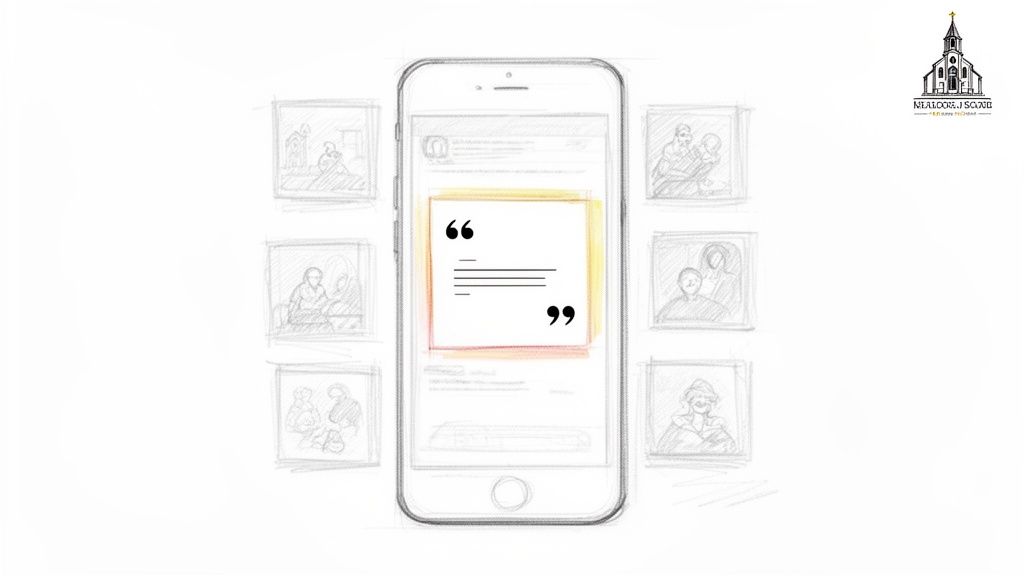
Think of a great quote graphic as a mini-sermon. It can be that one powerful takeaway from Sunday's message, a verse that hits home, or just a simple phrase of encouragement that lands with someone at the exact moment they need to hear it. This isn't just about making your feed look pretty; it's a fundamental part of doing ministry online today.
From Sermon Snippet to Real Engagement
When you pair your message with a strong visual, you're not just posting—you're creating a moment. It’s a proven strategy for getting people to actually stop and engage. This is how you create content that isn’t just seen, but is felt, saved, and shared, turning passive followers into an active part of your church family.
The numbers don't lie. We've seen that short sermon clips (60-90 seconds) that feature quote graphics get 3x more engagement than a simple text post. Even more telling, churches that consistently post branded visuals see, on average, a 40% higher first-time visitor rate. You’re literally turning online scrollers into new faces in the pews. You can find more about the impact of social media for churches and see what's possible.
A steady stream of branded visuals builds a tangible bridge between your church’s online presence and its real-world growth. It establishes recognition and trust, making your digital front door feel just as welcoming as your physical one.
Making It Simple with ChurchSocial.ai
I know this can sound like a ton of work, especially for busy pastors and church volunteers who are already wearing too many hats. But it really doesn’t have to be.
A tool like ChurchSocial.ai makes the whole process unbelievably simple. You can create AI-generated reels from your sermons, automatically pull out impactful quotes for social posts, and then use our graphic templates and editor to create beautiful, on-brand photos and carousels. With our simple drag-and-drop calendar, churches can easily manage and update all of their social media, giving you a powerful digital outreach strategy without all the stress.
Finding Unforgettable Quotes for Your Graphics
Every great graphic starts with words that stick. While scripture is always a powerful source, I've found that the quotes that really resonate are the ones that come straight from your own ministry—the specific voice your congregation knows and trusts.
Of course, finding those little nuggets of gold used to be a huge time-sink. Who has time to re-listen to an entire sermon just for one or two perfect sentences? Thankfully, it doesn't have to be that difficult anymore.
Tapping into Your Sermon Goldmine
Your Sunday messages are a treasure trove of shareable content just waiting to be discovered. I guarantee every sermon has at least a couple of concise, powerful statements that perfectly capture the heart of the message. The real challenge has always been finding them without spending your whole Monday glued to a pair of headphones.
This is where a tool like ChurchSocial.ai can completely change your process. You just upload your sermon, and our AI can generate a full transcript, social posts, blogs, and more. But here's the best part for graphics: it also highlights the most impactful and shareable lines for you.
Instead of manually scrubbing through audio, you get a curated list of powerful lines ready to become your next social media graphic. This saves a ton of time and helps you pull the absolute strongest takeaways from your teaching.
Creating Content That Connects
Once you have a handful of great quotes, you can start creating graphics that meet your community right where they are. Let's be honest, for most churches, that's Facebook. In fact, research shows that 84% of churches maintain an active Facebook page, making it a vital communication hub.
These platforms are the perfect place to drop encouraging words that people will want to save and share. When you pull authentic quotes directly from your own sermons, every single graphic you post reinforces your church’s unique voice and deepens the connection with your online community.
If you're looking for even more ideas, we put together a guide on finding great quotes for pastors that are sure to inspire your congregation.
Designing Beautiful Graphics (Even If You're Not a Designer)
Let's be honest—for most pastors and church volunteers, the idea of creating polished social media graphics feels like one more thing on an already overflowing plate. You don't need a design degree or fancy, expensive software to make something that truly connects with your community. It’s far simpler than you think, especially when you have the right tools in your corner.
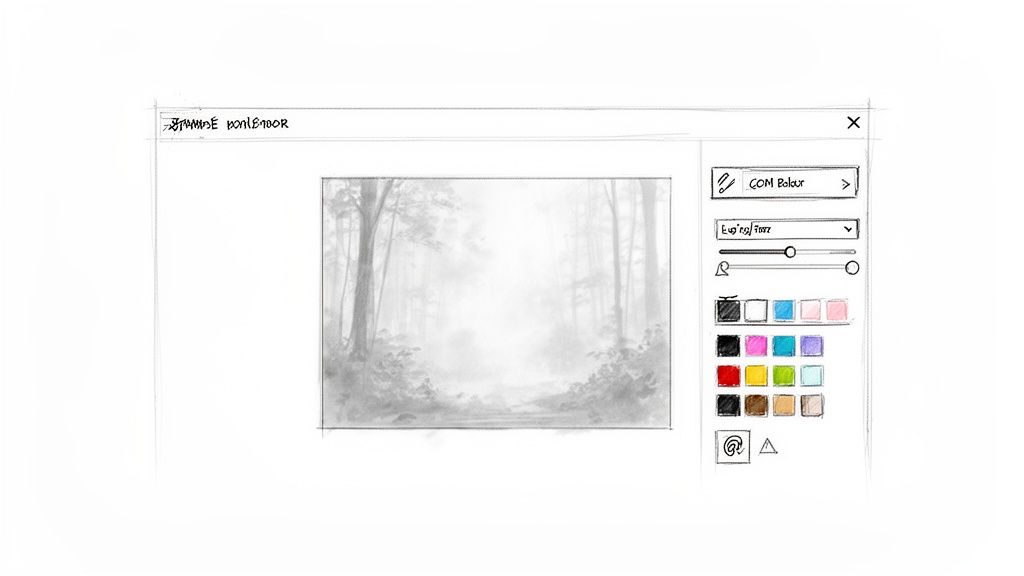
The real secret is to skip the intimidating blank canvas. Instead of starting from scratch, ChurchSocial.ai gives you a head start with professionally designed graphic templates built specifically for ministry. Whether you're announcing this week's sermon, sharing a midweek dose of encouragement, or promoting the upcoming food drive, there's a template ready and waiting.
This simple shift in approach removes the hardest part of the design process: just getting started. From that point on, customization is quick and intuitive, which means anyone on your team can create beautiful, on-brand graphics in just a couple of minutes.
Making a Template Your Own
Once you’ve found a template that fits your message, making it feel like your church is the next step. The goal here is to create a graphic that people instantly recognize as coming from you. Inside the ChurchSocial.ai editor, you can make this happen quickly.
- Dial in Your Branding: Easily tweak the colors to match your church’s unique palette. You can also select fonts that feel consistent with what people see on your website and in your Sunday bulletin.
- Add Your Logo: Upload your church logo just once. After that, it's always there, ready to be added to any design you create. It’s a simple way to reinforce your identity in every post.
- Pick the Perfect Background: Browse a library of compelling, non-distracting images. It’s best to use images without people whenever possible. Instead, look for serene landscapes, interesting textures, or clean architectural shots that let your message be the hero.
This straightforward process means anyone can help maintain a cohesive and professional look online, even without a background in design. This is a huge help for volunteers at smaller churches, and it’s no surprise that 88% of pastors are already embracing AI for design help.
Choosing the Right Tool for Your Ministry
While general design tools have their place, a platform built for churches can remove a lot of friction. Here’s a quick look at how they stack up.
Graphic Design Platform Comparison for Churches
Ultimately, the best tool is the one that empowers your team to create consistently without adding extra work.
The best designs don't try to do too much. A simple, clean layout with a powerful quote and a subtle background will always be more effective than a cluttered or busy graphic. Let the words be the hero.
Creating great visuals is more accessible than ever, and you don’t have to stop with just quotes. To get more ideas, you can explore some of the best social media content creation tools that are helping ministries today.
With ChurchSocial.ai, the process is built to remove the common roadblocks. You no longer have to worry about mastering complex software or developing a "designer's eye." All you need is a powerful message and a tool that makes it easy to share it beautifully. For a deeper dive into crafting a visual strategy, be sure to check out our complete guide to church graphic design.
Scheduling Your Content for Maximum Impact
Okay, you’ve designed a beautiful quote graphic. That's the hard part, right? Now comes the final, crucial piece of the puzzle: getting it in front of your community. This is where all your creative work pays off, but it's also where I see so many church volunteers get stuck. The good news is, it can actually be the easiest part of your whole process.
Once you’ve finished your design in the ChurchSocial.ai editor, you can seamlessly schedule it. Our simple drag-and-drop calendar makes it easy for churches to manage and update all of their social media in one place.
From Design to Done in Just a Few Clicks
With your graphic ready to go, the next step is to write a caption that sparks a conversation. This is your chance to add context or a question that turns a simple image into a moment of connection. You can also add important accessibility features like alt text right inside the tool, ensuring everyone can receive your message.
With ChurchSocial.ai, you can plan and schedule an entire week or even a month of posts in one focused session instead of jumping between different social media sites every day. Of course, a solid plan starts with knowing how to create a content calendar, and this visual calendar makes putting that plan into action incredibly straightforward.
Smart Integrations That Save You Time
Taking this kind of proactive approach is vital for ministry today. With over 4 billion people on social media, churches that aren't consistently sharing quality graphics are missing a massive opportunity. In fact, 68% of unchurched individuals say they'd visit a church if invited digitally.
The goal isn't just to post content; it's to create a consistent, reliable stream of encouragement that your community can count on. Scheduling takes the daily pressure off so you can focus on ministry, not marketing.
What’s even better is how ChurchSocial.ai integrates with other church calendars like Planning Center. The platform can automatically create content for your events. It pulls the details for your next service, Bible study, or outreach event right from your calendar, places them in a branded template, and has them ready for you to schedule.
If you want to get a more in-depth look at building a sustainable posting rhythm, our guide on how to schedule social media posts is the perfect next step.
A Real-World Workflow: From Sermon to Social Media
So, what does this actually look like on a busy week? Let's say you've just wrapped up a powerful sermon on 'Finding Peace in Chaos.' Getting a key takeaway onto your social media feeds doesn't have to be a complicated, multi-step chore.
It can start by simply uploading your sermon audio to ChurchSocial.ai. The platform can generate AI reels, social posts, and a full transcript while also suggesting impactful, shareable quotes. You might see one that stands out immediately: "True peace isn't the absence of storms, but the presence of God within them."
With that quote ready, you can jump straight into one of the graphic templates. You just paste in the text, browse the built-in library for a fitting background image—maybe a quiet forest scene—and drop your church logo in with a single click.
To finish, write a short, engaging caption like, "How have you found peace this week?" and schedule it to go live on Facebook and Instagram using the drag-and-drop calendar. The entire process, from a finished sermon to a scheduled post, can take less than 15 minutes.
It's a small effort, but the impact can be significant. With 25 million Americans attending church online, a single, well-crafted quote graphic can be shared far beyond your immediate community. You can find more helpful strategies in our guide to social media for churches here.
This simple flow shows how an integrated tool helps you create, schedule, and post your content seamlessly.
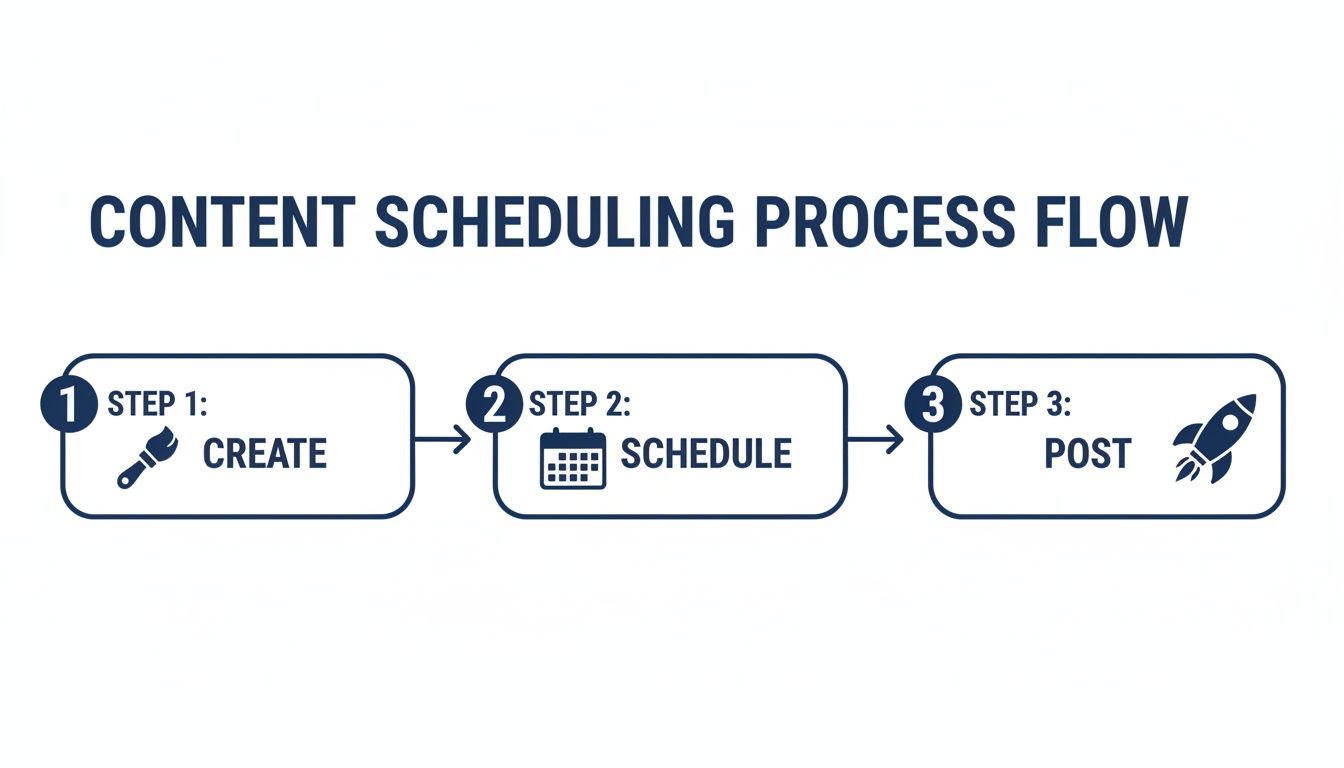
This kind of efficient workflow makes it possible for any pastor or volunteer to consistently create meaningful content that connects with people online.
A Few Common Questions I Hear
Even with the best game plan, a few questions always pop up. Let's walk through some of the most common hurdles I see church leaders face when they first start creating quote graphics.
How Often Should We Be Posting These?
This question comes up a lot. Honestly, the magic isn't in the number, it's in the consistency. It’s much more effective to post two great graphics every single week than it is to post seven one week and then go silent the next.
Find a rhythm that you can actually stick with. Maybe that’s 2-3 graphics per week. The drag-and-drop calendar in ChurchSocial.ai is a huge help here. You can sit down once, plan out the whole month, and know that a steady stream of encouragement is heading to your community without you having to think about it every day.
What if I’m Not a Great Writer?
That’s perfectly fine! You don’t need to be a copywriting pro to connect with your people. When ChurchSocial.ai finds those powerful one-liners in your sermon, it can also draft a few caption ideas for you.
Think of the AI-generated text as a starting point, not the final product. I usually just tweak it a little, maybe ask a simple question related to the quote, and end by inviting people to share what it means to them. Short and simple works best.
Can We Use This Same Process for Event Promos?
You absolutely should. In fact, having your sermon quotes and event announcements look like they belong together is key to building a strong, recognizable online presence. ChurchSocial.ai can connect directly to church calendars like Planning Center and automatically create content for what’s coming up.
This means you can use the exact same branded templates for everything—your Sunday service reminders, calls for volunteers, or that upcoming bible study. It pulls all your communication together, making it look clean and professional, which really strengthens your church’s identity with every single post.
Ready to stop stressing over design and start sharing your message? With ChurchSocial.ai, you can create AI-generated reels from your sermons, create AI-generated content like social posts, use our graphic templates and editor to post photos and carousels, and manage it all with our simple drag-and-drop calendar. Take a look at how simple it can be at https://churchsocial.ai.


