

Your church already has the raw material. Every Sunday message you upload to YouTube is a usable content library for reels, clips, quote graphics, blog posts, and follow-up posts through the week. The bottleneck usually isn't ideas. It's getting a clean copy of the sermon file quickly, then moving it into a workflow your volunteers or communications team can manage.
That's why choosing the best programs for downloading YouTube videos matters more than most churches think. A shaky downloader creates extra work. A good one helps you archive your own sermons, grab captions, pull audio for podcasts, and hand files off for editing without wasting Monday morning on technical cleanup. Once the file is in hand, a platform like ChurchSocial.ai can take over the heavy lifting by creating AI generated reels from your sermons, turning the sermon transcript into social posts and blogs, helping you build photos and carousels with graphic templates and an editor, and organizing everything inside a simple drag and drop calendar that also connects with Planning Center and other church calendars.
A Note on Copyright & Best Practices: YouTube's Terms of Service generally prohibit downloading content you don't own. This guide is for churches downloading their own sermon videos or content they have explicit permission to use. TechRadar also notes that third-party downloading can violate YouTube's terms and may create copyright issues, and that gap matters because many churches don't have in-house legal support. One verified data point says 72% of small churches lack dedicated legal staff. For visual storytelling after you've clipped your sermon, you can also explore ways to create AI music videos for Shorts.
1. 4K Video Downloader Plus
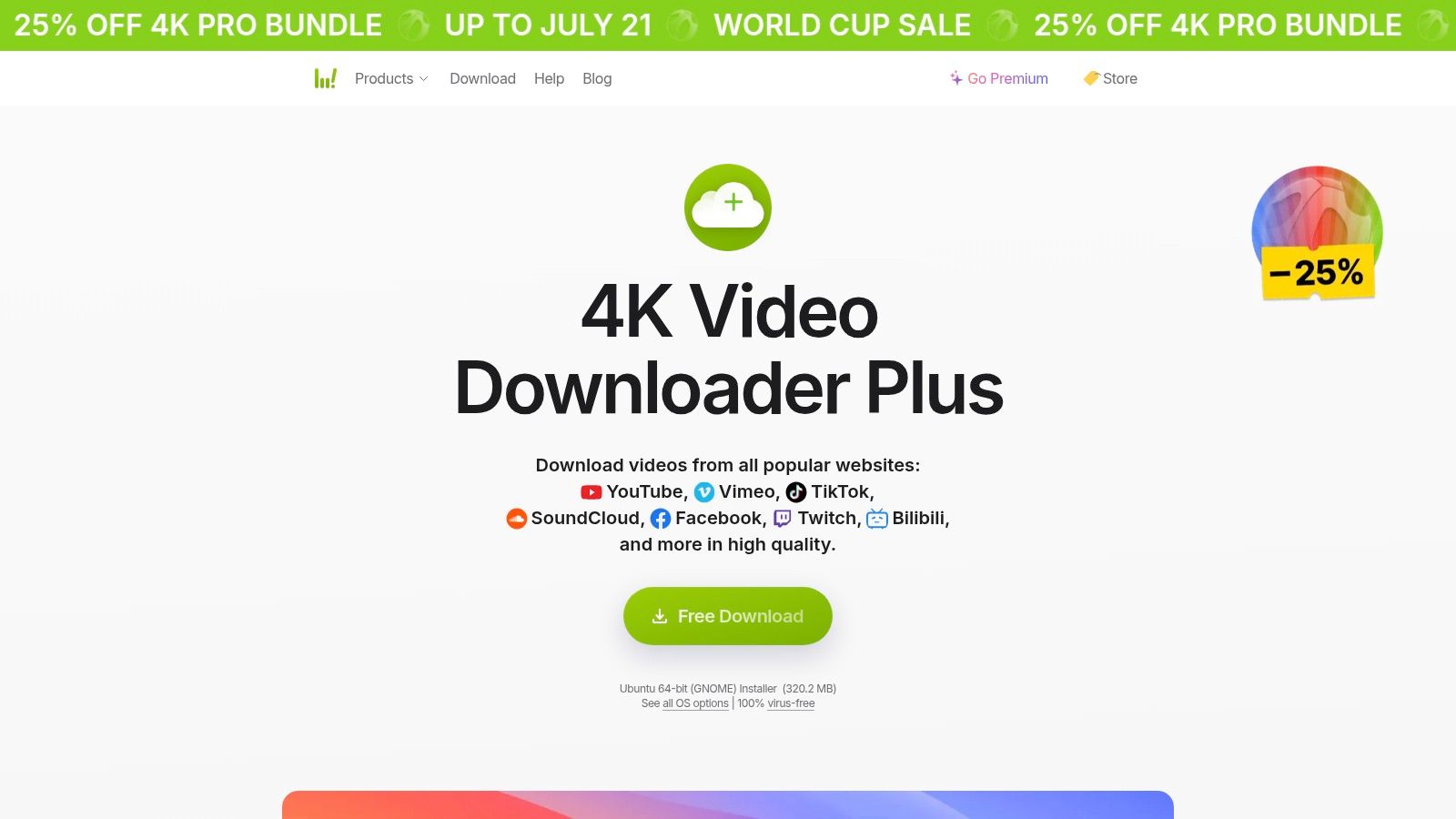
If your church wants the safest recommendation for non-technical staff, start here. 4K Video Downloader Plus is the one I'd hand to a volunteer who needs results without learning command-line tools or fiddly settings. Paste the link, choose format and quality, and it usually just works.
That simplicity matters in church workflows. Monday is for clipping sermons, writing captions, and planning posts. It shouldn't be spent troubleshooting a downloader.
Why churches like it
The app supports high-resolution downloads, playlist and channel downloading, subtitles, and auto-downloads for subscribed channels. That makes it useful for churches that want a consistent archive of their own weekly uploads, especially if the same staff member isn't always available to manually save each file.
A verified market projection also suggests this category isn't going away soon. The Online Video Downloader Market was valued at $2.16 billion in 2025 and is projected to reach $4.0 billion by 2035, with 6.3% CAGR, while the desktop software segment alone is projected to reach $1.3 billion by 2035. That lines up with what many church teams need: dependable desktop software for regular, high-resolution media handling.
- Best fit: Church admins, social media volunteers, and communications pastors who want a clean interface.
- Useful feature: Subtitle export in SRT format, which helps when you want to repurpose spoken sermon moments into captioned reels.
- Main drawback: The free version is limited, so frequent use often pushes teams toward a paid license.
Practical rule: If your church publishes every week, use Smart Mode presets so every sermon saves in the same format. Consistent files make clipping and uploading much easier inside ChurchSocial.ai's guide to downloading YouTube Shorts on iPhone and your broader social workflow.
Use 4K Video Downloader Plus when you want low training overhead. Download your sermon, upload the file or transcript into ChurchSocial.ai, then let the platform turn it into reels, posts, blogs, and scheduled content on your calendar.
Visit 4K Video Downloader Plus.
2. yt-dlp
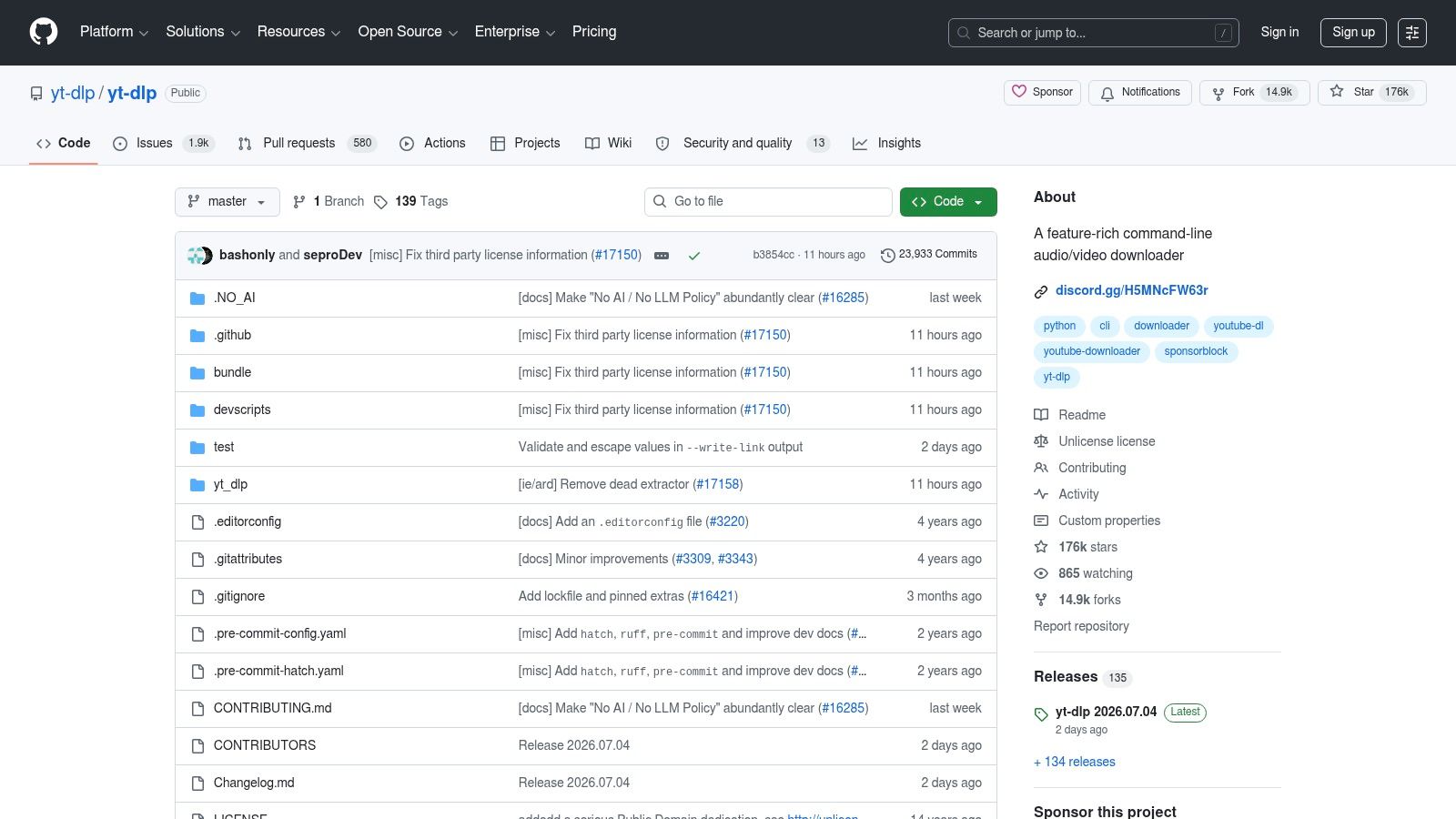
yt-dlp is for the church tech who likes precision. If 4K Video Downloader Plus is the volunteer-friendly choice, yt-dlp is the power tool. It's command-line based, actively maintained, and gives you much tighter control over quality, codecs, subtitles, audio extraction, authentication, and automation.
I wouldn't put this on the laptop of a volunteer who just learned Canva last month. I would absolutely use it for a media director who wants repeatable workflows and scheduled jobs.
Where it wins
You can script yt-dlp to download your church's latest uploads automatically, extract audio-only files for podcast distribution, or save video plus subtitles in a standard folder structure for editing. That's excellent for churches with recurring content pipelines.
Verified tool benchmarking also gives this type of setup a lot of credibility. Setapp's review notes that Stacher offers granular format selection for technical users, while 4K Video Downloader remains a top choice for quick, fuss-free downloads, and Downie and Pulltube support more than 1,200 streaming sites. yt-dlp sits underneath a lot of that ecosystem because it's resilient and flexible.
- Best fit: Technical church staff, production teams, and anyone automating sermon archives.
- Useful feature: Fine-grained format selection, which helps when you need video-only or audio-only assets for different channels.
- Main drawback: The learning curve is real. If your team doesn't use terminal tools, adoption will be slow.
Use yt-dlp when you need consistency, not convenience.
A strong church workflow looks like this: use yt-dlp to pull your sermon master file and captions, cut your strongest moments using the process in ChurchSocial.ai's guide to cutting clips from YouTube videos, then move finished short-form assets into ChurchSocial.ai for caption writing, post generation, and scheduling.
Visit yt-dlp on GitHub.
3. Open Video Downloader
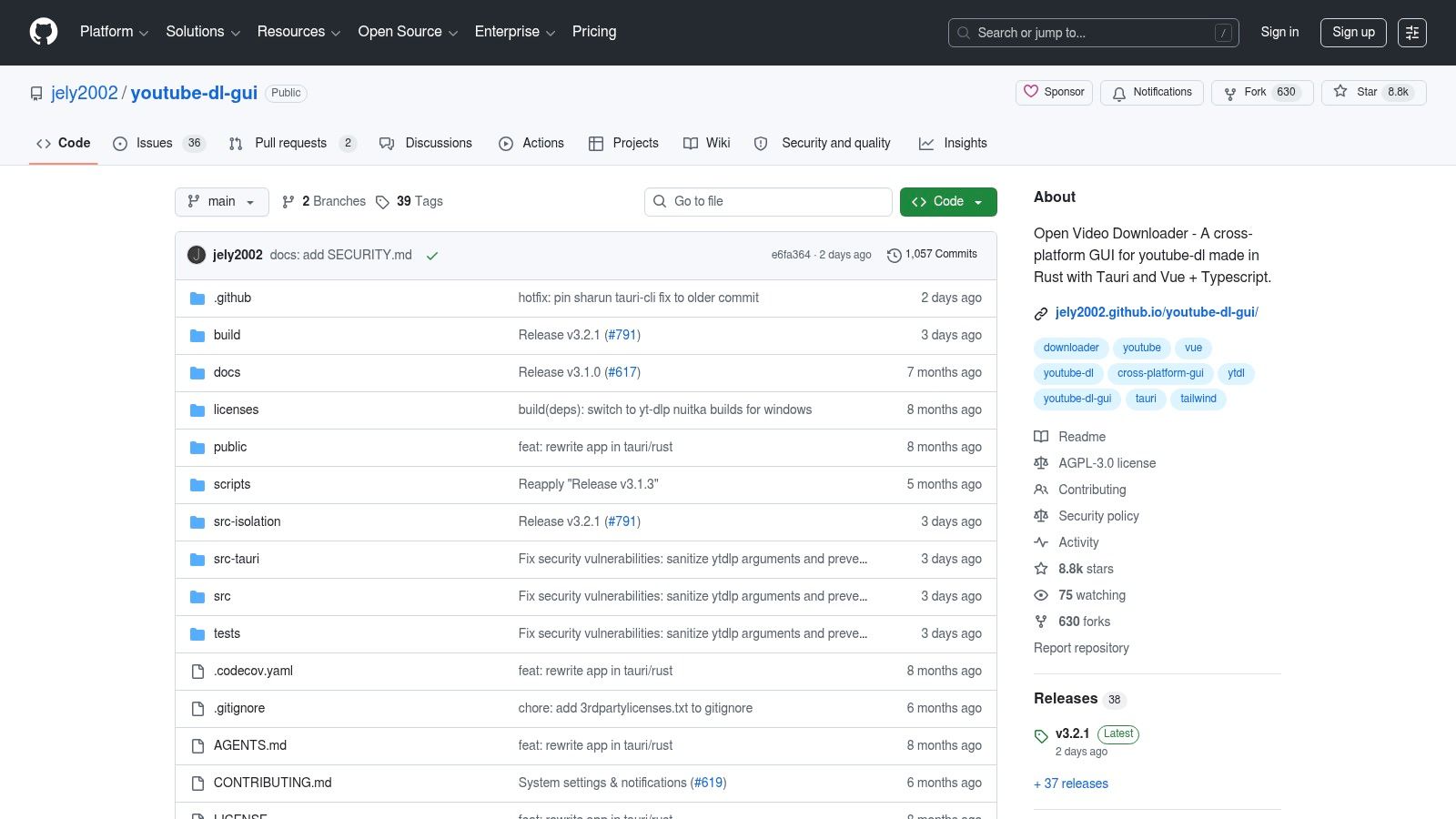
Open Video Downloader sits in the middle ground. It gives you a visual interface, but it still leans on the same underlying approach that technical users trust. That makes it one of the more practical free options for churches that want more control than a basic downloader but don't want to touch the command line.
For a lot of smaller ministries, that's the sweet spot. The senior pastor's assistant can use it. The media volunteer can use it. Nobody needs a terminal tutorial.
A practical church use case
Paste the sermon URL, choose the quality you want, grab subtitles if needed, and save the file to a shared media folder. From there, your team can upload the sermon into ChurchSocial.ai and spin up AI generated reels, post copy from the transcript, and supporting graphics for the week's message series.
The main trade-off is maintenance. Because Open Video Downloader depends on the underlying downloader engine, there may be moments when YouTube changes something and you have to wait for updates. That's not unusual in this category, but churches should know it before they build their entire Monday workflow around a single free tool.
- Best fit: Small churches, volunteer-led teams, and ministries that want free software without a steep learning curve.
- Useful feature: Easy access to quality and subtitle choices.
- Main drawback: Reliability depends on how quickly the underlying engine gets updated.
This is one of the best programs for downloading YouTube videos if your team wants free and functional, but still needs a point-and-click experience.
Visit Open Video Downloader on GitHub.
4. SnapDownloader
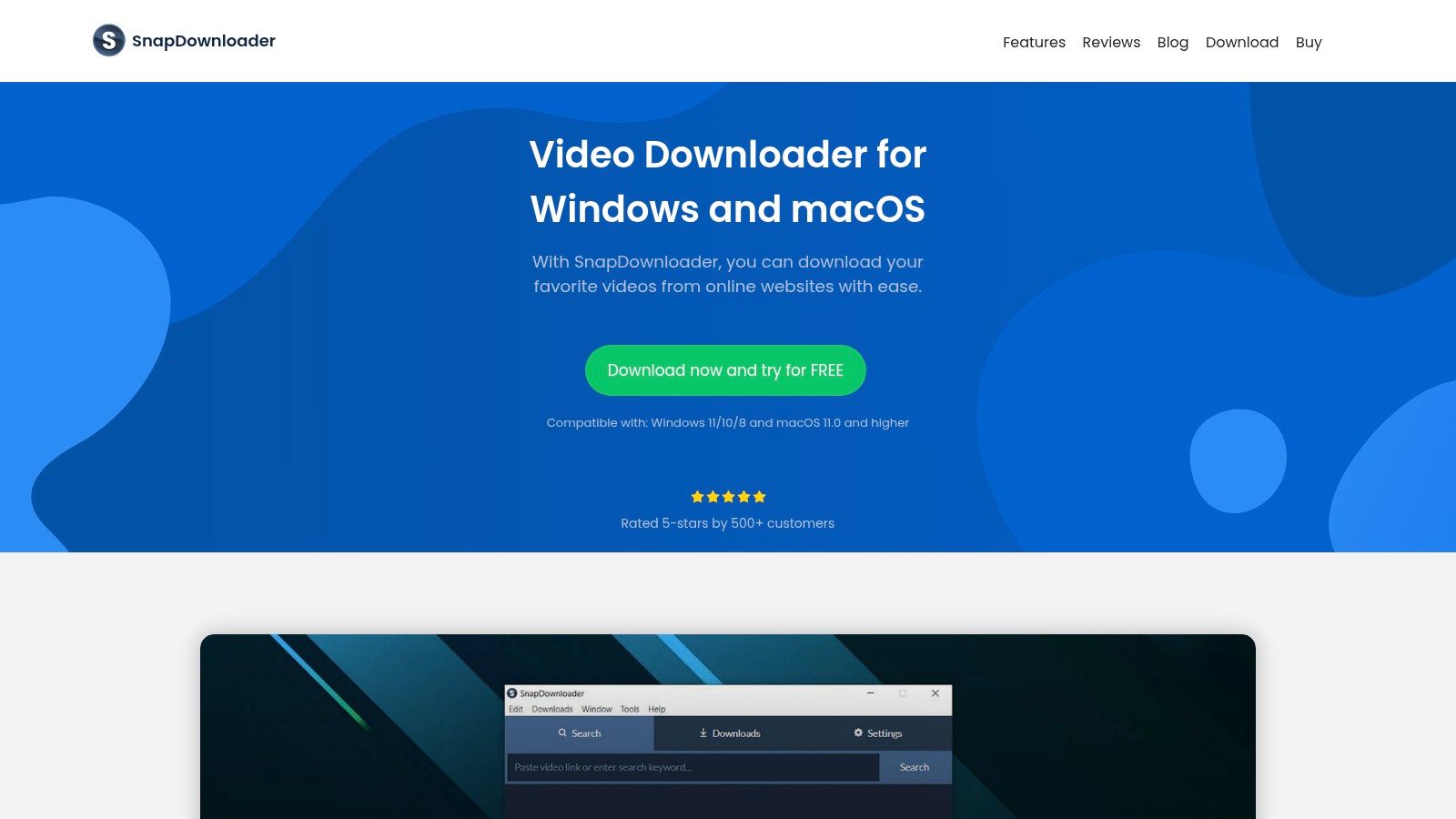
SnapDownloader feels built for people who want polish. The interface is cleaner than most utility-style downloaders, and it includes bulk tools that make sense if your church handles more than a single sermon each week. Think sermon archives, podcast videos, event recaps, testimonies, and youth content all moving at once.
It also supports high-resolution downloads, playlist and channel capture, scheduling, a built-in browser, and trimming functions. That gives churches more than a “save file” button. It gives them a content intake station.
Where it fits in ministry work
If your church uploads the sermon to YouTube on Sunday afternoon, a scheduler can pull the file during off-hours so it's ready for the communications team first thing Monday. That's a small operational win, but it removes friction from your weekly process.
Its in-app trimming is helpful when you only need a short section for a teaser or promo. I still prefer doing final clip selection in a dedicated content workflow, but for rough extraction, SnapDownloader can save time.
- Best fit: Mid-sized churches and organized teams managing recurring content volume.
- Useful feature: Scheduling and batch capture for sermons, playlists, and channels.
- Main drawback: It's paid software, and license terms may require more attention than simpler tools.
A polished downloader doesn't replace a content system. It just gets the right file into the system faster.
That's the distinction. Download in SnapDownloader. Then centralize your publishing plan in ChurchSocial.ai, where your team can turn one sermon into reels, quote cards, event promos, blog posts, and scheduled posts tied to your ministry calendar.
Visit SnapDownloader.
5. JDownloader 2
JDownloader 2 is less elegant than some of the other options here, but it's very capable when the job is volume. If your church has years of sermons that need to be archived locally, or a media department that pulls multiple assets from different sites, JDownloader 2 handles queues and batch management well.
That makes it useful for larger clean-up projects. It's not the prettiest app on the list, and I wouldn't call it the easiest. But when a church inherits a messy media archive, “pretty” stops mattering fast.
Best for batch-heavy archives
The plugin system, queue management, and remote access through MyJDownloader are the main reasons to use it. You can stack multiple downloads, let them run in the background, and manage bigger archives without restarting every time someone closes the browser by accident.
Churches with old sermon libraries often need this kind of durability. Download the backlog first. Organize folders by series or speaker. Then feed the best messages into ChurchSocial.ai over time so your team can create a steadier social presence without starting from scratch every week.
- Best fit: Churches with large archives, multi-campus teams, or anyone managing lots of files.
- Useful feature: Queue handling and remote control for unattended downloads.
- Main drawback: The interface feels more utilitarian than modern.
JDownloader 2 isn't my first pick for beginner volunteers. It is a strong option for church operations people who care more about throughput than design.
Visit JDownloader 2.
6. Internet Download Manager
Internet Download Manager, usually called IDM, has been around long enough that many Windows users already know it. It's a broad download manager first and a video capture tool second, so I don't rank it as highly for sermon-specific archiving as tools built around YouTube workflows. Still, it's stable, fast, and dependable on Windows machines.
If your church office already uses IDM for general downloads, it may be enough. You just need to understand where it excels and where it doesn't.
The trade-off
IDM is strong at browser integration, accelerated downloading, and resume support. If a connection drops during a large file transfer, that matters. For teams working on church office desktops with uneven internet, reliability is often more valuable than fancy extras.
What IDM doesn't do as elegantly is playlist-based sermon archiving or channel-focused content management. You can still make it work, but the workflow isn't as purpose-built for church media teams.
- Best fit: Windows-based church offices that already use IDM or want a mature download utility.
- Useful feature: Resume support for larger files and unstable connections.
- Main drawback: It's not centered on YouTube channel archiving.
A practical setup is simple. Use IDM to capture your sermon file, make sure the local copy is clean, then move it into ChurchSocial.ai's guide to downloading a video file and your ongoing publishing system so volunteers can turn that file into clips, captions, carousels, and scheduled posts.
Visit Internet Download Manager.
7. VideoProc Converter AI
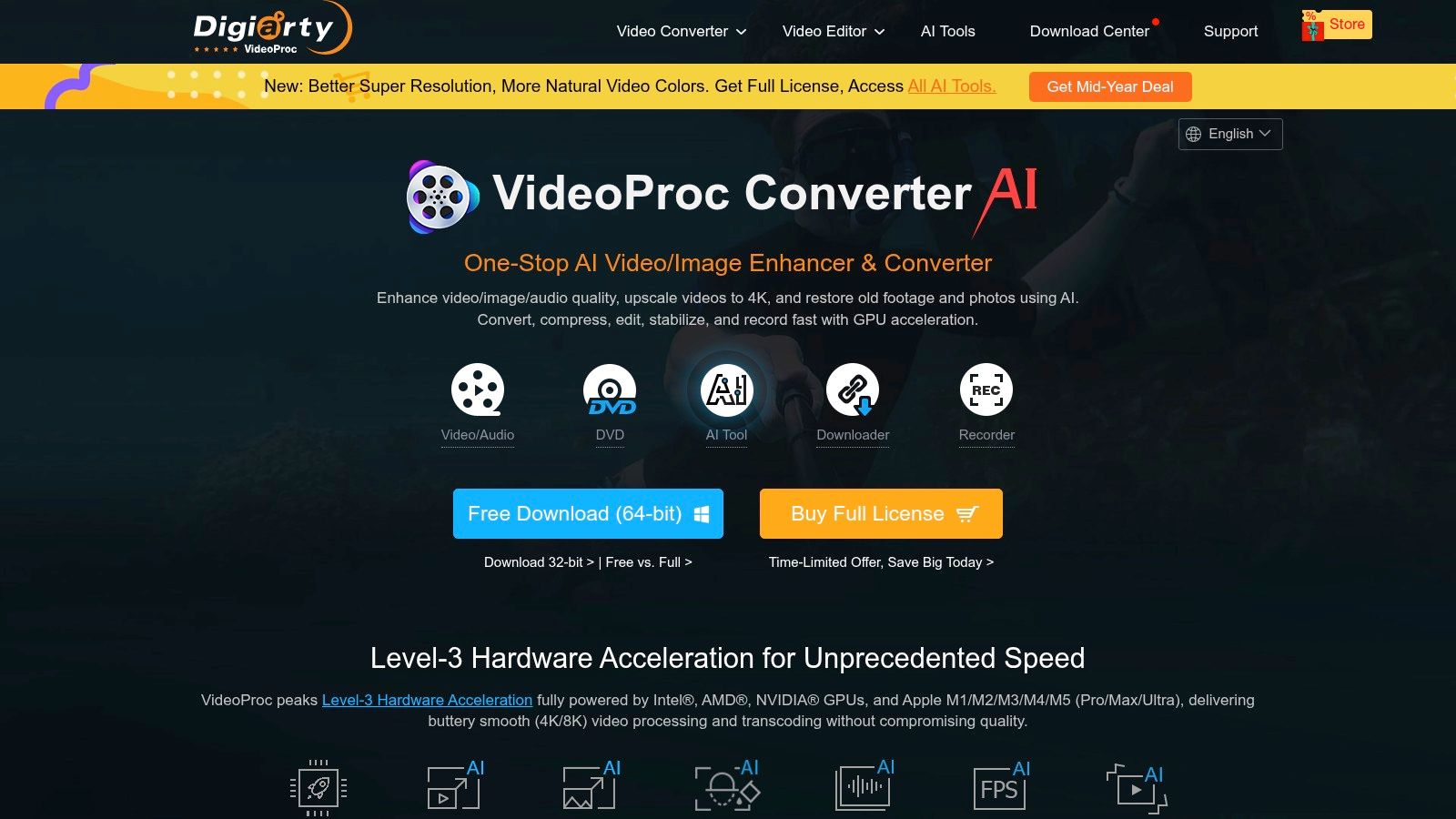
VideoProc Converter AI is useful when downloading is only the first step. A lot of church teams don't just need the file. They need to convert it, compress it, clean it up, or move it into another format quickly. VideoProc tries to bundle all of that into one place.
That approach works well for ministries with limited software stacks. Instead of downloading in one app and converting in another, you can often do both in one session.
When all-in-one is the right choice
If your sermon exports in a format that isn't ideal for your editing or publishing process, VideoProc can help bridge the gap. It also supports subtitle and audio workflows, which matters for churches splitting sermon audio into podcast or devotional content.
Its AI enhancement tools may be appealing for older archives or lower-quality recordings, though churches should keep expectations realistic. Enhancement can help presentation, but it doesn't replace strong original capture.
- Best fit: Churches that want one app for download, conversion, and light cleanup.
- Useful feature: Format conversion after download, which reduces extra tool-hopping.
- Main drawback: All-in-one tools can still break when platforms change, so update cycles matter.
Keep your downloader role simple. Get the best available file, then let your publishing platform do the ministry-facing work.
That's where ChurchSocial.ai fits. Once VideoProc helps you get a usable file, ChurchSocial.ai can turn the sermon transcript into social posts, blogs, and discussion content, while your team uses the graphic templates and calendar to keep everything moving.
Visit VideoProc Converter AI.
8. NewPipe
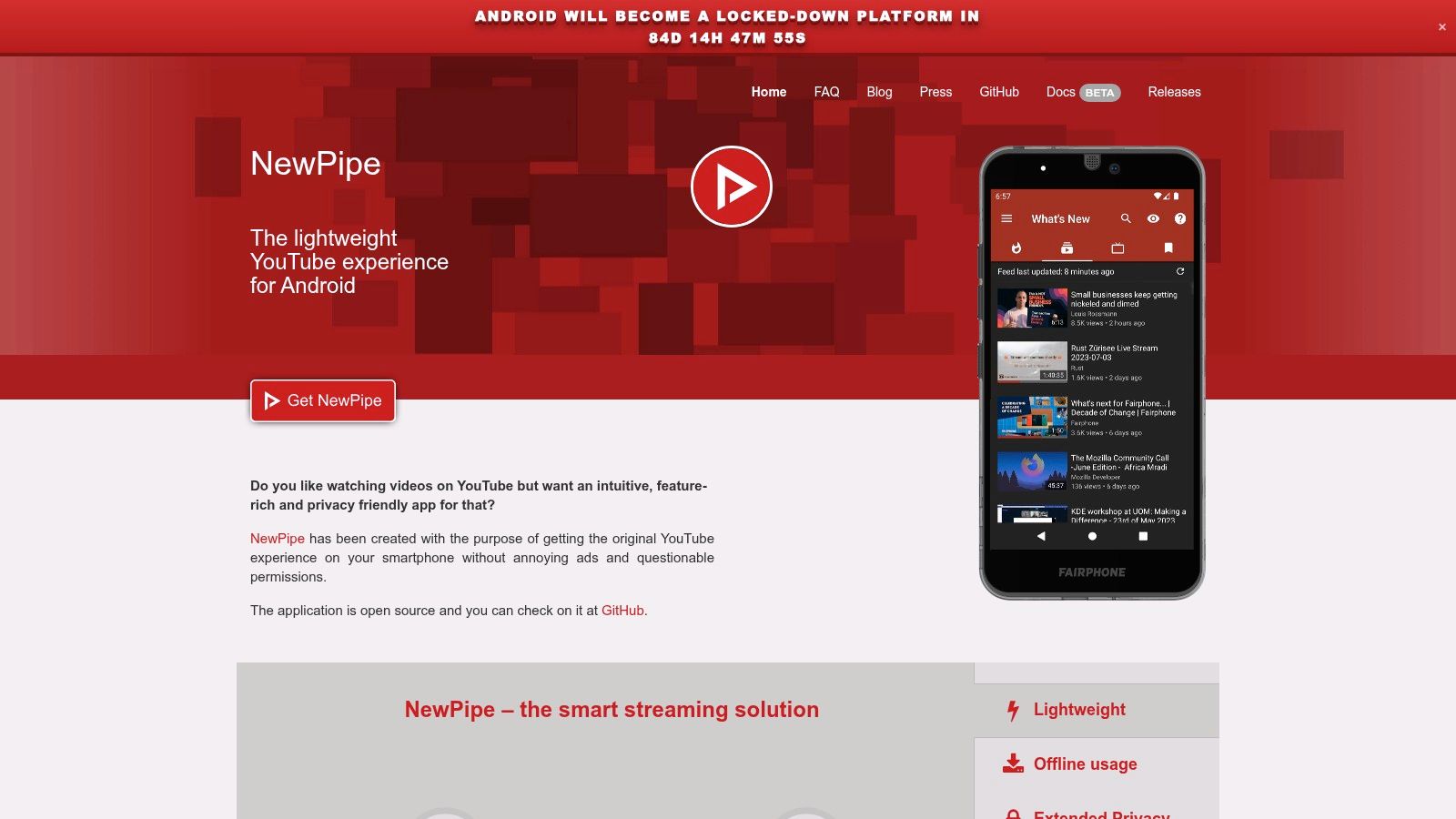
NewPipe is the mobile option on this list that makes the most sense for Android users who want a lightweight, privacy-focused app. It isn't a desktop archive solution, and I wouldn't build a full church content operation around it. But for quick mobile offline access or grabbing your own sermon content while away from the office, it's useful.
That can help pastors, campus leaders, or volunteers who need a sermon file or audio version on the go.
Mobile-first church use
NewPipe supports video and audio downloads, subscriptions without a Google account, and background playback. If your youth pastor wants to review a message offline before turning it into a short devotional clip, or your social volunteer needs quick access from a phone, this kind of app is practical.
The limitation is obvious. Mobile tools are convenient, but they're not ideal for long-term file organization, naming conventions, or coordinated publishing. That's why I treat NewPipe as a field tool, not a hub.
- Best fit: Android users who need occasional mobile downloads for their own church content.
- Useful feature: Audio downloads for offline listening and review.
- Main drawback: Not a replacement for desktop archive and publishing workflows.
If you use NewPipe, move the file into a shared church workflow quickly. Don't let sermon assets live on one volunteer's phone where nobody else can find them.
Visit NewPipe.
9. Ant Download Manager
Ant Download Manager is another Windows-first tool that leans into broad download management plus video capture. It supports browser integration and modern streaming formats, which makes it handy when you're dealing with more than simple direct video files.
For churches, that matters less on a normal sermon workflow and more when a team wants a flexible downloader that can handle different media situations from one place.
Where it's helpful
AntDM can capture HLS and DASH streams, integrate with common browsers, and extract audio. That range makes it a decent utility tool for a church communications office that does a little of everything. Sermons, training videos, music references, conference sessions you have permission to access, and general media downloads can all live in one app.
The issue is focus. Like IDM, Ant Download Manager isn't as sermon-workflow-specific as some of the stronger YouTube-centered tools. It's capable, but not especially church-shaped out of the box.
- Best fit: Windows users who want a multi-purpose media downloader.
- Useful feature: Stream capture support for broader media tasks.
- Main drawback: Less suited for playlist and church archive workflows.
If your team values flexibility over specialization, Ant Download Manager can earn a spot. Just make sure the next step is organized inside ChurchSocial.ai, where downloaded sermon content becomes scheduled ministry content instead of another forgotten folder.
Visit Ant Download Manager.
10. iTubeGo
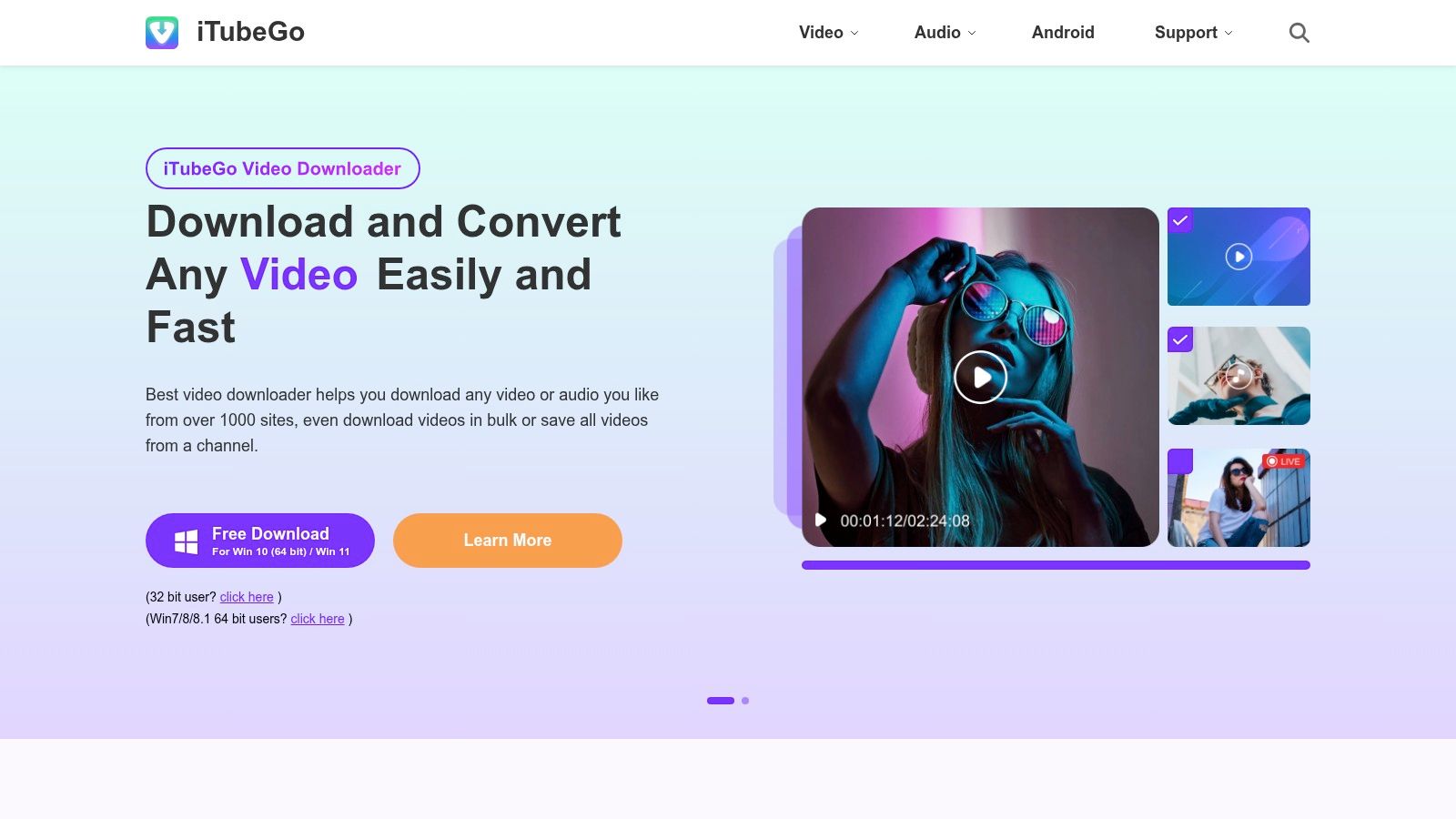
iTubeGo is built for people who want a straightforward downloader with batch features and both desktop and Android availability. That combination is attractive for churches where one person works at a desk and another helps from a phone or tablet.
The interface is approachable, and the product is clearly aimed at everyday users rather than engineers. That lowers friction for volunteer teams.
Good for simple recurring workflows
If your church regularly downloads sermon videos, extracts audio versions, and passes the material to someone else for clipping or posting, iTubeGo can fit that process without much setup. Batch mode helps when you're dealing with a sermon plus a few supporting videos from the same week.
Its mobile and desktop split can also be convenient for distributed teams. A volunteer can review content on mobile, while the main admin keeps the core archive on desktop.
- Best fit: Churches that want simplicity and cross-device flexibility.
- Useful feature: Batch downloading with audio conversion options.
- Main drawback: Product and plan differences require attention before purchase.
The best downloader is the one your team will actually keep using every week.
That's why iTubeGo can be a good fit for smaller ministries. Simple tools get adopted. Once the file is captured, its true value is realized through ChurchSocial.ai, where you can create AI generated sermon reels, transcript-based social posts and blogs, graphic posts, carousels, and a coordinated weekly schedule that syncs with church events.
Visit iTubeGo.
Top 10 YouTube Video Downloaders, Feature Comparison
| Tool | Core Features | UX & Reliability (★) | Value & Pricing (💰) | Best For (👥) | Unique Selling Point (✨🏆) |
|---|---|---|---|---|---|
| 4K Video Downloader Plus | 4K/8K extraction, playlists, SRT, auto-subscribe | ★★★★, clean UI, reliable parsing | 💰 Free → Pro (limits on free) | 👥 Church media lead archiving sermons | ✨ Auto-download subscriptions, 🏆 multi-site parsing |
| yt-dlp (command-line) | Rapid updates, format selection, scripting, SponsorBlock | ★★★★★, very resilient, CLI curve | 💰 Free & open-source | 👥 Tech-savvy volunteers/staff automating workflows | ✨ Scriptable + fast fixes, 🏆 community-driven reliability |
| Open Video Downloader | GUI wrapper for yt-dlp, quality/subtitle choices, cross‑platform | ★★★★, GUI ease with advanced options | 💰 Free & open-source | 👥 Non-technical volunteers who avoid CLI | ✨ Point‑and‑click power, 🏆 accessible yt-dlp front end |
| SnapDownloader | 900+ sites, scheduler, trimmer, built-in browser | ★★★★, polished UI, scheduler | 💰 Paid (trial available) | 👥 Teams needing scheduled/bulk downloads | ✨ Scheduler + built‑in browser, 🏆 polished workflow |
| JDownloader 2 | Plugin-based site support, queues, MyJDownloader remote control | ★★★★, strong batch/queue handling | 💰 Free | 👥 Teams archiving large back-catalogs | ✨ Remote control + robust queues, 🏆 batch processing |
| Internet Download Manager (IDM) | Multi-thread accel., streaming capture, browser integration | ★★★★, fast & stable on Windows | 💰 Commercial (Windows-only) | 👥 Windows-based church offices | ✨ Streaming capture & resume, 🏆 mature stability |
| VideoProc Converter AI | Downloader + convert, AI upscaling, basic editor | ★★★★, one‑app workflow, occasional breakages | 💰 Paid (offers vary) | 👥 Teams needing quick convert/edit after download | ✨ AI enhancement + conversion, 🏆 all‑in‑one toolkit |
| NewPipe (Android) | Mobile downloads, background PIP, subscriptions w/o Google | ★★★★, privacy-focused, ad-free | 💰 Free (F‑Droid/official) | 👥 Pastors/volunteers on mobile/offline review | ✨ No Google login + privacy, 🏆 mobile offline playback |
| Ant Download Manager (AntDM) | HLS/DASH capture, browser integration, MP3 extraction, torrent | ★★★★, versatile, frequent builds | 💰 Paid/varied pricing | 👥 PC media computer handling varied streams | ✨ HLS/DASH & torrent support, 🏆 multi-format capture |
| iTubeGo | 4K + batch, MP3 up to 320 kbps, desktop & Android | ★★★★, straightforward UI, cross‑platform | 💰 Paid (plans vary) | 👥 Volunteers needing simple batch or audio downloads | ✨ Mobile + desktop MP3 conversion, 🏆 easy batch workflows |
From Video File to Vibrant Community
Downloading your church's YouTube videos is not the ministry goal. It's the access point. Once you have a clean local copy of your own sermon, you can stop treating Sunday's message like a single upload and start treating it like a content library.
That shift changes how church communications work. One sermon can become a short reel for Instagram, a captioned encouragement clip for Facebook, a quote carousel for midweek engagement, a blog recap for your website, and follow-up posts tied to small groups or upcoming events. But none of that happens smoothly if the original file is hard to get, low quality, or buried in a tool nobody on your team understands.
The best programs for downloading YouTube videos solve different problems. 4K Video Downloader Plus is the easiest recommendation for most churches because it's approachable and reliable. yt-dlp is the strongest choice for technical teams that want automation and control. Open Video Downloader gives volunteer teams a free visual option. SnapDownloader and VideoProc Converter AI are useful when you want polished workflows or extra conversion tools. JDownloader 2 handles larger archives well. IDM and Ant Download Manager work best as broader Windows utilities. NewPipe helps on Android. iTubeGo keeps things simple across devices.
The key is choosing a downloader that matches your staff reality. If your church runs on volunteers, pick the tool they won't abandon after two weeks. If you have a communications pastor or tech director, it may be worth setting up something more advanced and standardized. In either case, the downloader should sit at the start of the workflow, not at the center of it.
ChurchSocial.ai should be the center. That's where churches can take the downloaded sermon and turn it into AI generated reels, transcript-based social posts, blogs, and discussion content. It's also where teams can create photos and carousels with graphic templates and an editor, then organize everything in a simple drag and drop calendar. Because ChurchSocial.ai integrates with Planning Center and other church calendars, your sermon clips and event content don't have to live in separate systems.
That matters for small churches especially. The same volunteer who downloads the sermon often writes the captions, posts the graphics, and updates the calendar. A disconnected workflow burns that person out. A connected one helps them stay consistent.
Choose the downloader that removes technical friction. Then put your energy into the part that reaches people. Clear clips. Strong captions. Consistent posting. Better coordination across the life of the church. That's how a sermon archive turns into a vibrant digital ministry.
If your church wants to move from scattered sermon files to a repeatable social media system, ChurchSocial.ai is the practical next step. It helps churches create AI generated reels from sermons, generate posts and blogs from transcripts, design graphics and carousels with ready-made templates, and manage publishing through a simple visual calendar that connects with Planning Center and other church calendars. For solo volunteers and busy church staff, it turns one weekly message into an organized, sustainable content workflow.


