
Access Deeper Study: Your Guide to Bible Apps With Notes
Your sermon outline is in one notebook. Prayer requests are in your phone. A small group observation is buried in a document you forgot to name well. That's a normal ministry problem, especially if you're preaching, leading volunteers, and trying to keep personal study from getting swallowed by weekly production.
A strong Bible app with notes fixes more than clutter. It gives pastors, staff, and volunteers one place to capture verse insights, connect sermon prep to counseling conversations, and keep study material searchable instead of scattered. That matters because digital Bible reading is no longer fringe. The American Bible Society's 2023 report says 50% of Bible readers use an app in a given month, as summarized by Text & Canon's overview of digital Bible reading.
For church leaders, the question isn't whether digital study belongs in ministry. It's which tool fits the way your church works. Some apps are better for quick sermon notes on a phone. Others are built for exegetical depth, language tools, and long-term note libraries. A few are best for volunteers who need simplicity more than power.
The right choice also reaches beyond study. Once your sermons and notes are organized, your church can repurpose that work into social posts, blogs, reels, and discussion prompts. That's where a communications platform like ChurchSocial.ai becomes practical, especially for churches managing content with a small team.
1. YouVersion Bible App
If your church needs the safest default recommendation, start with YouVersion Bible App. It's an app many in the congregation already know, which lowers training friction for staff, volunteers, and small group leaders.
Its scale matters. The Bible App by Life.Church has been installed on over 400 million devices globally, and it supports 2,027 Bible versions in 1,355 languages, according to LWF's overview of Bible study apps. For churches with multilingual ministries or mixed translation habits, that breadth is hard to beat.
Where It Fits in Ministry
YouVersion works best for everyday use. Attach notes to verses, keep them private or share them, and trust that sync across devices is usually painless once people are signed into the same account.
It's especially strong for:
- Weekly sermon listening: Members can save verse-linked notes during services without learning a complex study platform.
- Reading plan alignment: Staff and small groups can stay inside the same app for plans, bookmarks, and quick observations.
- Low-barrier onboarding: Volunteers can start fast without paying for a library.
Practical rule: Recommend YouVersion when adoption matters more than advanced research features.
The weakness is focus. The app leans heavily into plans, sharing, and general engagement. That's helpful for congregation-wide use, but pastors doing deep sermon prep may find the notes workflow less direct than a dedicated study suite.
If your church is trying to help members capture messages more intentionally, this guide on how to take sermon notes pairs well with YouVersion's verse-based note system.
2. Logos Bible Study
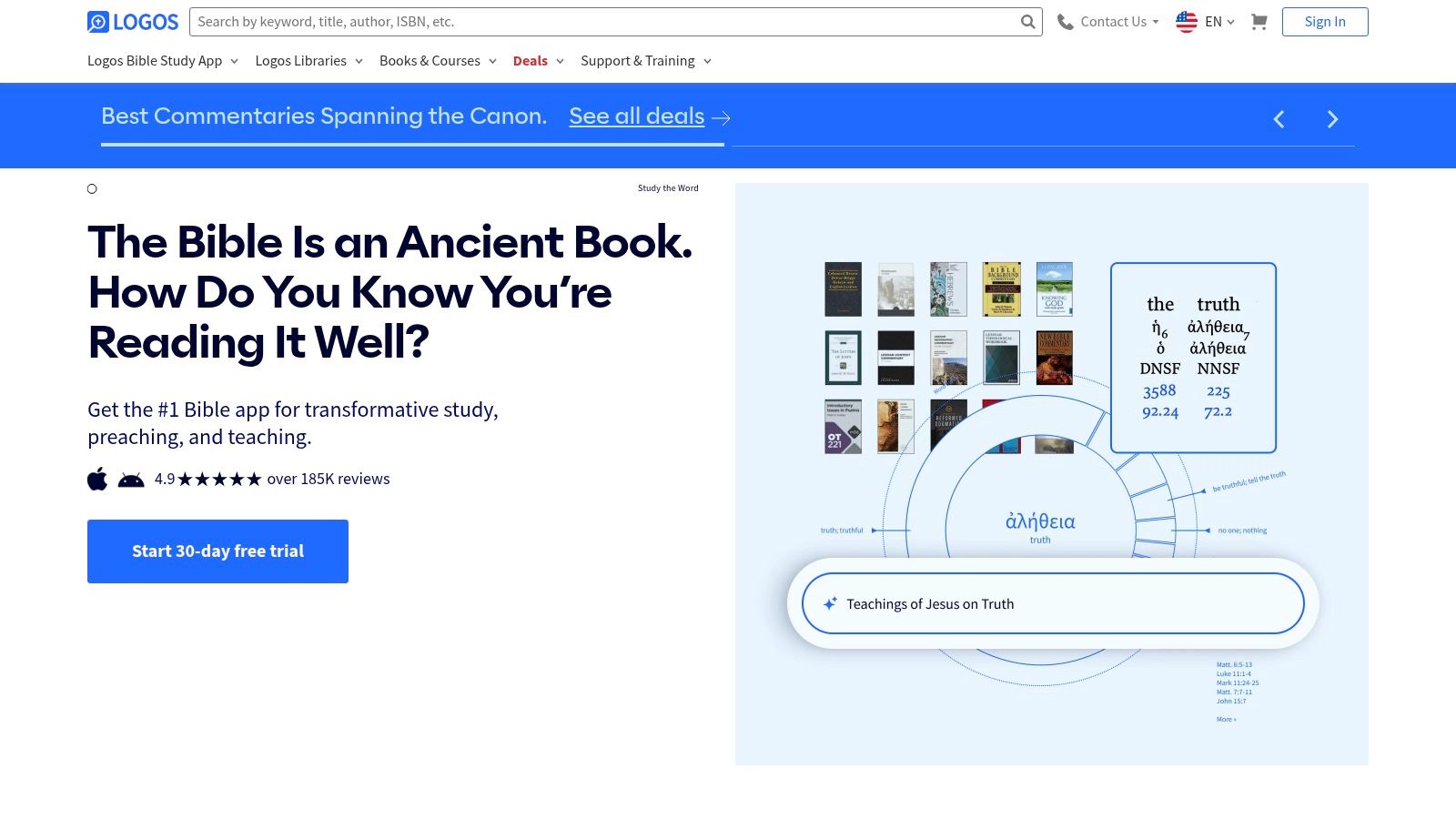
Logos Bible Study is for pastors who don't want notes sitting beside study tools. They want notes woven into the whole research environment. That's the difference.
When a pastor is moving from text observation to commentary review to original-language work to sermon drafting, Logos keeps those steps connected. Notes are searchable, taggable, and available across desktop, mobile, and web. For staff who build a long-term library of sermon prep, counseling passages, and theological observations, that organization pays off.
Best for Deep Prep
Logos is the strongest option here for heavy study. It's also part of a growing software category. The global Bible Study Software market was valued at $490 million in 2025 and is projected to reach $916.2 million by 2034, expanding at a 7.2% compound annual growth rate, according to DataIntelo's Bible Study Software market report. That growth tracks with what many ministry teams already feel. Digital study is becoming infrastructure, not a side tool.
What works well:
- Robust note management: Tags and filters help when your note archive grows over years.
- Resource integration: Notes sit beside commentaries, guides, and language tools.
- Cross-device continuity: Prep on desktop, review on mobile, teach from tablet.
What doesn't:
- Learning curve: New users can get lost fast.
- Cost creep: The more library depth you want, the more expensive the platform becomes.
For churches comparing research-heavy tools, this article on a Bible with commentary app helps frame where Logos shines.
3. Olive Tree Bible App
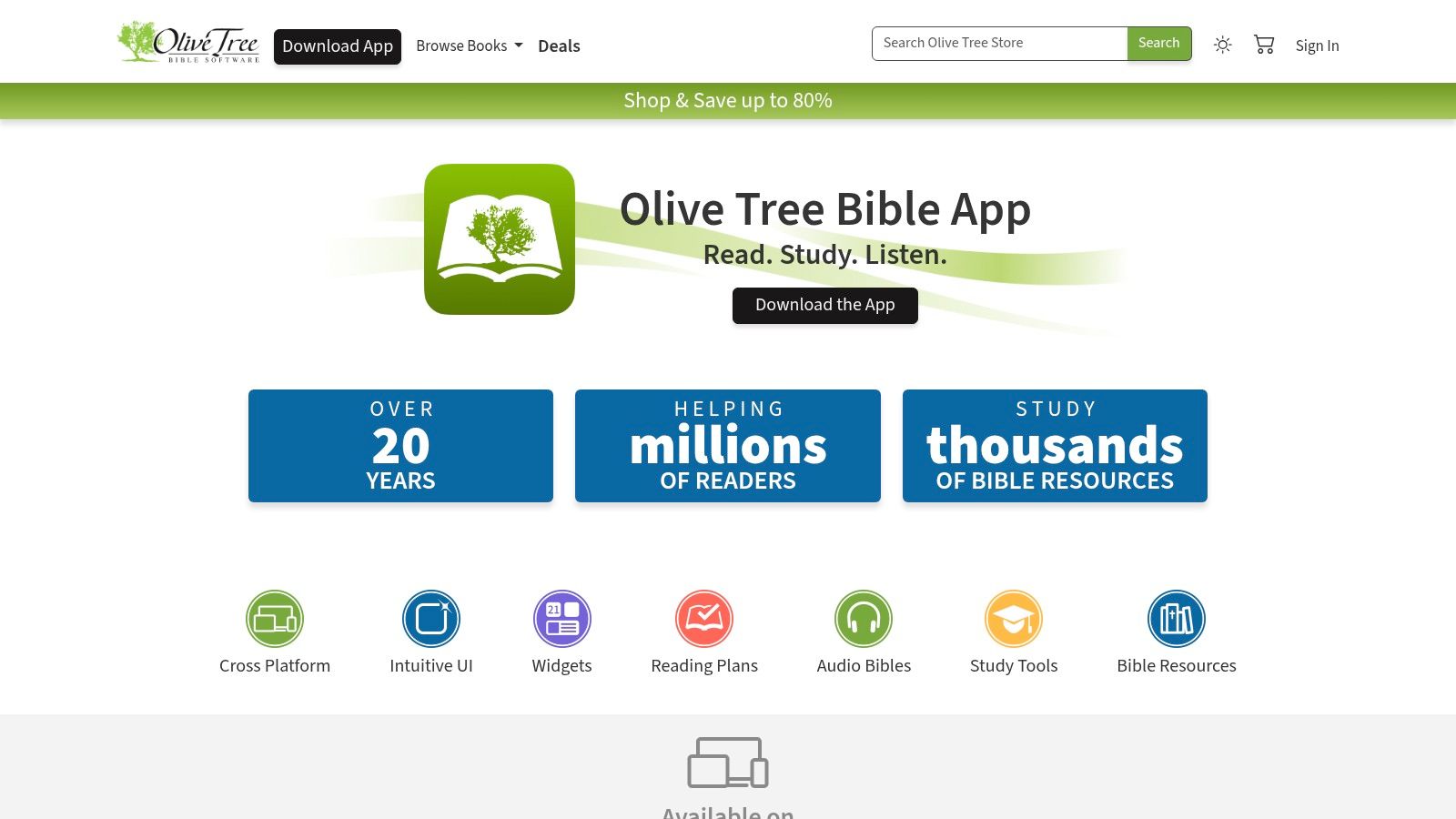
A common church staff situation looks like this. The senior pastor wants better sermon notes than a basic reading app provides. The small group director needs something volunteers can learn quickly. The team also wants offline access for hospital visits, retreats, and travel days. Olive Tree Bible App fits that middle lane well.
Olive Tree has been around long enough to feel settled, and that matters in ministry. Notes, highlighting, split-screen reading, and synced access across devices support the kind of repeated use church leaders need each week. Open a passage, keep a study Bible or commentary beside it, and capture observations without digging through menus.
That combination makes Olive Tree especially useful for pastors and ministry staff who prepare regularly but do not want the overhead of a larger research platform. It is easier to hand to a volunteer teacher than Logos, while still giving staff enough structure to build a usable archive of lesson notes, counseling passages, and sermon ideas.
Its pricing also reflects a real ministry buying pattern. Olive Tree offers a free app alongside paid study resources and subscription features through Olive Tree's pricing and subscription pages. Churches pay for that upgrade path when the workflow saves time. A pastor who studies every week will usually value split-window work, stronger notes, and a better library more than a casual reader will.
I usually recommend Olive Tree to churches that need one app for both staff and serious lay leaders.
The trade-off is library depth and cost. Olive Tree is strong for focused study, but premium books and higher-end tools can add up if several team members need the same setup. For ministry leaders trying to connect personal study habits to church-wide communication, that is the bigger question. Olive Tree helps prepare the message well. It does not do much to carry those insights into follow-up content, volunteer coaching, or broader church messaging once the study session ends.
4. Bible Gateway App
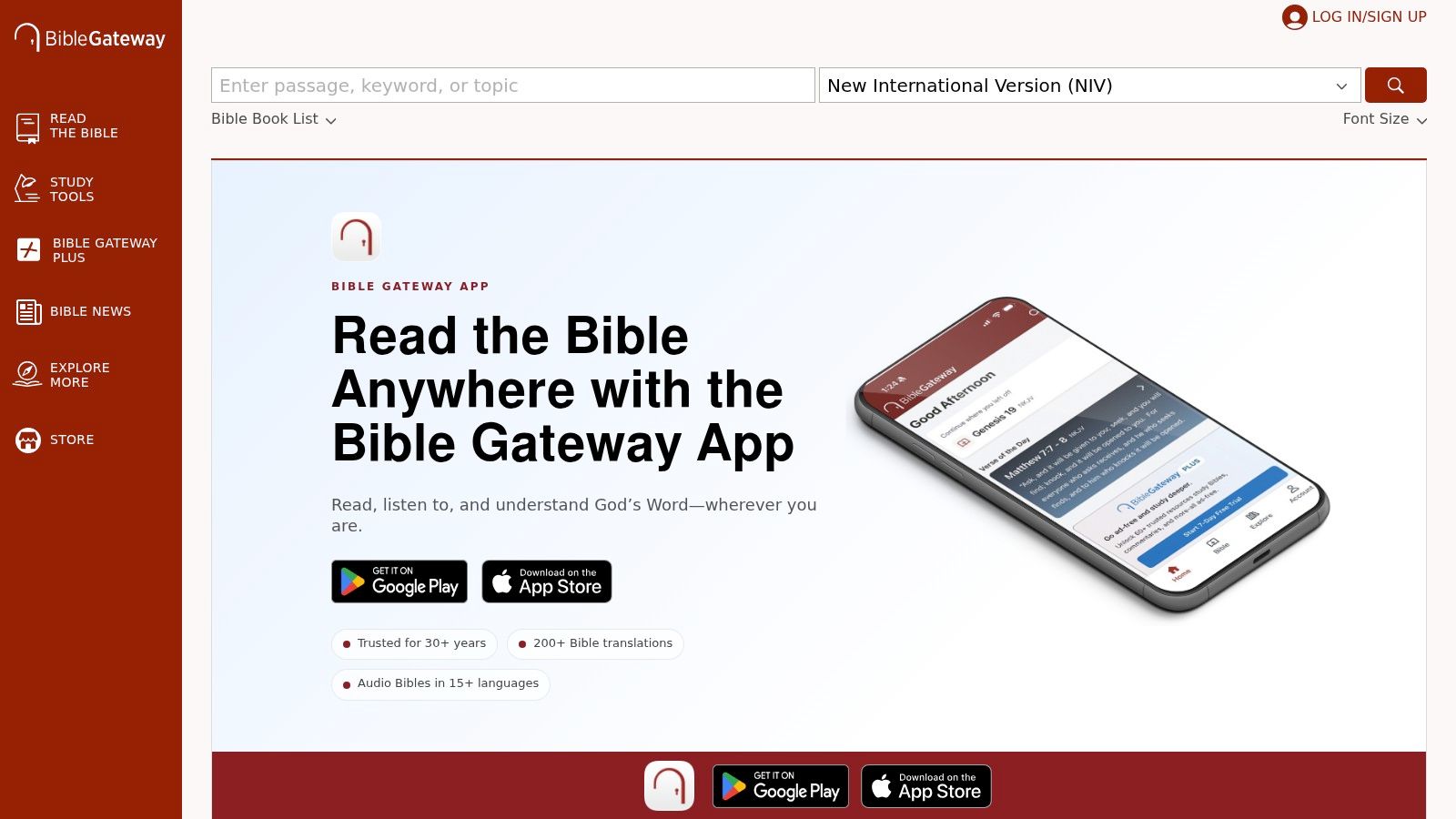
Some leaders don't need a research suite. They need a familiar environment that lets them read, highlight, save favorites, and jot down notes without a long setup. That's where Bible Gateway App fits.
If your church website, sermon prep habits, or volunteer teams already use BibleGateway.com, the app feels immediately recognizable. That familiarity matters more than feature lists sometimes suggest. A tool people already trust gets used.
Strong for Simplicity
Bible Gateway is easy to recommend for:
- Small group leaders: Notes and highlights are simple enough for non-technical volunteers.
- Devotional readers: Reading plans and devotionals are close at hand.
- Churches already in the Bible Gateway ecosystem: Less friction between web and app use.
The limitation is depth. Once you want serious research workflows, heavier commentary integration, or extensive note organization, Bible Gateway starts to feel lighter than Logos, Accordance, or Olive Tree.
There's also an underserved workflow issue worth noting. Many users want Bible app notes to connect smoothly with general note-taking tools such as Apple Notes or Notability, but discussions around Bible Gateway and similar apps show that sync flexibility often falls short, pushing people toward manual workarounds and hybrid systems, as seen in this Reddit discussion about electronic Bibles and note syncing. For ministry teams, that means Bible Gateway is best when you're willing to keep most notes inside the app itself.
5. Blue Letter Bible (BLB)
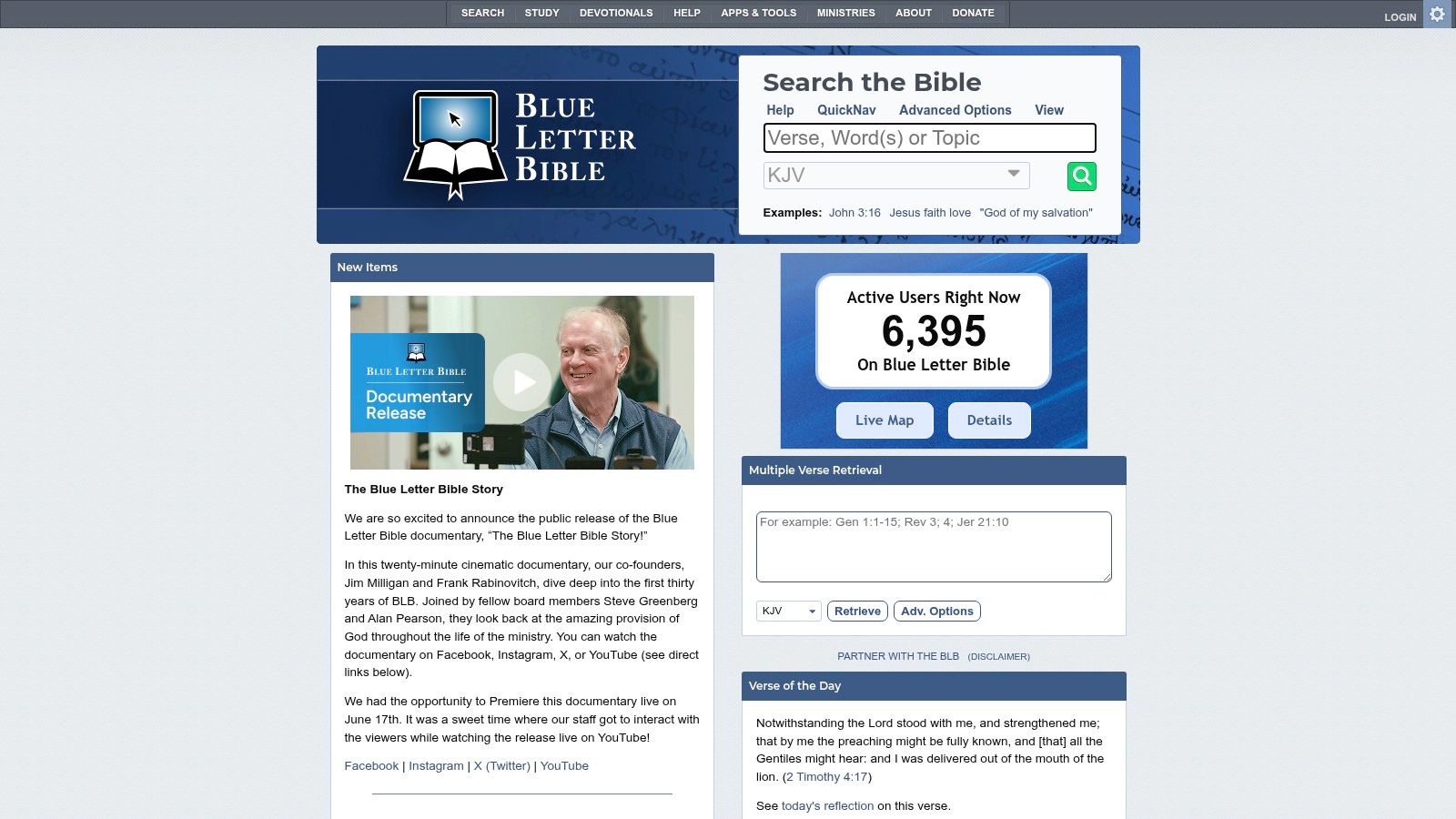
Blue Letter Bible remains one of the best free choices for leaders who want more than casual reading. It isn't polished in the way commercial apps often are, but it gives you a lot of substance without asking for a subscription first.
Its note system, notebook organization, parallel views, interlinear tools, dictionaries, and concordances make it especially useful for lay teachers and ministry interns. If someone is growing from simple devotion into more careful study, BLB is a smart bridge.
Why Churches Still Use It
BLB works well when budget is the biggest constraint but theological study still matters. A volunteer teacher can take verse notes, compare passages, and dig into word-study tools in one place.
A few practical strengths stand out:
- No-cost depth: Original-language and reference tools are available without paywalls.
- Notebook-style organization: Better than random, disconnected verse comments.
- Good for training environments: Interns and volunteer leaders can learn solid habits without software expense.
Its weaknesses are mostly interface-related. The app feels utilitarian, and some people won't love the design or navigation. But if the question is value, BLB punches above its weight.
For churches building a culture of active listening and message retention, these free sermon notes ideas for churches can complement BLB well. For readers who mainly study in the NIV and want practical reading habits alongside search tools, Mr. Pen's guide to NIV Bible study is also useful.
6. Tecarta Life Bible
Tecarta Life Bible is one of the smoother reading experiences in this category. It feels built for people who open their Bible often and don't want clutter every time they do it.
Verse notes, journaling, folder organization, and account sync make it a solid option for church staff who want a reading-first app with enough structure for ministry use. It's especially appealing if you want to buy only the resources you'll use, rather than stepping into a giant software library.
Best for Focused Readers
Tecarta fits pastors and ministry leaders who want:
- Fast navigation: Search and movement through the text feel efficient.
- A clean interface: Less noise than some broader platforms.
- Targeted purchases: Add study Bibles and commentaries selectively.
The “Explain” feature is also appealing for quick reference while preparing a lesson or answering a small group question. That said, advanced resources usually cost extra, and the Premium layer adds another paid decision if your team wants broader cross-device and web functionality.
This is a good app for pastors who read widely, annotate regularly, and prefer a tool that stays out of the way. It's less ideal for leaders who want heavy original-language research or a large built-in academic library.
7. ESV Bible App
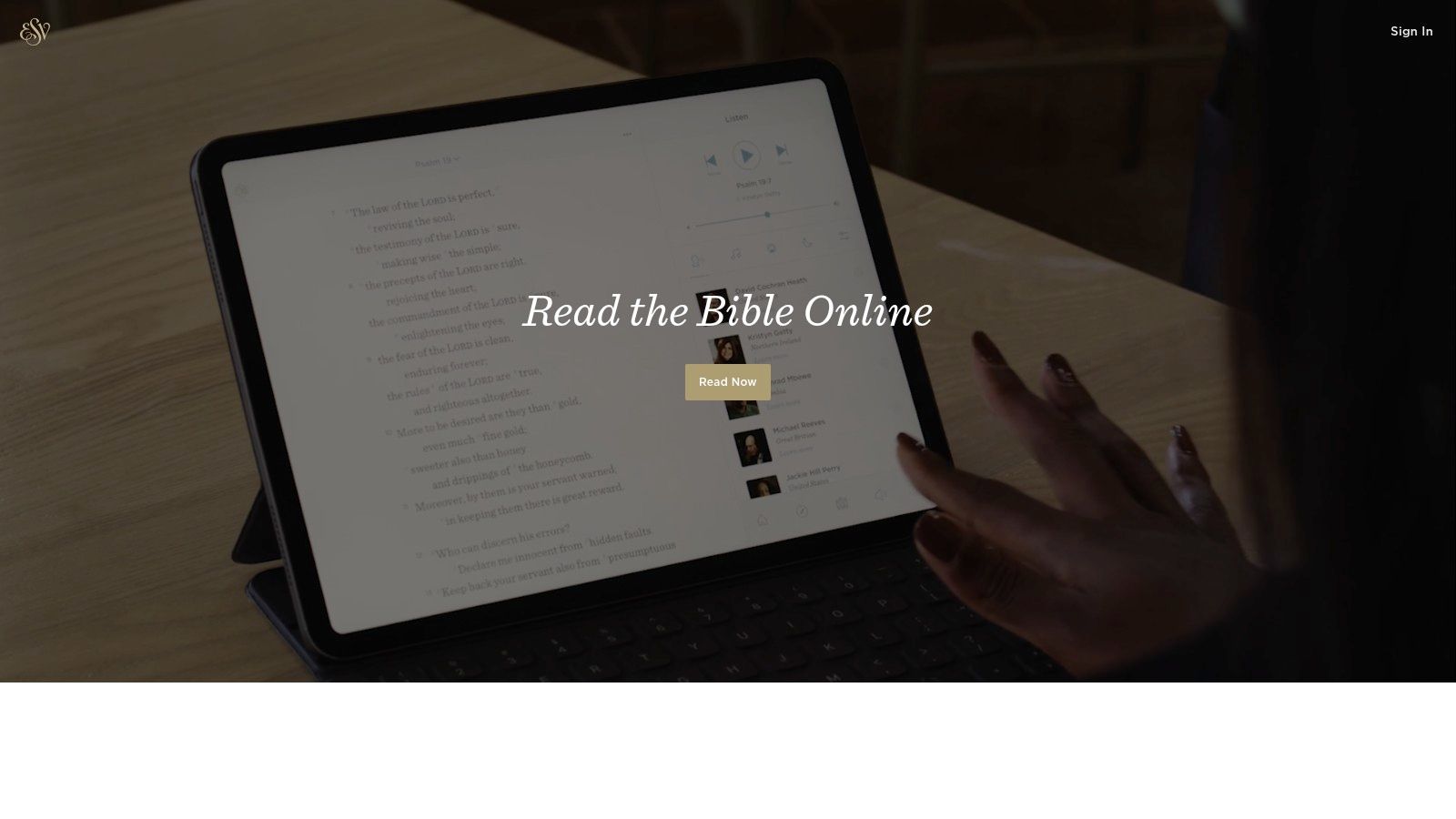
If your church is strongly committed to the ESV, the ESV Bible App is one of the cleanest note-taking experiences available. It doesn't try to be everything. That restraint is the point.
Notes, highlights, bookmarks, audio, and sync with ESV.org make it practical for pastors and congregations who want consistency around one translation. For churches that preach from the ESV every week, using the official app can simplify discipleship and reduce translation mismatch in classes and small groups.
Where It Works Best
The ESV app is strongest in churches that value:
- Translation consistency: Everyone is studying from the same text base.
- Minimal distraction: The interface stays focused on reading.
- Publisher-linked resources: Crossway content integrates naturally.
Use the ESV app when simplicity and translation alignment matter more than broad translation choice.
The trade-off is obvious. If your team regularly compares multiple translations, you'll likely need another app alongside it. That doesn't make the ESV app weak. It just means it serves a narrower ministry philosophy very well.
For solo pastors and volunteers who want clean study with light note-taking, it's an excellent fit.
8. Accordance Bible Software

Accordance Bible Software has long been respected by scholars and pastors who care about speed, original-language work, and serious exegesis. It's less common in casual church use, but among leaders who rely on it, loyalty tends to be strong.
That's because Accordance excels when your notes are tied to a deeper workflow. User Notes, Highlights, and User Tools sync to mobile, while desktop study remains the center of gravity for heavier preparation.
Best for Language-Heavy Work
Accordance is worth considering if your weekly rhythm includes close textual analysis. Split panes, fast searches, and language modules make it useful for seminary-trained pastors and teachers who want more than surface-level note capture.
What stands out:
- Fast performance: Helpful during concentrated sermon prep sessions.
- Strong scholarly orientation: Notes sit near advanced resources.
- Mobile support: Good for reviewing work away from the desk.
The downside is complexity. Collection options and pricing structure can feel less straightforward to grasp than they should. Accordance makes the most sense when you already know you need this level of study depth.
For many small churches, it's too much. For some pastors, it's exactly enough.
9. e-Sword
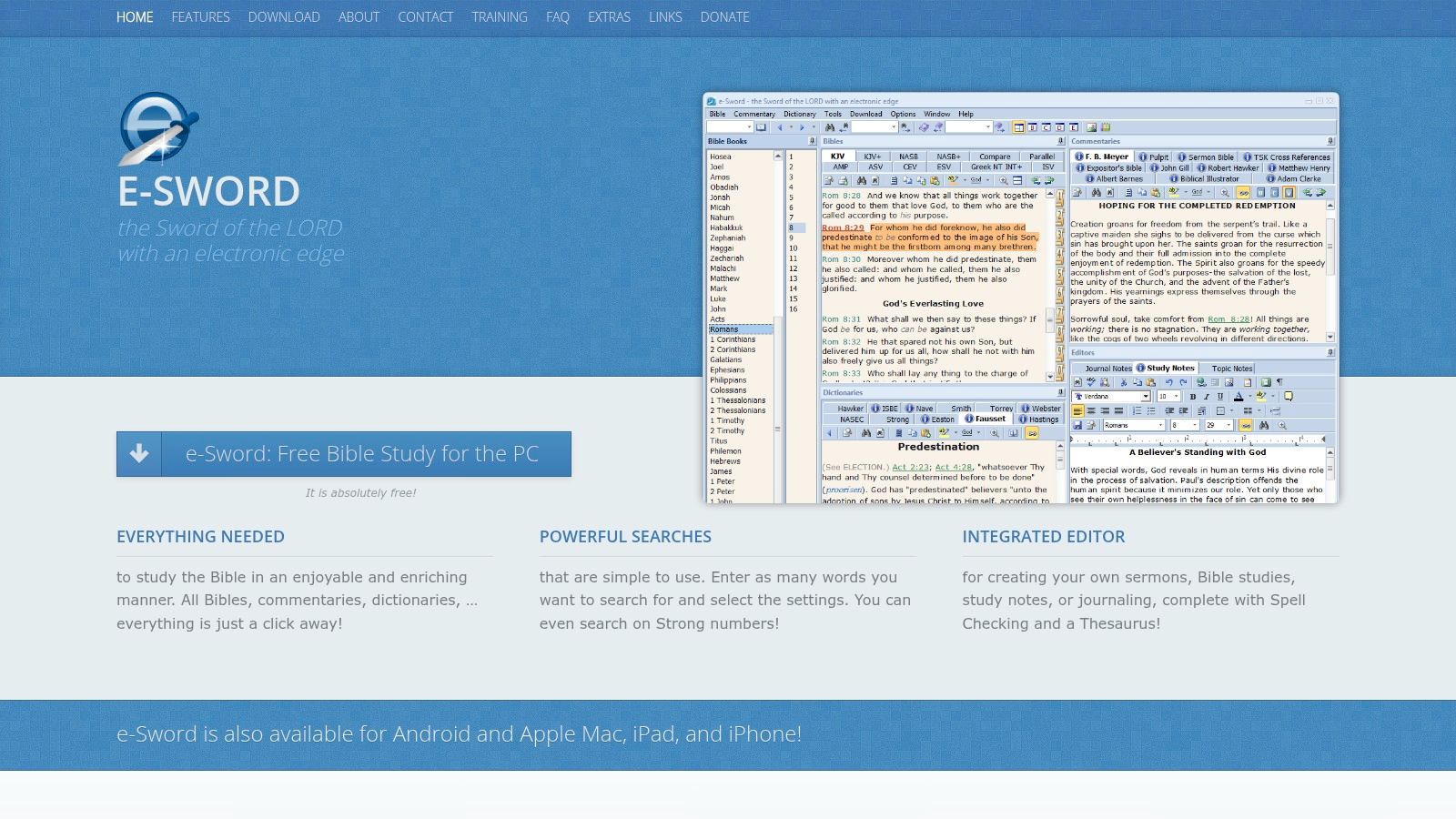
e-Sword is one of those tools that keeps earning a place because it does the basics well and doesn't demand constant adaptation. If you prefer stable offline study and linked study notes, e-Sword still deserves attention.
Its rich-text Study Notes tied to Bible verses make it useful for pastors who want a long-running personal commentary of their own. Add offline dictionaries, cross-references, and commentaries, and you have a study environment that's practical without being flashy.
Who Should Use It
e-Sword fits best for leaders who:
- Value offline reliability: Good for travel, rural settings, or distraction-free prep.
- Prefer straightforward tools: Less ecosystem management than larger platforms.
- Like one-time purchase models: Especially compared with recurring subscriptions elsewhere.
The trade-off is age in the interface. e-Sword feels less modern than newer apps, and its ecosystem is smaller than Logos or Olive Tree. But if your ministry rhythm values function over polish, that may not matter much.
This is a dependable choice for pastors who want a personal note archive and don't need a cloud-first platform to validate the workflow.
10. Pencil Bible
A volunteer walks into small group with an iPad full of handwritten observations, color-coded themes, and sermon takeaways sketched right onto the text. That workflow is exactly why Pencil Bible belongs on this list.
Pencil Bible serves a narrow ministry use case well. It focuses on handwriting, drawing, and visual markups inside the Bible reading experience, especially on iPad. Its own App Store listing presents the app as a journaling and study tool built around Apple Pencil support, verse marking, and handwritten notes, which fits leaders who retain more when they write than when they type.
Best for Handwritten Study
For pastors, ministry residents, and small group leaders who annotate during live preaching, Pencil Bible can feel closer to a paper Bible than a standard notes app. That matters in real church work. A typed note field is efficient for search later, but handwritten markup often helps with attention and memory in the moment.
Pencil Bible is strongest for:
- Sermon listeners who actively annotate: Useful for staff, volunteers, and leaders capturing insights during preaching.
- Visual thinkers: Better for circling themes, sketching outlines, and marking repeated ideas across a passage.
- Leaders replacing margin Bibles: The app makes more sense for handwriting-first study than for building a research library.
The trade-off is clear. Pencil Bible is not the app to choose for original-language work, large commentary sets, or advanced sermon research. It fits best as a capture tool, not the center of a full preaching workflow.
That distinction matters for church leadership. If your team studies in Pencil Bible but teaches from notes stored elsewhere, you need a clear handoff from personal annotation to shared ministry communication. A pastor may sketch sermon structure in Pencil Bible, then move the finished outline into planning docs, slides, small group guides, or churchwide follow-up content.
AI features are starting to show up around Bible notes, but caution is wise. Auto-generated summaries can help organize material, yet they still require pastoral review for accuracy, tone, and theological judgment. For ministry use, Pencil Bible makes the strongest case when it stays in its lane: helping leaders capture what they see in the text by hand, then passing polished insights into the rest of the church's communication workflow.
Top 10 Bible Apps, Notes & Features
| App | Core Notes & Study Features | UX & Quality (★) | Pricing & Value (💰) | Target Audience (👥) | Standout / USP (✨ / 🏆) |
|---|---|---|---|---|---|
| YouVersion Bible App | Verse-linked notes, 2,000+ versions, audio, plans | ★★★★ | Free core 💰 | 👥 Daily readers, church attendees | ✨ Massive translation library & community sharing |
| Logos Bible Study (Faithlife) | Searchable notes, commentaries, original-language tools | ★★★★ | Paid tiers; resource costs grow 💰 | 👥 Pastors, scholars, sermon prep teams | 🏆 Research-grade study suite & sermon workflows |
| Olive Tree Bible App | Enhanced Notes, split-window, strong offline | ★★★★ | Mix of paid books/subs 💰 | 👥 Pastors & offline-focused students | ✨ Mature Enhanced Notes + offline reliability |
| Bible Gateway App | Notes, highlights, reading plans; Plus for commentaries | ★★★ | Free with Plus upgrade 💰 | 👥 Readers wanting simple web-synced notes | ✨ Familiar web ecosystem & affordable Plus |
| Blue Letter Bible (BLB) | Verse notebooks, parallel/interlinear tools, highlights | ★★★ | Free 💰 | 👥 Lay students & cost-conscious learners | 🏆 No-cost access to original-language study aids |
| Tecarta Life Bible | Verse notes, journaling, "Explain" verse-level content | ★★★★ | Mix purchases + Premium for Explain 💰 | 👥 Fast-readers wanting targeted resources | ✨ 'Explain' feature + flexible purchases |
| ESV Bible App (Crossway) | Notes, highlights, audio, ESV study content | ★★★★ | Free core; optional premium 💰 | 👥 ESV-preferring users & churches | ✨ Publisher-curated ESV resources & clean design |
| Accordance (+ Mobile) | User notes, original-language modules, fast search | ★★★★ | Paid collections; higher cost 💰 | 👥 Scholars & exegetical pastors | 🏆 High-performance original-language workflows |
| e-Sword (HD / LT) | Rich-text Study Notes, offline dictionaries & commentaries | ★★★★ | One-time purchases / free modules 💰 | 👥 Offline users & one-time-buy preferers | ✨ Offline-first, stable study environment |
| Pencil Bible | Handwriting & Apple Pencil annotations, page layout | ★★★★ | Free/core + in-app purchases 💰 | 👥 Visual note-takers & sermon journalers | 🏆 Best-in-class Apple Pencil handwriting experience |
Choosing the Right Tool for Your Ministry's Growth
The best Bible app with notes is the one your team will keep using after the first week. That sounds obvious, but ministry leaders often choose tools for feature lists instead of real behavior. A volunteer small group leader probably needs simplicity. A preaching pastor may need searchable note archives, commentary integration, and better study depth. A creative teacher may work best by handwriting directly on the text.
That's why this list matters in ministry terms, not just tech terms. YouVersion is easy to recommend across a whole church because people already know it and it lowers adoption friction. Logos and Accordance make sense when sermon prep requires serious research. Olive Tree and Tecarta sit in the middle, where many pastors live most of the time. Blue Letter Bible offers unusual value if budget is tight. Pencil Bible is the right answer for leaders who think with a stylus in hand.
A healthy digital note habit does more than improve personal study. It builds a reusable ministry knowledge base. Notes from pastoral counseling can point back to passages you've already studied. A sermon insight can become a small group prompt. A recurring question from members can turn into a future teaching series. That compounding value is why digital note-taking has become such an important ministry workflow.
Churches also need to think one step further. Once your sermon prep and Bible notes are organized, your communications process gets easier. That's where ChurchSocial.ai becomes useful. Church teams can generate AI reels from sermon audio and create social posts, blogs, and discussion questions from sermon transcripts in approximately 20 minutes, according to ChurchSocial.ai's overview of social media automation tools for churches. Instead of letting your weekly message disappear after Sunday, you can turn it into a week of follow-up content.
That matters even more for small staffs. ChurchSocial.ai also gives churches graphic templates and an editor for photos and carousels, a drag-and-drop calendar for planning and scheduling, and integrations with Planning Center and other church calendars so event content doesn't have to be managed manually. If your team wants sermon clips, keep in mind that the Sermon Studio add-on is priced at +$49/month on top of the base subscription, while the solo plan at about $29 to $49 per month includes AI captions, Planning Center integration, and unlimited scheduled posts, as listed on the ChurchSocial.ai platform page.
The point isn't to digitize study for its own sake. It's to help pastors and churches steward what they're already learning and teaching. If you want a companion resource on selecting strong study tools, The Bible Seminary's guide for pastors is worth reading.
Try one app that matches your actual ministry rhythm. Then build a workflow where study feeds discipleship, preaching, and communication without constant rework.
If your church is already preparing sermons every week, ChurchSocial.ai helps you get more ministry value from that work. You can turn sermon transcripts into social posts, blogs, and discussion questions, create AI-generated reels from sermon audio, design photos and carousels with built-in templates, and manage everything on a simple drag-and-drop calendar that connects with Planning Center and other church calendars. For churches with limited staff, ChurchSocial.ai is one of the clearest ways to bridge sermon prep and church communications without adding another complicated system.


