
Monday morning hits, and the church social calendar is empty. Sunday's over, the next event is coming, and someone on staff is already asking what's going out on Instagram, Facebook, and YouTube this week. If you're the person holding that responsibility, you don't need more vague brainstorming. You need repeatable church social recipes you can use fast.
That's where content recipes help. Instead of treating every post like a brand-new project, build a small set of formats you can reuse with fresh details each week. If you need a planning starting point before you schedule anything, Framesurfer's planning template is a practical companion for mapping the moving pieces.
These seven church social recipes are built for real ministry teams. They include caption starters, visual direction, and posting angles that work well for churches. They're also the kind of workflow that becomes much easier when you use a platform built for ministry, such as ChurchSocial.ai, especially if you're turning sermons, events, and calendar details into consistent social content.
1. Recipe 1 The Sermon Snippet Reel
If your church records sermons, this is usually the first format to build around. Short vertical clips carry the message beyond Sunday without asking people to commit to a full-length video first.
The mistake churches make is posting a clip that needs too much setup. A better reel starts with a line people can understand immediately. Think conviction, comfort, challenge, or hope. Then end the caption with a next step such as watching the full message, saving the post, or sharing it with someone who needs encouragement.
Copy-and-paste template
Caption starter:
“Sometimes we carry things God never asked us to carry. This Sunday's message was a reminder to bring our burdens to Him. If this speaks to where you are right now, save this and send it to a friend.”
Hashtag set:
#ChurchSocial #SundaySermon #FaithInAction #ChristianEncouragement #ChurchOnline #HopeInChrist
Visual idea: use a clean vertical clip of the preacher, lower-third text added intentionally after editing, and burned-in captions. Keep the background simple. Don't clutter the frame with decorative text everywhere.
Practical rule: Choose one clear point, not the whole sermon. The clip should stand on its own.
If clipping sermons has become a bottleneck, ChurchSocial.ai's automatic sermon clip workflow fits this exact job. It's useful when you have volunteers who can spot meaningful moments but don't have time to edit every clip manually.
Another strong add-on is gathering short reactions and event footage from your church community. If you want a simple way to seamlessly collect media from event guests, that can give you supporting clips for reels around baptisms, socials, and ministry moments.
What works: one memorable idea, strong captions, clear framing.
What doesn't: posting a random ninety-second excerpt that only makes sense if someone heard the previous ten minutes.
2. Recipe 2 The Question of the Week Graphic
Not every post needs to announce something. Some of the healthiest engagement comes from simple prompts that invite reflection and conversation.
A question graphic works because it lowers the barrier. People may not comment on a sermon recap, but they will answer a direct question if it feels approachable and sincere. This format is especially useful midweek when you want to keep the congregation connected between Sundays.
What to ask
Keep the question specific enough to answer and broad enough for many people to join in.
- Faith reflection: “What's one scripture that's encouraged you this week?”
- Church life: “What helps you prepare your heart for Sunday?”
- Prayer angle: “How can we be praying for our community today?”
Caption starter:
“We'd love to hear from you. What's one thing God has been teaching you lately? Drop a word, a verse, or a short thought in the comments.”
Hashtag set:
#ChurchCommunity #FaithConversation #MidweekEncouragement #PrayerTogether #ChurchFamily
Why this format keeps working
Food has long helped churches build belonging. Early Christian communal meals, including love feasts referenced in the New Testament and later church life, show that gathering around shared prompts and shared tables has deep roots. A regional council at Laodicea in 363 to 364 CE even ruled, “It is not permitted to hold love feasts… in the Lord's Houses,” which shows these gatherings were common enough to regulate, as explained in Christian History Institute's look at church meal traditions.
That matters for social media too. Churches have always used simple, repeatable forms to create connection. A weekly question does that digitally.
Ask questions your people can answer in a sentence. If they need an essay, they'll scroll past.
What works: one question, one branded layout, one invitation to respond.
What doesn't: stacked questions, abstract wording, or graphics overloaded with text.
3. Recipe 3 The Sunday Service Reminder Carousel
A single reminder graphic often gets ignored. A carousel gives you room to welcome, inform, and reduce uncertainty for visitors.
Think in slides. Slide one should feel like an invitation. Slide two should answer what's happening. Slide three should reduce friction. Service time, kids ministry, message series, parking note, or a simple “come as you are” line all help.
A simple slide structure
- Slide 1: “Join us this Sunday”
- Slide 2: Message title or theme
- Slide 3: Service time and location
- Slide 4: What families can expect
- Slide 5: Friendly invitation to bring a friend
Caption starter:
“We'd love to worship with you this Sunday. If you've been looking for a church home, or you just need a place to start again, there's a seat for you.”
Hashtag set:
#SundayAtChurch #YoureInvited #ChurchNearMe #WorshipTogether #ChurchWelcome
For teams that need faster design turnaround, ChurchSocial.ai's AI carousel maker for churches can help turn a basic event or service idea into a usable post sequence without starting from a blank canvas.
Real trade-off
Carousels take more planning than a single image, but they answer more visitor questions. That usually makes them worth the extra few minutes.
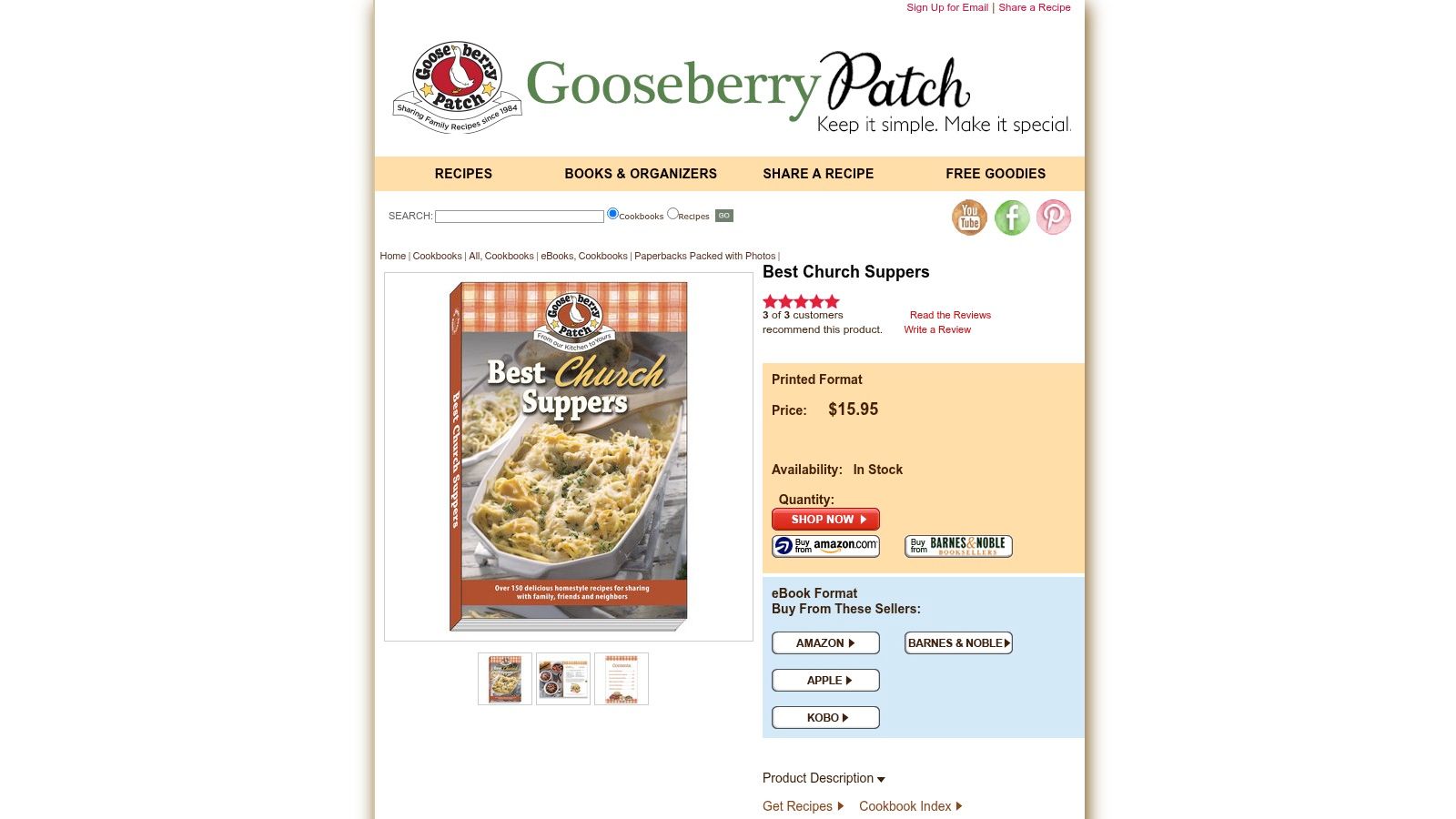
Church recipe culture in the United States followed a similar pattern. Community cookbooks became tools for fundraising, identity, and fellowship, and from 1864 through 1922 more than 3,000 community cookbooks were published, according to this history of fundraiser cookbooks. Churches didn't just share information. They packaged it in ways people could readily use.
That's the right model for a Sunday carousel. Don't just announce. Package the invitation.
4. Recipe 4 The From the Pulpit Quote Graphic
A quote graphic is the midweek post that keeps Sunday alive. It's small, fast to produce, and often more shareable than a long caption because the core idea is already distilled.
The key is selecting the right line. Not every strong sermon sentence works as a graphic. Choose a phrase that's complete, clear, and encouraging without extra explanation.
What a strong quote graphic looks like
Use a clean background. Notes on paper, an open Bible, a pulpit detail, or stage lighting can work well. Keep people out of the image when possible, and only place text where it makes design sense, such as a proper overlay or within an intentional layout.
Caption starter:
“Sunday's reminder in one sentence: God's presence doesn't leave when the week gets heavy. Save this for later.”
Hashtag set:
#SermonQuote #FaithReminder #MidweekFaith #ChurchEncouragement #BibleTruth
Ministry reminder: Don't force a quote into a graphic just because it sounded good live. If it needs explanation, it needs a reel instead.
This format pairs well with sermon follow-up because it reaches different people than video does. Some church members will watch clips. Others will save a quote, post it to their story, or send it to a friend in a direct message.
What works best is consistency. If your congregation starts expecting a Tuesday or Wednesday sermon quote, that post becomes part of your rhythm. What falls flat is using tiny fonts, long paragraphs, or vague motivational language that could've come from any account instead of your church.
5. Recipe 5 The Event Announcement and Countdown
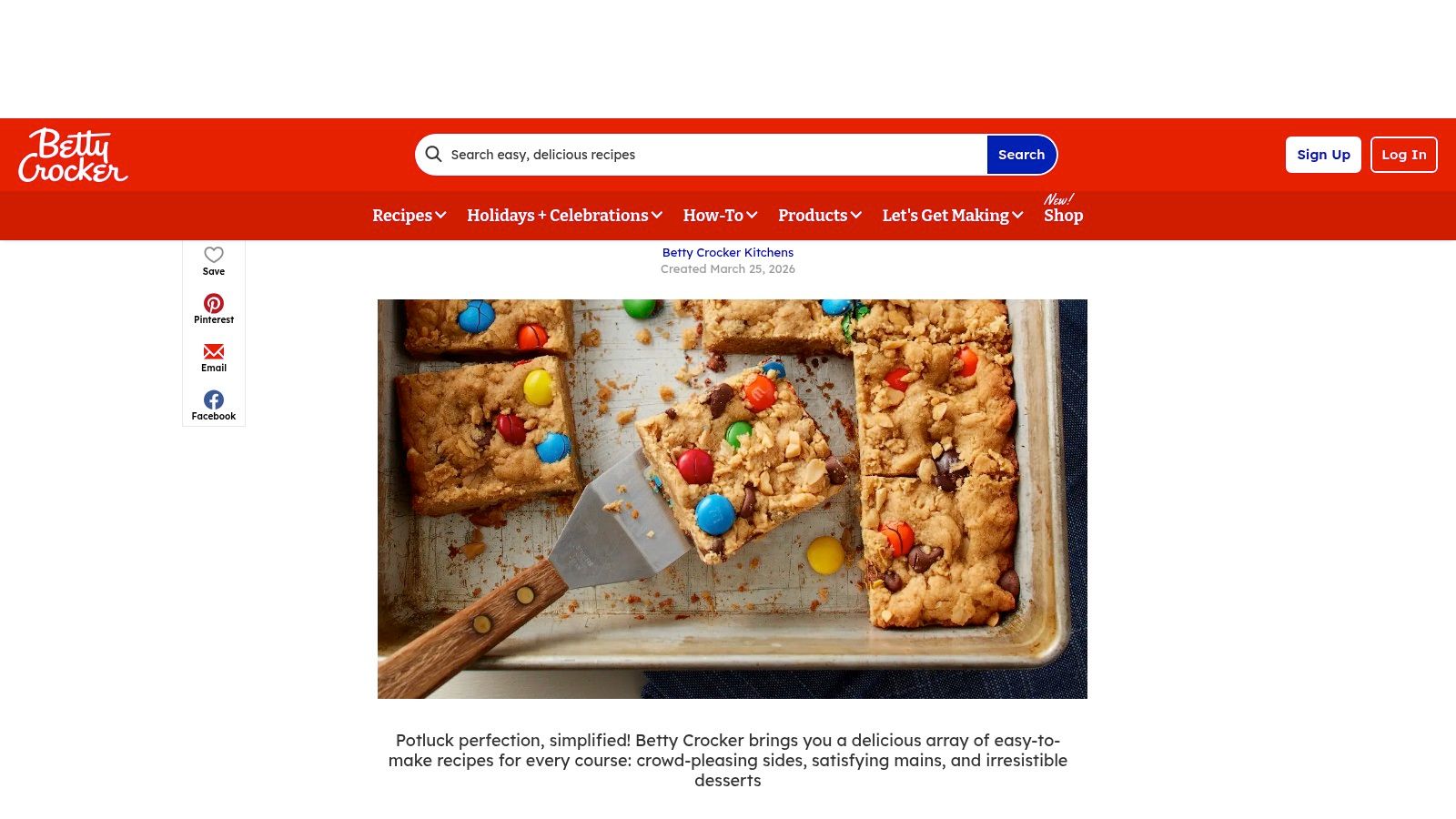
Church events need more than one post. A potluck, youth night, women's gathering, or outreach event usually needs a sequence. One announcement starts awareness. Follow-up posts answer practical questions and keep the event visible.
Many churches underpost. They share the flyer once, then assume people saw it. Most didn't.
A three-post rhythm that works
- Announcement post: Share the what, when, and why.
- Midweek reminder: Highlight one reason to come, such as community, prayer, or family fun.
- Countdown post: Add urgency with a warm invitation and final details.
Caption starter for the first post:
“Join us for our church social this weekend. Bring a dish if you'd like, bring a friend if you can, and come ready for good food and better fellowship.”
Caption starter for the countdown:
“We're looking forward to being together tomorrow. If you've been meaning to come to a church social, this is an easy one to step into.”
Hashtag set:
#ChurchEvent #ChurchSocial #FaithAndFellowship #ChurchFamily #YoureInvited
There's a practical reason food-centered events still perform well in church communication. The U.S. Department of Health and Human Services notes in Recipes for Connection that connection around food can improve health and well-being and help protect against serious outcomes such as heart disease, stroke, and dementia. Churches already know this in practice. Shared meals create easy entry points for belonging.
Use that insight in the post copy. Don't sell the menu alone. Sell the togetherness.
6. Recipe 6 The Behind the Scenes Volunteer Spotlight
The best church social media accounts don't only highlight the platform. They show the people serving behind it. A volunteer spotlight gives dignity to unseen ministry and helps your congregation understand how the church functions.
This doesn't require a posed portrait. In many cases, it's better without one. A photo of hands setting out bulletins, a coffee station being prepared, a soundboard in use, or chairs being arranged often tells the story better and respects the preference to avoid people-focused imagery.
A spotlight format that feels genuine
Start with the ministry team name. Mention what they do. Add one sentence about why it matters.
Caption starter:
This team helps create a welcoming Sunday before volunteers and attendees even walk through the doors. We're grateful for every volunteer who serves faithfully in the details.
Hashtag set:
#VolunteerSpotlight #ServeAtChurch #ChurchFamily #MinistryInAction #FaithfulService
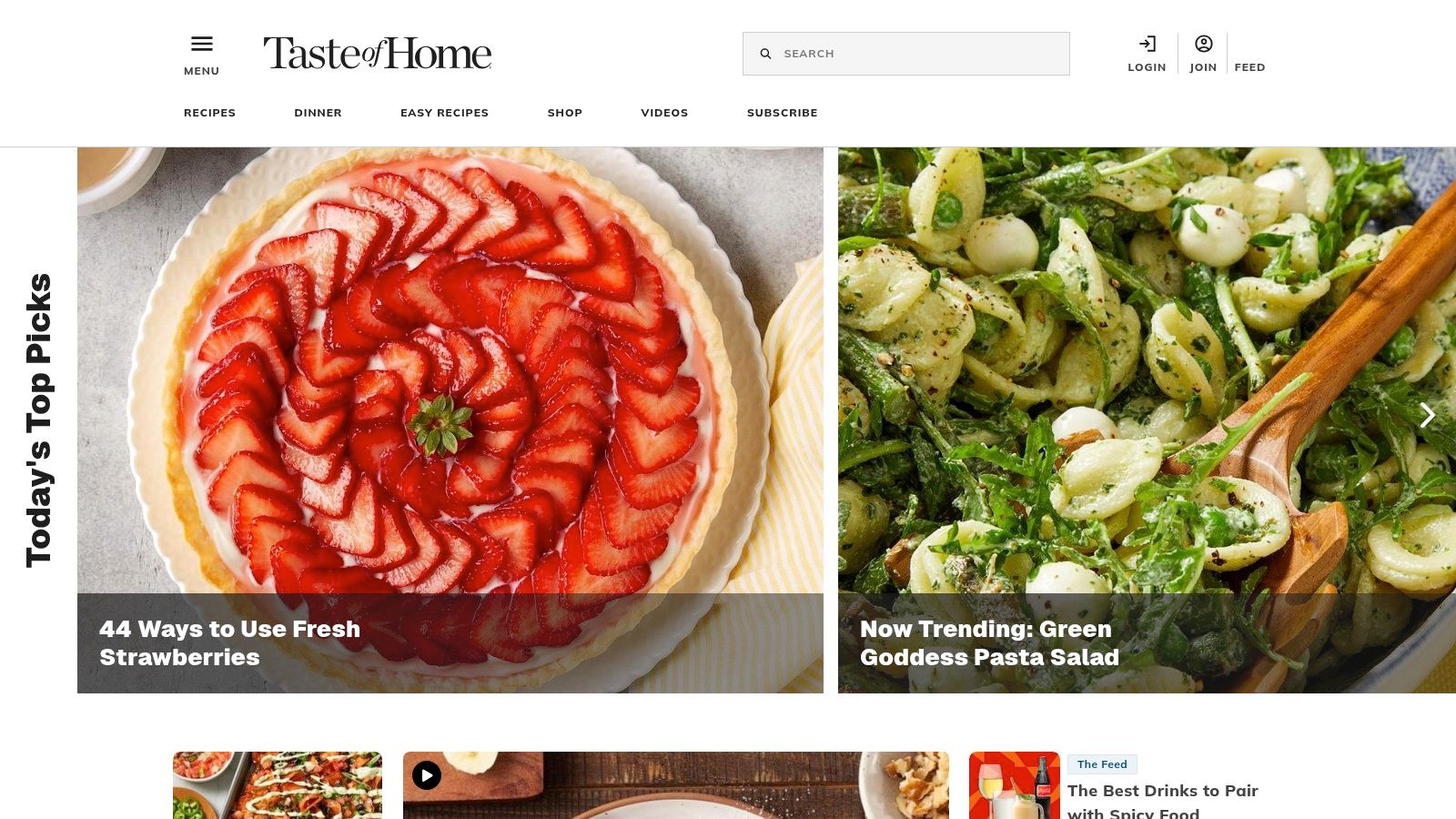
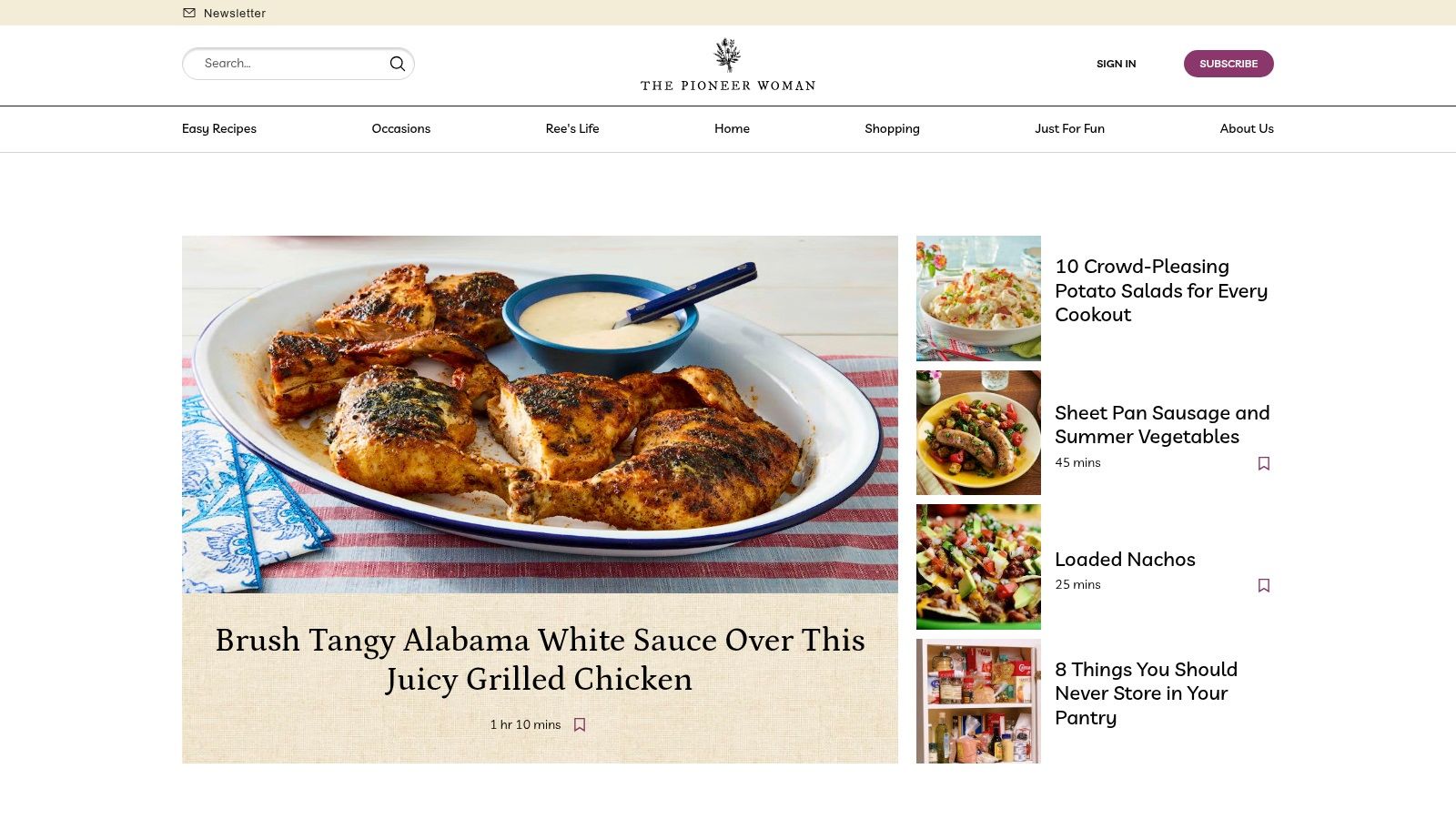
Church social recipes in the food sense have long favored practical, easy-to-make dishes like casseroles, salads, cupcakes, and muffins, as seen in this roundup of recipes for church socials. That same principle applies to volunteer content. Simple, useful, familiar posts usually serve church audiences better than highly produced brand content.
Keep the spotlight about contribution, not praise language that makes people uncomfortable.
What works: specific appreciation, real ministry detail, simple imagery.
What doesn't: generic “our volunteers are amazing” captions with no story attached.
7. Recipe 7 The Generated by AI Discussion Starter
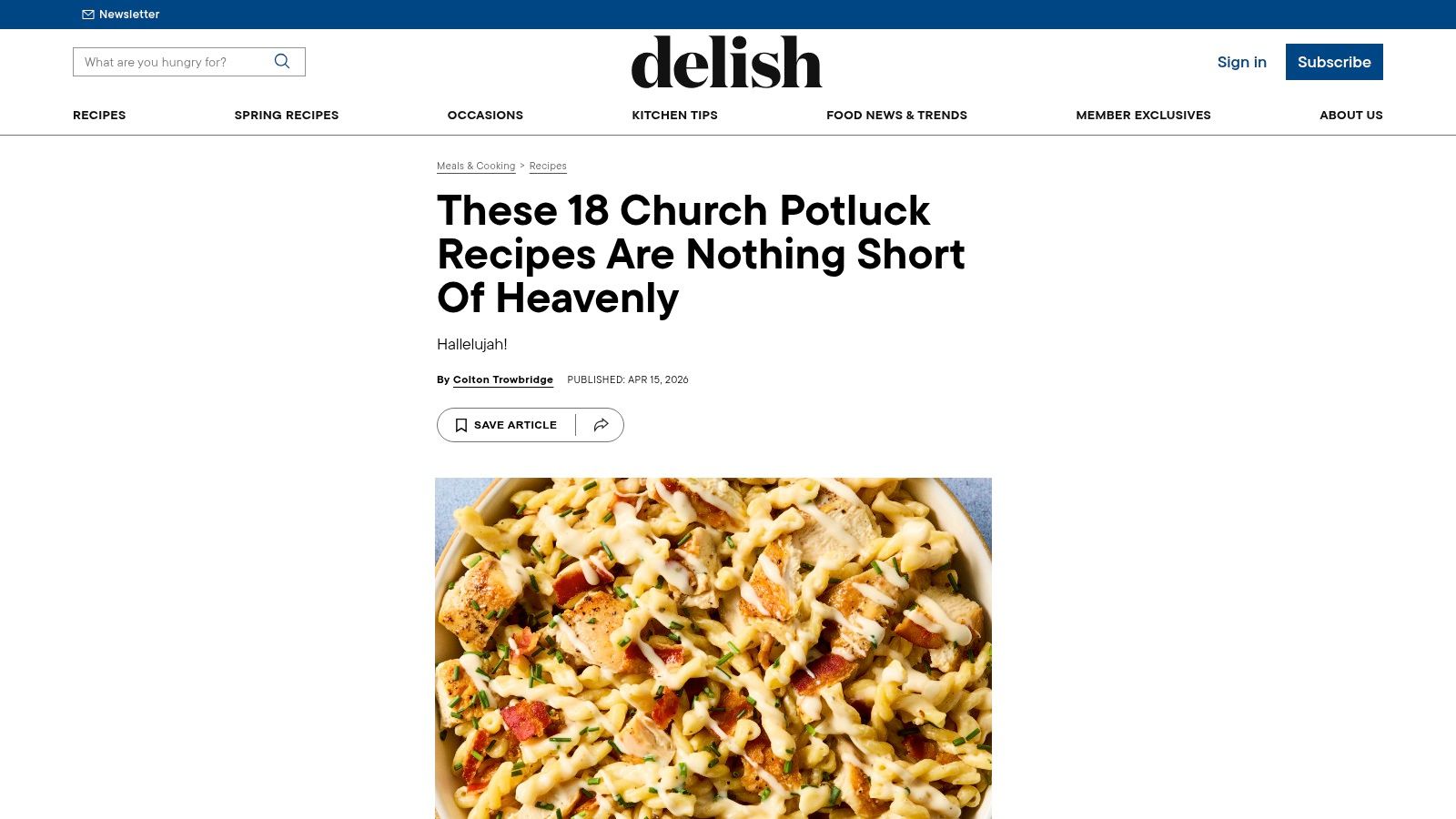
Sometimes the most valuable post isn't a graphic or a reel. It's a prompt people can use after the sermon. A discussion starter can become a caption, a blog post, a small group resource, or an email follow-up.
This is one of the strongest places to use AI well. Not to replace the message, but to reformat it into something your congregation can apply on Monday, Wednesday, or during group discussion.
Practical ways to use it
Turn a sermon transcript into:
- A short summary: useful for people who missed Sunday
- Discussion questions: helpful for small groups and family conversations
- A reflection post: good for midweek discipleship content
Caption starter:
“Still thinking about Sunday? Here are a few questions to pray through or discuss with someone this week. Which one stands out to you most?”
Hashtag set:
#SermonReflection #ChurchDiscussion #FaithQuestions #GrowInFaith #ChurchOnline
There's also a real ministry gap here. Church social food content often centers on crowd-pleasing dishes but doesn't always address dietary inclusion well. A review of that gap notes CDC figures showing 8.0% of U.S. children, about 1 in 13, have food allergies, and around 6.2% of U.S. adults have a food allergy, as discussed in this article on church potluck recipe needs. Communication has a similar responsibility. Churches should make follow-up content accessible, clear, and usable for different people in different settings.
If you want a ministry-specific starting point, ChurchSocial.ai's guide to using AI for churches speaks directly to turning sermons into discussion-ready content.
Church Social Recipes: 7-Point Comparison
| Recipe | 🔄 Implementation Complexity | ⚡ Resource Requirements | 📊 Expected Outcomes (metrics) | 💡 Ideal Use Cases & Key Advantages |
|---|---|---|---|---|
| Recipe 1: The Sermon Snippet Reel | Moderate, requires clip selection & editing | Sermon recording, editing/caption tools (or AI) | High reach & engagement ⭐⭐⭐⭐, more sermon views, shares | Promote sermon highlights; advantage: highly shareable and repurposes content |
| Recipe 2: The "Question of the Week" Graphic | Low, simple graphic update weekly | Graphic template, short copy, volunteer time | Moderate engagement ⭐⭐, more comments and algorithm visibility | Community discussion starters; advantage: quick to produce and fosters participation |
| Recipe 3: Sunday Service Reminder Carousel | Moderate, multi-slide design, weekly updates | Carousel templates, up-to-date schedule info | Moderate–High impact ⭐⭐⭐, clearer visitor onboarding, attendance lift | Announcements & visitor invites; advantage: compact info + welcoming presentation |
| Recipe 4: "From the Pulpit" Quote Graphic | Low, find quote and design | Sermon transcript or audio, graphic tool | High shareability ⭐⭐⭐⭐, mid-week reinforcement, social shares | Mid-week encouragement and brand building; advantage: concise reinforcement of message (ensure context) |
| Recipe 5: Event Announcement & Countdown | Moderate, planning + sequenced posts | Calendar integration, multiple creatives, CTAs | High event awareness ⭐⭐⭐, increased registrations/attendance | Promoting events and registrations; advantage: automates promotion and answers FAQs |
| Recipe 6: "Behind the Scenes" Volunteer Spotlight | Low, coordination for photos/videos | Photo/video capture, consent, brief copy | Moderate engagement & retention ⭐⭐⭐, improves volunteer morale | Volunteer appreciation and recruitment; advantage: humanizes ministry (respect privacy) |
| Recipe 7: "Generated by AI" Discussion Starter | Low, AI generates content; needs review | Sermon transcript, AI tool, human editor | High efficiency & depth ⭐⭐⭐⭐, discussion resources, website traffic | Small groups, discipleship content; advantage: fast multiformat content (requires human review) |
Your All-in-One Social Media Cookbook
These seven church social recipes work because they remove decision fatigue. Instead of asking, “What should we post this week?” you start asking, “Which recipe fits what's already happening in ministry?” That shift matters. It turns social media from a weekly scramble into a repeatable church communication system.
The churches that stay consistent usually aren't the ones with the biggest team. They're the ones with a simple rhythm. A sermon clip on Monday. A question graphic on Wednesday. A quote post on Thursday. A Sunday reminder on Saturday. Event promotions layered in as needed. That's manageable, even for a volunteer-led team, if the formats are already defined.
There's also room to update the style of your content without losing the warmth people expect from church social recipes. Traditional church food culture still leans toward comfort dishes, but there's a growing need for healthier, lighter, and more practical options in modern gatherings, noted in this look at potlucks, church socials, and changing recipe expectations. Social content works the same way. Keep the familiar tone, but make the format easier to consume, share, and schedule.
That's why templates matter. They help solo volunteers move faster. They help communications pastors delegate clearly. They help multi-campus teams stay aligned without sounding robotic.
If you want one place to create sermon clips, generate post drafts from sermon transcripts, design graphics and carousels, and organize everything on a drag-and-drop content calendar, ChurchSocial.ai is one relevant option for building that workflow. It also integrates with church calendars such as Planning Center, which helps event content move from planning into publishing with less manual work.
A full church social media strategy doesn't start with more creativity. It starts with a system your team can maintain.
If you're ready to spend less time staring at an empty calendar and more time publishing useful ministry content, take a look at ChurchSocial.ai. It gives churches a practical way to turn sermons, events, and weekly ministry moments into scheduled social posts without rebuilding the process from scratch each week.


