
Your Sunday service was strong, and a three-minute moment from the sermon would work well on Instagram, Facebook, or YouTube Shorts. The full message already lives on YouTube, so the obvious next step is to look for a free app for downloading YouTube videos. That instinct is common on church teams, especially when one staff member or volunteer handles everything from slides to social posts.
The catch is that downloading isn't just a technical task. Churches also need to think about copyright, platform safety, malware risk, and whether the workflow saves time or creates more cleanup work later. Some tools are excellent for grabbing a video you own so you can trim it, archive it, or repurpose it. Others are clunky, ad-heavy, or better suited for power users than busy ministry teams.
This guide focuses on practical options that church media teams can use, plus the trade-offs that matter in real ministry settings. It also points to a better long-term workflow for many churches: creating clips and posts directly from sermons instead of constantly downloading, converting, and trimming by hand. If your goal is content repurposing for congregations, the right tool matters, but the right process matters more.
1. 4K Video Downloader
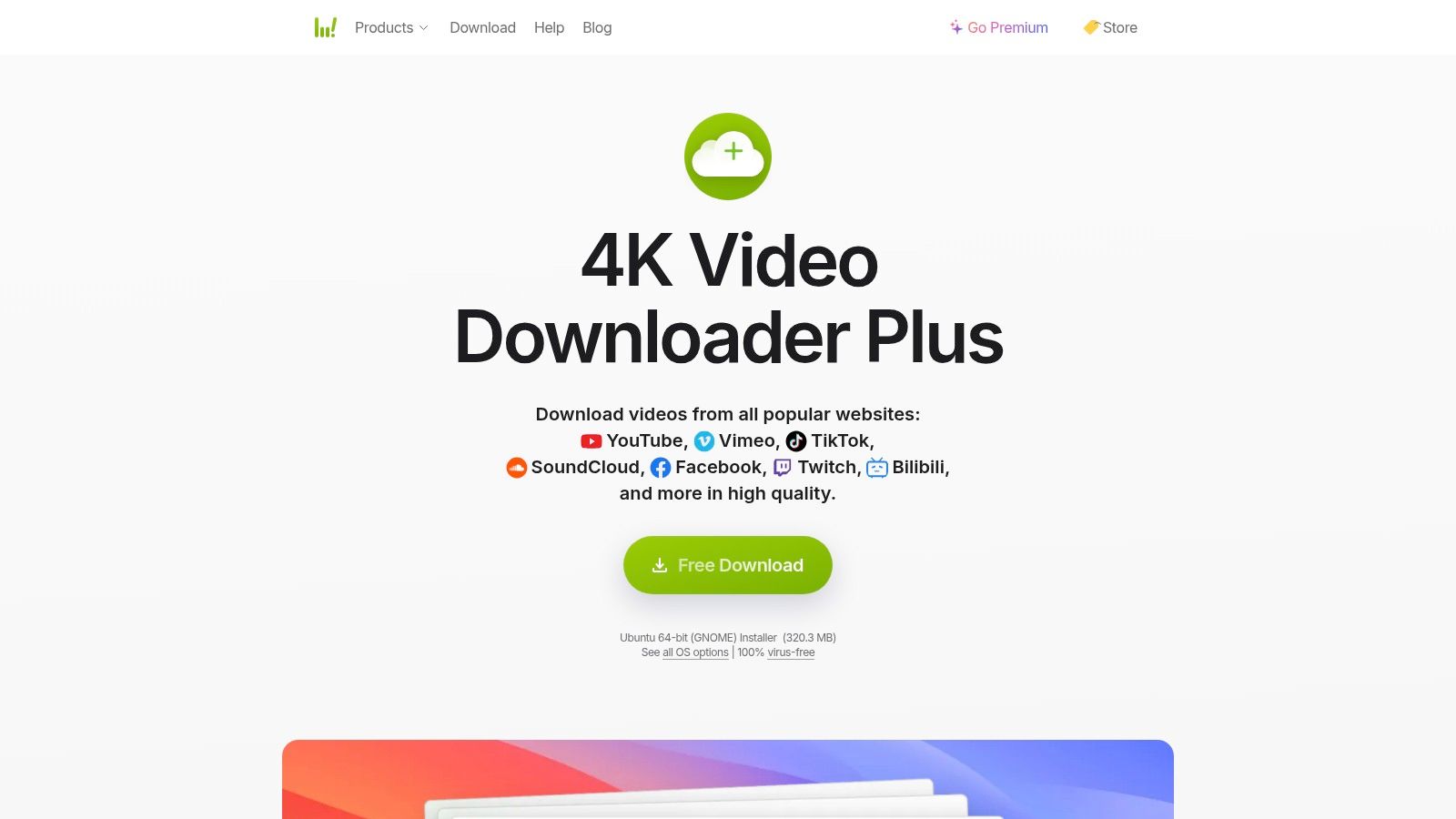
4K Video Downloader is the safest recommendation for most church teams that want a simple desktop tool. It has been around long enough to feel familiar, and its main strength is that it doesn't ask volunteers to learn command-line syntax or hunt through confusing settings just to save one sermon upload.
TechRadar's 2025 roundup describes the workflow as copy a URL, paste it, and choose format, quality, and location. The same review also notes a practical limit for the basic paste-and-download playlist workflow of playlists "not longer than 24 videos" in its free use case, which gives you a realistic sense of where simple use ends and paid-heavy use begins in TechRadar's free YouTube downloader roundup.
Why it works for churches
If your church uploads each service to YouTube and later wants a local copy for editing, this tool is straightforward. It handles individual videos well, and that's usually enough for a weekly sermon clipping workflow.
A few ministry use cases where it fits:
- Single sermon downloads: Pull down the Sunday message so an editor can cut one or two short clips.
- Audio extraction: Save a teaching segment as audio for podcast or devotional reuse.
- Subtitle capture: Helpful if your team wants transcript support or reference text.
Practical rule: Use downloaders first for content your church owns or has explicit permission to reuse.
For volunteers, that's the biggest advantage here. The software gets out of the way.
Where it falls short
The free tier is less ideal when you need bulk processing every week across many playlists or channels. That's where teams often start stacking manual steps and losing time.
If your real need is to pull a sermon moment and quickly turn it into social content, a more efficient move may be to skip the downloader-first habit and use a sermon clipping workflow such as chopping YouTube videos for church content. If you still need file conversion after download, this guide on how to convert YouTube videos safely is a useful companion.
2. yt-dlp
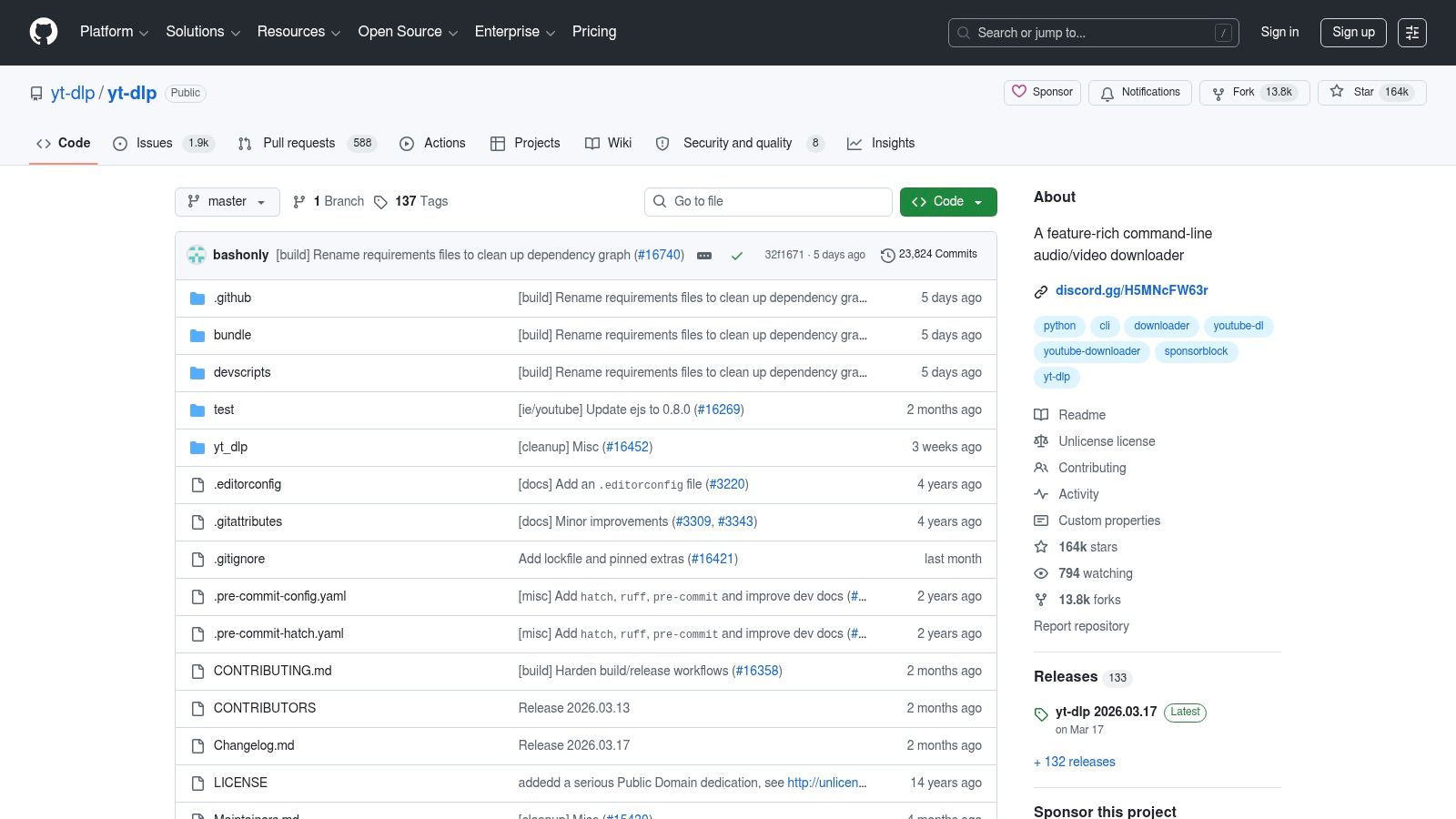
yt-dlp is the tool I recommend to technically confident church teams, especially if someone on staff already works in terminal, scripting, or production automation. It isn't pretty, but it is powerful.
This is the kind of free app for downloading YouTube videos that favors precision over convenience. You can control formats, subtitles, thumbnails, metadata, and batch behavior with far more detail than most desktop apps expose.
Best fit
yt-dlp works well when your church has recurring, repeatable media jobs. For example, maybe you archive every service locally, download captions for editing, or preserve event streams before making social cutdowns.
It also makes sense when your media director wants consistency instead of clicking around a GUI every week.
- Batch-oriented teams: Good for downloading multiple items with repeatable settings.
- Archive workflows: Useful when you want local copies plus metadata and subtitle handling.
- Advanced format control: Helpful if an editor needs specific outputs before importing into another tool.
What it doesn't do is hold a volunteer's hand. New users can get stuck fast if they aren't used to command-line tools.
This is a builder's tool, not a beginner's tool.
Ministry reality check
For most churches, yt-dlp is overkill unless someone owns the workflow. If nobody on your team wants to maintain commands or troubleshoot changes, you'll get more friction than benefit.
That said, one smart use is grabbing supporting assets from your own upload, such as thumbnails, before repurposing the message elsewhere. If that's part of your process, this tutorial on extracting a thumbnail from a YouTube video pairs well with yt-dlp's more advanced approach.
3. Open Video Downloader
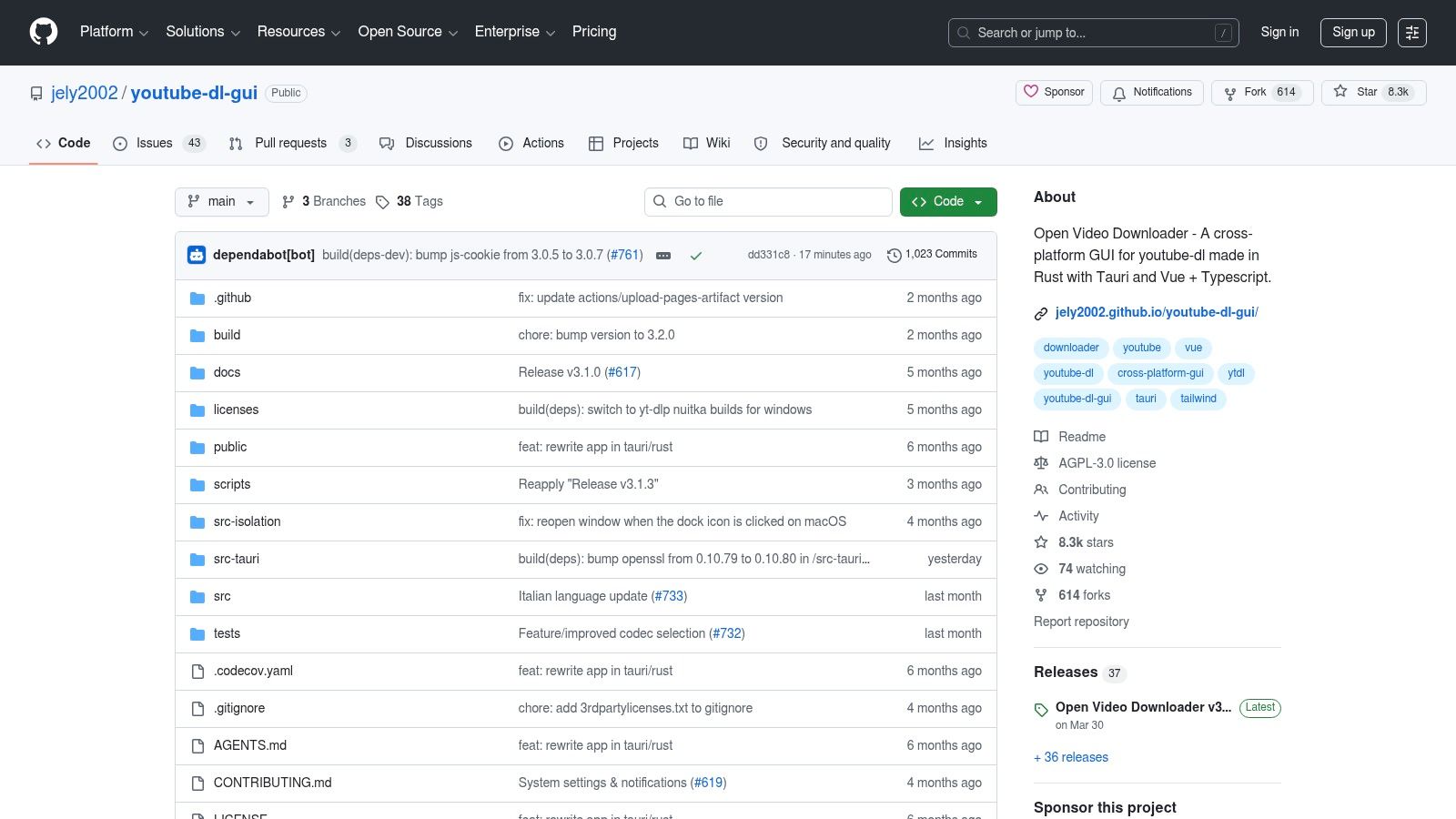
Open Video Downloader sits in the middle ground between command-line power and volunteer-friendly design. It uses yt-dlp under the hood, but gives your team a visible interface for pasting links, choosing quality, and downloading video, audio, or subtitles.
That makes it a practical compromise for churches. You get strong compatibility without asking your communications director to memorize flags or terminal syntax.
Why some church teams prefer it
Open Video Downloader is often easier to hand off to another staff member. If the youth pastor, admin assistant, or Sunday volunteer needs to grab one teaching clip, they can usually understand the interface without extra training.
Its strengths are simple:
- Cleaner learning curve: Better than a terminal for occasional users.
- Broad compatibility: Benefits from the yt-dlp backend.
- Cross-platform use: Helpful for churches with a mix of Windows, Mac, and Linux devices.
For a church that wants one free desktop downloader and nothing fancy, this can be enough.
The trade-off
The convenience comes with less access to the deepest advanced options. If your media lead wants granular control over custom arguments every time, yt-dlp itself is still the stronger choice.
For everyone else, this is one of the more sensible "download what you own, then edit it" options. It won't solve your publishing workflow, though. It only gets the file onto your computer. The clipping, resizing, captioning, scheduling, and publishing still need to happen elsewhere.
4. ClipGrab
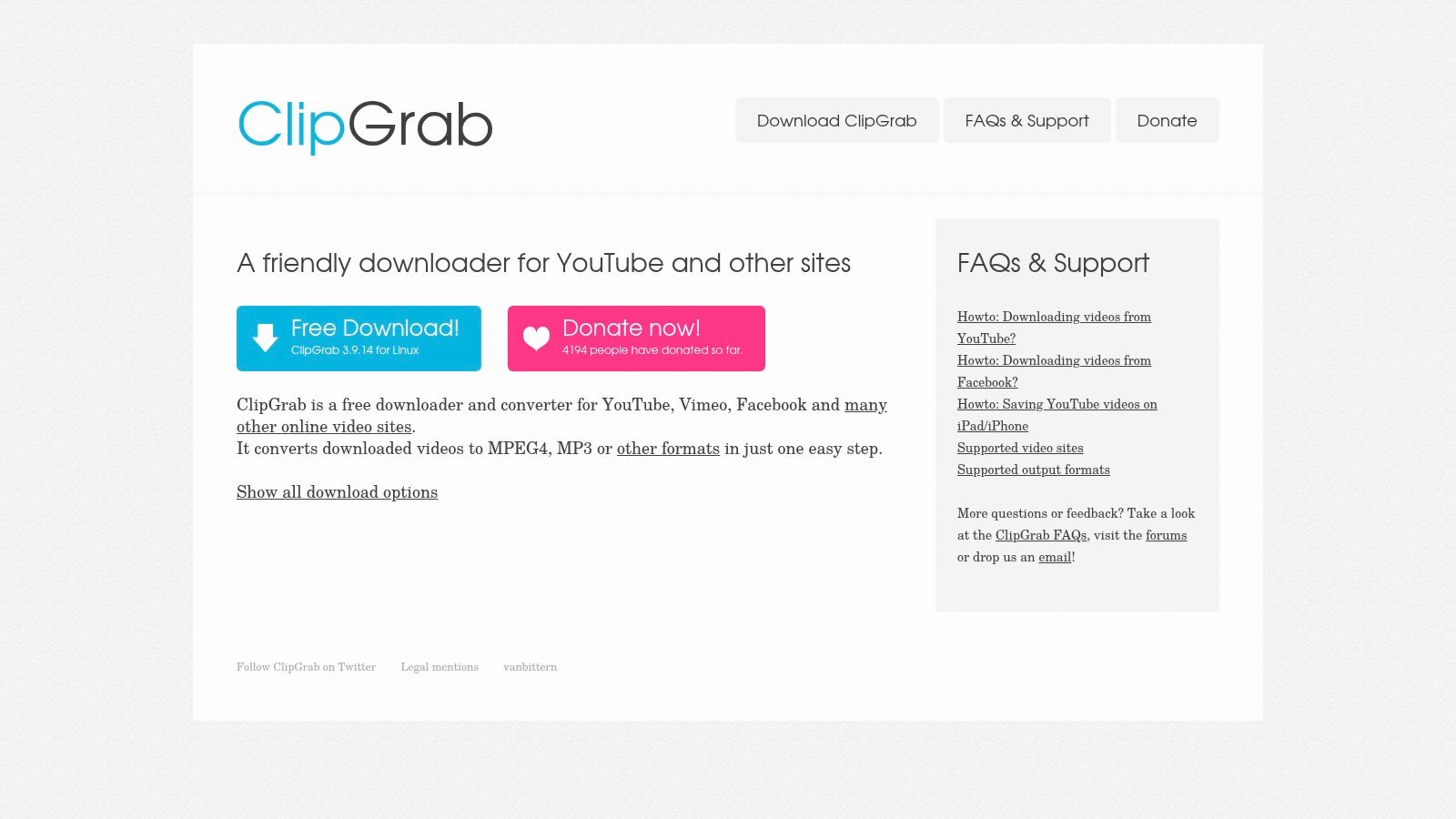
ClipGrab has been around long enough that many church volunteers have probably heard its name before. It is built for quick one-off use. Paste the link, choose the format, and download.
That simplicity is the appeal. If your church office runs on older laptops or lightweight machines, ClipGrab can feel easier than heavier software suites.
Where ClipGrab fits
ClipGrab works best when the need is small and immediate. A volunteer wants to save last Sunday's message, convert it, and hand it to the person making social posts. That's the lane.
Its built-in conversion support is useful if your team doesn't want a separate converter just to move from video to audio or export to a common format.
- Quick MP4 download: Good for basic editing workflows.
- Simple audio export: Useful for devotional excerpts or podcast prep.
- Low-complexity setup: Easier for occasional users than power tools.
What to watch carefully
The main caution here isn't only technical. It's operational. On Windows especially, churches should be careful about installer choices and avoid anything that looks like a mirror site or bundled add-on path.
If your volunteers aren't used to downloading software safely, this category of app can create problems. In ministry settings, "free" isn't worth much if it adds adware risk to the church office computer.
Keep all downloader installs limited to one staff-approved machine, not every volunteer laptop.
ClipGrab is fine for lightweight use. I wouldn't make it the backbone of a busy, multi-person content process.
5. JDownloader 2
JDownloader 2 is less like a simple YouTube downloader and more like a full download management system. If your church handles large archives, entire playlists, or regular bulk media pulls, it can do work that smaller tools can't manage as smoothly.
This is the app for the team that says, "We don't just need one sermon. We need a lot of media organized and queued."
Where it earns its place
JDownloader 2 is strong when volume matters. It can detect downloadable components, queue jobs, and manage more complex download sessions than the average one-click tool.
For churches with a media archive mindset, that matters. Maybe you want local backups of your own channel, conference sessions, or teaching series that span many uploads.
- Bulk jobs: Better for channels and larger collections than basic consumer tools.
- Queue management: Helpful when one person sets jobs and lets them run.
- Wider host support: Useful if your church stores media in several places, not just YouTube.
Why I wouldn't hand it to every volunteer
It is heavier software. It asks more from the user, and it feels more technical than most church teams want.
There is also a trust issue with any installer-based software category. For churches, that means one thing in practice: have your most tech-aware staff member handle setup and verification rather than asking rotating volunteers to install it on their own. JDownloader 2 can be excellent in the right hands. It just isn't the first recommendation for a simple weekly social clip workflow.
6. NewPipe
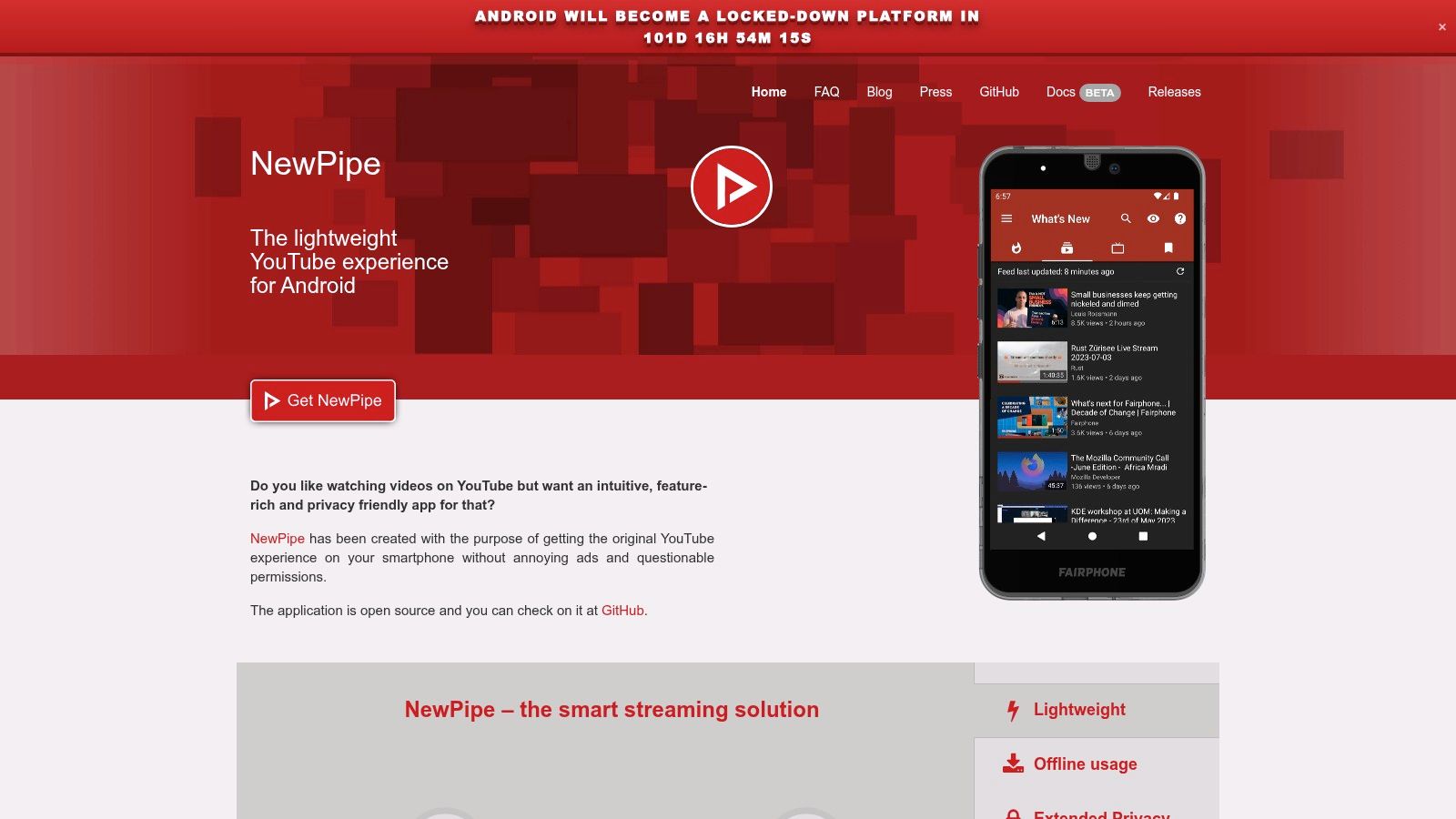
NewPipe is the mobile-first option on this list that makes sense for Android users who need downloading built into a YouTube-style app. It isn't on Google Play, which immediately makes it less mainstream, but also explains why many privacy-minded users like it.
For a church social media volunteer working from an Android phone or tablet, NewPipe can be convenient. Download, save audio, and review content from one place without tying the workflow to a Google account.
Mobile use is the point
Downloader apps now live across web, mobile, and app-store ecosystems, not just old desktop utilities. Google Play listings and web-based tools show how mainstream the category has become, with services offering link paste, keyword search, and downloads in formats such as MP4, MP3, or M4A, as described by Lynote's online YouTube downloader page.
That broader distribution explains why many church volunteers assume downloading is simple on any device. Sometimes it is. Sometimes it isn't.
When to use it
NewPipe is most useful when a mobile volunteer needs a copy of content your church already owns for offline viewing or later editing.
Its practical strengths include:
- Android convenience: Good for teams that work on phones first.
- Built-in download choices: Helpful when selecting video or audio outputs.
- Lightweight experience: Often simpler than juggling several mobile apps.
If your church is constantly trying to turn sermons into social posts, though, the better workflow is usually repurposing directly rather than downloading every message manually. A guide on how to repurpose content from church messages is more aligned with ongoing ministry needs than a phone-based downloader habit.
7. Xtreme Download Manager
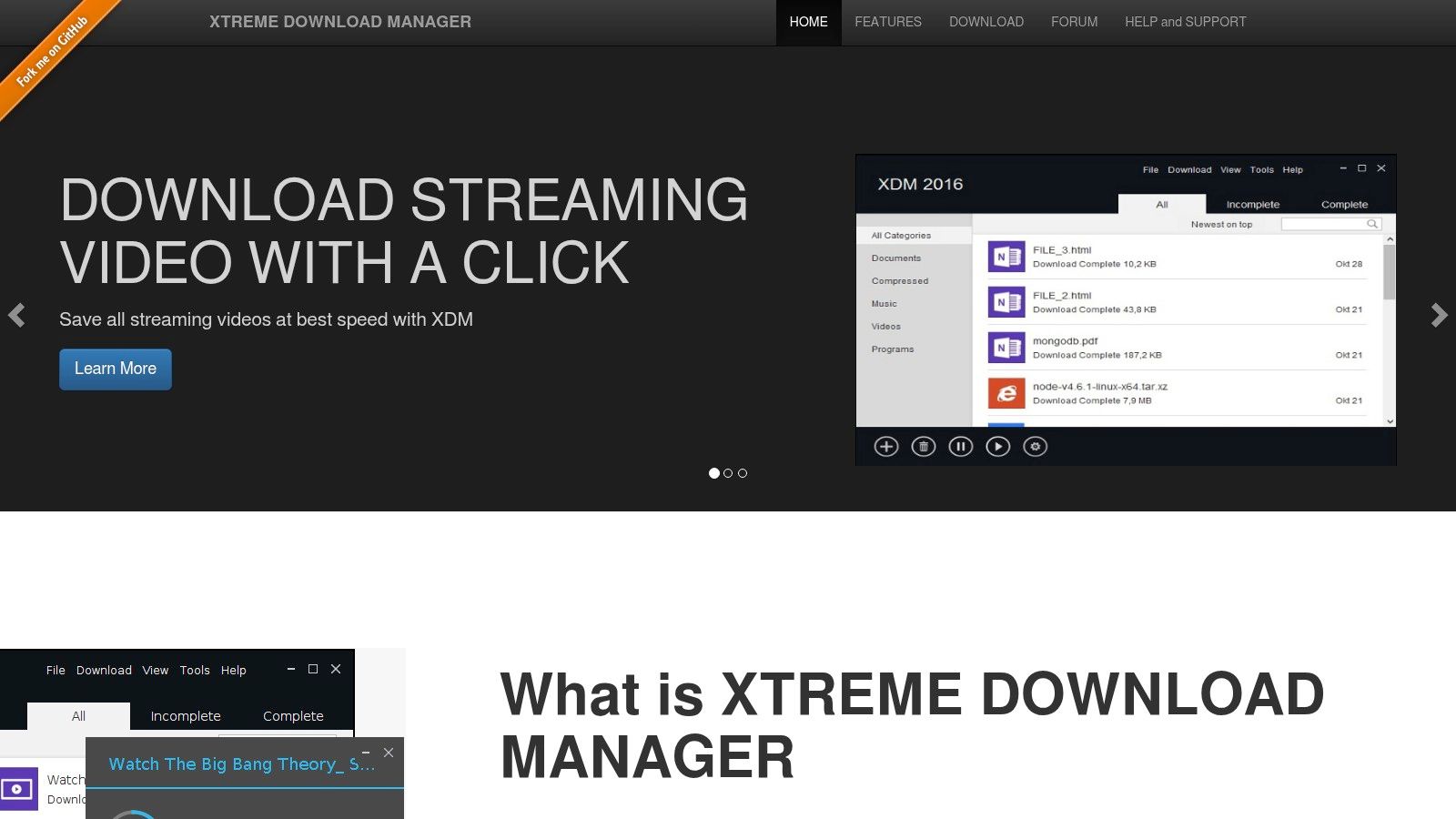
Xtreme Download Manager is worth considering if your church wants a general-purpose download manager first and a YouTube helper second. It can detect media from pages, resume interrupted downloads, and handle unstable connections better than lightweight single-purpose tools.
That gives it a niche. Rural churches, mobile hotspot setups, and older office networks don't always deliver clean, uninterrupted downloads. Tools with retry and resume features can save frustration.
Best use case
If your media workstation downloads all kinds of assets, not just YouTube uploads, XDM is more versatile than a dedicated downloader. It works as a broader utility.
Church teams may appreciate:
- Resume and retry support: Useful when internet reliability is poor.
- Browser integration: Convenient for staff who work mostly in a web browser.
- General utility: Helps with more than one kind of download task.
Where it disappoints
Its YouTube handling can feel less purpose-built than tools centered specifically on video extraction. If your sole mission is grabbing a sermon from YouTube and converting it cleanly, there are easier choices.
Still, for churches that need one free utility for mixed download jobs, XDM can earn a place on the production machine. I just wouldn't choose it as the first tool for a volunteer who wants the fastest route from sermon upload to social clip.
8. Free YouTube Download
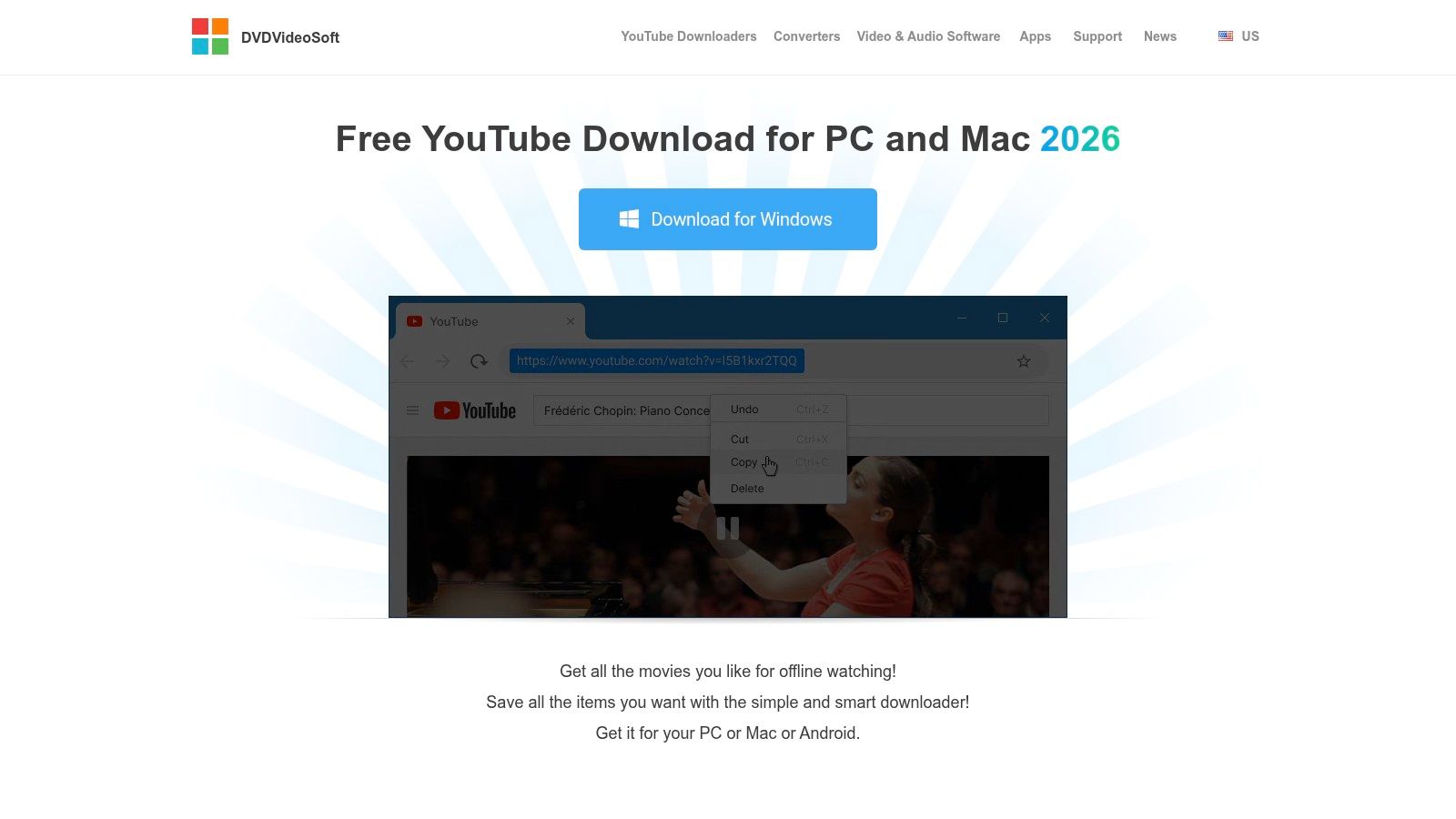
Free YouTube Download from DVDVideoSoft is one of the older names in this category, and that age shows up in both good and bad ways. The good part is familiarity. The workflow is usually easy for non-technical users. The bad part is that older downloader brands often carry more upsell baggage and installer clutter than modern open-source alternatives.
Still, some church teams like mature software because there are support pages and established habits around it.
Why it still gets used
The app's paste-and-download flow is approachable, which matters when the person running social media is also doing bulletins, slides, and announcements. It tends to be easier to explain than a tool built for advanced users.
That makes it reasonable for:
- Beginner-friendly downloads: Low barrier for occasional staff use.
- Playlist support: Helpful if your church organizes sermons by series.
- Basic conversion work: Fine for getting a file into a common format.
The practical caution
Churches should stay alert during installation and avoid treating convenience as trustworthiness. If the software pushes premium upgrades or extra offers too aggressively, that creates friction for volunteers and opens room for mistakes.
This is one of those tools I would use only if your team already knows it and keeps the process controlled. If you're starting from scratch, there are cleaner options above.
9. YTD Video Downloader
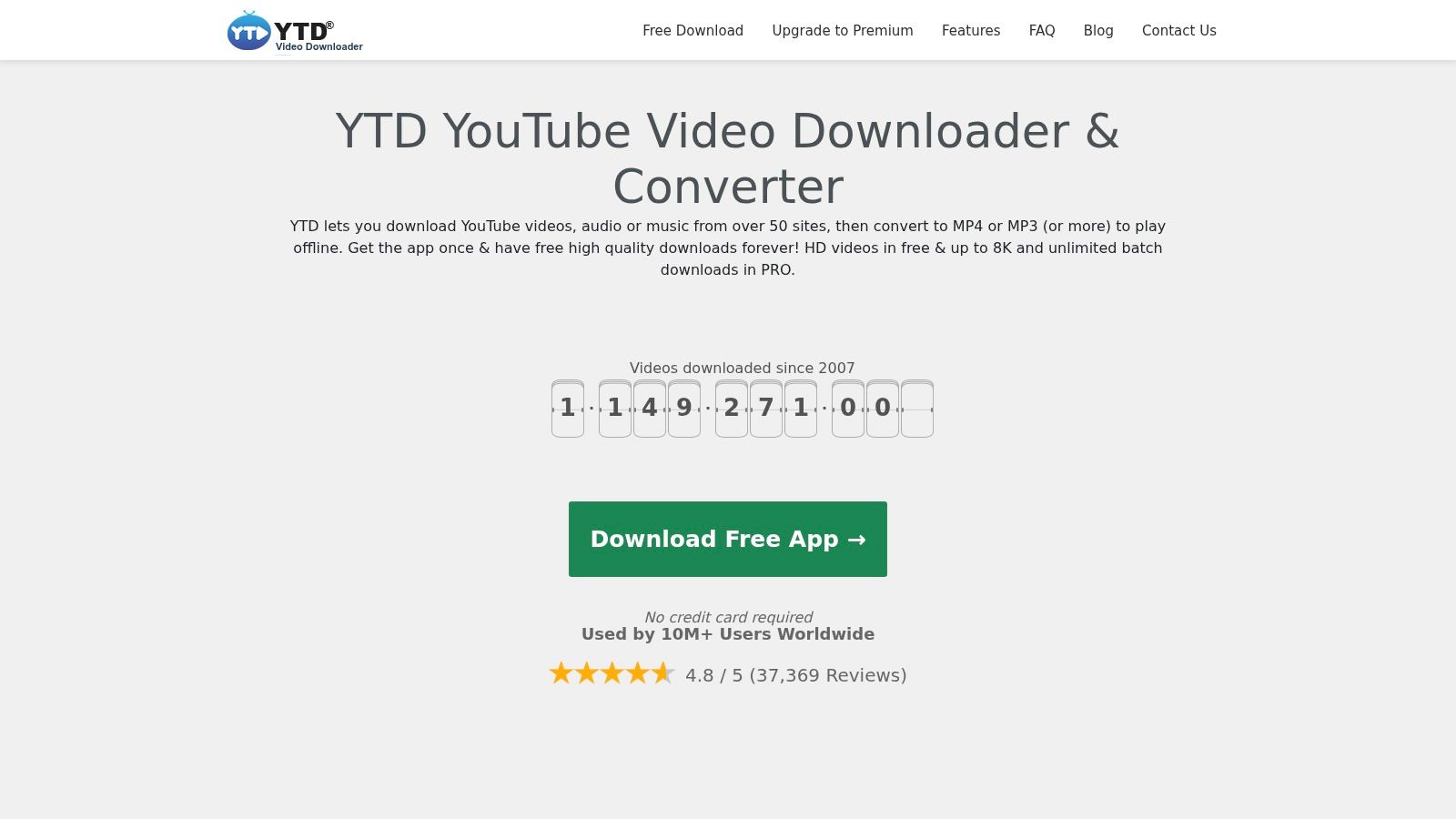
YTD Video Downloader is built for beginners. If someone on your church staff says, "I just need to paste the link and get an MP4," this is the kind of interface they usually mean.
It combines downloading and conversion in one app, which can reduce confusion for less technical users. That simplicity is real. So are the limits.
Where it makes sense
YTD is fine when the need is occasional and basic. Maybe the communications lead wants one file for a reel editor, or the youth ministry needs a quick local copy of a video your church posted.
Its strengths are easy to summarize:
- Simple controls: Good for people who don't want many settings.
- Built-in conversion: Fewer extra steps after download.
- Visible activity panel: Helps users see whether a job is running.
Why many teams outgrow it
The free version tends to feel restrictive over time. As soon as your church wants more quality options, playlist flexibility, or fewer prompts to upgrade, you'll likely look elsewhere.
For a one-person ministry office, that's the recurring pattern with many freemium downloader apps. They solve today's file problem, but they don't build a sustainable content workflow for next month.
10. WinX Video Converter
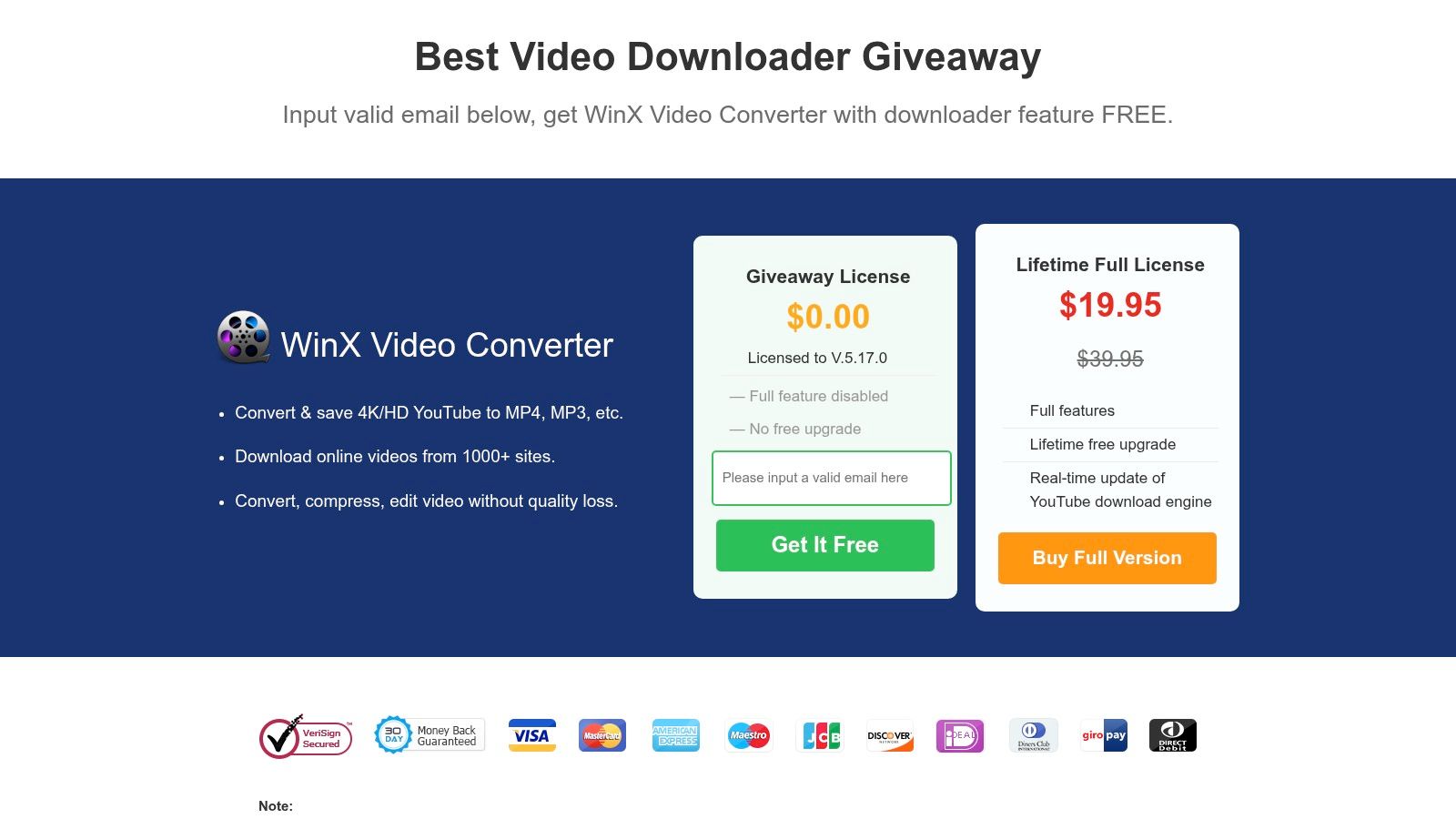
WinX Video Converter is a better fit for churches that care as much about conversion as downloading. If your team regularly needs to reformat files for sanctuary screens, social platforms, archive storage, or editing systems, its converter-first design can be helpful.
This isn't the lightest option. But it can be practical when the downloaded file is only the first step.
Strong when format changes matter
Some church workflows don't end with "download the sermon." They continue with "convert it for a volunteer editor," "resize it for vertical social use," or "make it easier to play on another machine."
That is where WinX can be useful:
- Download plus conversion: Helpful when both jobs happen every week.
- Common output support: Good for moving files into standard editing pipelines.
- Maintained downloader engine: Important in a category where compatibility changes often.
Why it won't fit everyone
The interface is centered on conversion, not just downloading. For churches that only need a free app for downloading YouTube videos and nothing more, it can feel like too much software.
If your communications process already includes editing, trimming, captioning, and publishing, though, this app at least acknowledges reality: the file is rarely the final product.
Top 10 Free YouTube Downloaders, Feature Comparison
| Tool | Core features | UX & Reliability ★ | Value & Price 💰 | Target audience 👥 | Unique selling points ✨/🏆 |
|---|---|---|---|---|---|
| 4K Video Downloader | Paste‑URL, playlist/channel support, subtitles, proxy | ★★★★☆, stable, cross‑platform | 💰 Freemium (limits in free tier) | 👥 Casual users & churches needing simple high‑res downloads | ✨ Easy GUI + reliable high‑resolution support 🏆 |
| yt-dlp | CLI archive/download, fine format/codec control, scripting | ★★★★★, fastest, very robust | 💰 Free & open‑source | 👥 Power users, automation & archival workflows | ✨ Broad site support, scriptable for batch jobs 🏆 |
| Open Video Downloader (GUI for yt-dlp) | GUI wrapper for yt-dlp, quality picker, installers | ★★★★☆, user‑friendly with yt‑dlp backend | 💰 Free, no ads | 👥 Non‑technical users wanting yt‑dlp power | ✨ One‑click downloads + cross‑platform installers |
| ClipGrab | Paste URL, built‑in conversion to MP4/MP3/M4A | ★★★☆☆, simple, lightweight | 💰 Donationware | 👥 Users on older/light systems needing quick converts | ✨ Lightweight UI with integrated conversion |
| JDownloader 2 | Link grabber, queueing, scheduling, captcha plugins | ★★★★☆, heavy but powerful (verify installer) | 💰 Free (verify signed installer) | 👥 High‑volume batch/download managers | ✨ Advanced queueing & plugin ecosystem 🏆 |
| NewPipe | In‑app downloads, background & PiP playback, privacy | ★★★★☆, ad‑free, privacy‑focused | 💰 Free & open‑source | 👥 Android users wanting Google‑free client | ✨ Privacy first + background/PiP playback |
| Xtreme Download Manager (XDM) | Detects media, scheduler, resume, speed control | ★★★★☆, robust on flaky connections | 💰 Free & open‑source | 👥 Users needing general download acceleration | ✨ Strong resume/retry & browser capture |
| Free YouTube Download (DVDVideoSoft) | Single/playlist downloads, auto mode, conversions | ★★★☆☆, mature, user‑friendly | 💰 Free with paid/pro features | 👥 Non‑technical users seeking simple flows | ✨ Mature support resources & fixes |
| YTD Video Downloader | Paste URL, conversion, activity monitoring | ★★★☆☆, approachable but Windows‑centric | 💰 Freemium (Pro unlocks features) | 👥 Beginners on Windows | ✨ Simple combined download+convert UI |
| WinX Video Converter | Built‑in downloader + hardware‑accelerated conversion | ★★★☆☆, converter‑centric workflow | 💰 Free engine; converter features proprietary | 👥 Users needing fast hardware conversion | ✨ Fast HW‑accelerated transcodes after download |
Streamline Your Church's Social Media Today
A free app for downloading YouTube videos can solve a real problem. If your church owns the content and needs a local copy for editing, archiving, or offline use, the tools above can help. Some are best for simplicity, some for volume, some for mobile convenience, and some for technical control.
But church teams should be honest about the trade-off. Downloading is usually only the first step. After that, someone still has to trim the clip, resize it for vertical video, write a caption, schedule the post, design the matching graphic, and keep the weekly calendar moving. For small churches, that often lands on one volunteer. For larger churches, it still eats time that could go toward ministry planning and community engagement.
There is also the legal and stewardship side. Churches should prioritize downloading content they own or have clear permission to reuse. Even when a tool works, that doesn't automatically make every use appropriate. Responsible ministry media work means pairing technical ability with sound judgment.
A better workflow proves more valuable than a superior downloader. If the main goal is to turn sermons into social content, a purpose-built platform is usually stronger than a patchwork process of download, convert, clip, caption, and publish. ChurchSocial.ai is built around that ministry reality. Instead of asking your team to manually pull video files and rework them from scratch, it helps churches create AI-generated sermon reels, turn sermon transcripts into social posts and blogs, build graphics with templates and an editor, and organize everything inside a drag-and-drop calendar. It also connects with Planning Center and other church calendars so your event content doesn't live in a separate silo.
That matters because consistent church social media isn't only about getting files off YouTube. It's about building a repeatable communication system your team can sustain week after week.
If your church still needs a downloader, choose the one that matches your workflow and keep the process tight. If your church wants to grow reach without burying staff and volunteers in manual production work, it makes sense to move beyond the downloader mindset. You can also strengthen the path from social post to next step by learning how to optimize your Linkie bio.
ChurchSocial.ai gives churches a cleaner way to turn sermons, events, and weekly ministry moments into consistent social content. Instead of relying on a patchwork of downloaders, editors, and schedulers, your team can create sermon clips, generate captions and posts from transcripts, design graphics, and manage everything in one calendar built for churches. Explore ChurchSocial.ai if you want a workflow that saves time and supports ministry outreach.


