
In a visually driven culture, compelling visuals are essential for engaging your church community and reaching new people online. From Sunday morning slides to daily social media posts, high-quality media captures attention and brings your message to life. Sourcing fresh, professional assets can be a major challenge, especially for ministries with limited budgets and volunteer-led teams. The good news is an incredible wealth of free media for churches is available if you know where to look.
This guide is your ultimate resource, curating 12 of the best platforms offering everything from stunning stock photos and worship backgrounds to video clips and social media templates, all at no cost. We'll explore what each resource offers, its ideal use case, and how to navigate licensing so you can create with confidence. Each option includes screenshots and direct links to help you find what you need quickly.
More importantly, we'll show you how to transform these free assets from simple files into a cohesive and impactful social media strategy. The challenge isn't just finding media; it's managing it effectively. A tool like ChurchSocial.ai can centralize this process, allowing you to create AI-generated Reels from sermons, design graphics with built-in templates, and schedule everything on a simple drag-and-drop calendar. This streamlined workflow becomes critical, allowing you to focus on ministry, not endless administrative tasks. To effectively elevate your ministry's message without breaking the budget, exploring social media marketing strategies tailored for nonprofits can provide invaluable insights. Let's dive into the resources that will help you create beautiful, engaging content.
1. Church Motion Graphics (CMG)
Church Motion Graphics (CMG) is a premier resource for churches seeking high-quality, visually cohesive media assets. While primarily a subscription service, their "Free Worship Media" section is a goldmine for anyone looking for professional motion backgrounds, countdown timers, and still images specifically designed for worship environments. This makes it an excellent starting point for teams wanting to elevate their visual presentation without an initial budget.
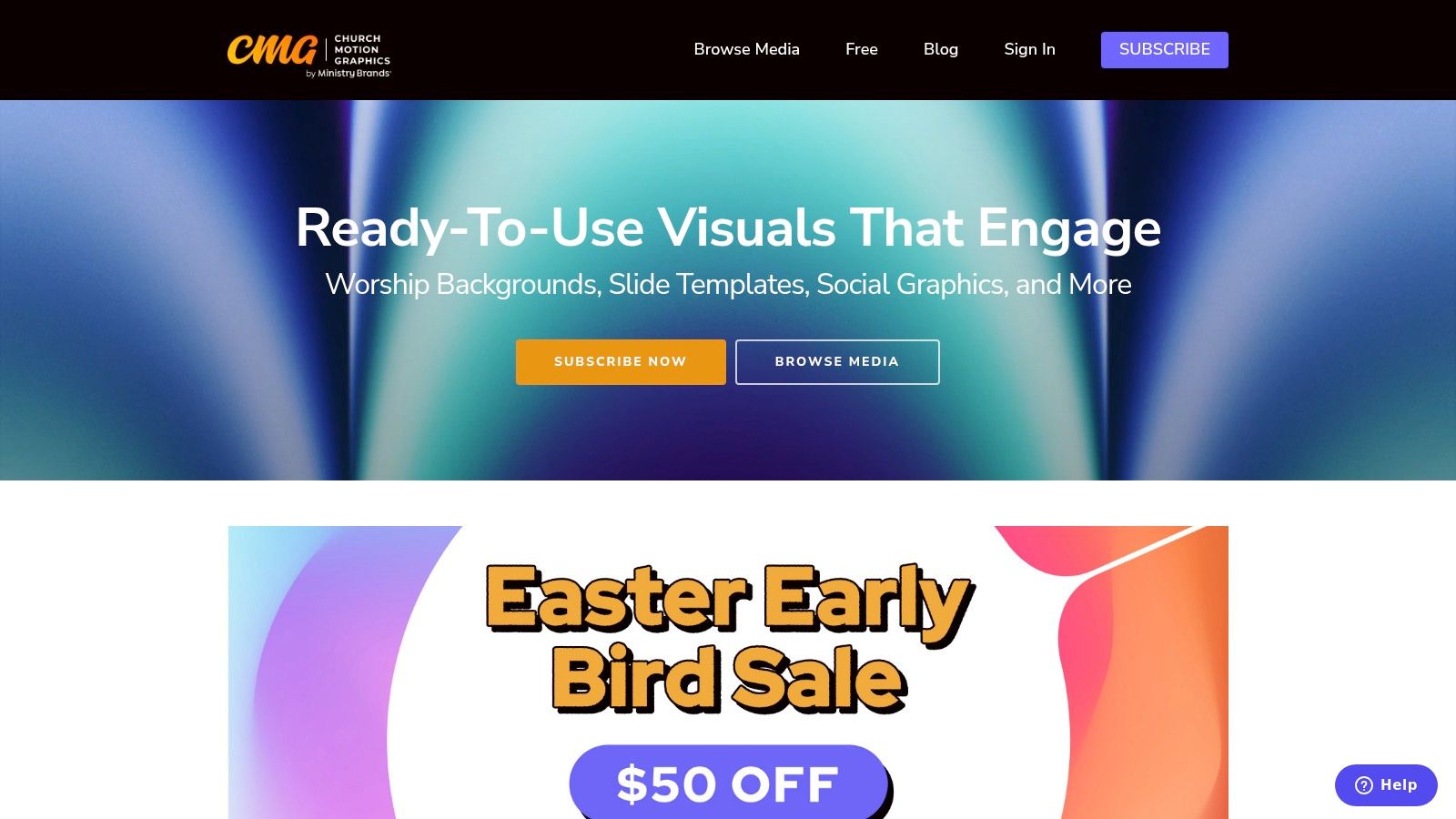
What sets CMG apart is its focus on curated, a la carte "packs." Each month, they release a new collection where every motion background, title slide, and social media graphic shares the same design language. This allows for remarkable brand consistency across your entire service and online presence, from pre-service announcements to the sermon presentation itself. The assets are provided in multiple resolutions, including HD, 4K, and even triple-wide formats for complex screen setups.
Practical Use & Integration
Best For: Churches that need visually consistent motion and still graphics for worship services, especially those using ProPresenter or EasyWorship.
The free downloads are straightforward and easy to implement. Simply download the files and import them directly into your presentation software. If you're using their motion loops as B-roll for sermon clips, a basic understanding of video editing will be helpful. For those just starting, exploring some tips on video editing for beginners can make the process much smoother.
- Pros: Curated specifically for worship, fresh media added monthly, easy drop-in to presentation software, free resources available.
- Cons: The best and most extensive content requires a paid subscription; freebies are a limited sample of the full library.
Website: https://www.churchmotiongraphics.com/
2. Igniter Media
Igniter Media is a comprehensive resource that excels in providing thematic content, particularly for sermon series and special events. While its primary model is membership-based, it offers a generous 30-day free trial that provides significant access to its full library, including mini-movies, sermon bumpers, and countdowns. This trial is an excellent way for churches to test-drive premium assets and find high-impact free media for churches to use for an entire month.

What distinguishes Igniter Media is its deep catalog of story-driven mini-movies and sermon series packages. These bundles often include title graphics, motion backgrounds, and even social media templates, providing a complete promotional toolkit. This all-in-one approach saves creative teams immense time and ensures a professional, cohesive feel for major church initiatives, from the opening video to the final social media post. The inclusion of Canva templates and ProPresenter themes adds another layer of practical value.
Practical Use & Integration
Best For: Churches planning a sermon series or special event that need a complete package of high-quality, story-driven video and graphic assets.
The free trial is the most effective way to access their content. Once you download the assets, such as a sermon bumper or social media graphics, they can be easily integrated. For social content, you can upload these graphics directly into ChurchSocial.ai, using its drag-and-drop calendar to schedule out a full promotional campaign for your series across all your platforms. This streamlined workflow allows you to manage everything from a single hub.
- Pros: Broad, high-quality catalog with strong sermon-series support; mix of a-la-carte purchases and membership options; generous free trial.
- Cons: Trial access has download limits; the most valuable content is behind a paywall after the trial period ends.
Website: https://www.ignitermedia.com/
3. WorshipHouse Media
WorshipHouse Media serves as a vast online marketplace, aggregating church media from a wide array of producers and designers. While it's primarily a paid platform, its "Free" section and frequent promotional offers make it a valuable resource for finding high-quality motion loops, mini-movies, and sermon series art. It brings together diverse styles and creative approaches under one roof, providing a one-stop shop for specific media needs.
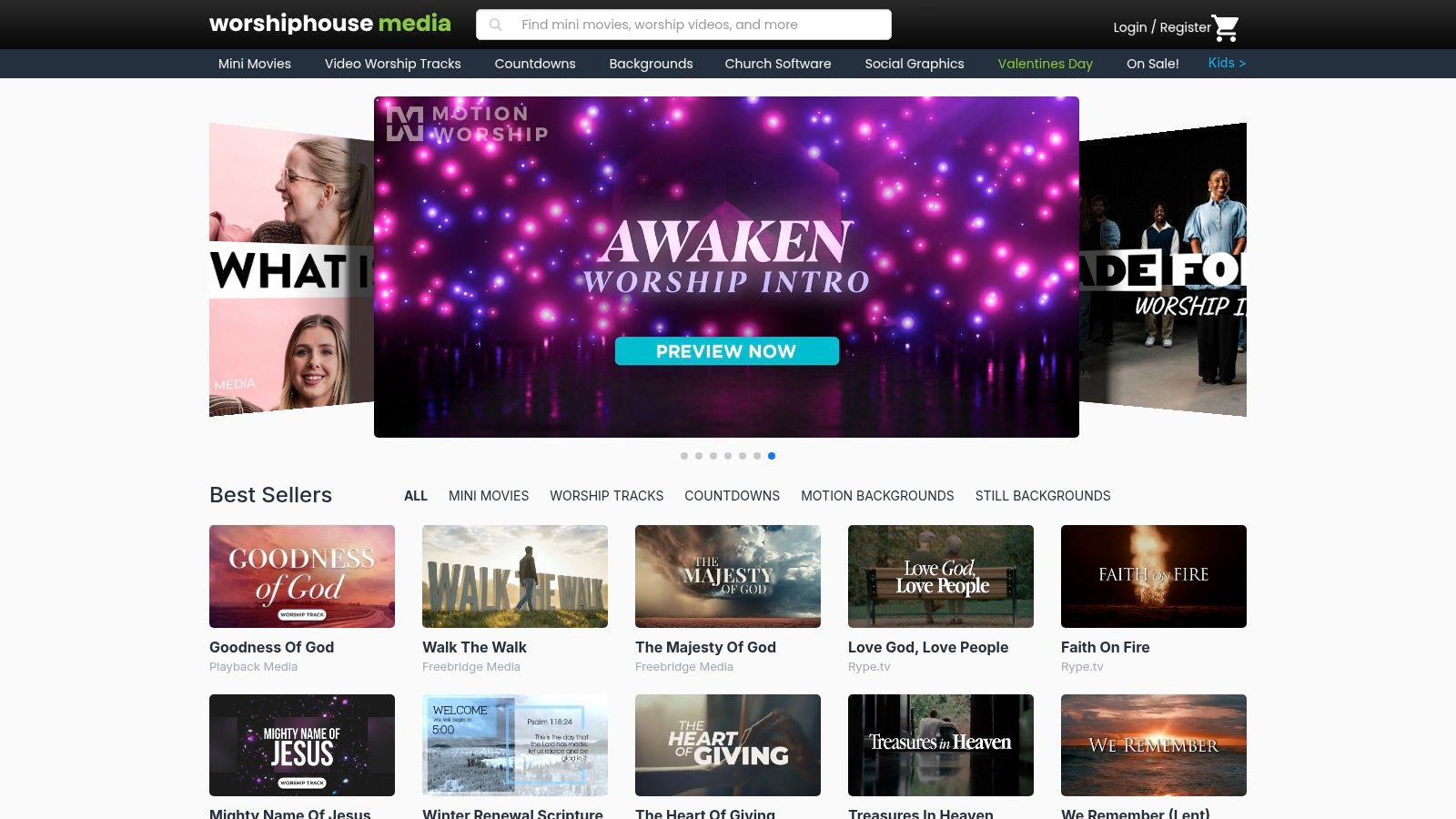
What distinguishes WorshipHouse Media is the sheer variety and the clarity of its licensing. The platform makes it easy to find media that is explicitly cleared for livestreaming and web use, a critical detail for modern church communications. Its robust filtering options allow users to search by category, resolution, theme, and even producer, making it simpler to find the perfect asset for a specific sermon or event, even when looking for free media for churches.
Practical Use & Integration
Best For: Churches looking for a wide variety of media styles from different creators and needing clear licensing for online use.
The free items are typically time-limited promotions or samples, so it’s wise to check back often. Once downloaded, these assets can be imported into presentation software or used as visual elements in your video edits. For instance, a free motion background could become a branded graphic for your social media posts. Using the graphic editor in ChurchSocial.ai, you can easily overlay your church's logo or event text onto these backgrounds and then schedule them to post automatically.
- Pros: One-stop shop aggregating many producers and styles, frequent seasonal/new releases and bundled promotions, clear licensing for online use.
- Cons: Most items are paid rather than free; free items are often time-limited or linked to specific promotions.
Website: https://www.worshiphousemedia.com/
4. Shift Worship
Shift Worship offers a robust library of church media, including worship backgrounds, mini-movies, and countdowns, structured around accessible membership plans. While not entirely free, its generous 30-day free trial provides significant value, allowing churches to download and keep a substantial amount of media. This makes it a strategic resource for stocking up on assets for a specific sermon series or a major holiday like Easter or Christmas, even if a long-term subscription isn't feasible.

What makes Shift Worship stand out is its user-friendly approach and practical features. The platform includes a browser-based Quick Editor, which allows for simple text customizations on graphics without needing separate design software. Another key benefit is that any media downloaded during the trial or a paid subscription period remains yours to use forever, even after cancellation. This policy provides exceptional value and makes it a low-risk option for churches wanting to test high-quality media.
Practical Use & Integration
Best For: Churches needing a large batch of seasonal media or those who want a risk-free way to try premium assets before committing.
The assets are designed for easy integration. After downloading, you can import them into your presentation software or use them in your video projects. The social media graphics are particularly useful. You can streamline their distribution by uploading them into ChurchSocial.ai, which helps you plan and post this content alongside AI-generated posts from your sermons, creating a unified digital presence from a single, simple calendar.
- Pros: Downloads remain accessible after trial/cancellation, includes a simple browser-based editor, generous 30-day free trial.
- Cons: Full editable source files require the more expensive Pro plan; the best content is gated behind membership.
Website: https://shiftworship.com/
5. Motion Worship
Motion Worship positions itself as a high-value resource, particularly for churches operating on smaller budgets that still want a large library of assets. While it’s a membership service, its low-cost annual plans make it an accessible alternative to more expensive platforms. It provides thousands of motion backgrounds, countdowns, and still images tailored for worship environments, ensuring even small churches can create a professional visual experience.
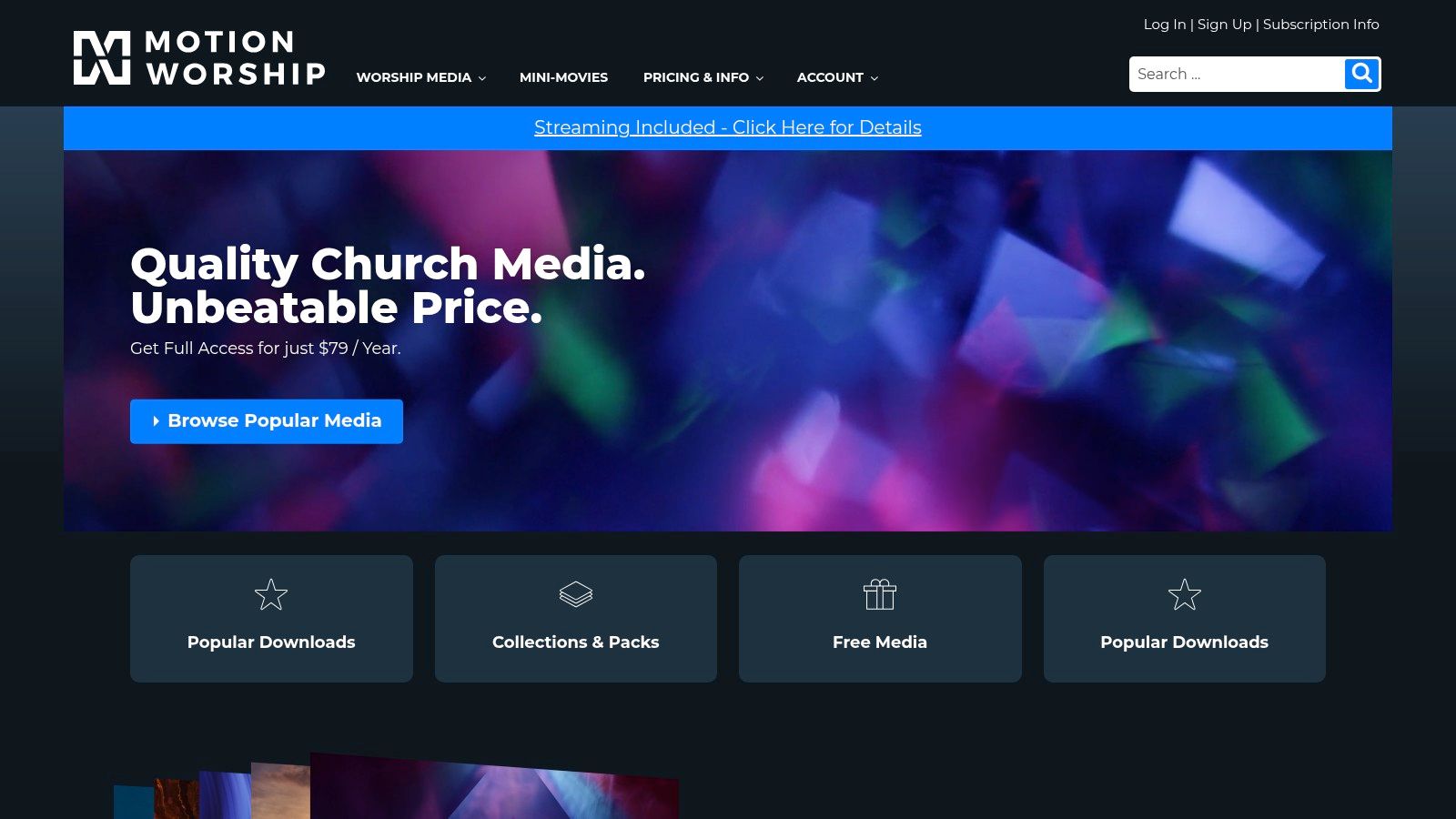
What makes Motion Worship stand out is its licensing and ownership model. A key feature is that any media downloaded during a membership period is yours to keep and use forever, even if you don't renew. Furthermore, their standard license includes coverage for livestreams, a critical need for modern churches. This combination of affordability and generous usage rights makes it a practical choice for growing ministries looking to build a sustainable media library without recurring high costs.
Practical Use & Integration
Best For: Small to mid-sized churches needing a large, affordable library of worship backgrounds and countdown timers without a recurring financial commitment.
Integrating Motion Worship assets is simple. The files come in multiple formats (MP4/WMV) and resolutions (HD/SD), ensuring compatibility with all major presentation software like ProPresenter and EasyWorship. To get even more mileage from these assets, consider using them as backgrounds in your social media content. With ChurchSocial.ai, you can easily turn these visuals into branded announcements or pair them with AI-generated captions from your sermons, ensuring your online presence is as polished as your in-person service.
- Pros: Excellent value for the price, downloaded media is yours to keep, streaming rights included in the standard license.
- Cons: The library heavily focuses on backgrounds and countdowns; mini-movies require a separate, more expensive membership.
Website: https://www.motionworship.com/
6. Lightstock
Lightstock is a specialized stock media site focused entirely on faith-based content, offering a curated library of photos and videos that generic platforms simply cannot match. While it operates primarily on a paid model, it's an invaluable resource for churches looking for specific, ministry-relevant visuals. The platform consistently provides free weekly assets and a 14-day trial, making it a key destination for high-quality, on-message free media for churches when you need it most.
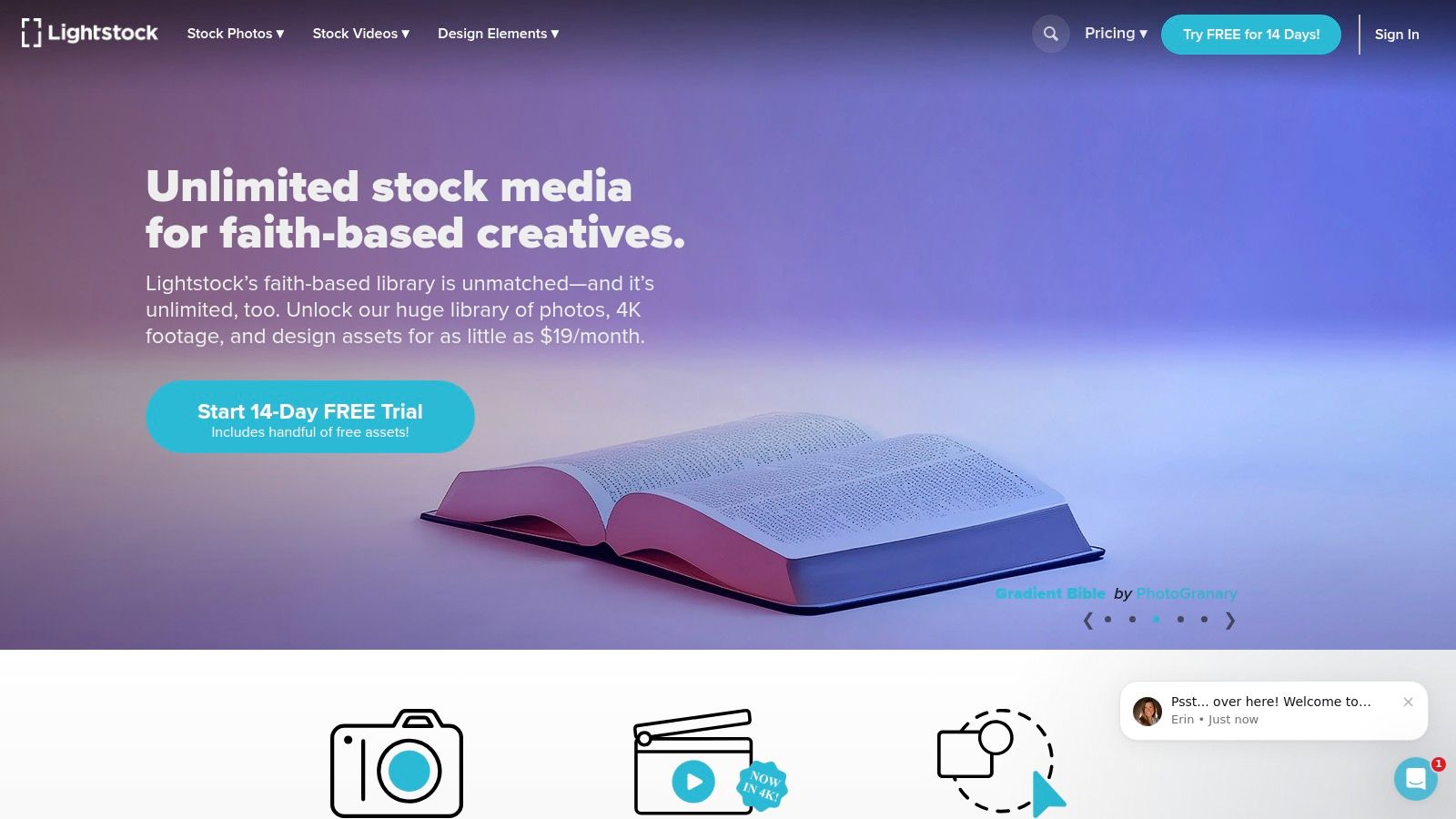
What makes Lightstock stand out is its niche focus. Instead of sifting through thousands of irrelevant images on secular sites, you can quickly find authentic photos of small groups, worship, prayer, and diverse community life. The content is tastefully and professionally executed, avoiding the often-cringeworthy stereotypes found elsewhere. This saves immense time for communications teams who need visuals that resonate with their congregation's experience and values for sermon series, event promotions, or website banners.
Practical Use & Integration
Best For: Churches needing specific, high-quality, faith-centric stock photos or video clips for sermon slides, social media, and website hero images.
The free photos and videos are available for direct download after creating a free account. These assets are perfect for immediate use in your church's communications. For instance, a high-quality image from Lightstock can be the foundation for a compelling social media graphic. After downloading, you can easily import it into ChurchSocial.ai, using the built-in graphic templates and editor to add your sermon title or event details, and then schedule it directly to your social media calendar.
- Pros: Highly curated, ministry-relevant content; saves time searching for appropriate images; occasional free items are high-quality.
- Cons: The vast majority of the library is behind a paywall; free selections are limited and rotate frequently.
Website: https://www.lightstock.com/
7. CreationSwap
CreationSwap operates as a community-driven marketplace, offering a vast and diverse collection of creative assets made by church creatives for other churches. It’s a fantastic resource for sermon series graphics, motion loops, photos, and social media posts. While it features many low-cost paid options, its extensive library of free media for churches makes it a valuable hub for budget-conscious teams.
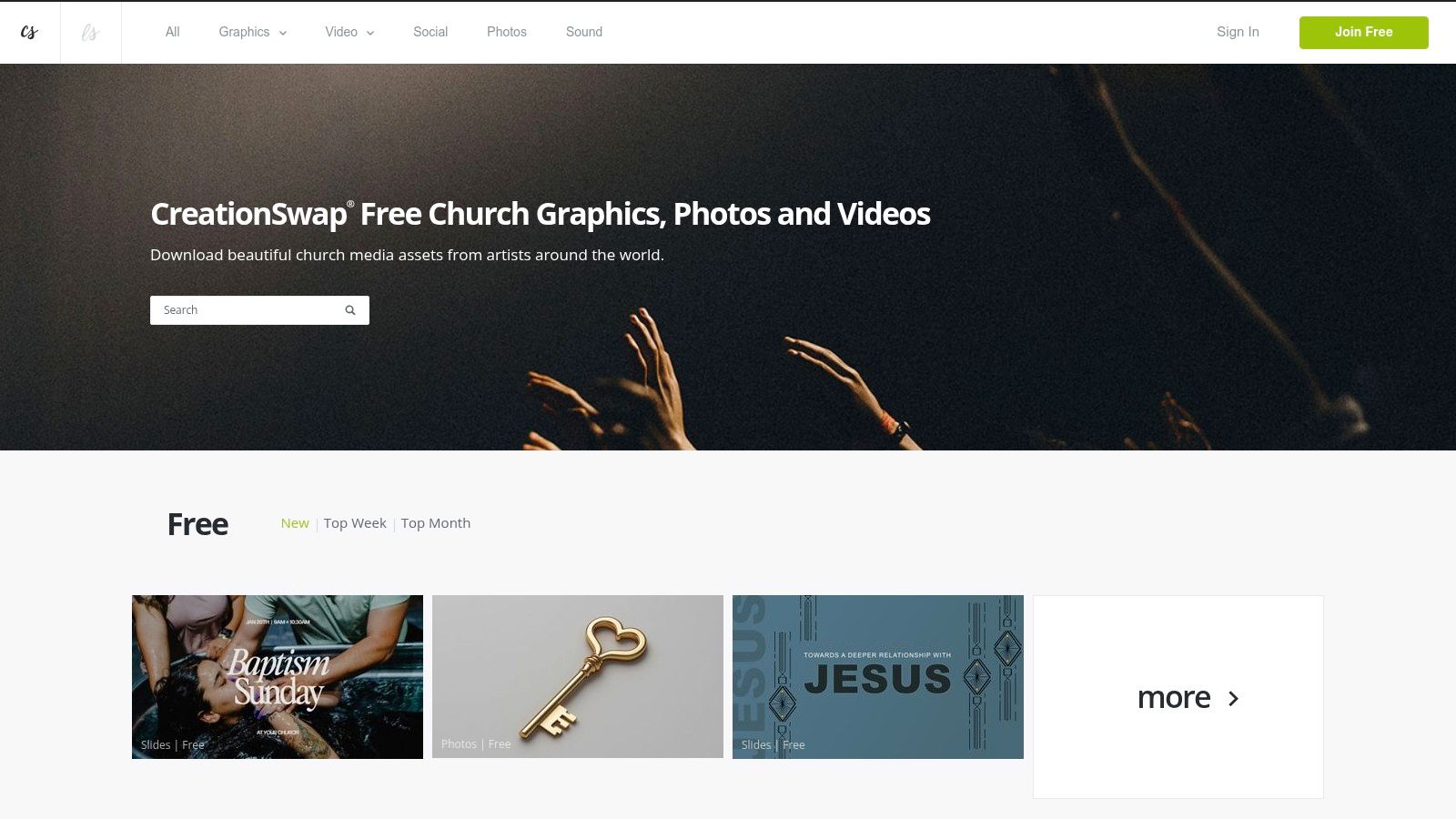
What makes CreationSwap unique is its sheer variety. Since assets are contributed by hundreds of different designers, you can find a wide range of artistic styles, from modern and minimalist to traditional and illustrative. This makes it an excellent place to find a specific graphic for a unique event or sermon series that might not be available on more stylistically uniform platforms. The community model means fresh content is always being added by its user base.
Practical Use & Integration
Best For: Churches looking for a specific sermon series package or unique event graphic on a tight budget.
The platform is easy to navigate, with a dedicated "Free" filter to help you quickly find no-cost resources. Once you download an asset, like a sermon title slide or a social media graphic, you can easily schedule it. Using ChurchSocial.ai allows you to drop the graphic into its simple calendar, pair it with AI-generated captions, and plan your entire week's content, ensuring your new visual assets get maximum visibility.
- Pros: Wide mix of styles from hundreds of different designers, great for quick and budget-friendly sermon art, strong community focus.
- Cons: Quality and file consistency can vary significantly between contributors; free items are mixed with paid ones, requiring some filtering.
Website: https://www.creationswap.com/
8. ShareFaith Media
ShareFaith Media operates as a comprehensive media library designed to serve nearly every communication need a church might have, from on-screen graphics to printed bulletins. While it is primarily a membership-based service, it often provides a free trial, which can be an excellent way for churches to access a vast collection of professional resources for a limited time. This makes it a valuable option for special events or for evaluating a long-term media solution.
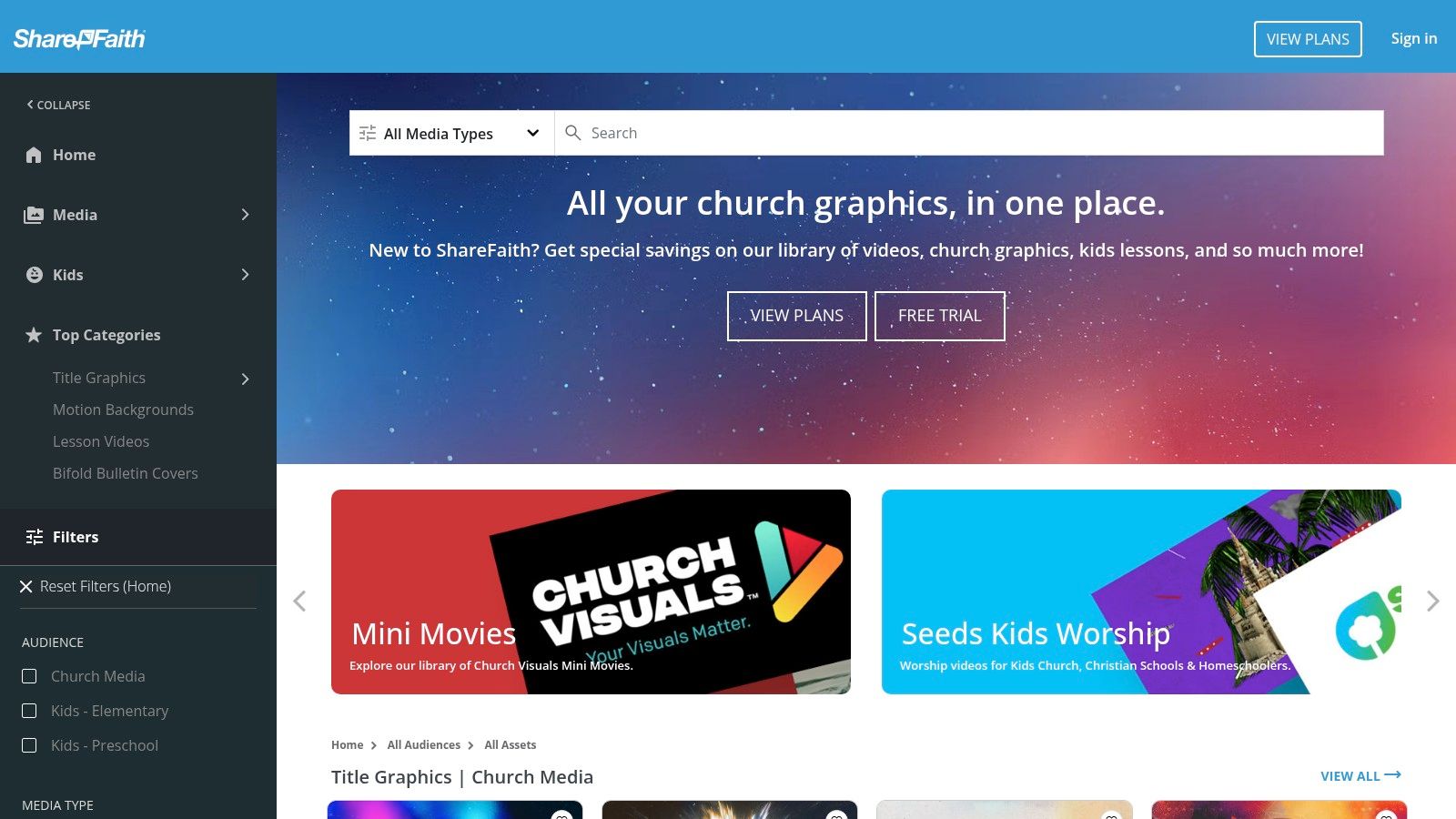
What distinguishes ShareFaith is the sheer breadth of its catalog, which goes beyond typical worship backgrounds. The platform includes sermon series graphics, mini-movies, countdowns, print-ready templates for flyers and newsletters, and a complete suite of kids' ministry and VBS curriculum content. This integrated approach, part of the larger Ministry Brands ecosystem, aims to be a one-stop shop for a church’s creative assets, ensuring a consistent theme from the sanctuary to the children's wing.
Practical Use & Integration
Best For: Churches looking for an all-in-one media solution that covers screen, print, and children's curriculum, and are willing to explore a membership after a trial period.
The assets from ShareFaith, like sermon graphics or social media templates, are designed for immediate use. Once downloaded, they can be customized and then uploaded into your planning tools. For a streamlined workflow, you can schedule these graphics directly using a platform like ChurchSocial.ai. Its simple drag-and-drop calendar allows you to manage all your social media content from a single hub, ensuring your message is consistent across all channels.
- Pros: Extremely wide catalog covering screens, print, and kids' curriculum; frequent seasonal releases for holidays.
- Cons: The best assets and full library access require a paid membership; the user experience is heavily geared towards its subscription model.
Website: https://media.sharefaith.com/
9. Church Visuals
Church Visuals offers a comprehensive media solution that bridges the gap between pre-made assets and custom design needs. While it operates on a subscription model, its unique value proposition is the inclusion of unlimited custom design requests in certain plans, making it an all-in-one resource for growing ministries. Their library contains over 40,000 graphics, videos, and templates covering everything from adult services to kids' ministry, ensuring a broad selection of content.
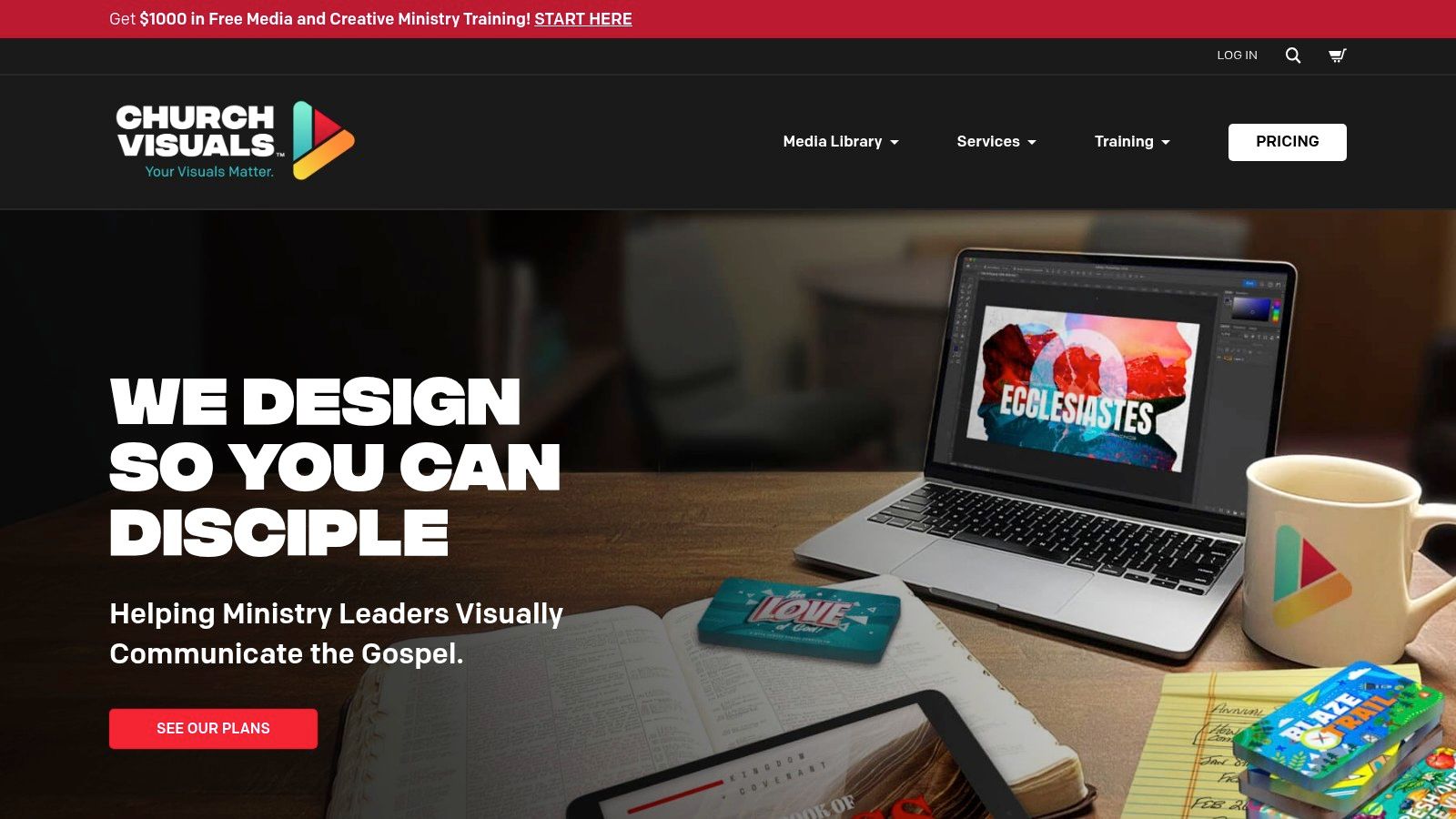
What makes Church Visuals stand out is its hybrid approach. Teams can access a massive ready-made catalog for day-to-day needs while also tapping into a professional design team for specific sermon series, events, or campaigns without incurring ad-hoc agency fees. Many assets are provided as editable source files or are Canva-ready, offering flexibility. They also provide a rich library of training resources, including podcasts and courses, to help church media teams develop their skills. While direct free media is less common, they often run promotions offering free packs.
Practical Use & Integration
Best For: Churches that want a single source for both a large media library and on-demand custom design work, eliminating the need for separate freelancers or agencies.
Integrating their assets is straightforward. You can download and use them in any presentation software. For custom requests, their system streamlines the briefing process. The editable templates are particularly useful for creating a consistent brand look across different platforms. Once you have your branded graphics, you can upload them directly into ChurchSocial.ai to schedule a cohesive social media presence that matches your in-service visuals, saving significant time.
- Pros: Unlimited custom design option is a major value-add, extensive catalog with consistent theme packs, includes valuable training resources for media teams.
- Cons: Primarily a paid service, with free resources being limited and often tied to special promotions or partner offers.
Website: https://churchvisuals.com/
10. Church Media Drop
Church Media Drop operates on a simple, high-value premise: providing churches with completely free, ready-to-use media packages. Unlike platforms that offer a small selection of freebies to entice paid subscriptions, Church Media Drop’s core offering is its regular “drops” of sermon series kits, motion graphics, and social media assets, all available at no cost. This makes it an invaluable resource for volunteer-led teams or churches operating on a minimal budget.
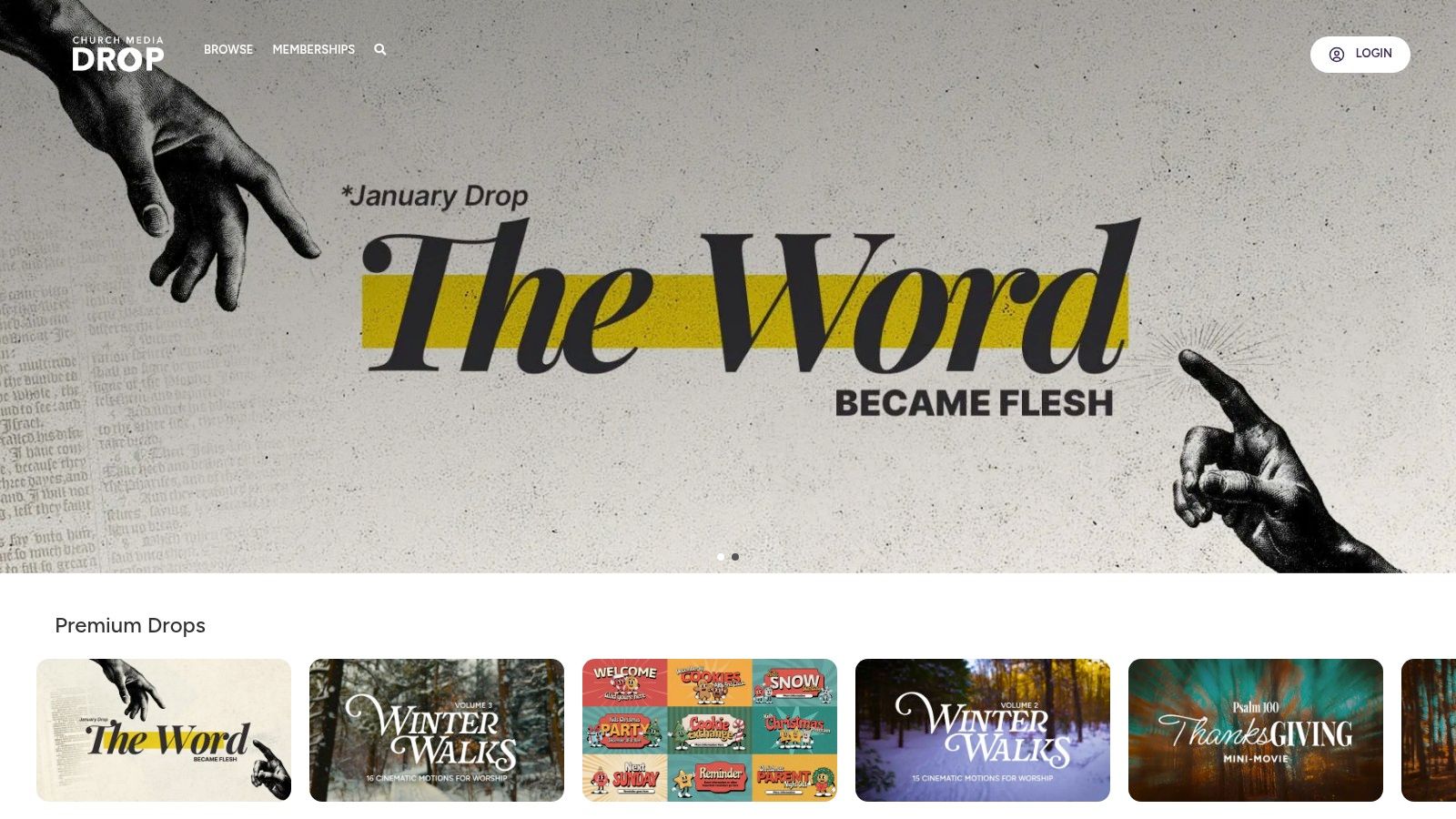
What makes Church Media Drop stand out is its all-in-one package approach. A single download often includes sermon title slides, motion backgrounds, and social media graphics in various sizes (e.g., 9:16 for stories, 4:5 for posts). Many packages even include source files for ProPresenter, Canva, and Photoshop, giving you remarkable flexibility to customize the content. This approach provides a cohesive look for an entire series without needing advanced design skills.
Practical Use & Integration
Best For: Churches needing comprehensive, multi-format media kits for sermon series or seasonal events without any budget.
The downloaded social media assets are perfect for immediate use. You can schedule them directly using a tool like ChurchSocial.ai. Its integrated templates and drag-and-drop calendar make it easy to maintain a consistent online presence using the high-quality files from Church Media Drop, helping you plan your entire content calendar around a new sermon series with just a few clicks.
- Pros: Core downloads are 100% free, packages include multiple formats for screen and social, source files are often provided for customization.
- Cons: Smaller overall library compared to subscription services, the release schedule for new content can sometimes be inconsistent.
Website: https://churchmediadrop.com/
11. Canva for Nonprofits
Canva has become a go-to design tool for many, but its "Canva for Nonprofits" program elevates it to an essential resource for eligible churches. This program grants qualifying 501(c)(3) organizations free access to Canva Pro, unlocking a powerful suite of premium templates, stock assets, and branding tools that would otherwise require a paid subscription. For church teams, this means creating professional-grade social media graphics, sermon slides, event flyers, and even short videos becomes incredibly accessible, regardless of design experience.
What makes Canva for Nonprofits so valuable is the consolidation of tools. Instead of juggling multiple platforms for stock photos, design, and scheduling, churches can do it all in one place. The "Brand Kit" feature is particularly powerful, allowing you to save your church's logos, color palettes, and fonts. This ensures every graphic created by any team member, from a seasoned staffer to a new volunteer, remains consistent with your church’s identity. The massive library of templates provides a perfect starting point for nearly any announcement or ministry need.
Practical Use & Integration
Best For: Churches with 501(c)(3) status that need an all-in-one, user-friendly design platform for creating a wide range of branded media for social media, print, and presentations.
Once your nonprofit status is verified, using Canva is intuitive. You can easily resize a single design for multiple platforms (e.g., an Instagram post, a Facebook story, and a website banner) with a few clicks. For teams looking to streamline their entire workflow, mastering the basics of church graphic design within Canva can dramatically improve efficiency. While Canva has scheduling features, a dedicated platform like ChurchSocial.ai can provide a more robust solution, allowing you to manage AI-generated content and calendar integrations in one place.
- Pros: Entirely free Canva Pro access for eligible churches, massive template library, brand kit feature ensures consistency, very volunteer-friendly interface.
- Cons: Eligibility is strictly limited to verified 501(c)(3) nonprofits, which may exclude some churches or ministries with different legal structures.
Website: https://www.canva.com/canva-for-nonprofits/
12. Unsplash
Unsplash is an indispensable resource for churches needing high-quality, artistic photography without any cost. It offers a massive, searchable library of high-resolution images contributed by a global community of photographers. For communications teams, this platform is perfect for finding compelling backgrounds for sermon series, website headers, social media posts, and print materials. Its simple, clean interface makes it easy to find beautiful, professional-grade imagery that can significantly elevate a church's visual identity.
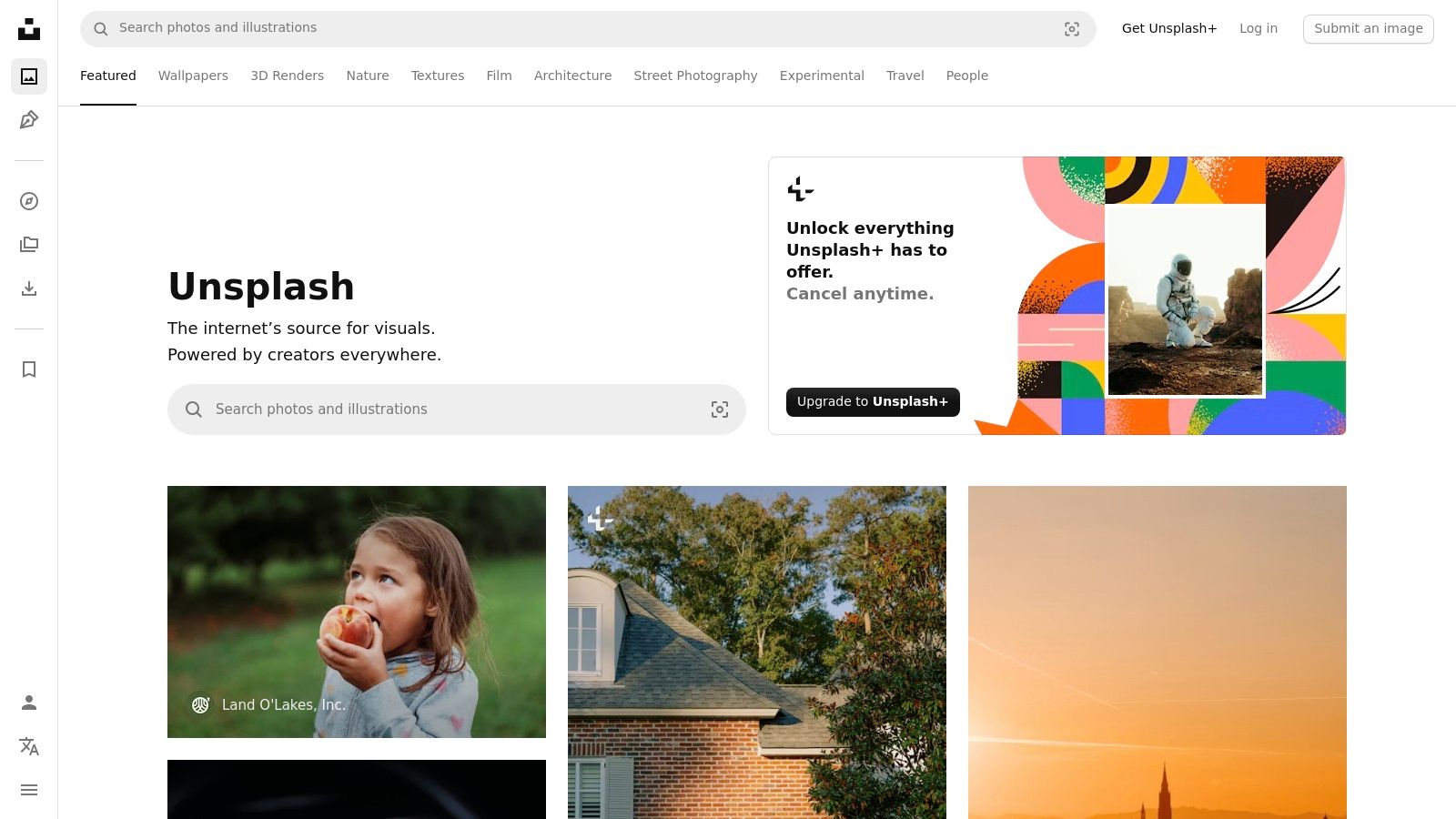
What makes Unsplash stand out is its generous licensing model. The Unsplash License allows for both commercial and non-commercial use, meaning you can adapt and modify photos for nearly any church-related project without needing to ask for permission or provide attribution, although it's always appreciated. This freedom is invaluable for creating a consistent look across various platforms, from a welcoming slide on Sunday morning to a promotional graphic for a midweek small group. The images are often more authentic and less "stocky" than those found on other free sites.
Practical Use & Integration
Best For: Creating high-impact sermon series art, website banners, and social media graphics that require authentic, high-resolution photography.
The platform is incredibly user-friendly. You can download images directly without an account. For social media managers, these photos are perfect starting points for branded content. You can download an image from Unsplash, then use a tool like ChurchSocial.ai to add your sermon title, event details, or a scripture overlay using their graphic templates and editor. This workflow is central to creating engaging social media content that captures attention.
- Pros: Entirely free high-resolution photo library, flexible license for church use, easy search functionality, no account needed for downloads.
- Cons: While the license is broad, using images with recognizable people or brands for endorsements may require additional clearance; Unsplash+ is a paid tier that gates some assets.
Website: https://unsplash.com/
Comparison of 12 Free Media Resources for Churches
From Finding Media to Managing Your Message: The Next Step
Navigating the landscape of free media for churches can feel like an incredible victory. You have now discovered a wealth of resources, from the high-quality worship backgrounds at Church Motion Graphics and Shift Worship to the versatile stock photos on Unsplash and the community-driven assets on CreationSwap. We have explored how to leverage these tools to create a visually compelling and professional presence for your ministry without straining your budget.
The journey, however, does not end with a folder full of downloaded files. The true challenge lies in transforming these individual assets into a cohesive, consistent, and impactful communications strategy. Sourcing great content is only the first step; the real ministry impact comes from how you manage, brand, and deploy that content to tell your church’s story week after week.
Beyond the Download: Building a Sustainable Workflow
As a church leader or volunteer, your time is your most valuable resource. Juggling multiple websites for downloads, a separate design tool like Canva, and then logging into several social media platforms to post is a recipe for burnout. This fragmented process makes it difficult to plan ahead, maintain a consistent brand identity, and measure what is actually connecting with your community.
This is where a dedicated platform like ChurchSocial.ai becomes essential. It’s designed specifically to solve the biggest challenges in church communications:
- Endless Content Creation: Instead of starting from scratch, ChurchSocial.ai can generate AI reels from your sermons, create social posts from transcripts, and even draft blog content, saving you hours.
- Time-Consuming Design: Use professional graphic templates and a built-in editor to create branded photos and carousels quickly, without needing advanced design skills.
- Disorganized Scheduling: The simple drag-and-drop calendar allows you to plan and update all your social media in one place. It even integrates with Planning Center and other church calendars to help you create content for upcoming events automatically.
The goal is to move from a reactive posting model to a proactive, strategic one. This requires not just great assets, but a system that brings your entire creative and scheduling process under one roof.
The Power of an Integrated Platform
Having access to fantastic free media for churches is the foundation, but a dedicated platform is the engine that drives your digital outreach. ChurchSocial.ai is the central hub that revolutionizes your workflow, turning great assets into a powerful, consistent online presence. Imagine taking a powerful photo from Unsplash, easily branding it in the built-in editor, pairing it with an AI-generated caption from your latest sermon, and scheduling it across all your channels in minutes.
This integrated approach shifts your focus from tedious administrative tasks back to the core of your mission. Instead of being bogged down by the process of creating and posting, you are empowered to plan ahead, engage your community meaningfully, and amplify your ministry’s voice online. You can finally create a sustainable rhythm that saves time, reduces stress, and ultimately, helps you reach more people with your message.
Ready to stop juggling tabs and start building a truly effective social media presence? ChurchSocial.ai is the all-in-one platform designed to help you manage your message with ease, from AI-powered sermon content to simplified scheduling. See how you can transform your workflow and reclaim your time for ministry at ChurchSocial.ai.


