
Think of a short audio clip as a powerful, shareable snapshot of your ministry. It’s a 30-second highlight from a sermon, a moment from worship, or a quick word of encouragement, perfectly sized for social media.
These clips cut through the noise, delivering a single, impactful point that can stick with someone all day.
Why Short Audio Clips Are Your Modern Mission Field
Your church's social media feed is more than just a calendar of events—it's a digital mission field. Every scroll on Instagram or TikTok represents a person, often searching for a glimmer of hope or a moment of peace.
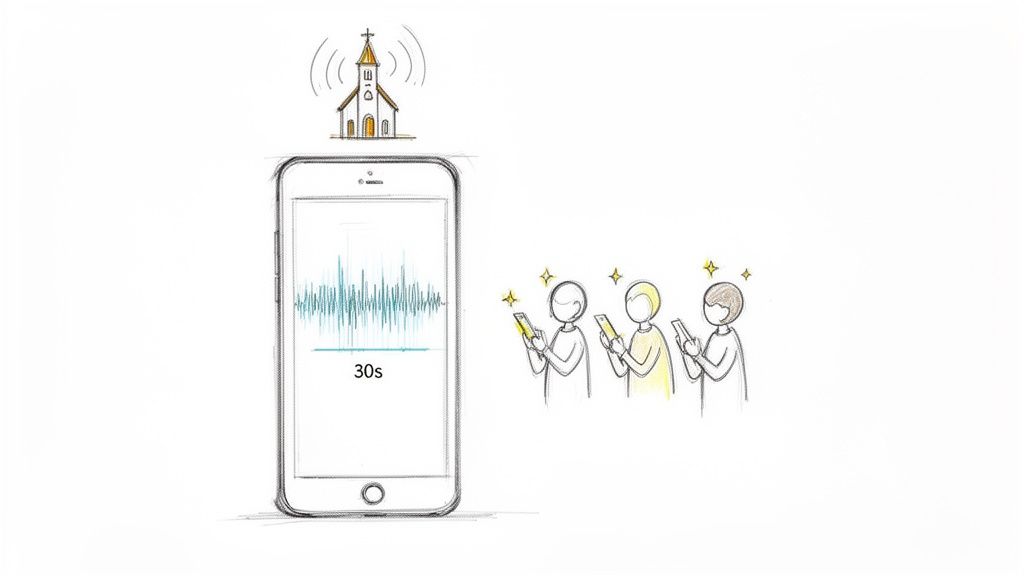
A single 30-second audio clip from last Sunday’s message can meet them right there, in the middle of their day.
This isn’t just about keeping your congregation connected. It’s about casting a wider net and reaching people who may never physically walk through your doors. Imagine a powerful one-liner about grace or a relatable story about faith popping up on someone’s phone at the exact moment they needed to hear it.
Extending Your Reach in a Digital Age
The numbers behind this opportunity are staggering. The market for short-form video platforms—the very places these audio clips go viral—is projected to grow from USD 59.10 billion in 2026 to USD 118.87 billion by 2033.
For churches, this trend lights up a clear path to a massive audience. With 62% of Gen Z discovering new things through short-form content, it's a connection point your ministry can't afford to miss.
Take a look at the data below for a quick overview of why this matters for your outreach.
Short Audio Clip Impact At a Glance
This is a huge opportunity, but we know most church teams don't have a big budget or a dedicated media department. That’s exactly why we built ChurchSocial.ai.
We believe every church, regardless of size, should be able to share its message online. Our tools are designed to handle the tech, so you can stay focused on the ministry.
With ChurchSocial.ai, you can:
- Create AI-Generated Reels: Automatically find the best moments in your sermon and turn them into shareable short videos.
- Generate Content from Transcripts: Instantly pull social media posts, blog articles, and small group questions directly from your sermon text.
- Design with Ease: Use our beautiful, pre-made graphic templates to create branded visuals that stand out.
- Effortlessly Manage Your Calendar: Plan and schedule all your social media posts from one simple drag-and-drop calendar.
By bringing these tools together, you can build a consistent and powerful social media ministry. You'll be turning idle scrolls into genuine moments of spiritual connection, one clip at a time.
Finding Shareable Moments in Your Sermons
Every 30 or 40-minute sermon your church records is packed with powerful, shareable moments. The real trick isn't just recording the message, but learning how to spot those "gold nuggets" and pull them out for your social media audience.
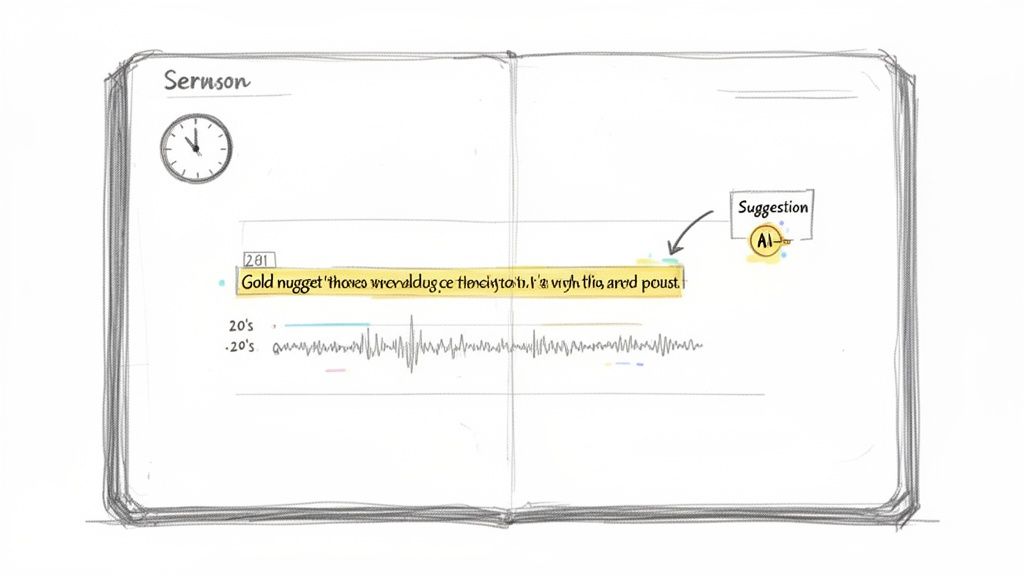
You have to start thinking small and focused. That incredible three-minute story on forgiveness might have captivated everyone in the room, but it’s the 20-second punchline that will stop someone scrolling on Instagram. You’re hunting for clips that pack a punch all on their own, no extra context needed.
What to Listen For
Let's be honest, manually sifting through an entire sermon recording can feel like a chore. The key is to train your ear to perk up when you hear specific things that make for incredible short audio clips.
I’ve found the best clips usually fall into one of these categories:
- Compelling One-Liners: A single, profound sentence that makes you pause and think.
- Relatable Stories: Just the emotional peak or the funny conclusion of a personal story.
- Challenging Questions: A direct question that gets listeners to reflect on their own lives.
- Key Scripture Explanations: A simple, clear breakdown of a verse that provides a "lightbulb" moment.
These moments don't need to be long. Actually, the shorter and more potent, the better. A 15-second clip has a much higher chance of being heard all the way through than a 2-minute one.
The goal isn't to summarize the sermon. It's to spark curiosity and deliver a single, impactful truth. Every clip should feel like a complete thought that invites someone to stop and reflect.
Let AI Do the Heavy Lifting for You
Searching manually works, but it takes hours that most church staff and volunteers just don't have. This is where the right tools can completely change your workflow. Instead of tasking someone with listening to every second of audio, you can hand that job over to AI.
With the AI Sermon Clip Creator from ChurchSocial.ai, that manual search becomes a thing of the past. You just upload your sermon audio, and our system gets to work transcribing and analyzing the entire message. The AI then pinpoints and suggests the most shareable segments for you—those one-liners, story punchlines, and profound questions that are perfect for social media.
This saves a massive amount of time, taking away the biggest hurdle most churches face. A single volunteer can now find the best moments from a sermon in minutes, not hours. By letting our AI handle the search, you can put your energy where it belongs: refining the message and connecting with your community online. You're no longer just managing an account; you're multiplying your ministry's voice.
Capturing Clear Audio on a Church Budget
You don't need a professional recording studio to create powerful short audio clips. In fact, getting great audio has less to do with expensive gear and more to do with a few smart choices. The goal is simple: eliminate distractions like echo, hiss, and background chatter so your message comes through with absolute clarity.
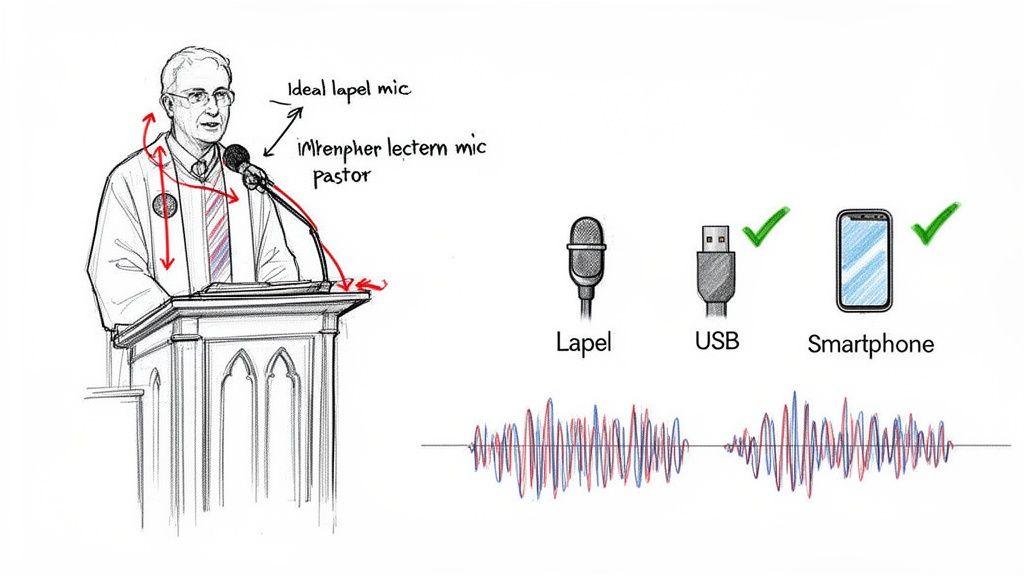
Think of it this way: cleaner audio at the source means better content in the end. This is especially true for churches using ChurchSocial.ai. Our AI relies on clear sermon audio to generate accurate transcripts and pinpoint the most compelling moments. Better input directly translates to higher-quality output, saving your team valuable editing time and making your posts far more effective.
Choosing the Right Microphone
The single biggest improvement you can make is to stop using your camera's built-in microphone. Even a simple, budget-friendly external mic will make a world of difference. For those looking to level up their skills, learning about recording from line in for flawless audio is a game-changer that doesn't require a huge investment.
Here’s a quick comparison of microphone types that work well in a typical church environment.
The goal is to capture the speaker's voice, not the sound of the room. A microphone placed just a few inches from the speaker will always outperform one placed several feet away, regardless of price.
Clip-on microphones are almost essential for getting that crystal-clear sermon audio. Their value is well-known, with the market projected to grow from USD 1.12 billion in 2026 to USD 1.78 billion by 2034. For church staff and volunteers, affordable clip-ons make professional-sounding audio accessible, which aligns perfectly with ChurchSocial.ai's workflow for turning raw sermons into polished social media clips.
By making a few small, intentional upgrades to your audio setup, you create a solid foundation for your entire content strategy. If you're also thinking about visuals, our guide on choosing a video recording system for your church offers complementary advice for building a complete and effective media ministry on a budget.
Turning Audio Clips into Scroll-Stopping Social Posts
Okay, so you’ve found that perfect, powerful audio clip from a recent sermon. Now what? You can’t just upload an audio file to Instagram or TikTok and expect it to work. Those platforms are built for the eyes first.
To get people to stop scrolling, you need to wrap that audio in a compelling visual experience. This is where the process inside ChurchSocial.ai makes a world of difference.
It all starts when you upload your full sermon audio into the platform. Our AI immediately gets to work, generating a complete and accurate transcript of the entire message for you.
From there, you’ll use the AI Sermon Clip Creator to zero in on that powerful segment you want to share. Instead of you having to scrub through the audio manually, the AI has already flagged the most impactful moments based on the transcript's content and tone.
Designing the Visual Experience
With your audio clip ready, it’s time to give it a visual home. This is definitely not the time for a generic black screen with a wiggling audio waveform. You need something that reflects your church’s identity and actually grabs someone's attention.
We’ve built graphic templates and an editor right into ChurchSocial.ai to make this incredibly simple. You can pick from dozens of professionally designed, fully customizable templates. Add your church’s logo, tweak the colors to match your branding, and choose a background image that fits the tone of your message.
A great social media post engages multiple senses. The goal is to combine a powerful audio message with equally compelling visuals and text to ensure your point lands, even if the user's sound is off.
This integrated approach is what makes it work. You aren't just making a video; you're crafting a complete package. To really make a dent on platforms like YouTube, it helps to understand how the YouTube Shorts algorithm works so you can turn these clips into true scroll-stoppers.
Adding Captions and Headlines
Here’s a fact you can’t ignore: most people on social media watch videos with the sound off. This means captions aren't just a nice-to-have; your message has to be understood without any audio at all.
ChurchSocial.ai handles this for you by creating animated, word-by-word captions that sync perfectly with your audio. These moving captions are super engaging and make sure your audience catches every single word. You can also drop a bold, compelling headline at the top of your video to give instant context and hook viewers in that first second.
This all-in-one process—combining an audio clip, a branded graphic, and animated text—is what turns a simple sermon excerpt into powerful ministry content. The market for audio and video equipment, expected to hit USD 313.2 billion by 2026, is soaring because streaming tech makes content so accessible. For churches, this means you can use simple tools like ChurchSocial.ai to reach the 239.6 million digital audio listeners in the US, tapping into trends where short audio boosts engagement 35%.
With these tools, you’re set to create polished, effective posts that feel both professional and authentic. To get into the weeds on platform-specifics, you can also check out our guide on posting audio clips to Facebook for more tailored tips.
Automating Your Social Media Content Workflow
Making powerful short audio clips is a great start, but the real challenge is posting them consistently. If your church's social media goes quiet for days or weeks at a time, even the most inspiring content won't build momentum. The key to an effective social media ministry isn't just what you post—it's building a workflow that your team can actually sustain without burning out.
This is where a tool like ChurchSocial.ai really shines. It's built to help you turn a single piece of content, like a sermon, into a full month's worth of posts in just a couple of hours.
From One Sermon to a Month of Content
Think about this for a minute. You upload one Sunday sermon. From that single audio file, the AI can help you generate a ton of ready-to-use content.
- 5-7 AI-Generated Reels: It finds the most powerful moments in the sermon and turns them into short videos, complete with the animated captions that grab attention on social media.
- 10-15 Text-Based Posts: The system pulls out key quotes, main points, and even writes discussion questions, giving you a whole slate of text-based posts.
- A Full Blog Summary: It generates a well-written blog post based on the sermon, which is perfect for your church website to boost SEO and serve people who prefer reading.
- Small Group Questions: You can also get discussion questions that tie directly into the Sunday message, making it easy for your small groups to dig deeper during the week.
All this new content doesn't just get dumped into a folder. You can schedule everything directly on a simple, visual drag-and-drop calendar. This lets you see the whole month at once, move posts around as needed, and make sure you have a steady, consistent presence online.
This process isn't about working harder; it's about working smarter. By automating the most time-consuming parts of content creation, you free up your team to focus on genuine community engagement and ministry.
The chart below shows just how simple this workflow is inside ChurchSocial.ai.
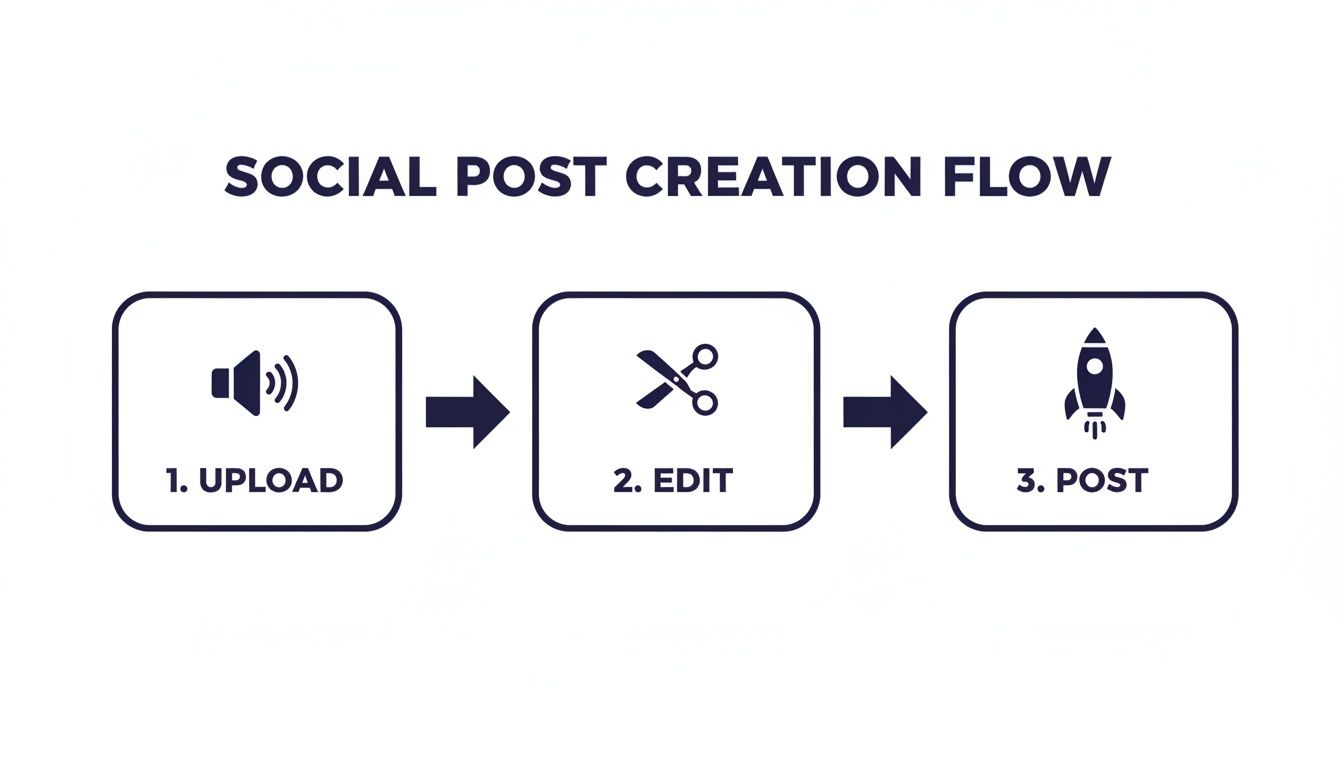
This upload, edit, and post model makes it possible for even a single volunteer to manage a professional-looking social media feed.
Seamlessly Integrate Your Church Calendar
Of course, social media isn't just for sermon clips. It’s also how you keep everyone in the loop about what’s going on. We wanted to make that part effortless, too, which is why we built an integration with popular church management software like Planning Center.
Once connected, ChurchSocial.ai can automatically see your upcoming events—youth group, potlucks, special services—and create promotional posts for them. You don't have to manually copy and paste event details or worry about forgetting to post an announcement. The system drafts the content for you, and all you have to do is schedule it.
Ultimately, this is about getting back your most valuable resource: time. When your communications are handled more efficiently, you can pour that extra time back into what really matters—your people.
Common Questions About Creating Short Audio Clips
Jumping into social media often brings up a flood of questions, especially for busy church leaders. We hear the same hesitations all the time, and they usually circle back to three things: time, tech skills, and budget. Let's walk through these concerns one by one.
The reality is you don't need a huge team or a Hollywood-sized budget. With a smarter approach and the right tools, even a small church with a single volunteer can build an incredible online presence.
We're a Small Church With No Media Team. Can We Really Do This?
Yes, you absolutely can. In fact, platforms like ChurchSocial.ai were created for your exact situation. You don't need a background in video editing or graphic design to get started. If you can hit 'record' on your sermon audio, our platform is built to handle the rest.
Our AI Sermon Clip Creator finds the most powerful moments for you, our templates make designing beautiful graphics a breeze, and the content calendar lets you schedule everything in one shot. It’s genuinely possible for one dedicated person to manage your entire social media strategy in just a few hours a week.
The goal here is to empower your ministry, not add another burden. ChurchSocial.ai automates the technical work, freeing your team to focus on the message and the people you’re reaching.
What if Our Sermon Audio Quality Isn't Perfect?
While clean audio is always the goal, our system is designed to work with real-world church recordings. You'd be surprised how well the AI transcription can work through a little background hum or a bit of room echo.
We do recommend a few simple, low-cost ways to get even better results. For instance, a basic clip-on microphone, which you can find for as little as $30-$50, makes a massive difference in the clarity of the speaker's voice. The most important thing is to just start. Progress is far more important than perfection, and a tool like ChurchSocial.ai helps you get the most out of the audio you already have.
How Do Short Audio Clips Fit With Our Other Church Content?
Think of these clips as the spiritual cornerstone of your entire content strategy. When you're using an all-in-one platform like ChurchSocial.ai, everything works together seamlessly.
- Let the AI generate sermon clips and related text posts for spiritual encouragement.
- Use the graphic templates to create event announcements or share photo carousels from last Sunday.
- Connect to Planning Center to automatically create posts for your upcoming events and services.
The audio clips provide the heart of your feed, while other posts build community and keep everyone informed. It all works together, and you can manage it from a single, simple dashboard.
How Much Time Does This Actually Take to Manage?
If you were doing this the old way, creating just one video clip could easily eat up a couple of hours. With ChurchSocial.ai, you can process an entire sermon and generate dozens of content pieces—audio clips, text posts, and even a blog summary—in less than an hour.
From there, you can use the drag-and-drop calendar to schedule out a full week or even a month of posts in another 30-60 minutes. We’re focused on giving you back your time so you can pour it into your ministry, not into endless content creation.
Ready to turn your sermons into a powerful outreach tool without all the stress? ChurchSocial.ai has everything your church needs to create, schedule, and manage your social media with ease. Start your free trial today and see how simple it can be.


